


 Home
HomeWriteSharp
WriteSharp: AI Writing Enhancer Chrome Extension



Helps TikTok sellers, brands, MCNs, and TAPs discover winning products and find creators.

HelpLook is an AI-powered all-in-one knowledge base tool that helps businesses quickly build knowledge bases, help centers, and...

Your AI Workspace

302.AI is an enterprise-grade AI resource platform with pay-as-you-go pricing, API access to a full range of AI models, and ready-to-use online applications.

剧火AI — AI Screenwriter + Director, a One-Person Short Drama Studio In one sentence, what is it?

Ever wondered how to get a leg up in *Call of Duty: Mobile*? Well, redeem codes are your golden ticket to a whole bunch of in-game goodies. These codes can give you a sweet boost to your Weapon XP or Battle Pass XP, making it a breeze to level up your arsenal and unlock those coveted new weapons, at
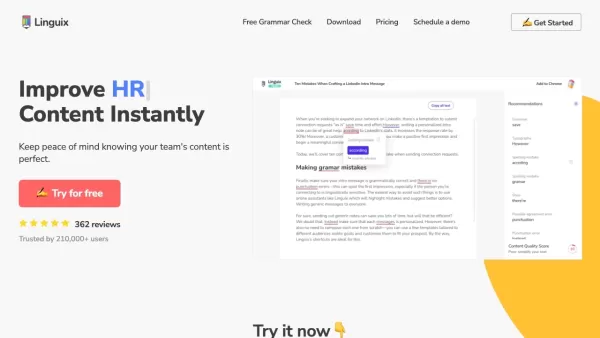
Ever find yourself staring at a blank screen, trying to craft the perfect email or nail that final paper? Enter Linguix, your new best friend in the world of writing. This free writing assistant isn't just another tool; it's like having a personal ed
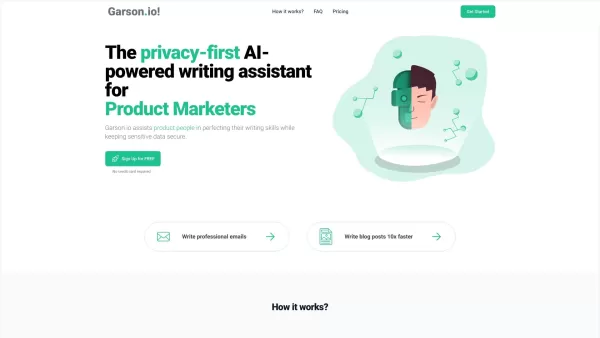
What is Garson.io? Garson.io offers a secure AI writing assistant specifically crafted for professionals who prioritize data privacy. This intelligent tool enhances your writing quality while maintaining strict confidentiality over sensitive informat
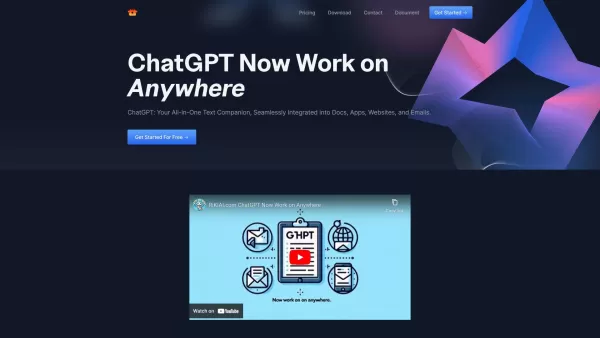
Riki AI is a game-changing tool designed to bring the power of ChatGPT directly into your workflow, no matter where you are or what you’re doing. Imagine having a personal assistant that helps you write, edit, summarize, translate, and even debug—all at t
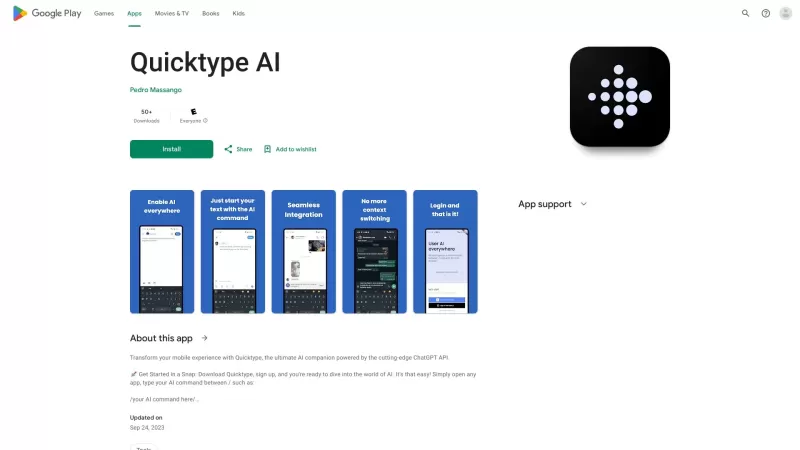
Ever found yourself juggling between different apps and tabs while trying to type something out? It's a real hassle, right? Well, let me introduce you to Elevate—an AI-powered tool designed to revolutionize your typing experience by cutting down on that annoying context switching. Imagine a world wh
WriteSharp Product Information
What is WriteSharp?
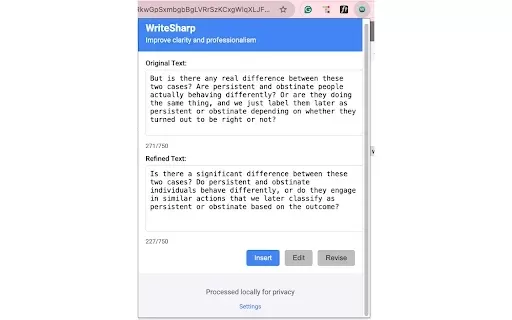
WriteSharp is an intelligent Chrome extension that elevates your online writing, boosting clarity and professional tone. It refines highlighted text within compatible web applications, presenting a side-by-side view of your original and enhanced versions for easy comparison. You can then edit and insert the polished text with a single click. The tool also allows for custom AI prompts to meet specific needs and prioritizes your privacy through local text processing and secure API key handling. Ideal for professionals, students, content creators, non-native English speakers, and anyone aiming for more impactful online communication, it requires your own OpenAI API key to operate.
Who will use WriteSharp?
- Business Professionals
- Students and Academics
- Content Creators & Marketers
- Non-native English Speakers
- Anyone seeking to enhance their online writing quality
How to use the WriteSharp?
- Step 1: Install WriteSharp from the Chrome Web Store.
- Step 2: Acquire your own OpenAI API key (not provided).
- Step 3: Select the text you wish to improve on a supported webpage.
- Step 4: Click the WriteSharp extension icon in your browser.
- Step 5: Examine the side-by-side comparison of your original and the refined text.
- Step 6: Make any edits if desired, then click to insert the improved text.
Platform
- Google Chrome
WriteSharp's Core Features & Benefits
The Core Features
- Polishes selected text across compatible websites
- Displays original and improved text side by side
- Simple editing and one-click text insertion
- Accepts custom prompts for personalized refinements
- Processes text locally and manages your API key securely
The Benefits
- Reduce time spent on editing and proofreading tasks
- Elevate the overall quality of your online content
- Strengthen the professionalism of your communications
- Tailor improvements to match your unique style and goals
- Keep your data private with secure processing
WriteSharp's Main Use Cases & Applications
- Crafting clearer, more professional emails
- Polishing social media updates and captions
- Enhancing the quality of academic or work submissions online
- Helping non-native English speakers refine their writing
FAQs of WriteSharp
What is WriteSharp?
WriteSharp is a Chrome extension powered by AI, designed to help you write clearer and more professional text.
How do I install WriteSharp?
Install WriteSharp directly from the official Chrome Web Store.
Do I need an API key to use WriteSharp?
Yes, you must supply your own OpenAI API key; it is not included with the extension.
Which webpages are supported?
WriteSharp functions on many standard email and social media sites but is not compatible with complex web apps like Google Docs or Microsoft Office Online.
Is my text data secure?
Yes. WriteSharp protects your privacy by processing text locally and securing your API key.
Can I customize the AI prompts?
Yes, you can use custom prompts to guide the AI for results tailored to your requirements.
Who can benefit from WriteSharp?
It benefits professionals, students, content creators, non-native English speakers, and all users wanting to improve their web-based writing.
Does WriteSharp offer a free trial?
The Chrome Web Store listing does not mention a free trial option.
How do I insert the refined text?
Once you've reviewed and made any final edits, you can insert the enhanced text back into the page with one click.
Can WriteSharp handle different languages?
Its primary and supported language is English (United States).
WriteSharp Company Information
- WriteSharp
- [email protected]
WriteSharp Screenshot

2026 Latest Best Top-rated AI Object Removal Editors for portraits travel product shots! XIX.AI curates a powerful game-changing collection regularly updated with weekly rankings. These tools offer real-world tests to help you quickly remove unwanted elements, boost content quality, and save tons of time without compromising results. Must-try for anyone aiming to unlock their AI creation edge. Explore now!
 10 tools
 xix.ai

2026 Latest Best Top-rated AI Text to Speech Tools for Online Courses are curated by XIX.AI based on rigorous real-world tests and weekly updated rankings. These powerful tools help creators deliver crystal-clear audio content effortlessly, boosting writing efficiency and streamlining course production. Check out the free vs paid comparison to find your perfect fit. Explore now to unlock your AI edge in online education.
10 tools
xix.ai

2026 Latest Best Top-Rated AI Blog Title Tools for Higher Click Through Rates! XIX.AI has carefully curated a powerful, game-changing collection of top tools that go through rigorous real-world tests. You’ll find a free vs paid comparison, weekly updated rankings, and detailed insights to help you boost your blog’s traffic efficiently. Must-try options are highlighted to help you unlock your AI edge. Explore now!
10 tools
xix.ai

2026 Latest Best Top-rated AI Task Routing Tools for Support Workflows! XIX.AI has curated a highly powerful game-changing collection of must-try solutions, all undergoing rigorous real-world tests and updated weekly. These tools streamline workflows, boost productivity, and help teams deliver faster, more efficient support. Explore now to discover your perfect tool and unlock your AI edge!
17 tools
xix.ai

2026 Latest Best Top-Rated AI Citation and Paper Summary Tools Curated by XIX.AI. Get powerful game-changing solutions for quick content creation, improved writing efficiency, and boosting productivity. We offer a free vs paid comparison along with real-world tests and weekly updated rankings to help you find the must-try tool that fits your needs perfectly. Explore now to Unlock your AI edge.
10 tools
xix.ai

2026 Latest Best Top-Rated AI Productivity Tools for Daily Work! XIX.AI has curated a powerful, game-changing selection based on rigorous weekly updated rankings and real-world tests. You’ll find must-try options that boost writing efficiency, streamline content creation, and help you overcome daily work challenges. Get a free vs paid comparison to find the perfect fit for your needs. Explore now to unlock your AI edge!
9 tools
xix.ai


I've been using WriteSharp for a few days now, and it's honestly a game-changer for my emails and Slack messages. The side-by-side view makes it super easy to compare my original rambling with the polished version. Suddenly I sound like I actually know what I'm talking about 😂. Only downside is it makes me realize how sloppy my writing usually is... but hey, improvement is good! Definitely recommend for anyone who types faster than they think.
這個WriteSharp擴充功能看起來挺實用的,直接在瀏覽器裡就能潤飾文字,對常需要回郵件或寫報告的人應該幫助很大。不過我有點擔心隱私問題,畢竟文字內容會經過它的伺服器處理吧?希望開發者有明確說明資料如何被使用。整體概念不錯,期待試用看看效果如何!👍


