


 Home
HomeWordtune
Wordtune AI: Enhance Writing with Rewrites



Helps TikTok sellers, brands, MCNs, and TAPs discover winning products and find creators.

HelpLook is an AI-powered all-in-one knowledge base tool that helps businesses quickly build knowledge bases, help centers, and...

Your AI Workspace

302.AI is an enterprise-grade AI resource platform with pay-as-you-go pricing, API access to a full range of AI models, and ready-to-use online applications.

剧火AI — AI Screenwriter + Director, a One-Person Short Drama Studio In one sentence, what is it?
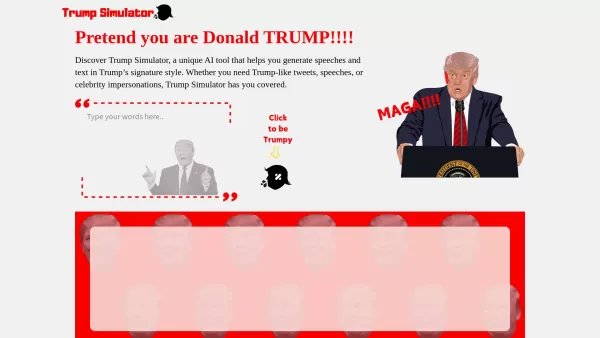
Ever wondered what it would be like to channel the unique flair of Donald Trump in your own words? Enter the Trump Simulator—an AI tool that's all about capturing the essence of Trump's distinctive style in speeches, tweets, and dialogues. It's like
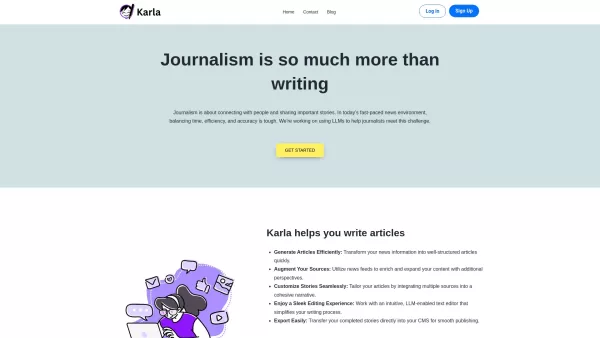
If you're a journalist navigating the fast-paced world of news, Karla might just be your new best friend. This nifty text editor is designed to take the chaos of raw information and mold it into beautifully structured articles, all thanks to the power of
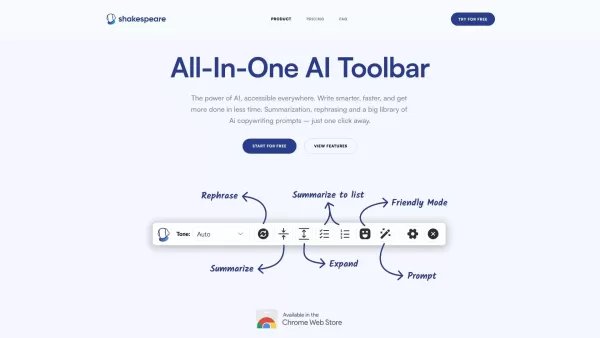
What is the Shakespeare AI Writing Toolbar?The Shakespeare Toolbar is a Chrome extension powered by AI that enhances your writing efficiency and quality. It provides tools for summarization, rewording, and other functions, helping you generate excell
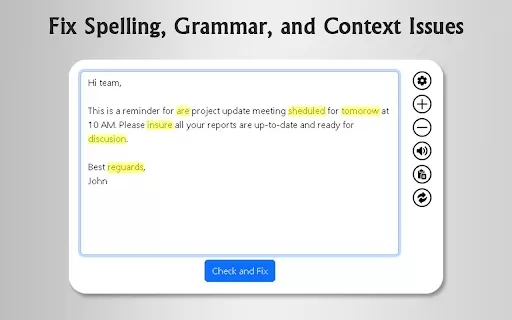
What is GrammFix?GrammFix is a cutting-edge browser extension that helps users elevate their writing. Leveraging advanced AI, it instantly identifies and fixes grammar, spelling, and punctuation errors. Ideal for students, professionals, and anyone l
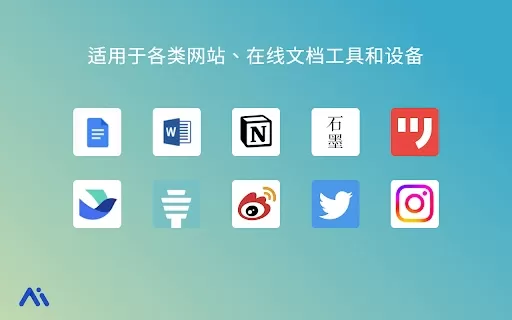
Ever found yourself staring at a blank screen, unsure of how to make your words sparkle? Well, let me introduce you to the Mita Writing Cat AI Chrome Extension, a nifty little tool that's like having a personal writing coach right in your browser. It's de
Wordtune Product Information
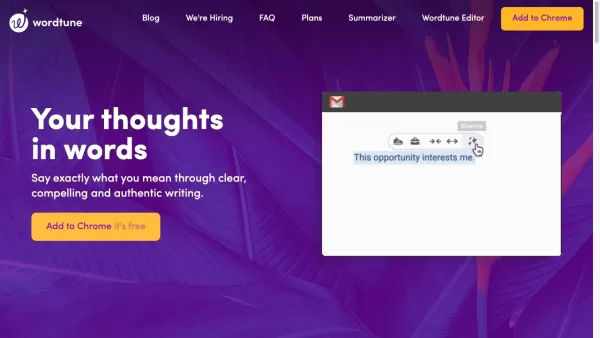
Ever wondered how to make your writing pop? Well, let me introduce you to Wordtune, an AI-powered writing buddy that's here to help you craft the perfect message. It's like having a personal editor on speed dial, ready to offer you smart suggestions to rewrite and rephrase your text in a snap.
How to Get Started with Wordtune
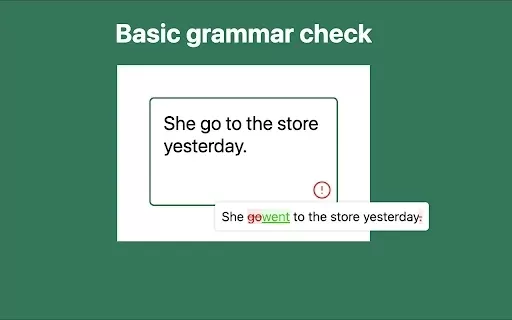
Getting started with Wordtune is a breeze. Just grab the Chrome extension or slide the Wordtune add-in into Microsoft Word. Once you've got it set up, you can turn Wordtune on across various platforms like Google Docs, Gmail, LinkedIn, and even social media like Facebook and Twitter. As you type away, Wordtune will jump in with AI-powered suggestions to polish your sentences, clarify your message, and offer up alternative words and phrases. It's like having a writing coach right there with you!
What Makes Wordtune Stand Out
Instant Writing Improvements
Wordtune's AI is like a magic wand for your writing. It instantly suggests ways to make your text better, whether you're crafting an email or a report.
Rewrite and Rephrase Like a Pro
Ever wish you could say something differently? Wordtune lets you rewrite and rephrase sentences with ease, helping you find that perfect way to express your thoughts.
Synonyms and More
Stuck on a word? Wordtune offers a treasure trove of synonyms and alternative phrases to keep your writing fresh and engaging.
Tailor Your Tone and Style
Need to sound formal or keep it casual? Wordtune helps you write with the exact tone or style you need for any occasion.
Stick to the Point
Got a word limit? No problem. Wordtune helps you trim your text down to size without losing your message's essence.
Expand Your Thoughts
Want to dive deeper into your ideas? Wordtune can help you expand your sentences, adding more detail and depth to your writing.
When to Use Wordtune
- Email Responses: Crafting the perfect reply has never been easier.
- Resumes and CVs: Stand out from the crowd with polished, professional writing.
- Promotion Requests: Make your case convincingly and clearly.
- Deadline Extensions: Ask for more time with confidence and clarity.
- Correcting Misinformation: Gently correct your coworkers without causing a stir.
Frequently Asked Questions
- Which websites work with Wordtune?
- Wordtune plays nice with Google Docs, Gmail, LinkedIn, and social media like Facebook and Twitter.
- Can I use Wordtune with Microsoft Word?
- Absolutely, just add the Wordtune add-in and you're good to go.
- What's Wordtune Spices?
- Wordtune Spices is a feature that lets you spice up your writing with different tones and styles.
- Is Wordtune helpful for non-native English speakers?
- Yes, it's a great tool for anyone looking to improve their English writing skills.
- How does Wordtune stack up against other tools like Grammarly?
- While Grammarly focuses on grammar and spelling, Wordtune is all about enhancing your writing style and clarity.
- Is there a free version of Wordtune?
- Yes, you can try Wordtune for free, but premium features require a subscription.
Wordtune is brought to you by AI21 Labs, a company passionate about making writing better for everyone. Want to give it a go? Log in at Wordtune Login. Curious about the pricing? Check it out at Wordtune Pricing.
Stay connected with Wordtune on social media:
- Facebook: Wordtune on Facebook
- YouTube: Wordtune on YouTube
- TikTok: Wordtune on TikTok
- LinkedIn: Wordtune on LinkedIn
- Twitter: Wordtune on Twitter
- Instagram: Wordtune on Instagram
Wordtune Screenshot

2026 Latest Best Manga AI Background Generators Ranked Top-Rated! This curated collection showcases powerful game-changing tools perfect for creating high-quality chapter backgrounds, book covers, and promotional art. Every option has undergone rigorous real-world tests to ensure reliability. Get a free vs paid comparison along with detailed insights. Explore now to discover your perfect tool and unlock your AI edge in manga creation.
 6 tools
 xix.ai

2026 Latest Best Top-rated AI Object Removal Editors for portraits travel product shots! XIX.AI curates a powerful game-changing collection regularly updated with weekly rankings. These tools offer real-world tests to help you quickly remove unwanted elements, boost content quality, and save tons of time without compromising results. Must-try for anyone aiming to unlock their AI creation edge. Explore now!
10 tools
xix.ai

2026 Latest Best Top-rated AI Text to Speech Tools for Online Courses are curated by XIX.AI based on rigorous real-world tests and weekly updated rankings. These powerful tools help creators deliver crystal-clear audio content effortlessly, boosting writing efficiency and streamlining course production. Check out the free vs paid comparison to find your perfect fit. Explore now to unlock your AI edge in online education.
10 tools
xix.ai

2026 Latest Best Top-Rated AI Blog Title Tools for Higher Click Through Rates! XIX.AI has carefully curated a powerful, game-changing collection of top tools that go through rigorous real-world tests. You’ll find a free vs paid comparison, weekly updated rankings, and detailed insights to help you boost your blog’s traffic efficiently. Must-try options are highlighted to help you unlock your AI edge. Explore now!
10 tools
xix.ai

2026 Latest Best Top-rated AI Task Routing Tools for Support Workflows! XIX.AI has curated a highly powerful game-changing collection of must-try solutions, all undergoing rigorous real-world tests and updated weekly. These tools streamline workflows, boost productivity, and help teams deliver faster, more efficient support. Explore now to discover your perfect tool and unlock your AI edge!
17 tools
xix.ai

2026 Latest Best Top-Rated AI Citation and Paper Summary Tools Curated by XIX.AI. Get powerful game-changing solutions for quick content creation, improved writing efficiency, and boosting productivity. We offer a free vs paid comparison along with real-world tests and weekly updated rankings to help you find the must-try tool that fits your needs perfectly. Explore now to Unlock your AI edge.
10 tools
xix.ai


Been using Wordtune for a few weeks now, and honestly, it's a game-changer for my emails. The 'rewrite' suggestions are surprisingly smart and save me so much time. It's not perfect—sometimes the tone feels a bit off—but for quick polish, it's my go-to. Feels like having a helpful editor in my pocket! ✨


