


 Home
HomeWisecut
AI Video Editor: Long to Short Clips



Helps TikTok sellers, brands, MCNs, and TAPs discover winning products and find creators.

HelpLook is an AI-powered all-in-one knowledge base tool that helps businesses quickly build knowledge bases, help centers, and...

Your AI Workspace

302.AI is an enterprise-grade AI resource platform with pay-as-you-go pricing, API access to a full range of AI models, and ready-to-use online applications.

剧火AI — AI Screenwriter + Director, a One-Person Short Drama Studio In one sentence, what is it?

Ever wondered how to effortlessly turn your audio and video files into text? Enter Clipto, the powerhouse of AI transcription on the web. Imagine harnessing the same cutting-edge tech that fuels ChatGPT to convert your Zoom meetings, interviews, and
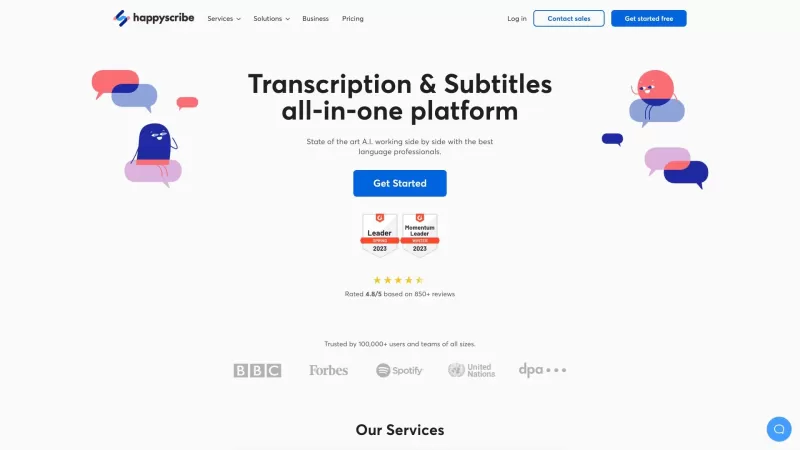
Discover the magic of Happy Scribe, your go-to service for turning audio into text with stunning accuracy across multiple languages and formats. Whether you're dealing with podcasts, interviews, or video content, Happy Scribe has got you covered with both automatic and human transcription options.Ho
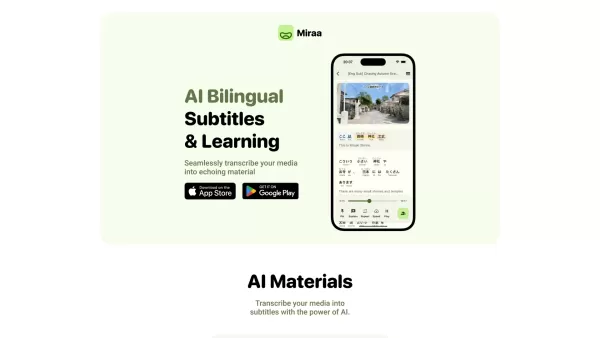
Ever wondered how you could level up your language learning game? Say hello to Miraa AI, brought to you by Myoland! This innovative tool transforms any video into a bilingual learning experience, complete with subtitles, real-time translations, shadowing
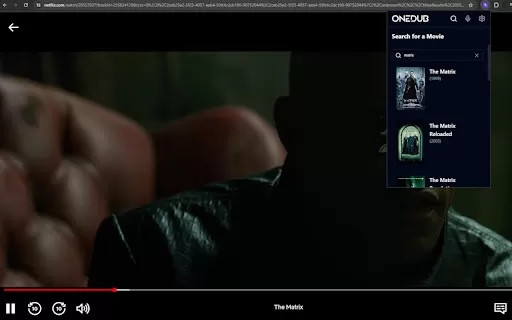
What is the Dubabase AI Chrome Extension? Dubabase is a Chrome extension that instantly dubs videos across the web, removing language barriers so you can enjoy any content in your preferred language, no matter its original language.How to Use the Dub
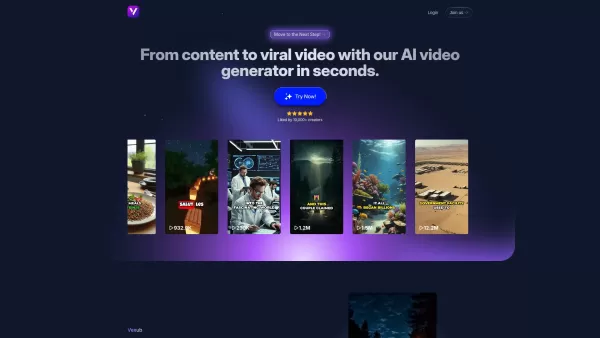
What is Vexub? Vexub is an AI-powered video generator that instantly crafts high-quality videos from diverse inputs. It enables users to convert text, MP3 audio, MP4 videos, and SMS messages into enga
Wisecut Product Information
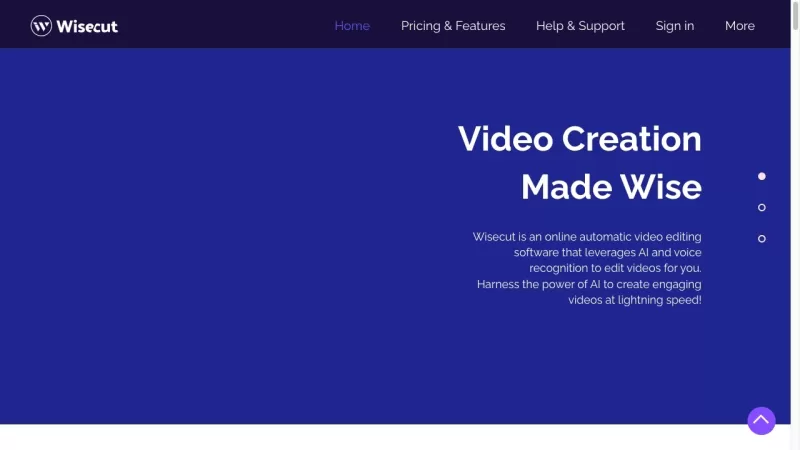
Ever wondered how to make your long, rambling videos pop with just a few clicks? Enter Wisecut, your new best friend in the world of video editing. This nifty tool uses voice recognition to transform your lengthy talking videos into snappy, engaging clips. It's not just about cutting down your content; Wisecut adds music, subtitles, and even auto-reframes your footage to keep your audience hooked. It's like having a professional editor in your pocket, saving you tons of time and effort.
How to Use Wisecut?
So, you're ready to give Wisecut a whirl? Here’s how you can dive in and start creating:Sign Up: First things first, you need to create a Wisecut account. It's quick and easy, just like setting up any other online service.
Upload Your Video: Got a long-form talking video? Upload it to Wisecut. Don’t worry about the length; Wisecut can handle it.
Let Wisecut Work Its Magic: Once your video is uploaded, Wisecut gets to work. It automatically cuts out those awkward silences, adds subtitles, and picks the perfect background music to match your vibe.
Tweak the Storyboard: After Wisecut does its thing, you get a transcribed storyboard based on your speech. Feel free to make any tweaks or edits to ensure your video is just how you want it.
Download and Share: Once you’re happy with the final cut, download your edited video. It's ready to be shared on platforms like YouTube Shorts, TikTok, Instagram Reels, and Social Ads. Let the world see your polished content!
Wisecut's Core Features
Wisecut isn’t just another video editor; it’s packed with features that make your life easier:Automatic Video Editing Based on Voice Recognition
Ever wished you could just talk and have your video edited? Wisecut makes it happen by analyzing your speech to create a seamless video.
Auto Cut Silences
Say goodbye to those long, awkward pauses. Wisecut automatically cuts them out, making your video more engaging.
Auto Subtitles and Translations
Boost your video’s reach and engagement with auto-generated subtitles and translations. It’s like having a global audience at your fingertips.
Smart Background Music Selection
Wisecut doesn’t just throw in any old track. It picks music that complements your video perfectly, enhancing the overall feel.
Automatic Audio Ducking
No more fighting to hear your voice over the music. Wisecut balances the audio levels so your voice remains clear and prominent.
Storyboard-Based Video Editing
Editing becomes a breeze with Wisecut’s storyboard approach. It’s easy to make tweaks and ensure your video tells the story you want.
Wisecut's Use Cases
Wondering how you can use Wisecut to its full potential? Here are some ideas:Transforming Long-Format Content
Turn those long, drawn-out videos into bite-sized, impactful clips perfect for platforms like YouTube Shorts, TikTok, Instagram Reels, and Social Ads.
Creating Educational Content
Whether it’s teaching videos, voiceovers, or training materials, Wisecut helps you create polished content that keeps learners engaged.
Editing Testimonial Videos
Make your testimonials shine by removing pauses and adding subtitles, making them more professional and viewer-friendly.
FAQ from Wisecut
- What is Wisecut?
- Wisecut is an automatic video editor that uses voice recognition to turn long-form videos into engaging short clips.
- How does Wisecut work?
- Wisecut analyzes your video, cuts out silences, adds subtitles and music, and auto-reframes your footage to create a polished final product.
- What are the core features of Wisecut?
- Automatic video editing, auto cut silences, auto subtitles and translations, smart background music selection, automatic audio ducking, and storyboard-based editing.
- What are the use cases for Wisecut?
- It’s perfect for transforming long videos into short clips, creating educational content, and editing testimonials.
- Is Wisecut free to use?
- While Wisecut offers a free trial, full access to all features requires a paid subscription. Check out the pricing page for more details.
Wisecut Support Email & Customer Service Contact & Refund Contact: [email protected]
Wisecut Company: Located at 1000 Brickell Ave Ste 715, Miami, FL 33131.
Wisecut Login: https://app.wisecut.video/login
Wisecut Sign Up: https://app.wisecut.video/register
Wisecut Pricing: https://www.wisecut.video/pricing
Wisecut Facebook: http://www.facebook.com/wisecut
Wisecut YouTube: https://www.youtube.com/channel/UCrBMH0uMe9Nt6BMgwytI5Sw
Wisecut Instagram: http://instagram.com/wisecut.video
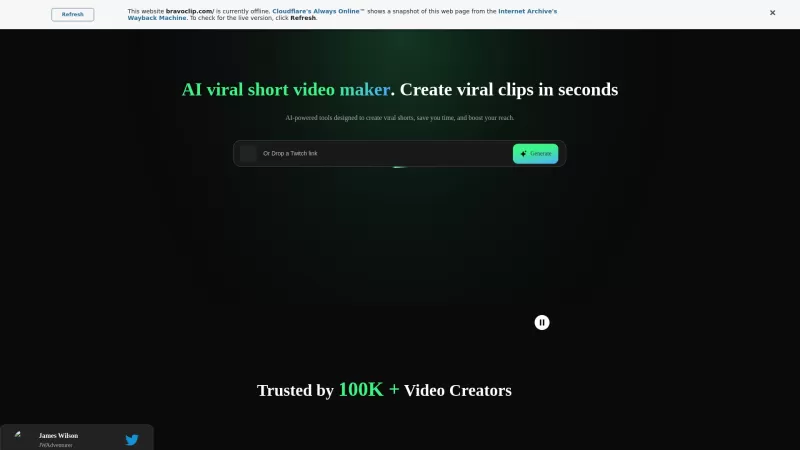
Wisecut Screenshot

2026 Latest Top-Rated Best AI Short-Form Video Editors for Repurposing Long Content into Engaging Clips. XIX.AI curates a powerful, game-changing collection of top-rated tools featuring weekly updated rankings and real-world tests. Get a free vs paid comparison to help you find the must-try solution that boosts your productivity dramatically. Explore now to Unlock your AI edge!
 8 tools
 xix.ai
Discover the 2026 best AI mini-drama video generators for CEO romance & urban fantasy clips. Explore our top-rated, curated list at XIX.AI with weekly updated rankings, free vs paid comparisons, and real-world tests. Find your perfect tool to create stunning, prompt-based videos effortlessly. Start your creative journey now!
10 tools
xix.ai
Discover 2026's best AI video scene generation tools curated by XIX.AI. Explore our top-rated picks for short drama production – from powerful script-to-visual engines to game-changing scene builders. Compare free and paid options based on real-world tests. Find your perfect tool to streamline creation. Unlock your AI edge now.
10 tools
xix.ai
2026 Latest Best AI Video Editors For TikTok Shorts: Top-Rated, Must-Try Picks. Get our curated weekly updated rankings & free vs paid comparison. Find powerful, game-changing tools to easily edit videos & boost engagement. Discover your perfect AI video companion on XIX.AI.
10 tools
xix.ai
2026 Latest: Discover the top-rated AI video editing tools curated by XIX.AI. Our must-try picks help you create stunning short videos and social media content effortlessly. Compare free vs paid options with real-world tests. Unlock your creative edge and explore the rankings now
10 tools
xix.ai


Wisecut is a game-changer! 😍 Turned my 20-min ramble into a crisp 5-min clip in no time. The voice recognition is spot-on, but sometimes it cuts a bit too eagerly. Still, super easy to use and makes my videos pop! 🎥


