


 Home
HomeWhoz LinkedIn Extension - Chrome Extension



Helps TikTok sellers, brands, MCNs, and TAPs discover winning products and find creators.

HelpLook is an AI-powered all-in-one knowledge base tool that helps businesses quickly build knowledge bases, help centers, and...

Your AI Workspace

302.AI is an enterprise-grade AI resource platform with pay-as-you-go pricing, API access to a full range of AI models, and ready-to-use online applications.

剧火AI — AI Screenwriter + Director, a One-Person Short Drama Studio In one sentence, what is it?

What is Lightscreen AI?Lightscreen AI is an automated screening pipeline for technical hiring. It independently reviews resumes, conducts AI-led introductory conversations, and administers comprehensive technical evaluations to gauge candidates' codi
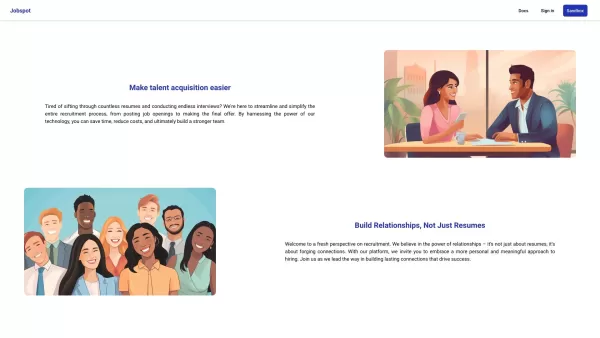
Ever wondered how to streamline your recruitment process and find the perfect candidates without breaking a sweat? Enter Jobspot, your new best friend in the world of hiring. This isn't just another tool; it's an AI-driven powerhouse designed to sift thro
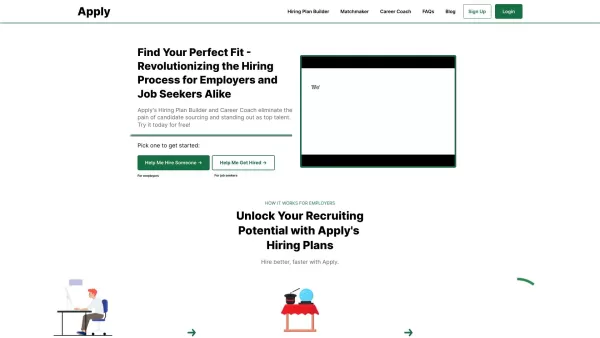
Apply is a game-changing platform designed to streamline the hiring process while empowering individuals to showcase their unique strengths. Think of it as your go-to tool for finding the perfect fit—whether you’re a recruiter hunting for top-tier talent
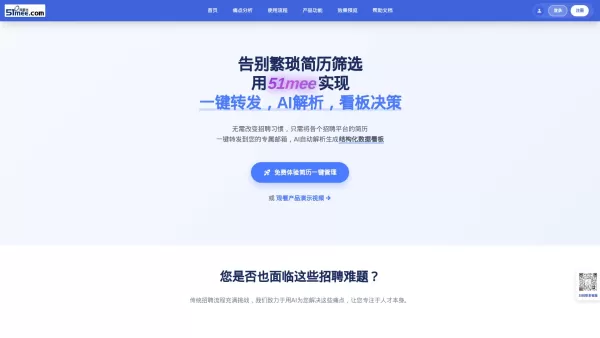
What is 51mee? 51mee.com (I Want Rice) is an AI-powered platform that transforms resume screening and management for HR teams and recruiters. It automates the collection, parsing, and structuring of resumes from multiple hiring channels. By simply fo
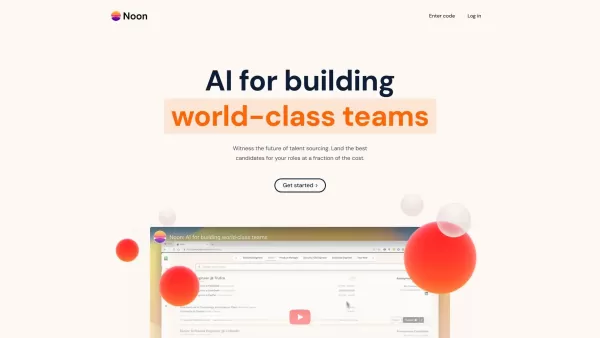
What is Noon AI?Noon is a sophisticated AI-powered recruiting platform built to solve the toughest hiring challenges. It uses advanced AI to automate key tasks like candidate sourcing, job requirement analysis, and delivering data-driven insights. Th
Whoz LinkedIn Extension - Chrome Extension Product Information
What is the Whoz LinkedIn Extension for Chrome?
The Whoz LinkedIn Extension enables users to capture LinkedIn profiles and automatically add them to their Whoz talent pool. It simplifies the sourcing workflow by letting users directly import interesting profiles into their Whoz database. The extension uses Whoz’s AI capabilities to detect expertise, evaluate profile relevance, track recruitment progress, and annotate interviews.
How to use the Whoz LinkedIn Extension for Chrome
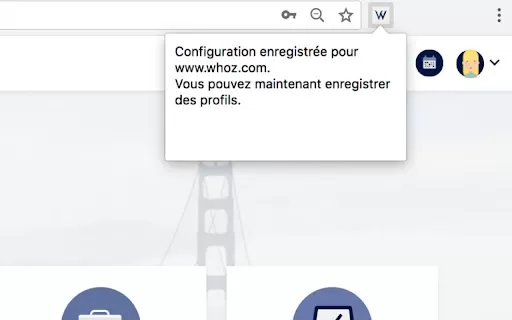
1. Install the extension. 2. Go to Whoz, log in, and access your Whoz workspace (any page beginning with https://www.whoz.com/workspace/...). 3. Click the extension icon; a confirmation message will appear indicating setup is complete. 4. Visit LinkedIn, open a profile, and click the extension icon. You will receive a confirmation that the profile has been successfully added to your Whoz talent pool.
Whoz LinkedIn Extension Core Features
Automatically capture profiles from LinkedIn to Whoz
AI-based expertise and skill identification
AI-driven profile relevance evaluation
Recruitment process monitoring
Interview annotation tools
Whoz LinkedIn Extension Use Cases
Easily save promising LinkedIn profiles to your Whoz talent pool for evaluation and recruitment.
FAQ from Whoz LinkedIn Extension
Where can I get installation support?
How do I locate my Whoz workspace?
Whoz LinkedIn Extension - Chrome Extension Screenshot

2026 Latest Best Top-rated AI Competitive Research Tools for Small Businesses! XIX.AI has curated a highly powerful game-changing collection, updated weekly with rigorous real-world tests and detailed rankings. You can find a comprehensive free vs paid comparison to help you identify the must-try tools that boost your productivity and give you a competitive edge. Explore now to discover your perfect tool!
 9 tools
 xix.ai

2026 Latest Best Photoshop AI retouch tools for ecommerce apparel, skin cleanup, and color consistency! This top-rated curated list features powerful game-changing solutions that help you boost writing efficiency, streamline content creation, and achieve perfect visual results effortlessly. Each tool has undergone real-world tests through weekly updated rankings, complete with free vs paid comparison details. Backed by XIX.AI, it’s the must-try guide for anyone aiming to unlock your AI edge. Explore now!
10 tools
xix.ai

2026 Latest Best Top-Rated AI Prompt Libraries for optimizing all types of ChatGPT workflows. XIX.AI has curated a powerful, game-changing collection that goes through rigorous real-world tests to ensure top performance. You can find detailed free vs paid comparisons and expert rankings to help you choose the must-try tools that boost your productivity and unlock your AI edge. Explore now!
11 tools
xix.ai

2026 Latest Best AI Quiz Builder Platforms for Teachers, Tutors, and Cohort-Based Learning Programs! XIX.AI has curated a top-rated list of powerful game-changing tools that go through real-world tests to deliver accurate rankings. These must-try platforms help boost writing efficiency, streamline content creation, and simplify quiz design across all learning scenarios. Explore now to discover your perfect tool for unlocking your AI edge in teaching!
13 tools
xix.ai

2026 Latest Best AI Pull Request Review Tools for GitHub Teams are here on XIX.AI! This top-rated curated list showcases powerful game-changing solutions that streamline refactoring, bug fixing, and security gap detection across all team workflows. Enjoy a free vs paid comparison along with real-world tests and detailed rankings to help you find the perfect tool that boosts productivity significantly. Explore now to unlock your AI edge!
12 tools
xix.ai

2026 Latest Best Top-rated AI Text to Speech Tools for Natural Voiceovers are here on XIX.AI! This curated list features powerful, game-changing options that deliver crystal-clear voices for every use case, backed by real-world tests and weekly updated rankings. Get a free vs paid comparison to find the must-try solution that boosts your productivity instantly. Explore now to Unlock your AI edge!
11 tools
xix.ai


