


 Home
Homewebml-image-captioning
WebML Image Captioning Chrome Extension



Helps TikTok sellers, brands, MCNs, and TAPs discover winning products and find creators.

HelpLook is an AI-powered all-in-one knowledge base tool that helps businesses quickly build knowledge bases, help centers, and...

Your AI Workspace

302.AI is an enterprise-grade AI resource platform with pay-as-you-go pricing, API access to a full range of AI models, and ready-to-use online applications.

剧火AI — AI Screenwriter + Director, a One-Person Short Drama Studio In one sentence, what is it?

What is Makefilm?Makefilm revolutionizes video creation as a comprehensive AI-powered platform that streamlines professional-quality video production. This innovative solution combines multiple smart tools into one seamless workflow - transforming te

What is Speech Translator?Speech Translator leverages Google's advanced speech recognition to deliver real-time translation for videos, audio, and live streams. This tool bridges language gaps, enabling seamless conversations and fostering clearer un
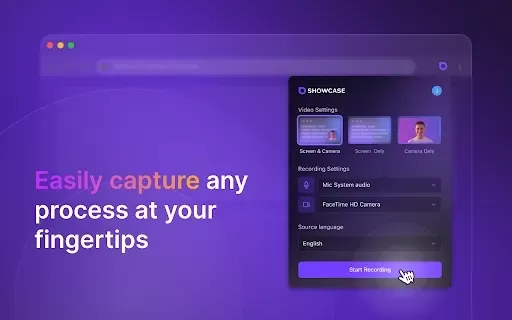
What is Showcase: Screen Recorder & Video Translator?Showcase Screen Recorder offers a versatile all-in-one solution for capturing your screen and translating video content. Ideal for creating software tutorials, comprehensive training manuals, and e

What is Scan Translator?Scan Translator is a tool that enables users to quickly and accurately translate manga scans and images into multiple languages. Utilizing advanced AI technology, the extension extracts text from images and translates it on th

What is Yi Subtitles - Video Subtitle Plugin | Movie Subtitles | Free?Yi Subtitles is a free subtitle plugin for videos that delivers bilingual subtitles for both audio and video content. It works with popular platforms including YouTube and Bilibili
webml-image-captioning Product Information
What is webml-image-captioning?
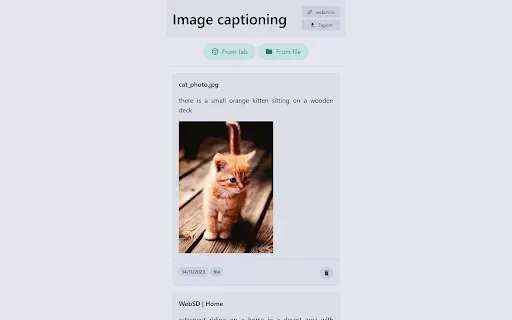
WebML Image Captioning employs sophisticated machine learning algorithms to create descriptive captions for images instantly. This browser extension operates smoothly, enabling users to upload images from their device or capture them directly from web pages. The resulting captions offer valuable context and significantly improve accessibility for users with visual impairments, fostering a more inclusive and navigable web experience. Users also have the option to export captions as necessary, enhancing the tool's utility for content creation and management tasks.
Who will use webml-image-captioning?
- Content Creators
- Social Media Managers
- Web Developers
- Bloggers
- Educators
- Researchers
How to use webml-image-captioning?
- Step 1: Install the WebML Image Captioning extension from the Chrome Web Store.
- Step 2: Open a new tab or navigate to an existing page containing the images you wish to caption.
- Step 3: Click the extension icon in your browser toolbar.
- Step 4: Upload an image from your device or capture one directly from the open web page.
- Step 5: Review the generated caption and copy it for your use.
Platform
- Chrome
webml-image-captioning's Core Features & Benefits
The Core Features
- Caption images from uploaded files
- Caption images captured directly from web pages
- Export your generated captions
The Benefits
- Boosts accessibility for users with visual impairments
- Deepens the contextual understanding of images
- Saves time on creating image descriptions
webml-image-captioning's Main Use Cases & Applications
- Producing accessible content for websites
- Enriching social media posts with detailed captions
- Augmenting educational materials with image descriptions
FAQs about webml-image-captioning
What types of images can I use?
You can use common image formats such as JPEG, PNG, and BMP.
How accurate are the generated captions?
The captions are produced by advanced machine learning models, delivering high accuracy and contextual relevance.
Can I edit the generated captions?
Yes, you can review and manually edit the captions before finalizing them.
Do I need an internet connection to use this extension?
Yes, an active internet connection is required for the machine learning model to process images.
Is this extension free to use?
Yes, the WebML Image Captioning extension is completely free to use.
How do I provide feedback about the captions?
You can submit your feedback via the extension's support page on the Chrome Web Store.
Can I use it for commercial purposes?
Yes, the captions generated are suitable for commercial use.
Does it support languages other than English?
At present, the extension mainly generates captions in English.
How often are the machine learning models updated?
The models are updated regularly to enhance accuracy and overall performance.
Is there a limit to the number of images I can caption?
There is no set limit, though processing a very high volume of images may affect performance.
webml-image-captioning Company Information
Website:
https://webml.ioCompany Name:
WebMLSupport Email:
NAFacebook:
NAX (Twitter):
NAYouTube:
NAInstagram:
NATikTok:
NALinkedIn:
NA
webml-image-captioning Screenshot
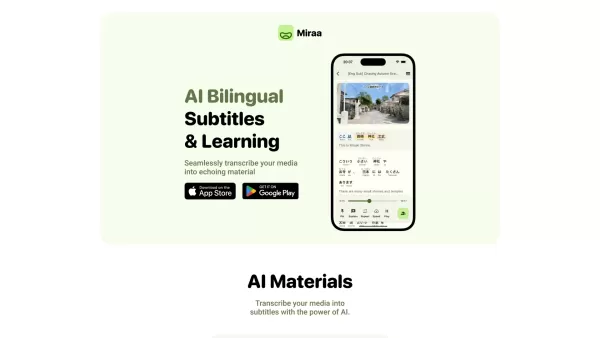
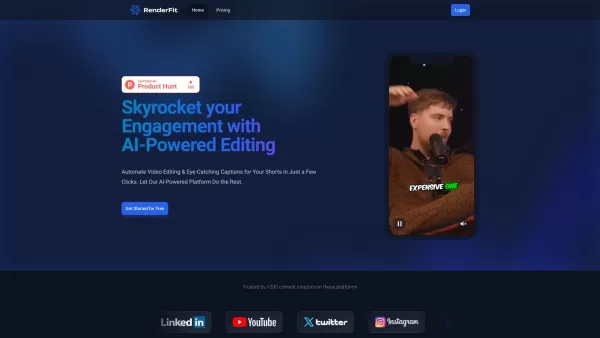
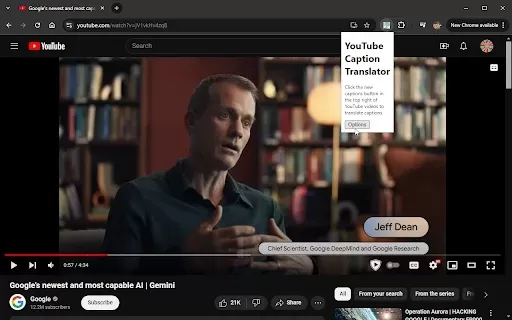
Discover the 2026 best AI captioning tools curated by XIX.AI for deaf students. Our top-rated, game-changing list features must-try solutions for zero-latency transcription of live lectures, ensuring real-time accessibility and enhanced learning. Compare free vs paid options with weekly updated rankings. Unlock equal educational access today.
 10 tools
 xix.ai


