


 Home
HomeWebCopilot



Helps TikTok sellers, brands, MCNs, and TAPs discover winning products and find creators.

HelpLook is an AI-powered all-in-one knowledge base tool that helps businesses quickly build knowledge bases, help centers, and...

Your AI Workspace

302.AI is an enterprise-grade AI resource platform with pay-as-you-go pricing, API access to a full range of AI models, and ready-to-use online applications.

剧火AI — AI Screenwriter + Director, a One-Person Short Drama Studio In one sentence, what is it?
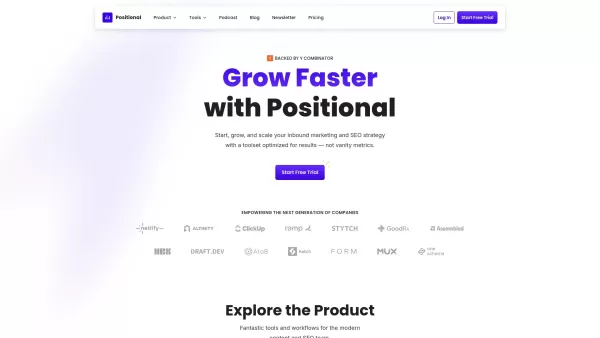
Ever wondered how to take your website's SEO to the next level? Enter Positional, your all-in-one SEO toolkit designed to supercharge your inbound marketing and SEO strategies. It's like having a Swiss Army knife for your digital marketing needs, packed with everything from analysis to optimization

What is Thriendly's Fastest Way to Grow on Threads and X with AI Engagement?Thriendly helps you expand your audience on Threads and X (formerly Twitter) by using AI to craft compelling replies to comments. This AI is fine-tuned for social media influ
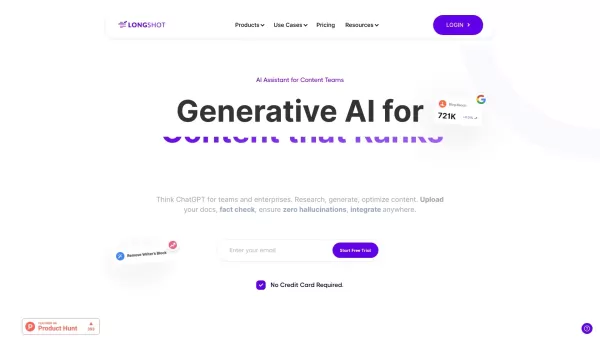
What is LongShot AI — 2.0?LongShot AI is a full-featured, AI-powered platform that streamlines the entire process of researching, creating, and optimizing long-form content. It empowers users with built-in fact-checking, plagiarism detection, and aut
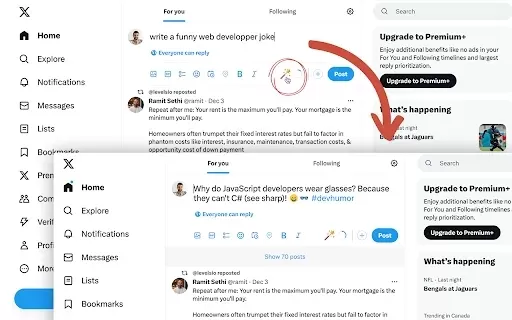
What is Fablerr — AI for Social Media?Fablerr is a smart Chrome extension that serves as your personal AI writer for boosting social media engagement. It works seamlessly on platforms like Twitter, Reddit, and Gmail, helping you create polished, audi
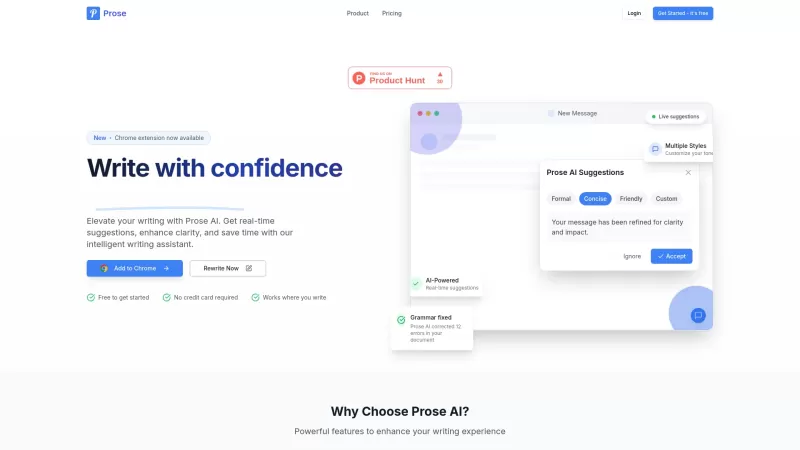
Ever wondered what could supercharge your writing? Let me introduce you to Prose AI, your new best friend in the world of text crafting. It's not just any tool; it's an AI-powered writing assistant that's all about making your words shine. Think of it as
WebCopilot Product Information
What is WebCopilot?
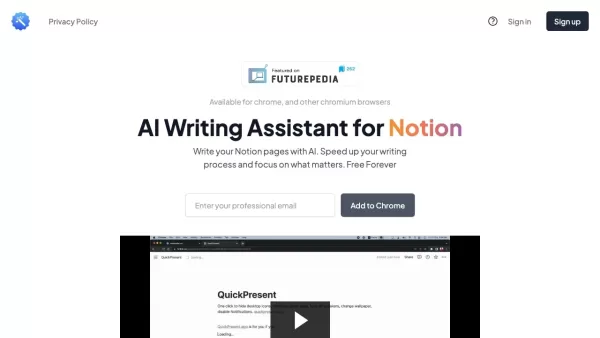
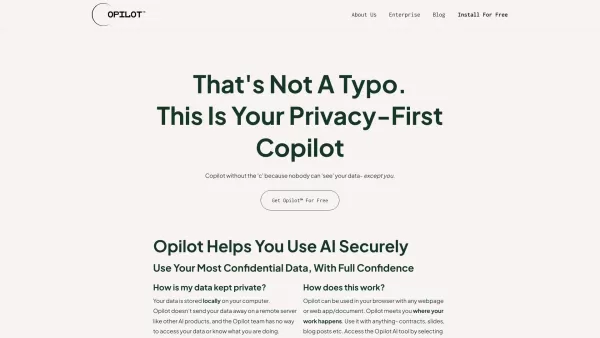
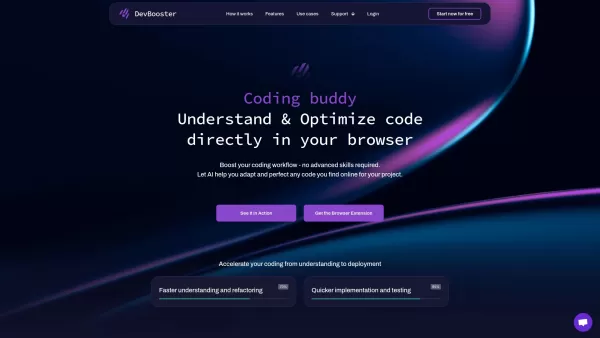
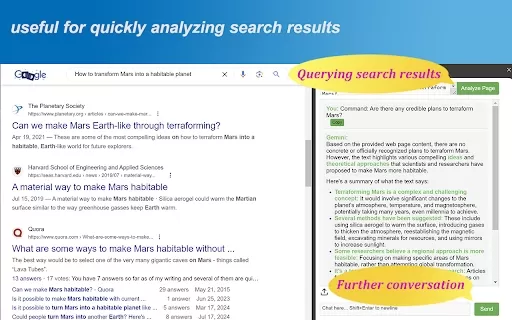
WebCopilot.ai is an innovative browser extension that brings the power of artificial intelligence directly to your web browsing. It integrates AI tools for tasks like managing emails, enhancing social media, and generating content, all accessible from input fields on any website. This seamless integration helps streamline your work, reduce distractions, and boost productivity, making it an essential asset for professionals and creators.
Who uses WebCopilot?
- Content creators
- Digital marketers
- Busy professionals
- Social media managers
- Email marketers
- Bloggers
- Students
- Writers
How to use WebCopilot
- Step 1: Install the WebCopilot.ai extension from the official site.
- Step 2: Go to any webpage where you want AI assistance.
- Step 3: Click the WebCopilot.ai icon in your browser's toolbar.
- Step 4: Select your desired AI function, like composing an email or creating a social post.
- Step 5: Follow the prompts to enter your information and get AI suggestions.
- Step 6: Review and adjust the AI-generated content as necessary.
- Step 7: Save or publish your final content directly from the page.
Platform
- Web
- Chrome
WebCopilot's Core Features & Benefits
Core Features
- AI-powered suggestions
- Direct webpage integration
- Email management
- Social media enhancement
- Content generation
Key Benefits
- Streamlines workflows
- Reduces distractions
- Boosts productivity
- Improves content quality
- Saves valuable time
Main Use Cases & Applications
- Writing emails
- Crafting social media posts
- Blog writing
- Running digital marketing campaigns
- Developing content strategies
WebCopilot's Pros & Cons
Pros
Brings AI tools directly into any webpage for a smooth, integrated workflow.
Handles diverse tasks from email and social media to optimizing spreadsheet formulas.
Saves time and keeps you focused with intelligent, AI-driven suggestions.
Works across platforms as a browser extension for desktop and laptop use.
Cons
Requires an OpenAI API key for activation, which can be an initial hurdle.
No clear information on being open-source or having community-driven development.
Currently limited to desktop and laptop browsers, with no dedicated mobile app.
Pricing details are not upfront on the main site; users must visit the pricing page.
FAQs about WebCopilot
What is WebCopilot.ai?
WebCopilot.ai is a browser extension that adds AI functionality to any webpage to help you work smarter and faster.
How do I install WebCopilot.ai?
To install it, visit the official WebCopilot.ai website and follow the setup guide for your specific browser.
Which browsers support WebCopilot.ai?
WebCopilot.ai is compatible with the Chrome browser.
Can I use WebCopilot.ai for social media posts?
Absolutely. WebCopilot.ai can generate compelling social media content directly from your browser.
Is there a free trial available?
Please check the official website for the latest information on trial offers or free plans.
Do I need an account to use WebCopilot.ai?
Yes, you need to sign up for an account to use all of WebCopilot.ai's features.
How secure is my data with WebCopilot.ai?
WebCopilot.ai employs industry-standard security measures to keep your data safe.
Can WebCopilot.ai help with email management?
Yes, it includes AI features designed to help you manage and compose emails more efficiently.
Does WebCopilot.ai support languages other than English?
For details on supported languages, please refer to the official website.
How can I contact customer support?
You can reach customer support via the email address listed on the official WebCopilot.ai website.
WebCopilot Company Information
Website:
https://www.webcopilot.coCompany Name:
WebCopilot.aiSupport Email:
NAFacebook:
NAX(Twitter):
NAYouTube:
NAInstagram:
NATiktok:
NALinkedIn:
NA
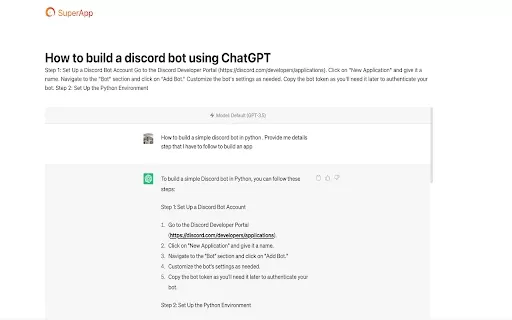
WebCopilot Screenshot

2026 Latest Best Top-rated AI Text to Speech Tools for Online Courses are curated by XIX.AI based on rigorous real-world tests and weekly updated rankings. These powerful tools help creators deliver crystal-clear audio content effortlessly, boosting writing efficiency and streamlining course production. Check out the free vs paid comparison to find your perfect fit. Explore now to unlock your AI edge in online education.
 10 tools
 xix.ai

2026 Latest Best Top-Rated AI Blog Title Tools for Higher Click Through Rates! XIX.AI has carefully curated a powerful, game-changing collection of top tools that go through rigorous real-world tests. You’ll find a free vs paid comparison, weekly updated rankings, and detailed insights to help you boost your blog’s traffic efficiently. Must-try options are highlighted to help you unlock your AI edge. Explore now!
10 tools
xix.ai

2026 Latest Best Top-rated AI Task Routing Tools for Support Workflows! XIX.AI has curated a highly powerful game-changing collection of must-try solutions, all undergoing rigorous real-world tests and updated weekly. These tools streamline workflows, boost productivity, and help teams deliver faster, more efficient support. Explore now to discover your perfect tool and unlock your AI edge!
17 tools
xix.ai

2026 Latest Best Top-Rated AI Citation and Paper Summary Tools Curated by XIX.AI. Get powerful game-changing solutions for quick content creation, improved writing efficiency, and boosting productivity. We offer a free vs paid comparison along with real-world tests and weekly updated rankings to help you find the must-try tool that fits your needs perfectly. Explore now to Unlock your AI edge.
10 tools
xix.ai

2026 Latest Best Top-Rated AI Productivity Tools for Daily Work! XIX.AI has curated a powerful, game-changing selection based on rigorous weekly updated rankings and real-world tests. You’ll find must-try options that boost writing efficiency, streamline content creation, and help you overcome daily work challenges. Get a free vs paid comparison to find the perfect fit for your needs. Explore now to unlock your AI edge!
9 tools
xix.ai

2026 Latest Best Top-Rated AI Systematic Review Tools for Research Screening are here on XIX.AI! This curated collection includes powerful, game-changing solutions that go through rigorous real-world tests to deliver accurate results. We also offer a free vs paid comparison along with weekly updated rankings to help you find the must-try option that boosts your research efficiency significantly. Explore now to unlock your AI edge in academic work!
11 tools
xix.ai


这个WebCopilot插件挺实用的,AI直接集成到浏览器里,写邮件和社交媒体内容方便多了 👍 不过有时候反应有点慢,希望后续能优化一下。总体值得一试!


