


 Home
HomeWebcam Motion Capture
Virtual YouTuber without expensive devices.



Helps TikTok sellers, brands, MCNs, and TAPs discover winning products and find creators.

HelpLook is an AI-powered all-in-one knowledge base tool that helps businesses quickly build knowledge bases, help centers, and...

Your AI Workspace

302.AI is an enterprise-grade AI resource platform with pay-as-you-go pricing, API access to a full range of AI models, and ready-to-use online applications.

剧火AI — AI Screenwriter + Director, a One-Person Short Drama Studio In one sentence, what is it?
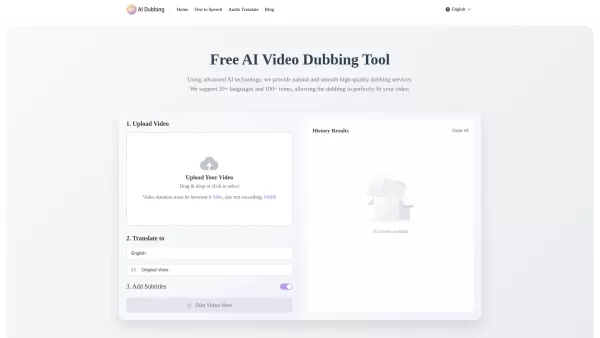
What is AI Dubbing?AI Dubbing is a free online tool that translates videos into various languages, generates speech from text scripts, and delivers precise lip synchronization through advanced AI. It provides natural and fluid high-quality voiceovers
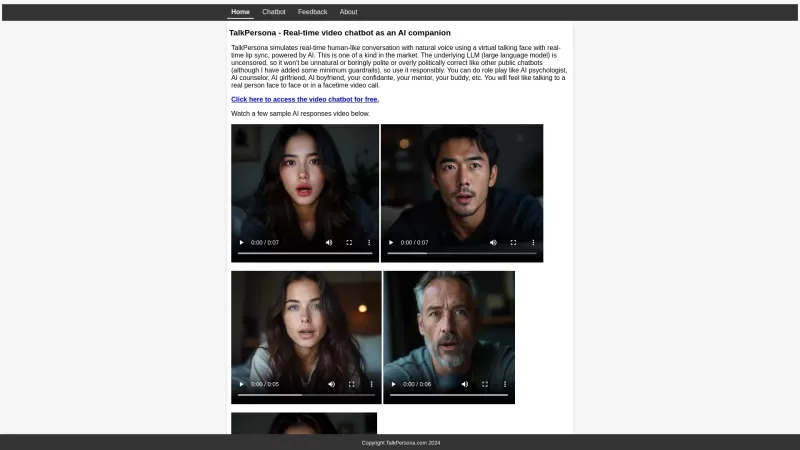
Ever wondered what it would be like to have a chat with an AI that feels almost human? Enter TalkPersona, a game-changing AI-powered video chatbot that brings conversations to life through video calls with a virtual avatar. It's like having a friend on th
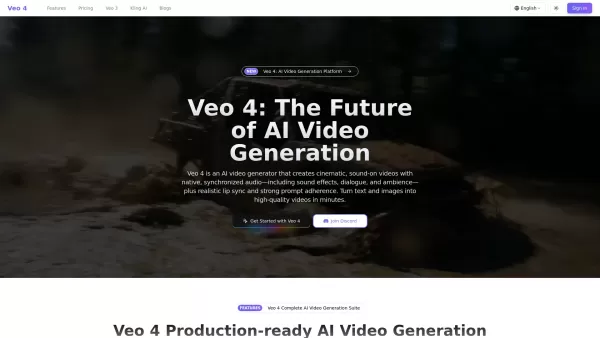
What is Veo 4?Veo 4 is an innovative AI-powered video creation platform that transforms simple text prompts or reference images into professional-quality videos complete with synchronized audio. This cutting-edge tool generates cinematic visuals pair
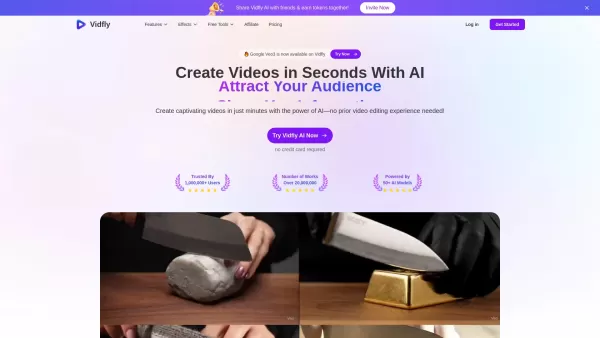
What is Vidfly?Vidfly AI revolutionizes video creation by offering a comprehensive platform that converts text, images, or conceptual ideas into studio-quality videos in minutes. Combining multiple cutting-edge AI technologies, it provides an intuiti
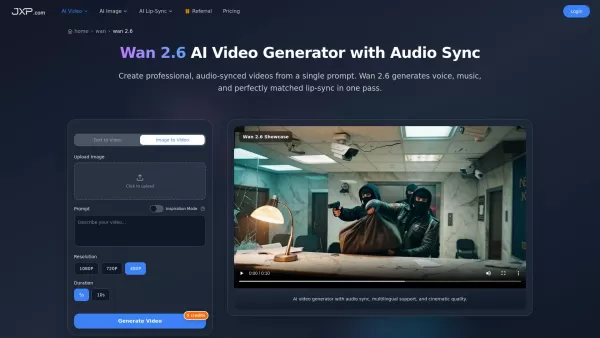
What is Wan 2.6? JXP AI Video Generator, powered by the Wan 2.6 model, is a sophisticated AI tool that transforms text or images into professional, audio-synchronized videos. It produces high-definition 1080p videos at 24 frames per second with accur
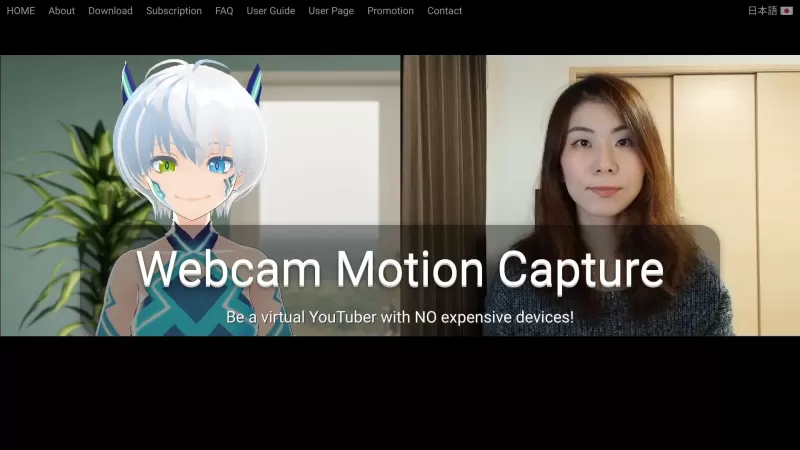
Webcam Motion Capture Product Information
Ever dreamed of diving into the world of virtual YouTubers without breaking the bank? Webcam Motion Capture is your golden ticket! This nifty software lets you turn your regular webcam into a powerful tool for motion capture, allowing you to control a 3D avatar with ease. No need for those pricey motion capture suits or rigs—just your computer or smartphone camera will do the trick.
How to Get Started with Webcam Motion Capture?
Getting started is a breeze! Just download and install the software, and you're ready to roll. Point your webcam at yourself, and watch as your movements come to life through your 3D avatar. It's like magic, but better because it's real!
What Can Webcam Motion Capture Do?
This software isn't just about fun and games—it's packed with features that'll blow your mind:
High-Quality Hand and Finger Tracking with Just Your Webcam
Imagine controlling your avatar's hands and fingers with pinpoint accuracy using nothing but your webcam. It's not just possible; it's easy with Webcam Motion Capture.
Real-Time Webcam-based Hand Tracking in External Apps
Want to take your virtual presence to other platforms? Webcam Motion Capture lets you integrate hand tracking into external apps seamlessly.
Save Motion Capture Data to FBX File
For the creators out there, this feature is a game-changer. You can save your motion capture data in FBX format, ready to use in your next big project.
Where Can You Use Webcam Motion Capture?
The possibilities are endless! Here are just a few ways you can make the most of this tool:
Become a Virtual YouTuber Without the Expensive Gear
Start your virtual YouTuber journey today without spending a fortune. Webcam Motion Capture makes it accessible to everyone.
Add Hand Tracking to VTuber Apps
Enhance your VTuber experience by adding realistic hand movements to your performances.
Create Character Animations with Motion Capture
Animators, rejoice! Use Webcam Motion Capture to bring your characters to life with natural, fluid movements.
Frequently Asked Questions About Webcam Motion Capture
- Can I use Webcam Motion Capture for live streaming on YouTube?
- Absolutely! It's perfect for adding a dynamic touch to your live streams.
- Can I create my own videos using 3D avatars with this?
- Yes, you can! Create engaging content with your custom 3D avatars.
- Will it work if my computer isn't super fast?
- It depends on your setup, but Webcam Motion Capture is designed to be as efficient as possible. Give it a try and see how it goes!
- How do I create my own 3D avatar?
- You can design your avatar using various 3D modeling software, then import it into Webcam Motion Capture.
- Can I set a video as a background?
- Yes, you can enhance your streams or recordings with custom video backgrounds.
- Can I use my smartphone as a webcam?
- Definitely! Webcam Motion Capture supports using your smartphone camera as a webcam.
- What's the recommended setup?
- A good webcam, a decent computer, and a stable internet connection will get you started smoothly.
- How can I hide my webcam during a live stream?
- You can use software settings to hide your webcam feed while still using it for motion capture.
- Can I use Blend Shapes sent from a Face Tracking mobile app?
- Yes, you can integrate Blend Shapes for more expressive avatar movements.
- How can I use Webcam Motion Capture's Hand Tracking with VSeeFace's Face Tracking?
- You can combine these tools to achieve full-body tracking, enhancing your virtual presence.
- My VRM model isn't moving. What's wrong?
- Check your model's compatibility and ensure it's properly configured within the software.
- I can't open the app, or it's blocked by anti-malware software. What should I do?
- Ensure you're downloading from the official site, and check your security settings to allow the app.
- My webcam isn't showing up in the app. How can I fix this?
- Check your webcam settings and ensure it's properly connected and recognized by your system.
- Which operating systems are supported?
- Webcam Motion Capture is compatible with Windows, macOS, and some Linux distributions.
- Do I need to subscribe?
- There are both free and subscription-based options available, depending on your needs.
- Can I hide the UIs or use the tracking data in external apps without a subscription?
- Some features may require a subscription, but basic usage is available for free.
- What happens if I cancel my subscription mid-cycle?
- You'll retain access until the end of your current billing cycle.
- I don't like subscription-based payments. Are there other options?
- Yes, you can purchase a perpetual license for full access without recurring payments.
- I subscribed or bought a license, but didn't receive a login password. What now?
- Check your spam folder, and if you still can't find it, contact customer support.
- I want to change my credit card for payments. How do I do that?
- You can update your payment information directly in your account settings.
- Is my payment and personal information secure on your website?
- Yes, we use industry-standard encryption and security measures to protect your data.
- Can I use Webcam Motion Capture commercially?
- Yes, with the appropriate license, you can use it for commercial purposes.
- I forgot my password. How can I reset it?
- Use the "Forgot Password" feature on the login page to reset your password.
- How can I unsubscribe?
- You can manage your subscription and cancel it from your account settings.
Need more help? Drop a line to the Webcam Motion Capture support team at [email protected]. For more contact options, check out the contact us page.
Curious about the folks behind Webcam Motion Capture? KWCL Inc., based at Ochiai 1-46-1 Cocolia Tama-Center 7F., Tama, Tokyo, is the mastermind behind this innovative tool. Learn more at the about us page.
Ready to dive in? Log in at the login page and explore the pricing options at the pricing page. Stay updated with the latest news by following Webcam Motion Capture on Twitter.
Webcam Motion Capture Screenshot

2026 Latest Best Top-rated AI Object Removal Editors for portraits travel product shots! XIX.AI curates a powerful game-changing collection regularly updated with weekly rankings. These tools offer real-world tests to help you quickly remove unwanted elements, boost content quality, and save tons of time without compromising results. Must-try for anyone aiming to unlock their AI creation edge. Explore now!
 10 tools
 xix.ai

2026 Latest Best Top-rated AI Text to Speech Tools for Online Courses are curated by XIX.AI based on rigorous real-world tests and weekly updated rankings. These powerful tools help creators deliver crystal-clear audio content effortlessly, boosting writing efficiency and streamlining course production. Check out the free vs paid comparison to find your perfect fit. Explore now to unlock your AI edge in online education.
10 tools
xix.ai

2026 Latest Best Top-Rated AI Blog Title Tools for Higher Click Through Rates! XIX.AI has carefully curated a powerful, game-changing collection of top tools that go through rigorous real-world tests. You’ll find a free vs paid comparison, weekly updated rankings, and detailed insights to help you boost your blog’s traffic efficiently. Must-try options are highlighted to help you unlock your AI edge. Explore now!
10 tools
xix.ai

2026 Latest Best Top-rated AI Task Routing Tools for Support Workflows! XIX.AI has curated a highly powerful game-changing collection of must-try solutions, all undergoing rigorous real-world tests and updated weekly. These tools streamline workflows, boost productivity, and help teams deliver faster, more efficient support. Explore now to discover your perfect tool and unlock your AI edge!
17 tools
xix.ai

2026 Latest Best Top-Rated AI Citation and Paper Summary Tools Curated by XIX.AI. Get powerful game-changing solutions for quick content creation, improved writing efficiency, and boosting productivity. We offer a free vs paid comparison along with real-world tests and weekly updated rankings to help you find the must-try tool that fits your needs perfectly. Explore now to Unlock your AI edge.
10 tools
xix.ai

2026 Latest Best Top-Rated AI Productivity Tools for Daily Work! XIX.AI has curated a powerful, game-changing selection based on rigorous weekly updated rankings and real-world tests. You’ll find must-try options that boost writing efficiency, streamline content creation, and help you overcome daily work challenges. Get a free vs paid comparison to find the perfect fit for your needs. Explore now to unlock your AI edge!
9 tools
xix.ai


Just tried this out and it's surprisingly fun! My cheap webcam actually works decently for basic movements. The setup was a bit fiddly, but once it worked, seeing my 3D avatar mirror my head tilts was hilarious 😂. Not perfect for pro Vtubing yet, but an awesome free starting point. Makes me wonder how far this tech will go in a few years!
J'ai essayé Webcam Motion Capture pour animer mon modèle VTuber et c'est impressionnant par rapport à son prix ! Pas besoin d'équipement pro, ma simple webcam suffit. Même si parfois les mouvements des doigts sont un peu bizarres 😅, la synchro globale du visage est top. Pour débuter, c'est parfait. Peut-être qu'ils ajouteront plus d'options pour les expressions plus tard ? Je recommande !
Das klingt total genial! Endlich kann ich meinen Vtuber-Traum ohne teures Equipment ausleben. Meine alte webcam funktioniert überraschend gut damit, auch wenn die Erkennung manchmal bei schnellen Bewegungen etwas hinkt 😅. Hat jemand Tipps für bessere Beleuchtung?
Super cool tool! Webcam Motion Capture turned my old webcam into a VTuber superstar! 😎 Easy setup, smooth tracking, but sometimes it lags a bit if my lighting’s off. Still, for the price (free!), it’s a game-changer for streaming!


