


 Home
HomeWebAgent: Personal Assistant for Web Browsing
WebAgent: Smart Chrome Extension for Efficient Web Tasks



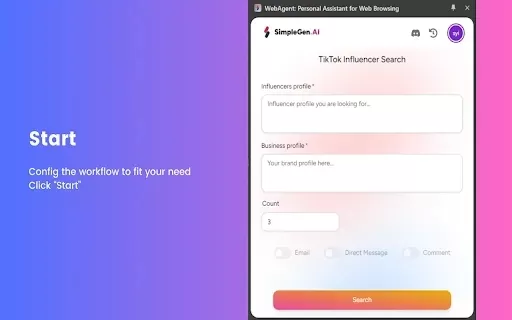
Helps TikTok sellers, brands, MCNs, and TAPs discover winning products and find creators.

HelpLook is an AI-powered all-in-one knowledge base tool that helps businesses quickly build knowledge bases, help centers, and...

Your AI Workspace

302.AI is an enterprise-grade AI resource platform with pay-as-you-go pricing, API access to a full range of AI models, and ready-to-use online applications.

剧火AI — AI Screenwriter + Director, a One-Person Short Drama Studio In one sentence, what is it?
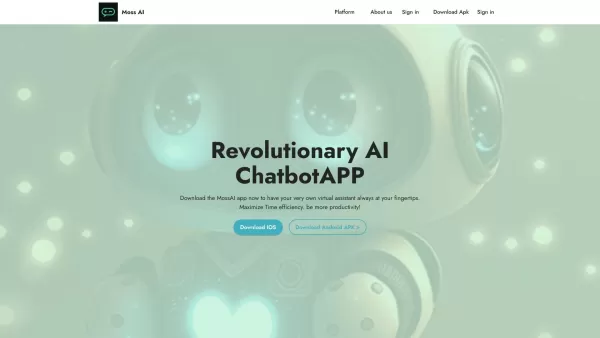
Ever wondered what it's like to have a super-smart friend in your pocket? Meet MossAI, the cutting-edge AI chatbot that's changing the game with its advanced chat technology. It's not just another app; it's like having a personal assistant that's always r
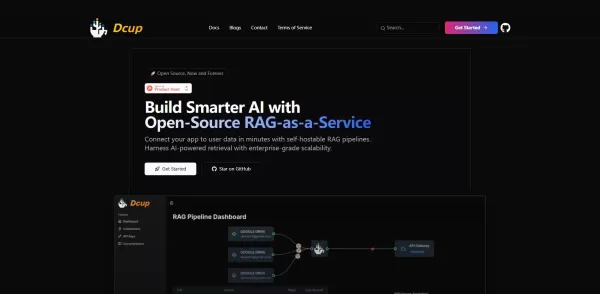
What is Dcup?Dcup is an advanced AI assistant built to streamline and optimize your daily workflows. It provides a suite of capabilities such as task automation, smart scheduling, and efficient data management. By leveraging cutting-edge AI technolog
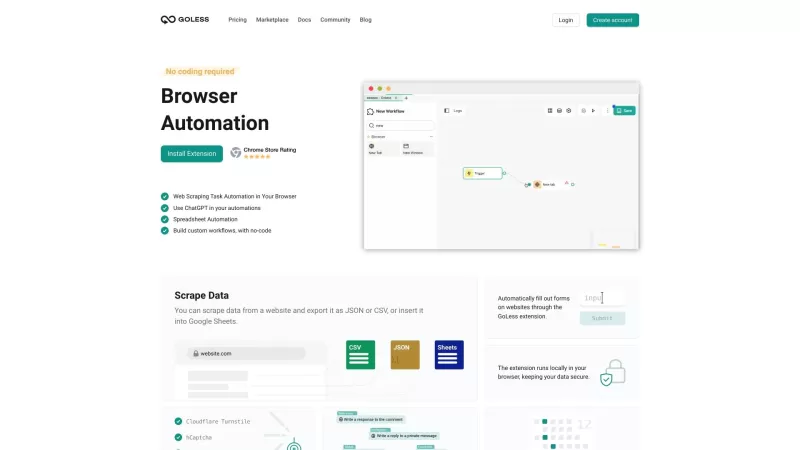
Goless is this nifty browser extension that's all about making your life easier by automating all sorts of stuff online. It's designed for those of us who want to boost our productivity without diving into the deep end of coding. With Goless, you can auto
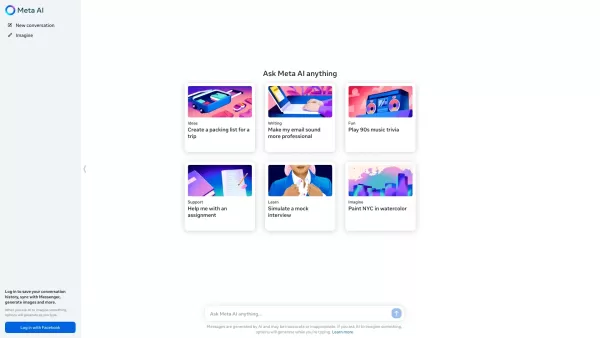
Ever wondered what Meta AI is all about? Well, let me break it down for you. Meta AI isn't just any AI; it's the kind of smart assistant you wish you had in your pocket. Powered by Meta's cutting-edge Llama large language model and the innovative Emu, this AI is ready to tackle your tasks, whip up s
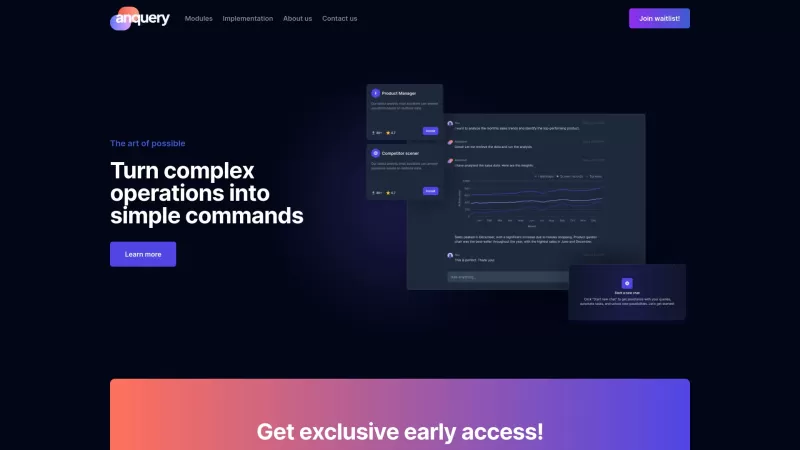
Ever wondered what anquery is all about? Well, let me break it down for you. anquery is this cool AI-powered tool that's like having a super-smart assistant for your business. You can ask it anything in plain English, and it'll dive into your company's sy
WebAgent: Personal Assistant for Web Browsing Product Information
What is WebAgent: Personal Assistant for Web Browsing?
The WebAgent Personal Assistant is a Chrome extension that boosts your online productivity by automating routine tasks. It helps users organize their day, manage schedules, and find information on the web effortlessly. Powered by AI, WebAgent learns your habits and preferences to deliver customized support that fits your unique needs. Enjoy a more efficient online experience as the extension proactively suggests helpful reminders, relevant info, and next-step actions based on your browsing activity.
Who is WebAgent: Personal Assistant for Web Browsing for?
- Students
- Professionals
- Freelancers
- Researchers
- Any user seeking greater online efficiency
How to use WebAgent: Personal Assistant for Web Browsing
- Step 1: Install the WebAgent extension from the Chrome Web Store.
- Step 2: Open your browser and click the WebAgent icon in the toolbar.
- Step 3: Set up your personal profile and preferences by following the guided setup.
- Step 4: Begin using WebAgent to manage your online activities effectively.
Platform
- Google Chrome
WebAgent: Personal Assistant for Web Browsing's Core Features & Benefits
Key Features
- Task management
- Information retrieval
- Web automation
- Personalized reminders
- Adaptive preference learning
Key Benefits
- Improved productivity
- Time-saving automation
- Tailored user experience
- Efficient task handling
- Seamless, fluid browsing
WebAgent: Personal Assistant for Web Browsing's Main Use Cases & Applications
- Managing daily to-dos
- Organizing research materials
- Setting and tracking reminders
- Quickly gathering web information
- Streamlining digital workflows
FAQs of WebAgent: Personal Assistant for Web Browsing
How do I install the WebAgent extension?
It's available for installation directly from the Chrome Web Store.
Is WebAgent free to use?
Yes, it is completely free to download and use.
Can WebAgent be used offline?
No, it requires an active internet connection to work.
How does WebAgent learn my preferences?
It learns by analyzing your browsing patterns and any feedback you provide.
What type of tasks can WebAgent manage?
It can handle reminders, schedules, and quick information lookups.
Is my personal data safe with WebAgent?
Yes, WebAgent is built with user privacy and data security as a top priority.
Can I customize the features of WebAgent?
Yes, you can customize its features to match your personal preferences.
Does WebAgent work on mobile devices?
No, it is currently designed for use on desktop with the Chrome browser.
How can I provide feedback on WebAgent?
You can submit feedback using the contact options built into the extension.
What are the system requirements for WebAgent?
You need a device with the Google Chrome browser installed.
WebAgent: Personal Assistant for Web Browsing Company Information
Website:
https://5-letter-words.comCompany Name:
NASupport Email:
NAFacebook:
NAX(Twitter):
NAYouTube:
NAInstagram:
NATiktok:
NALinkedIn:
NA
WebAgent: Personal Assistant for Web Browsing Screenshot

2026 Latest Best AI Pull Request Review Tools for GitHub Teams are here on XIX.AI! This top-rated curated list showcases powerful game-changing solutions that streamline refactoring, bug fixing, and security gap detection across all team workflows. Enjoy a free vs paid comparison along with real-world tests and detailed rankings to help you find the perfect tool that boosts productivity significantly. Explore now to unlock your AI edge!
 12 tools
 xix.ai

2026 Latest Best Top-rated AI Text to Speech Tools for Natural Voiceovers are here on XIX.AI! This curated list features powerful, game-changing options that deliver crystal-clear voices for every use case, backed by real-world tests and weekly updated rankings. Get a free vs paid comparison to find the must-try solution that boosts your productivity instantly. Explore now to Unlock your AI edge!
11 tools
xix.ai

2026 Latest Best Manga AI Background Generators Ranked Top-Rated! This curated collection showcases powerful game-changing tools perfect for creating high-quality chapter backgrounds, book covers, and promotional art. Every option has undergone rigorous real-world tests to ensure reliability. Get a free vs paid comparison along with detailed insights. Explore now to discover your perfect tool and unlock your AI edge in manga creation.
6 tools
xix.ai

2026 Latest Best Top-rated AI Object Removal Editors for portraits travel product shots! XIX.AI curates a powerful game-changing collection regularly updated with weekly rankings. These tools offer real-world tests to help you quickly remove unwanted elements, boost content quality, and save tons of time without compromising results. Must-try for anyone aiming to unlock their AI creation edge. Explore now!
10 tools
xix.ai

2026 Latest Best Top-rated AI Text to Speech Tools for Online Courses are curated by XIX.AI based on rigorous real-world tests and weekly updated rankings. These powerful tools help creators deliver crystal-clear audio content effortlessly, boosting writing efficiency and streamlining course production. Check out the free vs paid comparison to find your perfect fit. Explore now to unlock your AI edge in online education.
10 tools
xix.ai

2026 Latest Best Top-Rated AI Blog Title Tools for Higher Click Through Rates! XIX.AI has carefully curated a powerful, game-changing collection of top tools that go through rigorous real-world tests. You’ll find a free vs paid comparison, weekly updated rankings, and detailed insights to help you boost your blog’s traffic efficiently. Must-try options are highlighted to help you unlock your AI edge. Explore now!
10 tools
xix.ai


