


 Home
HomeWatto AI
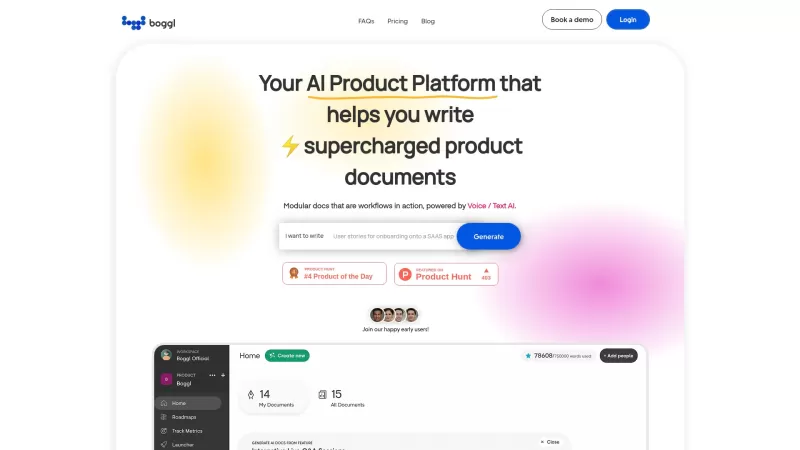
Watto AI Automates Document Creation



Helps TikTok sellers, brands, MCNs, and TAPs discover winning products and find creators.

HelpLook is an AI-powered all-in-one knowledge base tool that helps businesses quickly build knowledge bases, help centers, and...

Your AI Workspace

302.AI is an enterprise-grade AI resource platform with pay-as-you-go pricing, API access to a full range of AI models, and ready-to-use online applications.

剧火AI — AI Screenwriter + Director, a One-Person Short Drama Studio In one sentence, what is it?
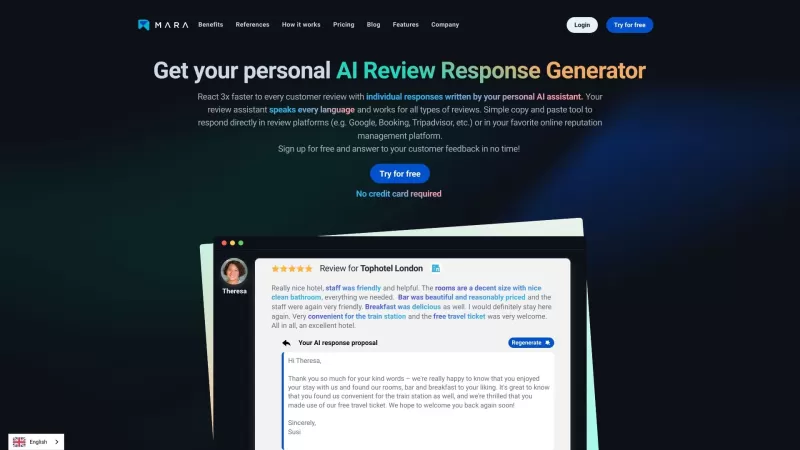
Ever found yourself staring blankly at customer reviews, wondering how to respond in a way that feels genuine and personal? That's where the AI Review Response Generator comes in—a nifty tool designed to take the hassle out of crafting those responses. Cr

Ever wondered about a tool that could simplify your website creation and management without requiring you to be a tech wizard? Enter Onepage, a versatile page-building software that's here to make your life easier. It's not just about building websites; O

Ever stumbled upon Foxify and wondered what it's all about? Well, let me tell you, Foxify is your go-to online AI image creator, and the best part? It's absolutely free! Whether you're a budding artist or just looking to spice up your social media posts,
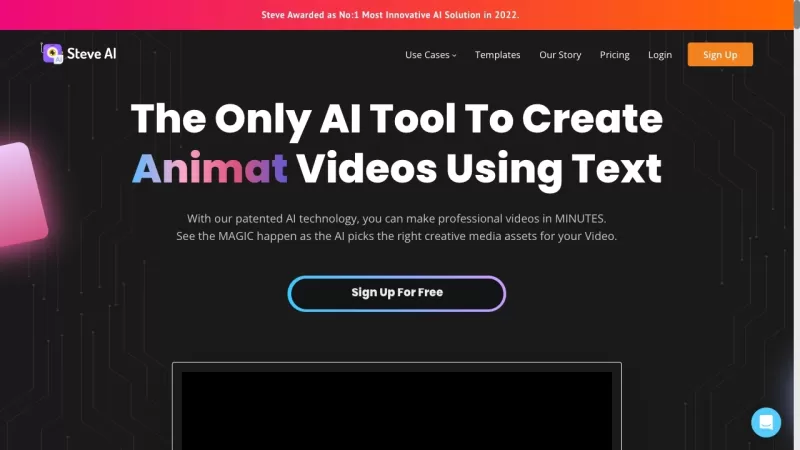
Ever wondered how to whip up professional-looking videos without breaking a sweat? That's where Steve.AI comes into play. It's not just another video-making app; it's a powerhouse that uses AI to transform your ideas into stunning videos and animations in
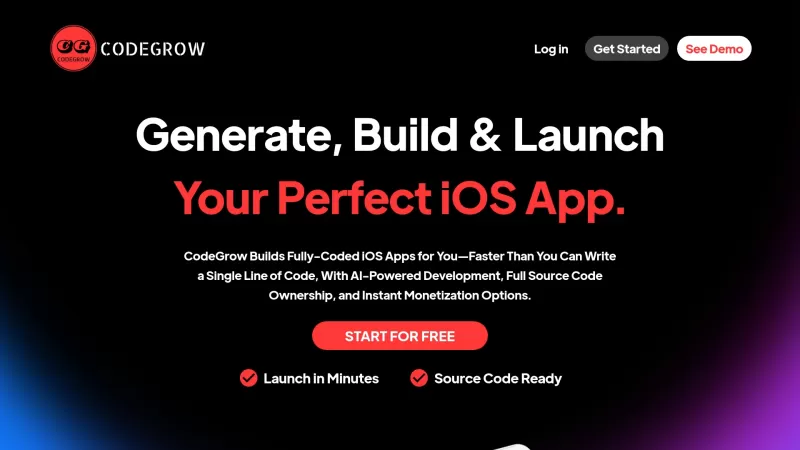
CodeGrow is an innovative AI-driven platform that's changing the game for iOS app developers. It's all about making the process of building, launching, and scaling your apps easier and faster. With features like pre-built templates, smart coding assistanc
Watto AI Product Information
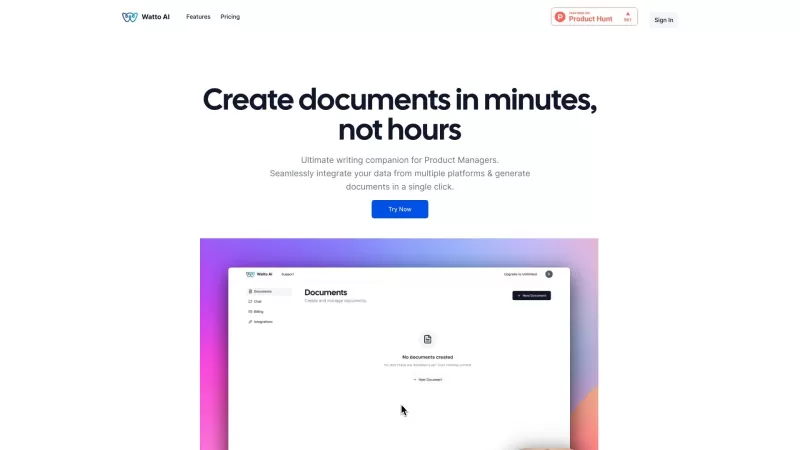
Watto AI is more than just another AI tool; it's like having a super-smart assistant that pulls together information from various platforms and spits out beautifully formatted documents. Imagine cutting down your document creation time by a whopping 60%—that's what Watto AI promises, and it delivers!
How to Use Watto AI?
Getting started with Watto AI is a breeze. Here's how you can jump in:
- First, head over to the Watto AI website and sign up for an account. It's quick and painless, I promise.
- Next, link up your favorite platforms—whether it's Google Suite, Jira, or something else. Watto AI plays nice with all of them.
- Now, pick the type of document you want to whip up. Need a Product Requirements Document (PRD) or a snazzy One Pager? Watto AI's got you covered.
- Customize your document by filling in the blanks or choosing from a variety of templates. It's like having a personal document chef.
- With a single click, voila! Your document is ready. But don't rush off just yet.
- Take a moment to review and tweak things if needed. Watto AI is smart, but you're the boss.
- Finally, download your masterpiece or share it with the world. Easy, right?
Watto AI's Core Features
Watto AI isn't just about speed; it's packed with features that make your life easier:
- It effortlessly integrates data from multiple platforms, making sure you never miss a beat.
- Generate documents in whatever format tickles your fancy—Watto AI is flexible like that.
- An AI co-pilot that's like having a writing buddy, helping you craft perfect prose.
- Over 20 templates for all sorts of documents? Yeah, Watto AI has a template for that.
- A brainstorming tool to help you come up with fresh ideas when you're feeling stuck.
- A SWOT analysis tool to give your product the once-over and spot those opportunities.
- An instant document insights feature through a built-in chat—ask questions and get answers on the spot.
Watto AI's Use Cases
Whether you're a product manager juggling multiple projects or just someone who needs to whip up documents, Watto AI is your go-to:
- Product Managers can create top-notch Requirements Documents, Executive Pitches, Status Updates, and more without breaking a sweat.
- Anyone can use Watto AI to generate any type of document you can think of—from PRDs to Launch Emails and Strategy Docs.
- Really, if you need to create content in document format, Watto AI is there to help. And if you need a hand, their support team is just an email away.
FAQ from Watto AI
- What types of documents can be generated using Watto?
- Watto AI can generate a wide range of documents, from PRDs to One Pagers, Launch Emails, and Strategy Docs.
- Can Watto be integrated with project management or task-tracking tools?
- Yes, Watto AI can be integrated with tools like Google Suite and Jira, making it a versatile part of your workflow.
- How does Watto handle my data?
- Watto AI takes data security seriously. Your information is handled with the utmost care and privacy.
For any questions or issues, you can reach out to Watto AI's support team at [email protected]. They're always ready to help!
Watto AI is brought to you by Watto AI, a company dedicated to making your document creation process smoother and more efficient. Curious about the pricing? Check out their pricing page at https://www.watto.ai/pricing.
Watto AI Screenshot

2026 Latest Best AI Pull Request Review Tools for GitHub Teams are here on XIX.AI! This top-rated curated list showcases powerful game-changing solutions that streamline refactoring, bug fixing, and security gap detection across all team workflows. Enjoy a free vs paid comparison along with real-world tests and detailed rankings to help you find the perfect tool that boosts productivity significantly. Explore now to unlock your AI edge!
 12 tools
 xix.ai

2026 Latest Best Top-rated AI Text to Speech Tools for Natural Voiceovers are here on XIX.AI! This curated list features powerful, game-changing options that deliver crystal-clear voices for every use case, backed by real-world tests and weekly updated rankings. Get a free vs paid comparison to find the must-try solution that boosts your productivity instantly. Explore now to Unlock your AI edge!
11 tools
xix.ai

2026 Latest Best Manga AI Background Generators Ranked Top-Rated! This curated collection showcases powerful game-changing tools perfect for creating high-quality chapter backgrounds, book covers, and promotional art. Every option has undergone rigorous real-world tests to ensure reliability. Get a free vs paid comparison along with detailed insights. Explore now to discover your perfect tool and unlock your AI edge in manga creation.
6 tools
xix.ai

2026 Latest Best Top-rated AI Object Removal Editors for portraits travel product shots! XIX.AI curates a powerful game-changing collection regularly updated with weekly rankings. These tools offer real-world tests to help you quickly remove unwanted elements, boost content quality, and save tons of time without compromising results. Must-try for anyone aiming to unlock their AI creation edge. Explore now!
10 tools
xix.ai

2026 Latest Best Top-rated AI Text to Speech Tools for Online Courses are curated by XIX.AI based on rigorous real-world tests and weekly updated rankings. These powerful tools help creators deliver crystal-clear audio content effortlessly, boosting writing efficiency and streamlining course production. Check out the free vs paid comparison to find your perfect fit. Explore now to unlock your AI edge in online education.
10 tools
xix.ai

2026 Latest Best Top-Rated AI Blog Title Tools for Higher Click Through Rates! XIX.AI has carefully curated a powerful, game-changing collection of top tools that go through rigorous real-world tests. You’ll find a free vs paid comparison, weekly updated rankings, and detailed insights to help you boost your blog’s traffic efficiently. Must-try options are highlighted to help you unlock your AI edge. Explore now!
10 tools
xix.ai


Watto AI is seriously a game-changer! Been using it for a week and I'm already saving hours on reports 😲 The formatting is so clean and professional-looking. Only wish it had better integration with Notion though. Still, 10/10 would recommend!
Watto AI is a game-changer! It’s like having a brainy sidekick that whips up polished docs in no time. Saved me hours on reports, but sometimes it’s a bit too eager to format everything. Still, 60% time cut? I’m sold! 😎


