


 Home
HomeVizly - Analyze Google Sheets with AI



Helps TikTok sellers, brands, MCNs, and TAPs discover winning products and find creators.

HelpLook is an AI-powered all-in-one knowledge base tool that helps businesses quickly build knowledge bases, help centers, and...

Your AI Workspace

302.AI is an enterprise-grade AI resource platform with pay-as-you-go pricing, API access to a full range of AI models, and ready-to-use online applications.

剧火AI — AI Screenwriter + Director, a One-Person Short Drama Studio In one sentence, what is it?
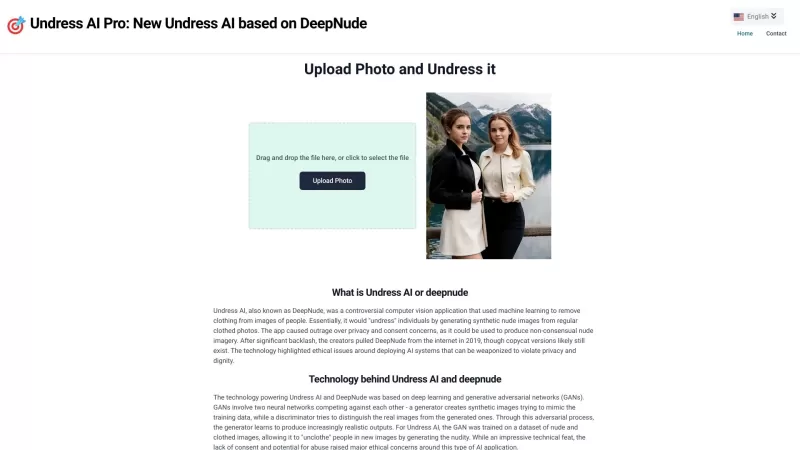
Undress AI Pro, often referred to as DeepNude, is a highly controversial tool that has stirred up quite the debate. It uses sophisticated machine learning algorithms to digitally remove clothing from images of people. It's a wild concept, isn't it? But le
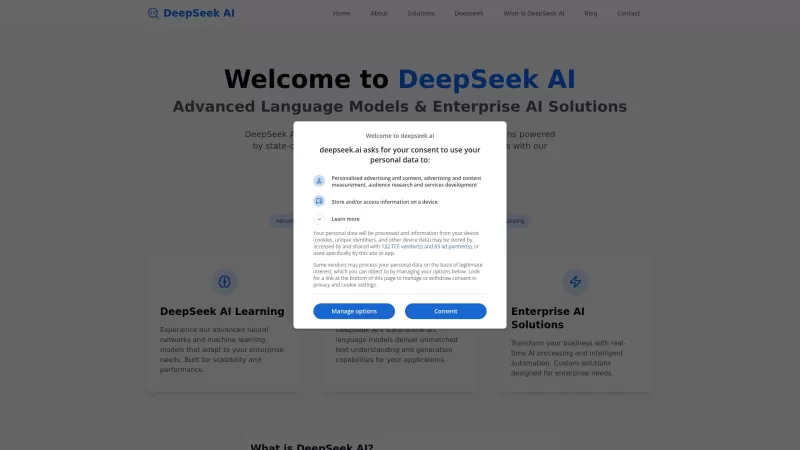
Ever wondered what makes DeepSeek AI stand out in the crowded world of AI tech? Well, let me tell you, DeepSeek AI isn't just another player in the game; it's the leading provider of advanced AI language models and enterprise solutions. What sets them apa
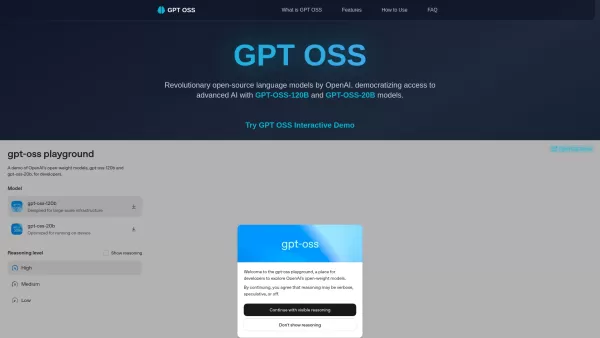
What is GPT OSS? GPT OSS marks a transformative step in making advanced AI widely available, introduced by OpenAI on August 5, 2025. This open-source family includes two robust models, GPT-OSS-120B and GPT-OSS-20B, engineered for complex reasoning an

Ever wondered what it would be like to create a digital version of yourself or someone else? That's where Meshcapade Me comes into play—a cutting-edge platform that lets you craft incredibly lifelike 3D digital humans. Whether you've got a few photos, som
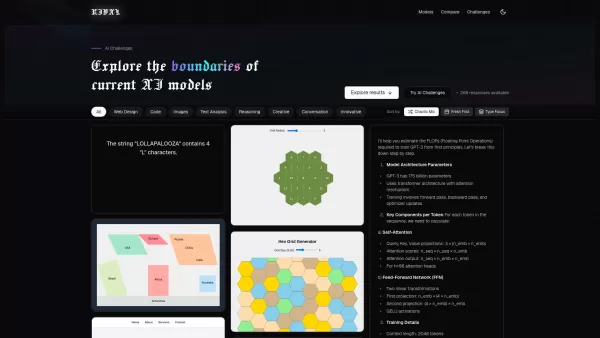
Ever wondered how different AI models stack up against each other? Enter RIVAL, a sleek web application designed to let you dive deep into the world of AI comparisons. It's like having a front-row seat to a showdown between the likes of GPT-4o, Claude 3.7, and Grok-3, where you can see them tackle t
Vizly - Analyze Google Sheets with AI Product Information
What is Vizly - Analyze Google Sheets with AI?
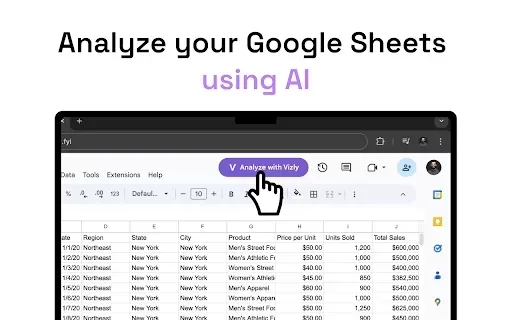
Vizly is an AI-powered tool that makes analyzing and visualizing your Google Sheets data effortless. It harnesses advanced models like OpenAI's GPT-4 and Anthropic's Claude 3.5 Sonnet to turn raw numbers into actionable insights. Simply upload your data, create interactive charts, customize your visuals, and export your results in popular formats like DOCX, PDF, IPYNB, or HTML. You can even build shareable web apps from your analysis. Designed for everyone, Vizly requires no technical skills, making it perfect for beginners and experts alike.
Who will use Vizly - Analyze Google Sheets with AI?
- Business Analysts
- Data Scientists
- Teachers and Educators
- Students
- Project Managers
- Researchers
How to use the Vizly - Analyze Google Sheets with AI?
- Step 1: Install the Vizly extension from the Chrome Web Store.
- Step 2: Launch Google Sheets and open your spreadsheet.
- Step 3: Click 'Analyze with Vizly' in the toolbar.
- Step 4: Ask questions and generate visualizations in real-time.
- Step 5: Adjust and personalize your charts and tables.
- Step 6: Download your insights as DOCX, PDF, IPYNB, or HTML files.
- Step 7: Share your work by converting it into a web application.
Platform
- Web
- Chrome
Vizly - Analyze Google Sheets with AI's Core Features & Benefits
The Core Features
- Analyze Google Sheets in seconds
- Create interactive charts and graphs
- Export results in multiple file formats
- Build shareable web apps
- Fully customize graphs and tables
The Benefits
- Simplify data interpretation
- Easy collaboration and sharing
- No coding or technical skills needed
- Accelerate data analysis
- Professional, clear data visualizations
Vizly - Analyze Google Sheets with AI's Main Use Cases & Applications
- Business intelligence and reporting
- Academic and scientific research
- Project management dashboards
- Student projects and assignments
- Research and conference presentations
FAQs of Vizly - Analyze Google Sheets with AI
How do I install Vizly?
Get Vizly from the Chrome Web Store and click 'Add to Chrome' to install it.
Can I use Vizly on platforms other than Chrome?
Vizly is currently available exclusively as a Chrome extension.
Do I need technical expertise to use Vizly?
Not at all. Vizly is built to be intuitive and user-friendly for everyone.
What types of files can I export my insights to?
Export your work to DOCX, PDF, IPYNB, or HTML files.
How do I share my data analysis with others?
Easily share your analyses by transforming them into interactive web apps.
Is my data secure with Vizly?
Yes. The developer states that Vizly does not collect or utilize your data.
Can I customize the visualizations generated by Vizly?
Absolutely. You have full control to customize every graph and table.
What AI models does Vizly use?
Vizly utilizes cutting-edge AI, including OpenAI's GPT-4 and Anthropic's Claude 3.5 Sonnet.
How quickly can I analyze my Google Sheets?
Get insights from your Google Sheets in a matter of seconds.
Where can I contact support for Vizly?
For support, please visit the developer's support site or email [email protected].
Vizly - Analyze Google Sheets with AI Company Information
- Vizly Labs
- https://vizly.fyi
Vizly - Analyze Google Sheets with AI Screenshot

2026 Latest Best Top-rated AI Competitive Research Tools for Small Businesses! XIX.AI has curated a highly powerful game-changing collection, updated weekly with rigorous real-world tests and detailed rankings. You can find a comprehensive free vs paid comparison to help you identify the must-try tools that boost your productivity and give you a competitive edge. Explore now to discover your perfect tool!
 9 tools
 xix.ai

2026 Latest Best Photoshop AI retouch tools for ecommerce apparel, skin cleanup, and color consistency! This top-rated curated list features powerful game-changing solutions that help you boost writing efficiency, streamline content creation, and achieve perfect visual results effortlessly. Each tool has undergone real-world tests through weekly updated rankings, complete with free vs paid comparison details. Backed by XIX.AI, it’s the must-try guide for anyone aiming to unlock your AI edge. Explore now!
10 tools
xix.ai

2026 Latest Best Top-Rated AI Prompt Libraries for optimizing all types of ChatGPT workflows. XIX.AI has curated a powerful, game-changing collection that goes through rigorous real-world tests to ensure top performance. You can find detailed free vs paid comparisons and expert rankings to help you choose the must-try tools that boost your productivity and unlock your AI edge. Explore now!
11 tools
xix.ai

2026 Latest Best AI Quiz Builder Platforms for Teachers, Tutors, and Cohort-Based Learning Programs! XIX.AI has curated a top-rated list of powerful game-changing tools that go through real-world tests to deliver accurate rankings. These must-try platforms help boost writing efficiency, streamline content creation, and simplify quiz design across all learning scenarios. Explore now to discover your perfect tool for unlocking your AI edge in teaching!
13 tools
xix.ai

2026 Latest Best AI Pull Request Review Tools for GitHub Teams are here on XIX.AI! This top-rated curated list showcases powerful game-changing solutions that streamline refactoring, bug fixing, and security gap detection across all team workflows. Enjoy a free vs paid comparison along with real-world tests and detailed rankings to help you find the perfect tool that boosts productivity significantly. Explore now to unlock your AI edge!
12 tools
xix.ai

2026 Latest Best Top-rated AI Text to Speech Tools for Natural Voiceovers are here on XIX.AI! This curated list features powerful, game-changing options that deliver crystal-clear voices for every use case, backed by real-world tests and weekly updated rankings. Get a free vs paid comparison to find the must-try solution that boosts your productivity instantly. Explore now to Unlock your AI edge!
11 tools
xix.ai


Vizly is a game-changer for anyone drowning in spreadsheet data 🤯 I plugged in my monthly budget sheets and Claude 3.5 instantly spotted trends I'd missed. The visualizations are clean and the AI explanations actually make sense. Only wish it could handle pivot tables natively, but still a huge time-saver 🙌


