


 Home
HomeVideo Watermark Remover



Helps TikTok sellers, brands, MCNs, and TAPs discover winning products and find creators.

HelpLook is an AI-powered all-in-one knowledge base tool that helps businesses quickly build knowledge bases, help centers, and...

Your AI Workspace

302.AI is an enterprise-grade AI resource platform with pay-as-you-go pricing, API access to a full range of AI models, and ready-to-use online applications.

剧火AI — AI Screenwriter + Director, a One-Person Short Drama Studio In one sentence, what is it?
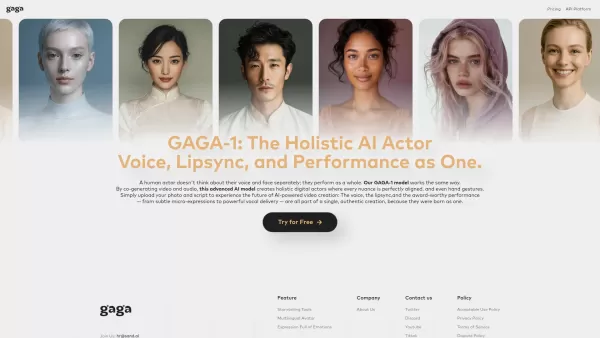
What is Gaga? Gaga is an AI Avatar Generator that produces realistic digital avatars and lifelike videos. It enables users to turn static photos into dynamic, expressive animations and generate AI avatars simply by typing a script. The advanced GAGA-
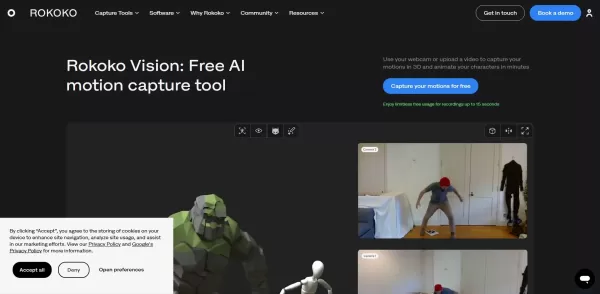
What is Rokoko Vision?Rokoko Vision gives creators cutting-edge motion capture technology, instantly transforming live human movement into digital animation. By harnessing AI, it automates the animation workflow, minimizing reliance on traditional te

What is Servant AI?Servant AI functions as your intelligent virtual assistant, integrating a wide array of tools and resources to simplify your daily tasks. Whether you're looking to erase backgrounds from photos, craft polished email signatures, or
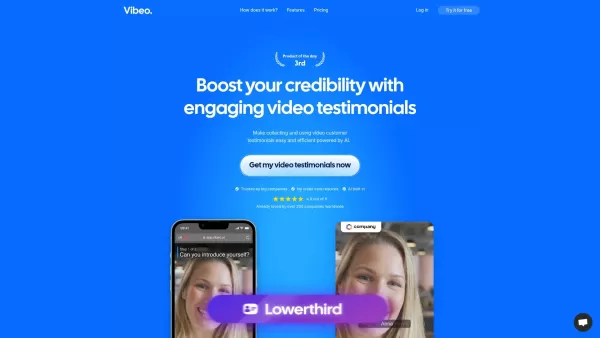
What is Vibeo?Vibeo.ai offers an intuitive platform for gathering video testimonials. It enables users to design custom campaigns, distribute submission links to customers for easy video recording, and leverage AI-powered tools to refine and polish t
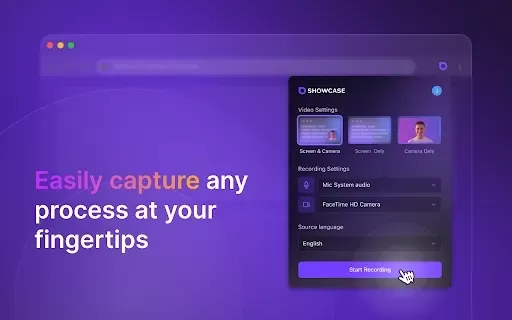
What is Showcase: Screen Recorder & Video Translator?Showcase Screen Recorder offers a versatile all-in-one solution for capturing your screen and translating video content. Ideal for creating software tutorials, comprehensive training manuals, and e
Video Watermark Remover Product Information
What is a Video Watermark Remover?
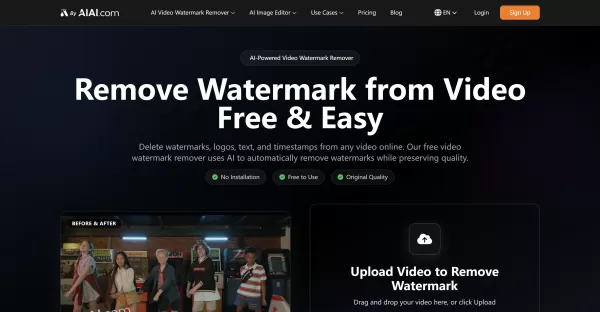
A Video Watermark Remover is an AI-powered online tool that automatically detects and erases watermarks, logos, text overlays, and timestamps from videos. It works with major formats like MP4, MOV, M4V, and MKV, processing files up to 500MB and 10 minutes long. The AI intelligently fills in the removed areas to maintain original video quality, delivering clean, professional results without the need for complex editing software.
Who Uses a Video Watermark Remover?
- Content Creators
- Marketing Teams
- Educators and Trainers
- Social Media Users
- Video Editors requiring watermark removal
How to Use the Video Watermark Remover
- Step 1: Upload your watermarked video via drag-and-drop or file selection.
- Step 2: Let the AI automatically detect and remove the watermark within minutes.
- Step 3: Download your clean video with the original quality preserved.
Platform
- Web Browser
Video Watermark Remover Core Features & Benefits
Core Features
- AI-powered automatic removal of watermarks, logos, and text
- Supports MP4, MOV, M4V, and MKV video formats
- No software installation—fully web-based
- Maintains original video quality without distortion
- Fast processing removes watermarks in minutes
- Optimized for AI-generated videos and social media clips
Benefits
- Produces professional, watermark-free videos
- Saves time compared to finding watermark-free editors
- Enables repurposing of social media content without platform branding
- Affordable credit-based pricing with bulk discounts
- Simple three-step process suitable for all skill levels
Main Use Cases & Applications
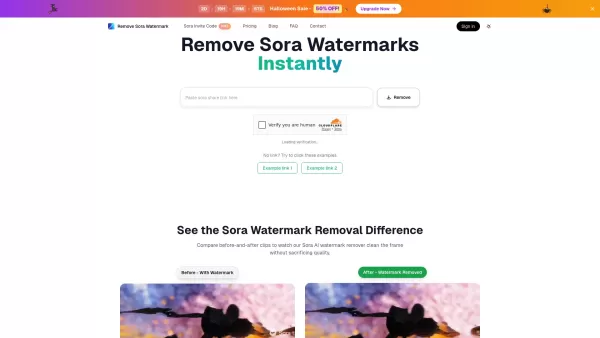
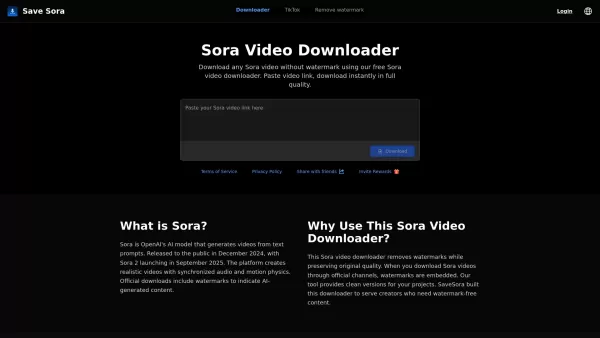
- Removing watermarks from AI-generated videos (e.g., Kling, Sora outputs)
- Cleaning downloaded TikTok or YouTube videos for reposting
- Removing trial version stamps from free video editors
- Preparing educational videos by removing distracting text
- Marketing teams rebranding promotional video content
Video Watermark Remover Pros & Cons
Pros
Fully automated AI processing
Preserves video quality without blurring
Supports multiple popular video formats
Fast, easy to use, and requires no software installation
Flexible and affordable credit-based pricing
Cons
Limited to videos up to 500MB and 10 minutes in length
Web platform only (no dedicated mobile or desktop apps)
Requires registration and credit purchase for extended use
Not open source
No direct integrations with social media or messaging apps
Video Watermark Remover Pricing
Has free plan | YES |
|---|---|
Free trial details | |
Pricing model | Pay-as-you-go |
Is credit card required | YES |
Paid from | 5 USD |
Has lifetime plan | No |
Billing frequency | One-time |
Details of Pricing Plan
100 Credits
5 USD
- Credits never expire
- High-speed processing
- Priority support
300 Credits
13.5 USD
- Credits never expire
- High-speed processing
- Priority support
500 Credits
22.5 USD
- Credits never expire
- High-speed processing
- Priority support
1000 Credits
40 USD
- Credits never expire
- High-speed processing
- Priority support
2000 Credits
80 USD
- Credits never expire
- High-speed processing
- Priority support
3000 Credits
105 USD
- Credits never expire
- High-speed processing
- Priority support
5000 Credits
175 USD
- Credits never expire
- High-speed processing
- Priority support
10000 Credits
250 USD
- Credits never expire
- High-speed processing
- Priority support
Discounts:
10% off on 300 & 500 credits; 20% off on 1000 & 2000 credits; 30% off on 3000 & 5000 credits; 50% off on 10000 credits
For the latest prices, please visit: https://watermarkremover.aiai.com/pricing.html
FAQs for Video Watermark Remover
How can I remove watermarks from videos for free?
Register on the platform to upload videos and use the AI watermark remover with free initial credits. You can preview and download watermark-free videos instantly.
What video formats does the tool support?
It supports MP4, MOV, M4V, MKV, and other common formats compatible with most devices.
How does the AI remove video watermarks?
The AI analyzes the pixels surrounding the watermark and intelligently fills in textures and colors to restore the video seamlessly.
Can I use this instead of searching for free, watermark-free video editors?
Yes, it allows you to remove watermarks from videos exported by other editors without switching software.
Can I remove watermarks from AI-generated videos?
Yes, the tool is optimized for removing watermarks from AI model outputs like Kling or Sora.
How do I remove watermarks from TikTok or YouTube videos?
Upload your downloaded TikTok or YouTube video, and the tool will automatically remove the platform's watermark.
Does watermark removal affect video quality?
No, the tool preserves the original video quality without blurring or distortion.
How long does it take to remove a video watermark?
For videos under 2 minutes, processing is typically almost instantaneous.
What is the pricing model?
It uses a credit-based system, with packages starting at $5 for 100 credits. Credits never expire, and bulk packages include discounts.
Do I need to install software to use this tool?
No installation is required; it is a completely online, web-based service.
Video Watermark Remover Company Information
- AIAI.com
- https://aiai.com
- https://www.facebook.com/profile.php?id=61583243451605
- https://www.x.com/Aiaicom09
- https://www.youtube.com/@Aiai_us
- https://www.instagram.com/aiai_us?igsh=MWNoeDY4OHpsNDl1ag%3D%3D&utm_source=qr
- https://www.tiktok.com/@aiai_us

How to install?
Video Watermark Remover Screenshot


2026 Latest Best AI Quiz Builder Platforms for Teachers, Tutors, and Cohort-Based Learning Programs! XIX.AI has curated a top-rated list of powerful game-changing tools that go through real-world tests to deliver accurate rankings. These must-try platforms help boost writing efficiency, streamline content creation, and simplify quiz design across all learning scenarios. Explore now to discover your perfect tool for unlocking your AI edge in teaching!
 13 tools
 xix.ai

2026 Latest Best AI Pull Request Review Tools for GitHub Teams are here on XIX.AI! This top-rated curated list showcases powerful game-changing solutions that streamline refactoring, bug fixing, and security gap detection across all team workflows. Enjoy a free vs paid comparison along with real-world tests and detailed rankings to help you find the perfect tool that boosts productivity significantly. Explore now to unlock your AI edge!
12 tools
xix.ai

2026 Latest Best Top-rated AI Text to Speech Tools for Natural Voiceovers are here on XIX.AI! This curated list features powerful, game-changing options that deliver crystal-clear voices for every use case, backed by real-world tests and weekly updated rankings. Get a free vs paid comparison to find the must-try solution that boosts your productivity instantly. Explore now to Unlock your AI edge!
11 tools
xix.ai

2026 Latest Best Manga AI Background Generators Ranked Top-Rated! This curated collection showcases powerful game-changing tools perfect for creating high-quality chapter backgrounds, book covers, and promotional art. Every option has undergone rigorous real-world tests to ensure reliability. Get a free vs paid comparison along with detailed insights. Explore now to discover your perfect tool and unlock your AI edge in manga creation.
6 tools
xix.ai

2026 Latest Best Top-rated AI Object Removal Editors for portraits travel product shots! XIX.AI curates a powerful game-changing collection regularly updated with weekly rankings. These tools offer real-world tests to help you quickly remove unwanted elements, boost content quality, and save tons of time without compromising results. Must-try for anyone aiming to unlock their AI creation edge. Explore now!
10 tools
xix.ai

2026 Latest Best Top-rated AI Text to Speech Tools for Online Courses are curated by XIX.AI based on rigorous real-world tests and weekly updated rankings. These powerful tools help creators deliver crystal-clear audio content effortlessly, boosting writing efficiency and streamlining course production. Check out the free vs paid comparison to find your perfect fit. Explore now to unlock your AI edge in online education.
10 tools
xix.ai


