


 Home
HomevidBoard



Helps TikTok sellers, brands, MCNs, and TAPs discover winning products and find creators.

HelpLook is an AI-powered all-in-one knowledge base tool that helps businesses quickly build knowledge bases, help centers, and...

Your AI Workspace

302.AI is an enterprise-grade AI resource platform with pay-as-you-go pricing, API access to a full range of AI models, and ready-to-use online applications.

剧火AI — AI Screenwriter + Director, a One-Person Short Drama Studio In one sentence, what is it?
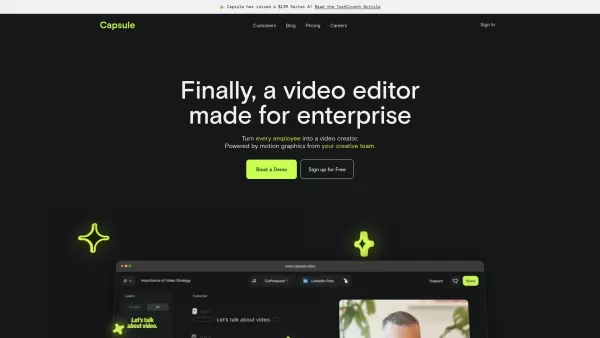
Capsule is an innovative tool designed to revolutionize video editing for content and marketing teams. It harnesses the power of AI to streamline the video creation process, ensuring not only speed but also fostering collaboration and maintaining brand co
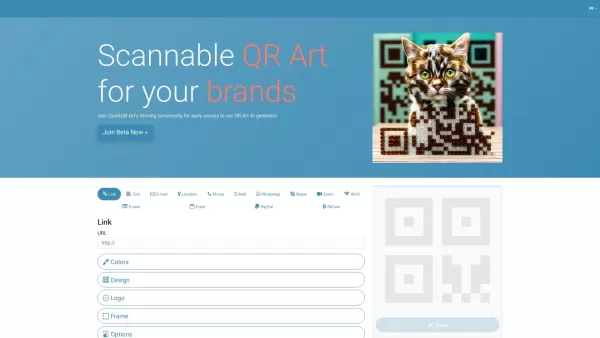
What is Quick QR Art? Quick QR Art is an AI-powered QR code art generator that enables users to design, personalize, and monitor beautiful QR codes. It effortlessly incorporates artistic codes into marketing collateral, packaging, and digital channel
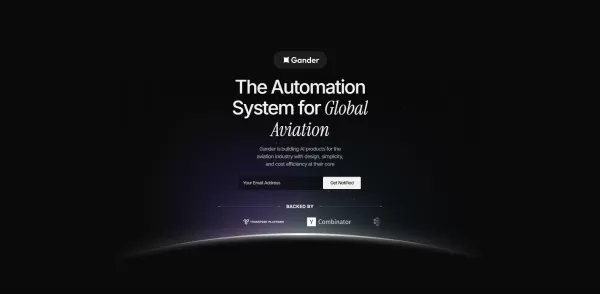
What is Gander AI?Gander AI utilizes advanced artificial intelligence to automate common tasks, boost efficiency, and deliver productivity-enhancing insights. It integrates into your workflow to handle scheduling, data entry, email communications, an
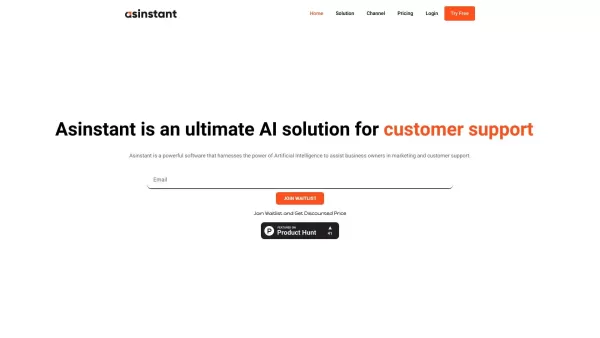
What is Asinstant?AS Instant is an AI-powered business assistant that streamlines and automates a wide range of business operations. It provides tailored support for companies of every scale, handling everything from customer service automation and d
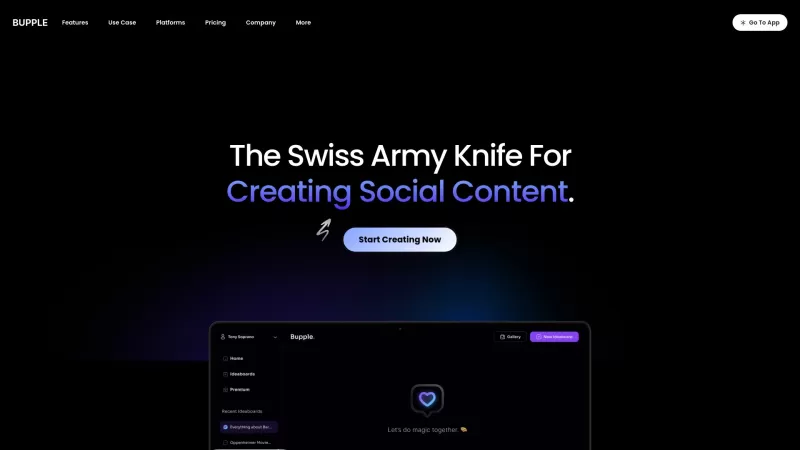
Ever felt like you're drowning in the endless sea of social media management? Well, say hello to Bupple, your new best friend in the digital world. Bupple isn't just another tool; it's an AI-powered social media manager that's here to revolutionize the wa
vidBoard Product Information
What is vidBoard?
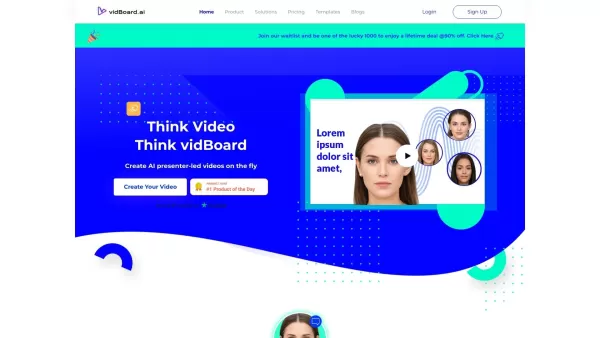
VidBoard.ai uses advanced AI technology to simplify video creation. It offers customizable avatars, realistic voiceovers, and support for over 120 languages, allowing users to easily produce professional-grade videos. Perfect for marketing, training, and announcements, VidBoard.ai cuts costs and saves time by automating various video production tasks, making it accessible to beginners and experts alike.
Who Uses vidBoard?
- Marketing professionals
- Educational content creators
- Small business owners
- Social media influencers
- Corporate trainers
- HR professionals
- E-learning developers
How to Use vidBoard?
- Step 1: Sign up on the VidBoard.ai platform.
- Step 2: Upload a photo to create your AI avatar.
- Step 3: Enter the script or text for your video.
- Step 4: Choose from a variety of multimedia assets and templates.
- Step 5: Use AI tools to synchronize voiceovers and text.
- Step 6: Preview your video and make final edits.
- Step 7: Export and share your completed video.
Platform
- Web
vidBoard's Core Features and Benefits
Core Features
- AI-powered avatars
- Natural voiceovers
- Translation in over 120 languages
- Customizable templates
- High-definition video output
- Automated video editing
Benefits
- Time-saving automation
- Cost-effective video production
- Engage a global audience
- Easy-to-use interface
- Professional-quality videos
- Customizable content
vidBoard's Main Use Cases and Applications
- Marketing campaigns
- Online learning modules
- Corporate training videos
- Social media content
- Customer onboarding
- Product announcements
vidBoard's Pros and Cons
Pros
An all-in-one AI video creation platform that covers every step.
Supports various video types including avatar-led, faceless, non-voice, and voiceover formats.
A wide selection of AI avatars with support for over 125 languages.
User-friendly, requiring no video editing experience.
Saves significant time in video production.
Provides a free trial and flexible pricing plans to suit different needs.
Cons
No open-source code or GitHub repository is available.
Relies on server-side processing, which can lead to variable rendering times.
Maximum video length varies and may be restricted by slide and character limits.
vidBoard's Pricing
Free Plan Available | Yes |
|---|---|
Free Trial Details | Create up to 5 videos (faceless or avatar-led) with the free trial account |
Pricing Model | Free Trial |
Credit Card Required? | No |
Starting Price | 99 USD |
Lifetime Plan Available | Yes |
Billing Frequency | Lifetime |
Pricing Plan Details
Tier 1
99 USD
- Up to 30 videos per month
- 100+ AI Avatars
- Link to Video
- Document to Video
- AI Voices
- Non-Voice Videos
- Faceless Videos
Tier 2
179 USD
- Custom/Personal Avatar Creation
- Up to 60 videos per month
- 2 Custom Avatars
- 100+ In-House vidBoard Avatars
- AI Captions
- AI Dubbing
- Link to Video
- Document to Video
- AI Voices
- Non-Voice Videos
- Faceless Videos
- And Much More
Tier 3
399 USD
- Up to 120 videos per month
- 4 Custom Avatars
- 100+ AI Avatars
- AI Captions
- AI Dubbing
- Link to Video
- Document to Video
- AI Voices
- Non-Voice Videos
- Faceless Videos
- And Much More
Discount
Get up to 70% off with Black Friday lifetime deals
For current pricing, visit: https://www.vidboard.ai/black-friday-offers
FAQs About vidBoard
What is vidBoard.ai?
vidBoard.ai is an AI-driven video production platform that generates high-quality videos using avatars, voiceovers, and automated editing.
How to Create a Video with vidBoard.ai?
Sign up on the platform, upload a picture, enter your script, and use AI tools to synchronize and finalize your video.
What Are the Key Features of vidBoard.ai?
Key features include AI avatars, natural voiceovers, translation in over 120 languages, customizable templates, and HD video output.
Who Is vidBoard.ai For?
It is ideal for marketing professionals, educational content creators, small business owners, social media influencers, corporate trainers, HR professionals, and e-learning developers.
Does vidBoard.ai Support Multiple Languages?
Yes, it supports translation and voiceovers in more than 120 languages.
Can I Customize My Videos on vidBoard.ai?
Yes, you can customize videos using templates, multimedia elements, and AI tools for syncing and editing.
Is vidBoard.ai Beginner-Friendly?
Yes, the platform is user-friendly and designed for those with no prior video production experience.
What Platforms Does vidBoard.ai Support?
vidBoard.ai is available as a web-based platform.
What Are the Benefits of Using vidBoard.ai?
Benefits include time-saving automation, cost-effective production, global audience engagement, and professional-quality output.
Are There Alternatives to vidBoard.ai?
Yes, alternatives include Synthesia, Lumen5, Animoto, Veed.io, and Wibbitz.
vidBoard Company Information
- vidBoard.ai
- https://www.vidboard.ai
vidBoard Screenshot


2026 Latest Best Top-rated AI Text to Speech Tools for Online Courses are curated by XIX.AI based on rigorous real-world tests and weekly updated rankings. These powerful tools help creators deliver crystal-clear audio content effortlessly, boosting writing efficiency and streamlining course production. Check out the free vs paid comparison to find your perfect fit. Explore now to unlock your AI edge in online education.
 10 tools
 xix.ai

2026 Latest Best Top-Rated AI Blog Title Tools for Higher Click Through Rates! XIX.AI has carefully curated a powerful, game-changing collection of top tools that go through rigorous real-world tests. You’ll find a free vs paid comparison, weekly updated rankings, and detailed insights to help you boost your blog’s traffic efficiently. Must-try options are highlighted to help you unlock your AI edge. Explore now!
10 tools
xix.ai

2026 Latest Best Top-rated AI Task Routing Tools for Support Workflows! XIX.AI has curated a highly powerful game-changing collection of must-try solutions, all undergoing rigorous real-world tests and updated weekly. These tools streamline workflows, boost productivity, and help teams deliver faster, more efficient support. Explore now to discover your perfect tool and unlock your AI edge!
17 tools
xix.ai

2026 Latest Best Top-Rated AI Citation and Paper Summary Tools Curated by XIX.AI. Get powerful game-changing solutions for quick content creation, improved writing efficiency, and boosting productivity. We offer a free vs paid comparison along with real-world tests and weekly updated rankings to help you find the must-try tool that fits your needs perfectly. Explore now to Unlock your AI edge.
10 tools
xix.ai

2026 Latest Best Top-Rated AI Productivity Tools for Daily Work! XIX.AI has curated a powerful, game-changing selection based on rigorous weekly updated rankings and real-world tests. You’ll find must-try options that boost writing efficiency, streamline content creation, and help you overcome daily work challenges. Get a free vs paid comparison to find the perfect fit for your needs. Explore now to unlock your AI edge!
9 tools
xix.ai

2026 Latest Best Top-Rated AI Systematic Review Tools for Research Screening are here on XIX.AI! This curated collection includes powerful, game-changing solutions that go through rigorous real-world tests to deliver accurate results. We also offer a free vs paid comparison along with weekly updated rankings to help you find the must-try option that boosts your research efficiency significantly. Explore now to unlock your AI edge in academic work!
11 tools
xix.ai


