


 Home
HomeVeo 3.1 AI



Helps TikTok sellers, brands, MCNs, and TAPs discover winning products and find creators.

HelpLook is an AI-powered all-in-one knowledge base tool that helps businesses quickly build knowledge bases, help centers, and...

Your AI Workspace

302.AI is an enterprise-grade AI resource platform with pay-as-you-go pricing, API access to a full range of AI models, and ready-to-use online applications.

剧火AI — AI Screenwriter + Director, a One-Person Short Drama Studio In one sentence, what is it?

What is Deepfake Maker? Deepfake Maker is a comprehensive, browser-based AI tool for creating deepfakes, tailored for creators, marketers, and designers who need striking visuals without complicated software. It combines multiple AI capabilities: adv

What is Celebrity AI?CelebrityAI revolutionizes digital content creation with its cutting-edge artificial intelligence platform that generates lifelike celebrity videos and voice messages. Using sophisticated technologies including deep neural networ

What is Makefilm?Makefilm revolutionizes video creation as a comprehensive AI-powered platform that streamlines professional-quality video production. This innovative solution combines multiple smart tools into one seamless workflow - transforming te
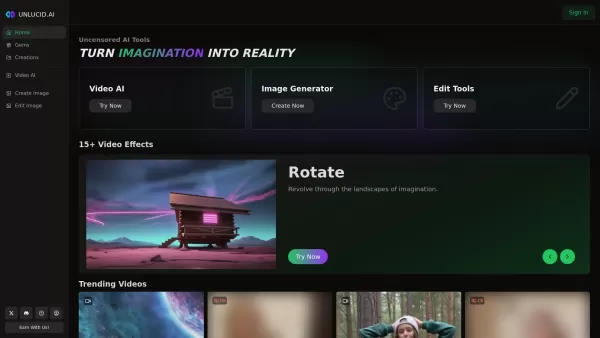
What is Unlucid AI? Unlucid AI provides free, uncensored AI tools empowering creators to craft, edit, and animate videos using advanced AI technology. It transforms imagination into reality with unres

What is AIShowX?AIShowX represents the next generation of creative tools - a comprehensive online platform powered by artificial intelligence that empowers anyone to produce professional-quality videos, images, and audio content with remarkable ease.
Veo 3.1 AI Product Information
What Is Veo 3.1 AI?
Veo 3.1 AI is a cutting-edge, AI-driven video generation tool that turns static images into stunning videos. It leverages intelligent prompt expansion powered by LLM technology to enhance motion and animation based on user-provided text descriptions. The tool supports a range of video resolutions from 480p to 1080p, audio integration in WAV and MP3 formats, and flexible video lengths of 5 or 10 seconds, making it ideal for content creators who need high-quality output for social media, presentations, or commercial projects.
Who Uses Veo 3.1 AI?
- Content creators
- Social media marketers
- Video editors
- Digital artists
- Marketing professionals
How to Use Veo 3.1 AI?
- Step 1: Upload a static image (JPEG, PNG, BMP, or WEBP) up to 10 MB.
- Step 2: Enter a motion prompt describing the desired movement or action.
- Step 3: Choose video settings (aspect ratio, quality — 480p, 720p, or 1080p, and duration — 5 or 10 seconds).
- Step 4: Optionally add audio in WAV or MP3 format.
- Step 5: Click "Generate Video" and wait 1–3 minutes for processing.
- Step 6: Download or share the generated video.
Platform
- Web
Veo 3.1 AI's Core Features and Benefits
The Core Features
- AI-powered image-to-video transformation
- Motion control driven by text prompts
- Audio integration with WAV/MP3 support
- Multiple video resolutions and durations
- Advanced prompt expansion using LLM
The Benefits
- Easily create dynamic videos from static images
- Flexible video and audio customization options
- Suitable for a wide range of video production needs
- Commercial usage rights included
- Fast processing times with high-quality output
Veo 3.1 AI's Main Use Cases and Applications
- Social media video content creation
- Marketing and promotional videos
- Presentation and educational materials
- Digital art and animation projects
- Product demos and explainer videos
Veo 3.1 AI's Pros and Cons
The Pros
Professional-quality video generation
Supports multiple resolutions and durations
Easy-to-use interface with prompt enhancements
Commercial usage and unrestricted content policy
The Cons
No mobile or desktop apps — web only
Credits required for video generation
Limited video duration (5–10 seconds)
No open-source code available
Veo 3.1 AI's Pricing
Free Plan Available? | No |
|---|---|
Free Trial Details | |
Pricing Model | Paid |
Credit Card Required? | No |
Starting Price | 19.9 USD |
Lifetime Plan Available? | No |
Billing Frequency | Monthly |
Details of Pricing Plan
Starter
19.9 USD
- 1,000 credits per month
- 720p video generation
- 1-minute videos
- Audio support
- 12,000 credits with annual billing
- Unrestricted content policy
- Commercial license
Premium
34.9 USD
- 2,000 credits per month
- 1080p video generation
- Priority processing
- Audio integration
- 24,000 credits with annual billing
- Unrestricted content policy
- Commercial license and priority support
Advanced
62.9 USD
- 5,000 credits per month
- Unlimited 1080p generation
- Fastest processing speed
- Full audio features
- 60,000 credits with annual billing
- Unrestricted content policy
- Commercial license
Large Add-on Package
100 USD
- 5,000 credits
- 1080p generation
- Permanent history
- No subscription
Small Add-on Package
50 USD
- 2,000 credits
- 720p generation
- Permanent history
- No subscription
Discount:
Save 50% with annual billing
For the latest prices, please visit: https://veo31ai.io/pricing
FAQs of Veo 3.1 AI
What Video Resolutions Does Veo 3.1 AI Support?
Veo 3.1 AI supports video generation in 480p, 720p, and 1080p, with processing times of 1–3 minutes.
What Video Durations Can I Generate in Veo 3.1?
You can generate videos in 5- or 10-second durations.
Can I Add Audio to My Videos in Veo 3.1?
Yes, audio integration supports WAV and MP3 formats with automatic duration handling.
What Image Formats Are Supported?
Supported image formats include JPEG, JPG, PNG, BMP, and WEBP, with a maximum file size of 10 MB.
What Is Prompt Expansion in Veo 3.1 AI?
Prompt expansion uses LLM technology to enhance text prompts for better video generation.
How Long Does Video Processing Take?
Processing typically takes 1–3 minutes, depending on resolution and duration.
Can I Use Veo 3.1 AI for Commercial Projects?
Yes, all paid plans include commercial licensing rights.
How Does the Credit System Work?
Video generation consumes credits based on video resolution and duration; higher quality uses more credits.
Is There a Free Trial for Veo 3.1 AI?
Yes, a free trial with limited credits is available.
What Platforms Does Veo 3.1 AI Support?
Currently, Veo 3.1 AI is accessible via the web platform only.
Veo 3.1 AI Company Information
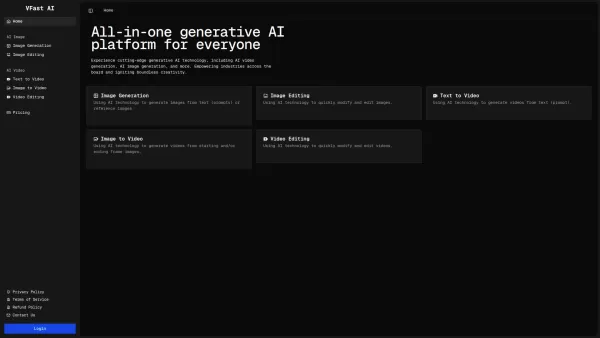
Veo 3.1 AI Screenshot

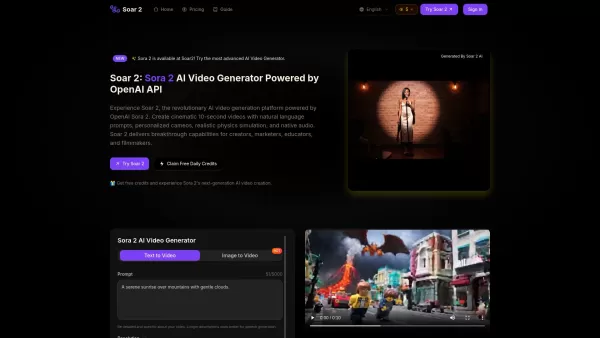
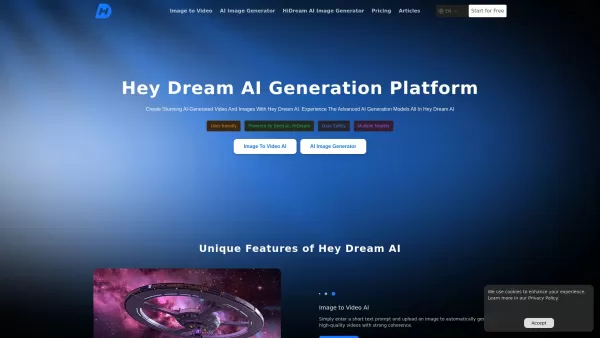

2026 Latest Best AI Quiz Builder Platforms for Teachers, Tutors, and Cohort-Based Learning Programs! XIX.AI has curated a top-rated list of powerful game-changing tools that go through real-world tests to deliver accurate rankings. These must-try platforms help boost writing efficiency, streamline content creation, and simplify quiz design across all learning scenarios. Explore now to discover your perfect tool for unlocking your AI edge in teaching!
 13 tools
 xix.ai

2026 Latest Best AI Pull Request Review Tools for GitHub Teams are here on XIX.AI! This top-rated curated list showcases powerful game-changing solutions that streamline refactoring, bug fixing, and security gap detection across all team workflows. Enjoy a free vs paid comparison along with real-world tests and detailed rankings to help you find the perfect tool that boosts productivity significantly. Explore now to unlock your AI edge!
12 tools
xix.ai

2026 Latest Best Top-rated AI Text to Speech Tools for Natural Voiceovers are here on XIX.AI! This curated list features powerful, game-changing options that deliver crystal-clear voices for every use case, backed by real-world tests and weekly updated rankings. Get a free vs paid comparison to find the must-try solution that boosts your productivity instantly. Explore now to Unlock your AI edge!
11 tools
xix.ai

2026 Latest Best Manga AI Background Generators Ranked Top-Rated! This curated collection showcases powerful game-changing tools perfect for creating high-quality chapter backgrounds, book covers, and promotional art. Every option has undergone rigorous real-world tests to ensure reliability. Get a free vs paid comparison along with detailed insights. Explore now to discover your perfect tool and unlock your AI edge in manga creation.
6 tools
xix.ai

2026 Latest Best Top-rated AI Object Removal Editors for portraits travel product shots! XIX.AI curates a powerful game-changing collection regularly updated with weekly rankings. These tools offer real-world tests to help you quickly remove unwanted elements, boost content quality, and save tons of time without compromising results. Must-try for anyone aiming to unlock their AI creation edge. Explore now!
10 tools
xix.ai

2026 Latest Best Top-rated AI Text to Speech Tools for Online Courses are curated by XIX.AI based on rigorous real-world tests and weekly updated rankings. These powerful tools help creators deliver crystal-clear audio content effortlessly, boosting writing efficiency and streamlining course production. Check out the free vs paid comparison to find your perfect fit. Explore now to unlock your AI edge in online education.
10 tools
xix.ai


