


 Home
HomeUniqMail
Revolutionize emailing with AI customization



Helps TikTok sellers, brands, MCNs, and TAPs discover winning products and find creators.

HelpLook is an AI-powered all-in-one knowledge base tool that helps businesses quickly build knowledge bases, help centers, and...

Your AI Workspace

302.AI is an enterprise-grade AI resource platform with pay-as-you-go pricing, API access to a full range of AI models, and ready-to-use online applications.

剧火AI — AI Screenwriter + Director, a One-Person Short Drama Studio In one sentence, what is it?
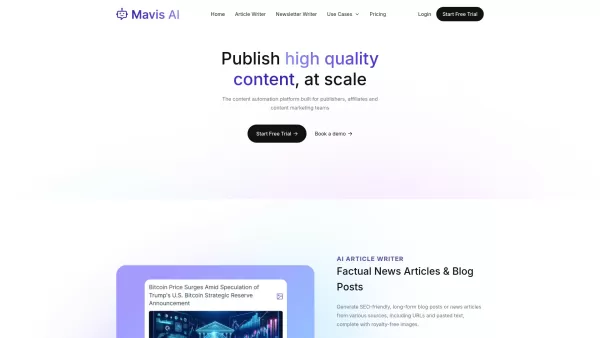
Mavis AI is a game-changer for anyone in the content creation game—think publishers, affiliates, and marketing gurus. It's an AI-powered platform that churns out SEO-friendly articles, blogs, and newsletters like nobody's business. If you're looking to bo
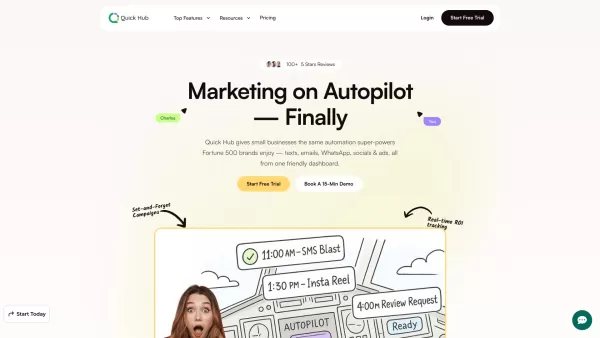
What is Quick Hub? Quick Hub empowers small business owners and marketing teams by automating their marketing with AI-driven social media, customer engagement, and promotional workflows. It provides small businesses with the same advanced automation
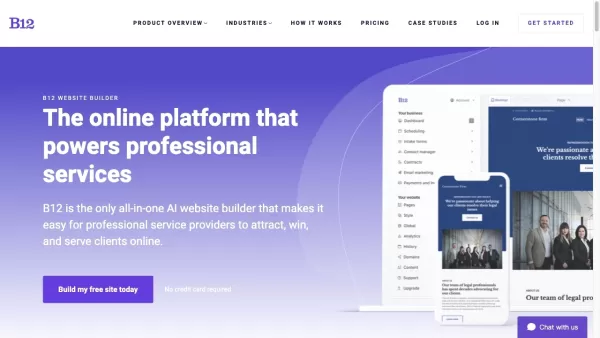
What is B12? B12 is an AI-driven website builder designed for service professionals. It enables them to build a professional website, optimize business processes, and strengthen client relationships. You get an expert team and a tailored, industry-al
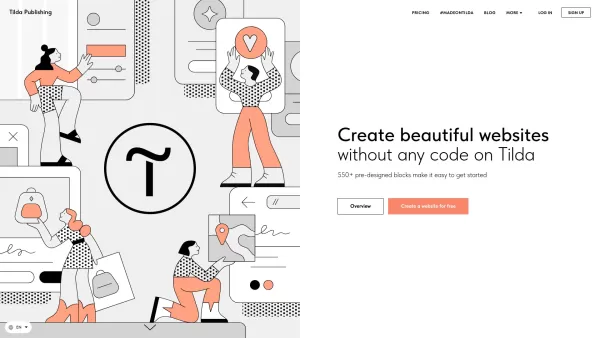
Discovering Tilda: The No-Code Website Builder Tilda revolutionizes web design by offering a user-friendly platform where anyone can craft stunning professional websites without writing a single line
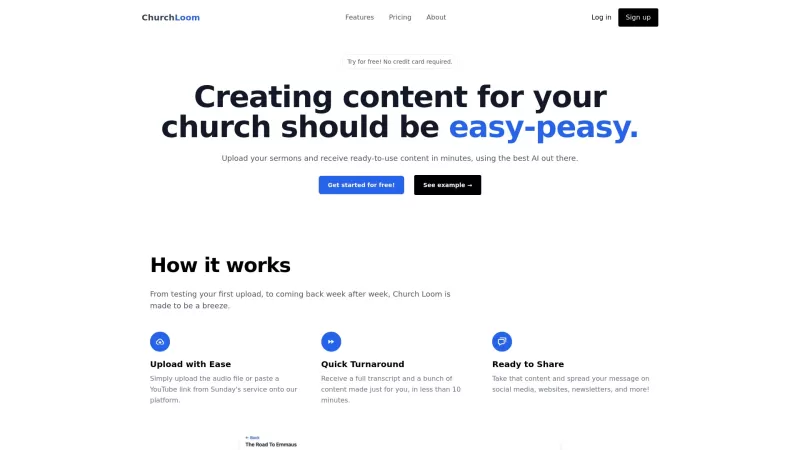
Ever wondered how churches manage to churn out content from sermons so quickly? Enter Church Loom, an AI-powered platform that's like a magic wand for church content creation. It's designed to take those inspiring sermons and transform them into a variety
UniqMail Product Information
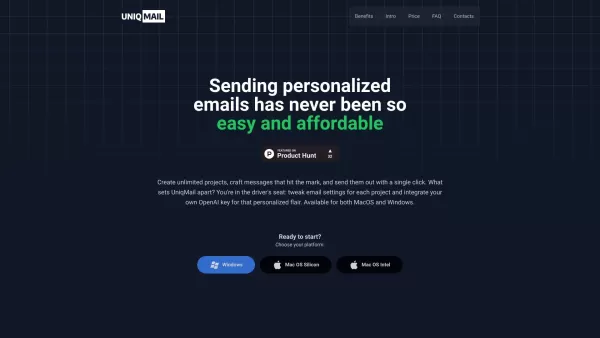
UniqMail isn't just another email tool—it's a game-changer in the world of email communication, powered by AI to tailor your messages like never before. Imagine sending emails that feel like they were written just for the recipient. That's what UniqMail does, and it's pretty cool if you ask me.
How to Get Started with UniqMail?
Getting your hands on UniqMail is a breeze. First, decide if you're a Windows or MacOS user, because UniqMail supports both. Once you've got that sorted, you can dive into creating as many projects as you want. The fun part? Crafting those personalized messages that hit just the right note. With a single click, your emails are off to their destinations. And if you're into that extra personal touch, you can even integrate your own OpenAI key. It's like having a secret weapon in your email arsenal.
What Makes UniqMail Stand Out?
AI-Powered Personalization
UniqMail uses AI to make sure your emails aren't just another drop in the ocean. They stand out, they resonate, and they get noticed.
SMTP and OpenAI Integration
Seamlessly connect your email accounts and supercharge your messages with OpenAI's magic. It's like having a personal assistant for your emails.
Spam-Free, High-Impact Emails
Who wants their emails to end up in the spam folder? Not you, and definitely not with UniqMail. It's designed to minimize spam while maximizing the impact of your messages.
Easy to Use
Even if you're not a tech wizard, UniqMail's interface is so user-friendly, you'll feel like one in no time.
Offline Drafting
Work on your emails anytime, anywhere, even without an internet connection. UniqMail keeps your drafts safe and sound.
Send Directly from Your Account
No need for third-party services. Send emails directly from your own account, keeping everything nice and tidy.
Cost-Effective
With the OpenAI API key, you're not just saving time; you're saving money too. It's a win-win.
Unlimited Projects
Whether you're juggling multiple campaigns or just like to keep things organized, UniqMail lets you create unlimited projects.
MacOS and Windows Compatibility
No matter your platform, UniqMail has got you covered. It's like having a universal remote for your email needs.
Privacy First
Your data stays on your computer, and it doesn't go anywhere else. With UniqMail, your privacy is taken seriously.
When to Use UniqMail?
- Email Marketing: Send personalized emails that make your campaigns more effective and engaging.
- Client Communication: Customize your emails to make your clients feel valued and understood.
- Job Applications: Stand out from the crowd with personalized messages that showcase your unique skills and personality.
- Event Invitations: Make your invitations feel special and personal, increasing the chances of a positive response.
FAQ: UniqMail's Got You Covered
- How can I open the app on MacOS?
- Just double-click the UniqMail icon in your Applications folder or use Spotlight to search for it and hit Enter.
- How to create an OpenAI API key?
- Head over to the OpenAI website, sign up or log in, navigate to the API section, and follow their instructions to generate your key.
- How to connect your Gmail account?
- Open UniqMail, go to the settings, select 'Add Email Account', and follow the prompts to connect your Gmail account securely.
For any other questions or support, you can reach out to UniqMail's team at [email protected]. They're super helpful and ready to assist. You can also find more contact options on their contact us page.
Curious about the team behind UniqMail? Check out their about us page for more insights.
Wondering about the cost? Take a peek at UniqMail's pricing page to see what fits your budget.
And if you're a social media enthusiast, don't forget to follow UniqMail on Twitter for the latest updates and tips.
UniqMail Screenshot



2026 Latest Best Top-rated AI Text to Speech Tools for Natural Voiceovers are here on XIX.AI! This curated list features powerful, game-changing options that deliver crystal-clear voices for every use case, backed by real-world tests and weekly updated rankings. Get a free vs paid comparison to find the must-try solution that boosts your productivity instantly. Explore now to Unlock your AI edge!
 11 tools
 xix.ai

2026 Latest Best Manga AI Background Generators Ranked Top-Rated! This curated collection showcases powerful game-changing tools perfect for creating high-quality chapter backgrounds, book covers, and promotional art. Every option has undergone rigorous real-world tests to ensure reliability. Get a free vs paid comparison along with detailed insights. Explore now to discover your perfect tool and unlock your AI edge in manga creation.
6 tools
xix.ai

2026 Latest Best Top-rated AI Object Removal Editors for portraits travel product shots! XIX.AI curates a powerful game-changing collection regularly updated with weekly rankings. These tools offer real-world tests to help you quickly remove unwanted elements, boost content quality, and save tons of time without compromising results. Must-try for anyone aiming to unlock their AI creation edge. Explore now!
10 tools
xix.ai

2026 Latest Best Top-rated AI Text to Speech Tools for Online Courses are curated by XIX.AI based on rigorous real-world tests and weekly updated rankings. These powerful tools help creators deliver crystal-clear audio content effortlessly, boosting writing efficiency and streamlining course production. Check out the free vs paid comparison to find your perfect fit. Explore now to unlock your AI edge in online education.
10 tools
xix.ai

2026 Latest Best Top-Rated AI Blog Title Tools for Higher Click Through Rates! XIX.AI has carefully curated a powerful, game-changing collection of top tools that go through rigorous real-world tests. You’ll find a free vs paid comparison, weekly updated rankings, and detailed insights to help you boost your blog’s traffic efficiently. Must-try options are highlighted to help you unlock your AI edge. Explore now!
10 tools
xix.ai

2026 Latest Best Top-rated AI Task Routing Tools for Support Workflows! XIX.AI has curated a highly powerful game-changing collection of must-try solutions, all undergoing rigorous real-world tests and updated weekly. These tools streamline workflows, boost productivity, and help teams deliver faster, more efficient support. Explore now to discover your perfect tool and unlock your AI edge!
17 tools
xix.ai


Just tried UniqMail and wow, the personalization feels real! It's like having a co-writer who knows exactly how to sound genuine for each contact. Made my outreach feel less robotic. Still wondering about data privacy with AI reading my drafts though! 🤖📧


