


 Home
HomeTwitter Bookmarks
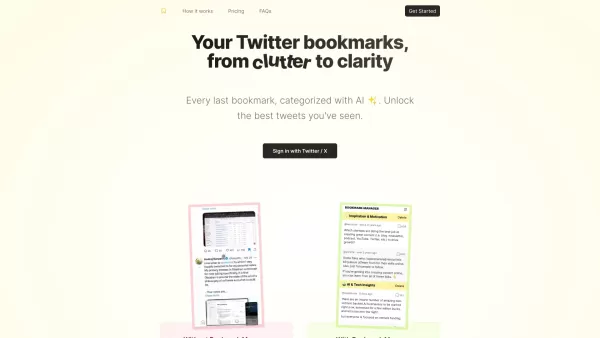
Twitter Bookmarks: Save Tweets Privately



Helps TikTok sellers, brands, MCNs, and TAPs discover winning products and find creators.

HelpLook is an AI-powered all-in-one knowledge base tool that helps businesses quickly build knowledge bases, help centers, and...

Your AI Workspace

302.AI is an enterprise-grade AI resource platform with pay-as-you-go pricing, API access to a full range of AI models, and ready-to-use online applications.

剧火AI — AI Screenwriter + Director, a One-Person Short Drama Studio In one sentence, what is it?
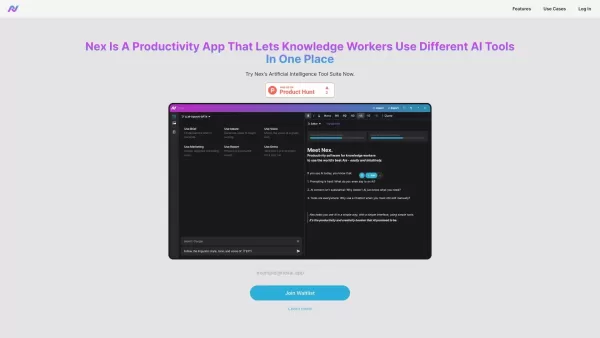
What is Nex AI?Nex AI is an innovative AI platform that empowers users to manage and analyze diverse data types like documents, PDFs, and spreadsheets. Its advanced technology synthesizes complex information seamlessly, enabling smarter, data-driven
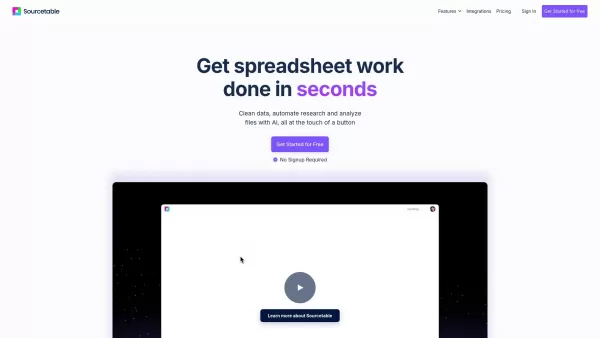
What is Sourcetable?Sourcetable is an AI-powered spreadsheet tool designed to streamline your data work. It lets you analyze files, create interactive charts, build complex formulas, clean large datasets, and perform research—all within a familiar sp
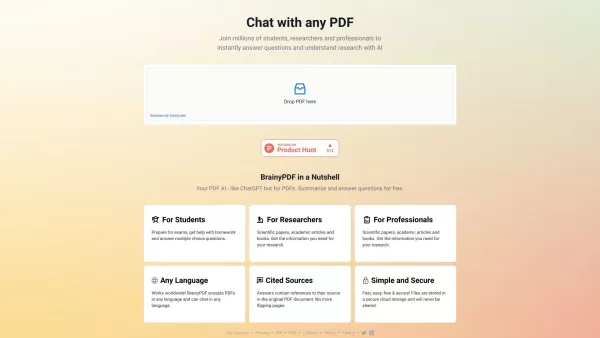
What is BrainyPDF?BrainyPDF is an AI-powered platform that enables users to ask questions and get detailed answers directly from any PDF. It includes intelligent features like context-aware text adjustments, AI-driven editing, and multi-language supp
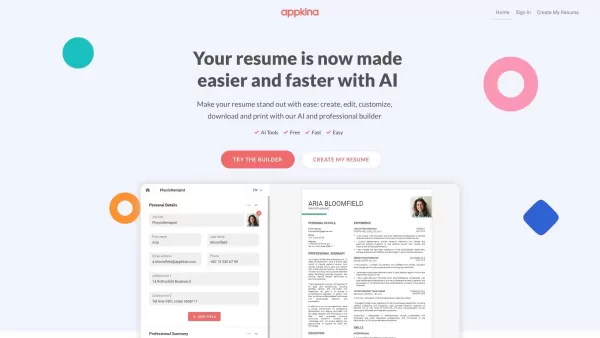
What is Appkina.com?Appkina is an innovative AI-powered web platform that provides a simple and effective solution for crafting personalized online resumes. It allows users to create professional resumes using customizable templates and intuitive too

What is Simbla?Simbla is a cloud-based no-code platform that allows users of any skill level to build professional websites and applications. Its intuitive drag-and-drop interface and responsive templates enable the creation of visually appealing, fu
Twitter Bookmarks Product Information
What is Twitter Bookmarks?
Twitter Bookmarks is a feature that lets you save tweets to a private timeline. You can bookmark tweets from both the mobile app and the desktop version. This convenient tool eliminates the hassle of losing track of your favorite tweets or forgetting where you saved them. Just tap the 'Share' icon on any tweet and select 'Add Tweet to Bookmarks'. You can view your saved bookmarks anytime in the dedicated 'Bookmarks' area.
Who uses Twitter Bookmarks?
- Everyday Twitter users
- Social media managers
- Content creators
- Digital marketers
- Researchers
- Journalists
How to use Twitter Bookmarks
- Step 1: Open Twitter in your web browser or mobile app.
- Step 2: Locate the tweet you wish to save.
- Step 3: Click the 'Share' icon at the bottom of the tweet.
- Step 4: Choose 'Add Tweet to Bookmarks' from the options.
- Step 5: To view your bookmarks, on mobile, tap your profile picture and select 'Bookmarks'. On desktop, click the 'Bookmarks' option in the sidebar.
Platform
- Web
- iOS
- Android
Twitter Bookmarks Core Features & Benefits
Key Features
- Save tweets privately
- Private timeline for bookmarks
- Easy retrieval of saved tweets
- Compatible with mobile and desktop
Key Benefits
- Never misplace important tweets
- Organize your saved tweets efficiently
- Instant access to your bookmarks
- Sync across all your devices
Primary Use Cases & Applications
- Saving noteworthy tweets for future use
- Organizing tweets for research projects
- Bookmarking tweets with useful content
- Sorting tweets for social media strategy
- Gathering tweets for content inspiration
Twitter Bookmarks Pros & Cons
Advantages
Automatically categorizes bookmarks using GPT-4 Turbo.
Allows creation of custom categories on any subject.
Export multiple bookmarks at once in CSV or JSON format.
One-time payment grants lifetime access.
Easy Twitter login to import your bookmarks.
Limitations
No dedicated mobile app or browser extension.
Source code is not open or available on GitHub.
Dependent on Twitter API, which could be updated.
Functionality is restricted to Twitter bookmarks.
Twitter Bookmarks Pricing
Free plan available | No |
|---|---|
Free trial information | |
Pricing structure | One-time payment |
Credit card needed | No |
Starting price | 29 USD |
Lifetime plan offered | Yes |
Billing cycle | Lifetime |
Pricing Plan Details
All-in-One Plan
29 USD
- Unlimited bookmarks
- Single account
- Export to CSV and JSON
Special offer:
Now $29, originally $49
For current pricing, visit: https://twitterbookmarks.com
Twitter Bookmarks FAQs
How do I bookmark a tweet?
Tap the 'Share' button under the tweet and choose 'Add Tweet to Bookmarks'.
Where are my bookmarked tweets?
On mobile, tap your profile picture and choose 'Bookmarks'. On desktop, click 'Bookmarks' in the sidebar.
Can I organize my bookmarks?
Yes, you can sort and manage your bookmarks in the 'Bookmarks' area.
Is there a cap on bookmarked tweets?
Twitter does not impose a known limit on the number of tweets you can bookmark.
Are my bookmarks private?
Yes, your bookmarks are stored in a private timeline only you can see.
Does bookmarking alert the tweet author?
No, the author does not receive a notification when you bookmark their tweet.
Can I view bookmarks on different devices?
Yes, your bookmarks sync across all devices where you use Twitter.
How do I delete a bookmark?
Go to your 'Bookmarks', find the tweet, and select 'Remove from Bookmarks'.
Is there a desktop shortcut for bookmarks?
Yes, on desktop you can quickly access bookmarks from the sidebar.
Can I share my bookmark list?
Bookmarks are private and cannot be shared with other users at this time.
Twitter Bookmarks Company Details
Website:
https://twitterbookmarks.comCompany Name:
TwitterBookmarksSupport Email:
Facebook:
Not availableX (Twitter):
Not availableYouTube:
Not availableInstagram:
Not availableTikTok:
Not availableLinkedIn:
Not available
Twitter Bookmarks Screenshot


2026 Latest Best Top-rated AI Object Removal Editors for portraits travel product shots! XIX.AI curates a powerful game-changing collection regularly updated with weekly rankings. These tools offer real-world tests to help you quickly remove unwanted elements, boost content quality, and save tons of time without compromising results. Must-try for anyone aiming to unlock their AI creation edge. Explore now!
 10 tools
 xix.ai

2026 Latest Best Top-rated AI Text to Speech Tools for Online Courses are curated by XIX.AI based on rigorous real-world tests and weekly updated rankings. These powerful tools help creators deliver crystal-clear audio content effortlessly, boosting writing efficiency and streamlining course production. Check out the free vs paid comparison to find your perfect fit. Explore now to unlock your AI edge in online education.
10 tools
xix.ai

2026 Latest Best Top-Rated AI Blog Title Tools for Higher Click Through Rates! XIX.AI has carefully curated a powerful, game-changing collection of top tools that go through rigorous real-world tests. You’ll find a free vs paid comparison, weekly updated rankings, and detailed insights to help you boost your blog’s traffic efficiently. Must-try options are highlighted to help you unlock your AI edge. Explore now!
10 tools
xix.ai

2026 Latest Best Top-rated AI Task Routing Tools for Support Workflows! XIX.AI has curated a highly powerful game-changing collection of must-try solutions, all undergoing rigorous real-world tests and updated weekly. These tools streamline workflows, boost productivity, and help teams deliver faster, more efficient support. Explore now to discover your perfect tool and unlock your AI edge!
17 tools
xix.ai

2026 Latest Best Top-Rated AI Citation and Paper Summary Tools Curated by XIX.AI. Get powerful game-changing solutions for quick content creation, improved writing efficiency, and boosting productivity. We offer a free vs paid comparison along with real-world tests and weekly updated rankings to help you find the must-try tool that fits your needs perfectly. Explore now to Unlock your AI edge.
10 tools
xix.ai

2026 Latest Best Top-Rated AI Productivity Tools for Daily Work! XIX.AI has curated a powerful, game-changing selection based on rigorous weekly updated rankings and real-world tests. You’ll find must-try options that boost writing efficiency, streamline content creation, and help you overcome daily work challenges. Get a free vs paid comparison to find the perfect fit for your needs. Explore now to unlock your AI edge!
9 tools
xix.ai


