


 Home
HomeTranskriptor
Transkriptor AI: Audio Video to Text



Helps TikTok sellers, brands, MCNs, and TAPs discover winning products and find creators.

HelpLook is an AI-powered all-in-one knowledge base tool that helps businesses quickly build knowledge bases, help centers, and...

Your AI Workspace

302.AI is an enterprise-grade AI resource platform with pay-as-you-go pricing, API access to a full range of AI models, and ready-to-use online applications.

剧火AI — AI Screenwriter + Director, a One-Person Short Drama Studio In one sentence, what is it?
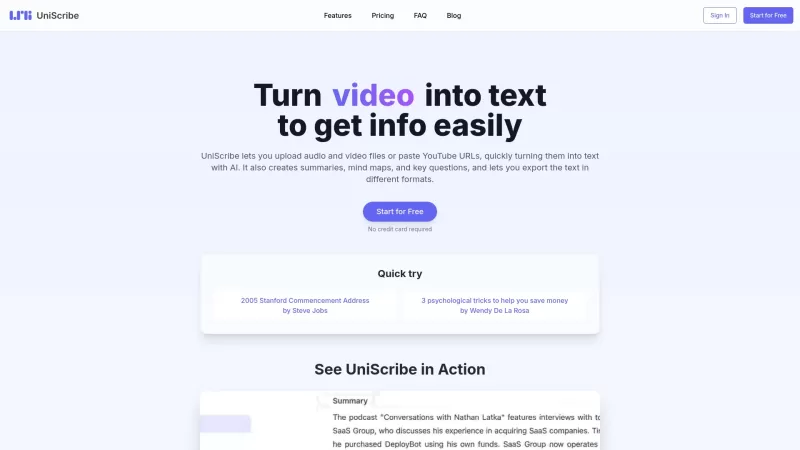
UniScribe is more than just a tool—it's a game-changer for anyone dealing with audio and video content. It's the go-to platform for transforming your spoken words into written text, and it does so with incredible efficiency. Whether you're working with audio files or videos, or even just a YouTube U
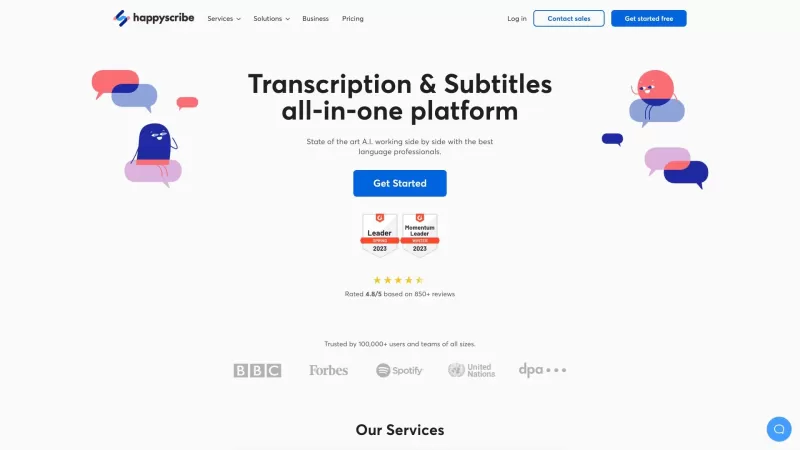
Discover the magic of Happy Scribe, your go-to service for turning audio into text with stunning accuracy across multiple languages and formats. Whether you're dealing with podcasts, interviews, or video content, Happy Scribe has got you covered with both automatic and human transcription options.Ho
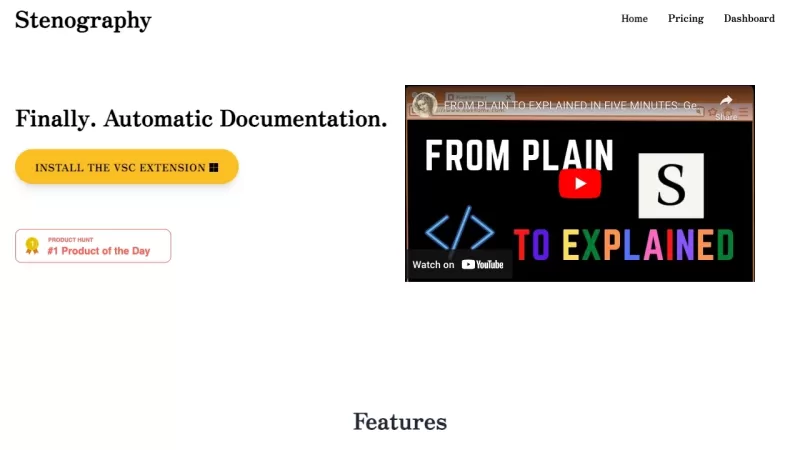
Ever wondered how those court reporters manage to capture every word with such speed and precision? Well, that's where the magic of stenography comes into play. It's a technique that transforms the spoken word into written text at lightning speed, and it'
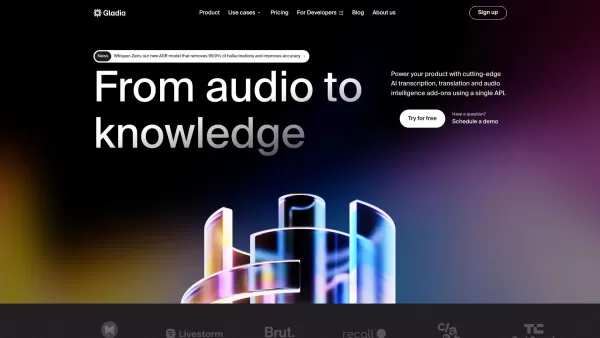
What is Gladia? Gladia offers an AI-driven Speech-to-Text API that delivers transcription, translation, and audio intelligence capabilities. It leverages an enhanced version of OpenAI's Whisper model for fast, precise, and scalable conversion of audi
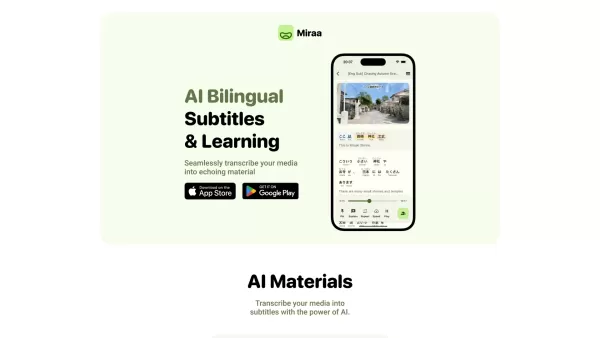
Ever wondered how you could level up your language learning game? Say hello to Miraa AI, brought to you by Myoland! This innovative tool transforms any video into a bilingual learning experience, complete with subtitles, real-time translations, shadowing
Transkriptor Product Information
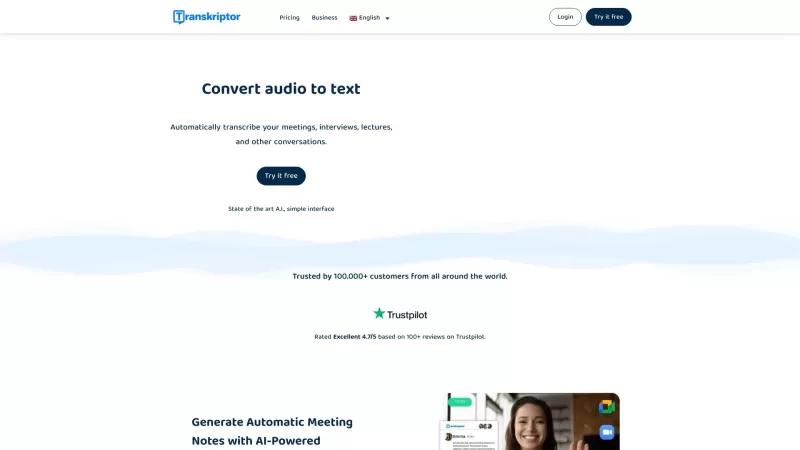
Ever found yourself wishing you could magically turn your audio and video files into text? Well, that's where Transkriptor comes in. This nifty online tool uses cutting-edge AI to transform your meetings, interviews, lectures, and other conversations into written form, and it does it fast. Whether you're a busy professional or a student juggling multiple classes, Transkriptor is here to make your life easier by automating the transcription process.
How to Use Transkriptor?
Getting started with Transkriptor is a breeze. Just follow these steps:
- Click on the 'Login' or 'Try It Free' button to sign up. It's quick and easy!
- Once you're in, upload your audio or video file to the Transkriptor dashboard. No fuss, no muss.
- Sit back and relax while Transkriptor's powerful AI works its magic, generating your transcription in no time.
- Once it's done, you can edit, download, or share the transcribed text however you need. It's that simple!
Transkriptor's Core Features
Transkriptor isn't just fast; it's packed with features that make it a must-have for anyone dealing with audio and video content:
- Fast Transcription with Powerful AI: Get your transcripts in a flash, thanks to Transkriptor's advanced AI technology.
- Accurate Transcriptions: With up to 99% accuracy, you can trust that your transcripts are spot on.
- Affordable Pricing: High-quality transcription without breaking the bank? Yes, please!
- Support for 100+ Languages: No matter what language you're working with, Transkriptor has you covered.
- Collaboration Features: Perfect for remote teams, Transkriptor makes it easy to work together on transcriptions.
- Support for All Audio and Video File Formats: Whatever format you've got, Transkriptor can handle it.
- Rich Export Options: Export your transcripts in a variety of formats to suit your needs.
- Transcription from Link: Just paste a link, and Transkriptor will do the rest.
- Edit Transcriptions with Slow Motion: Fine-tune your transcripts with ease using the slow-motion feature.
- Share and Collaborate on Transcriptions: Share your work and collaborate with others seamlessly.
- Multiple Speakers Recognition: Transkriptor can distinguish between different speakers, making your transcripts even more useful.
Transkriptor's Use Cases
From professionals to students, Transkriptor has a wide range of applications:
- Transcribing Meetings: Keep a record of your meetings for easy reference later.
- Automatic Generation of Meeting Notes: Let Transkriptor do the heavy lifting and generate notes for you.
- Quickly Finding Information: Need to find a specific piece of information from a conversation? Transkriptor makes it easy.
- Translating Transcripts: Transkriptor can translate your transcripts into other languages, opening up a world of possibilities.
- Collaborating Remotely: Work together on transcriptions from anywhere in the world.
FAQ from Transkriptor
- What is Transkriptor?
- Transkriptor is an online tool that uses AI to convert audio and video into text, making it perfect for transcribing meetings, interviews, and more.
- Do I need to download anything to use Transkriptor?
- No, Transkriptor is a web-based service, so you can use it directly from your browser without any downloads.
- How long does it take Transkriptor to transcribe audio?
- Transkriptor's AI is designed for speed, typically transcribing audio in just a few minutes, depending on the length and complexity of the file.
- How accurate is Transkriptor's transcription?
- Transkriptor boasts up to 99% accuracy, ensuring your transcripts are reliable and precise.
- What export formats are available in Transkriptor?
- You can export your transcripts in various formats, including TXT, DOCX, and SRT, to suit your needs.
- Can I edit the transcriptions in Transkriptor?
- Yes, Transkriptor allows you to edit your transcriptions directly on the platform, with features like slow motion to help you get it just right.
- Is there a free trial for Transkriptor?
- Yes, you can try Transkriptor for free to see if it meets your needs before committing to a paid plan.
- Who uses Transkriptor?
- Transkriptor is used by professionals, students, journalists, and anyone who needs to transcribe audio or video content.
- How do people use Transkriptor?
- People use Transkriptor to transcribe meetings, generate notes, find information quickly, translate transcripts, and collaborate remotely.
For any questions or support, you can reach out to Transkriptor's customer service at [email protected]. The company is based in Middletown, Delaware, USA. If you're curious about pricing, check out their pricing page at https://transkriptor.com/pricing/. And for more insights and updates, follow Transkriptor on YouTube at https://www.youtube.com/@transkriptor/, LinkedIn at https://www.linkedin.com/company/transkriptor/, and Instagram at https://www.instagram.com/transkriptor.app/.
Transkriptor Screenshot

2026 Latest Best Manga AI Background Generators Ranked Top-Rated! This curated collection showcases powerful game-changing tools perfect for creating high-quality chapter backgrounds, book covers, and promotional art. Every option has undergone rigorous real-world tests to ensure reliability. Get a free vs paid comparison along with detailed insights. Explore now to discover your perfect tool and unlock your AI edge in manga creation.
 6 tools
 xix.ai

2026 Latest Best Top-rated AI Object Removal Editors for portraits travel product shots! XIX.AI curates a powerful game-changing collection regularly updated with weekly rankings. These tools offer real-world tests to help you quickly remove unwanted elements, boost content quality, and save tons of time without compromising results. Must-try for anyone aiming to unlock their AI creation edge. Explore now!
10 tools
xix.ai

2026 Latest Best Top-rated AI Text to Speech Tools for Online Courses are curated by XIX.AI based on rigorous real-world tests and weekly updated rankings. These powerful tools help creators deliver crystal-clear audio content effortlessly, boosting writing efficiency and streamlining course production. Check out the free vs paid comparison to find your perfect fit. Explore now to unlock your AI edge in online education.
10 tools
xix.ai

2026 Latest Best Top-Rated AI Blog Title Tools for Higher Click Through Rates! XIX.AI has carefully curated a powerful, game-changing collection of top tools that go through rigorous real-world tests. You’ll find a free vs paid comparison, weekly updated rankings, and detailed insights to help you boost your blog’s traffic efficiently. Must-try options are highlighted to help you unlock your AI edge. Explore now!
10 tools
xix.ai

2026 Latest Best Top-rated AI Task Routing Tools for Support Workflows! XIX.AI has curated a highly powerful game-changing collection of must-try solutions, all undergoing rigorous real-world tests and updated weekly. These tools streamline workflows, boost productivity, and help teams deliver faster, more efficient support. Explore now to discover your perfect tool and unlock your AI edge!
17 tools
xix.ai

2026 Latest Best Top-Rated AI Citation and Paper Summary Tools Curated by XIX.AI. Get powerful game-changing solutions for quick content creation, improved writing efficiency, and boosting productivity. We offer a free vs paid comparison along with real-world tests and weekly updated rankings to help you find the must-try tool that fits your needs perfectly. Explore now to Unlock your AI edge.
10 tools
xix.ai


