


 Home
HomeTranscribe Live
Audio to Text Transcription and Summarization



Helps TikTok sellers, brands, MCNs, and TAPs discover winning products and find creators.

HelpLook is an AI-powered all-in-one knowledge base tool that helps businesses quickly build knowledge bases, help centers, and...

Your AI Workspace

302.AI is an enterprise-grade AI resource platform with pay-as-you-go pricing, API access to a full range of AI models, and ready-to-use online applications.

剧火AI — AI Screenwriter + Director, a One-Person Short Drama Studio In one sentence, what is it?
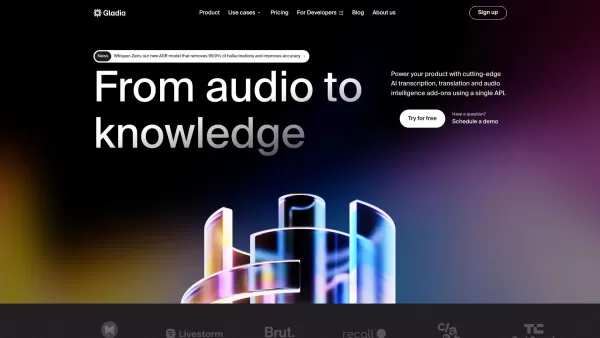
What is Gladia? Gladia offers an AI-driven Speech-to-Text API that delivers transcription, translation, and audio intelligence capabilities. It leverages an enhanced version of OpenAI's Whisper model for fast, precise, and scalable conversion of audi
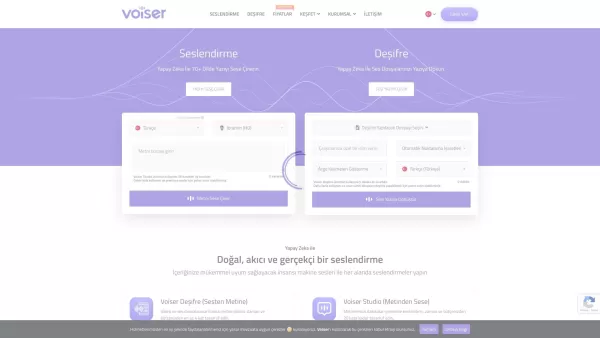
What is Voiser? Voiser is an advanced AI-powered tool that transforms written text into lifelike speech and converts audio files into accurate text. With over 550 voice options across 75+ languages, i
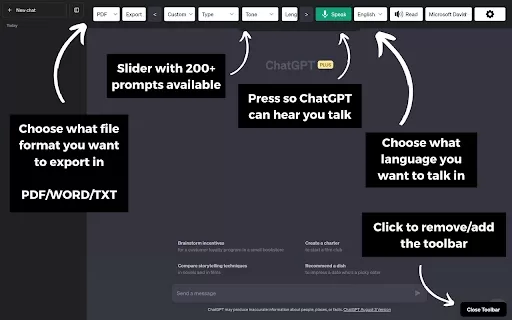
What is the ChatGPT Toolbar Companion Chrome Extension? The ChatGPT Toolbar Companion is a Chrome extension that elevates your ChatGPT interactions. It provides numerous features such as powerful prompts, text-to-speech, speech-to-text, auto-continue
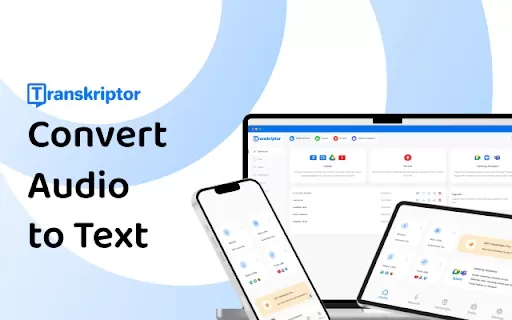
What is the Transkriptor AI Chrome Extension? Transkriptor is a browser extension that uses AI for fast and secure speech-to-text conversion, handling all audio and video formats. It transforms your recordings into written text, with capabilities lik
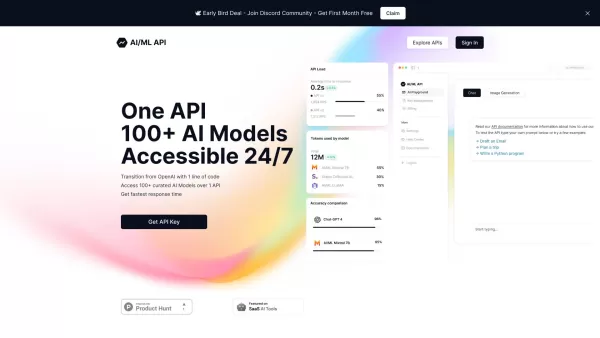
Ever wondered how to streamline your development process with AI? One API is your go-to solution, offering a gateway to over 100 AI models through a single, easy-to-use API. It's like having a Swiss Army knife for AI in your tech toolkit, ensuring you're
Transcribe Live Product Information
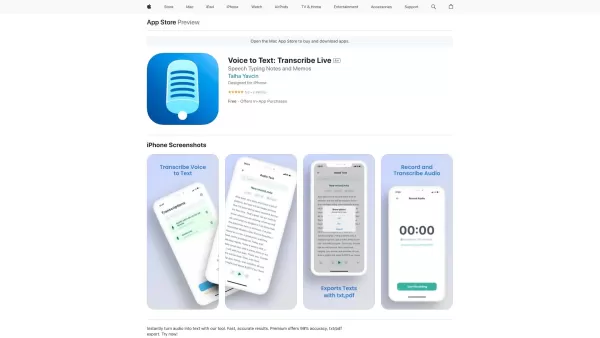
Ever found yourself in a situation where you wish you could magically convert spoken words into written text? Well, that's where Transcribe Live comes into play! This nifty tool is your go-to for turning audio into readable content, be it from meetings, lectures, or your favorite podcasts. And if you're dealing with a foreign language, Transcribe Live has got your back there too. Plus, it even offers a summary feature to give you the gist of your audio files without having to listen to them in full.
How to Use Transcribe Live?
Using Transcribe Live is as easy as pie. First, you upload your audio file—yep, just drag and drop. Then, select the language of the audio. Hit the 'Transcribe' button, and voila! The magic happens. Once it's done, take a peek at the transcribed text. If you spot any errors or need to tweak anything, go right ahead and edit it to perfection.
Transcribe Live's Core Features
Speedy and Spot-On Transcription
Transcribe Live doesn't mess around. It's quick, and it's accurate. You won't be twiddling your thumbs waiting for the transcription to finish.
Multilingual Support
No matter what language your audio is in, Transcribe Live can handle it. From English to Mandarin, and beyond, it's got you covered.
Audio Summarization
Got a long audio file but no time to listen to it all? No worries! Transcribe Live can whip up a summary for you, so you get the key points without the hassle.
Transcribe Live's Use Cases
Meetings? No Problem!
Need to keep a record of what was said in your last team meeting? Transcribe Live can turn that audio into a neat, written document for your records.
Lectures Turned into Notes
Students, rejoice! Record your lectures and let Transcribe Live do the hard work of converting them into text. No more scribbling furiously to keep up.
Podcasts for Everyone
Make your podcast more accessible by transcribing it. It's a win-win for you and your listeners, especially those who prefer reading over listening.
Breaking Language Barriers
Got an audio file in a foreign language? Transcribe Live can help you understand it by translating it into your language. It's like having a personal translator in your pocket.
FAQ from Transcribe Live
- Can I transcribe multiple audio files at the same time?
- Transcribe Live currently processes audio files one at a time, but hey, it's fast, so you won't be waiting long!
- Can I edit the transcribed text?
- Absolutely! Once the transcription is done, you can jump right in and make any edits you need.
- Is the transcription process secure?
- Yes, Transcribe Live takes security seriously. Your files are safe with us.
- Does Transcribe Live translate audio files in real-time?
- Not yet, but we're always working on improving our service. For now, you'll need to upload the file and wait for the transcription to finish.
Transcribe Live Screenshot

2026 Latest Best Top-rated AI Object Removal Editors for portraits travel product shots! XIX.AI curates a powerful game-changing collection regularly updated with weekly rankings. These tools offer real-world tests to help you quickly remove unwanted elements, boost content quality, and save tons of time without compromising results. Must-try for anyone aiming to unlock their AI creation edge. Explore now!
 10 tools
 xix.ai

2026 Latest Best Top-rated AI Text to Speech Tools for Online Courses are curated by XIX.AI based on rigorous real-world tests and weekly updated rankings. These powerful tools help creators deliver crystal-clear audio content effortlessly, boosting writing efficiency and streamlining course production. Check out the free vs paid comparison to find your perfect fit. Explore now to unlock your AI edge in online education.
10 tools
xix.ai

2026 Latest Best Top-Rated AI Blog Title Tools for Higher Click Through Rates! XIX.AI has carefully curated a powerful, game-changing collection of top tools that go through rigorous real-world tests. You’ll find a free vs paid comparison, weekly updated rankings, and detailed insights to help you boost your blog’s traffic efficiently. Must-try options are highlighted to help you unlock your AI edge. Explore now!
10 tools
xix.ai

2026 Latest Best Top-rated AI Task Routing Tools for Support Workflows! XIX.AI has curated a highly powerful game-changing collection of must-try solutions, all undergoing rigorous real-world tests and updated weekly. These tools streamline workflows, boost productivity, and help teams deliver faster, more efficient support. Explore now to discover your perfect tool and unlock your AI edge!
17 tools
xix.ai

2026 Latest Best Top-Rated AI Citation and Paper Summary Tools Curated by XIX.AI. Get powerful game-changing solutions for quick content creation, improved writing efficiency, and boosting productivity. We offer a free vs paid comparison along with real-world tests and weekly updated rankings to help you find the must-try tool that fits your needs perfectly. Explore now to Unlock your AI edge.
10 tools
xix.ai

2026 Latest Best Top-Rated AI Productivity Tools for Daily Work! XIX.AI has curated a powerful, game-changing selection based on rigorous weekly updated rankings and real-world tests. You’ll find must-try options that boost writing efficiency, streamline content creation, and help you overcome daily work challenges. Get a free vs paid comparison to find the perfect fit for your needs. Explore now to unlock your AI edge!
9 tools
xix.ai


