


 Home
HomeTrain A Model (Stable diffusion)
Train Stable Diffusion for Dreambooth No GPU



Helps TikTok sellers, brands, MCNs, and TAPs discover winning products and find creators.

HelpLook is an AI-powered all-in-one knowledge base tool that helps businesses quickly build knowledge bases, help centers, and...

Your AI Workspace

302.AI is an enterprise-grade AI resource platform with pay-as-you-go pricing, API access to a full range of AI models, and ready-to-use online applications.

剧火AI — AI Screenwriter + Director, a One-Person Short Drama Studio In one sentence, what is it?
Train A Model (Stable diffusion) Product Information
TrainAModel is your go-to platform if you're looking to dive into the world of personalized AI-generated art without getting bogged down by technical jargon or needing a high-end setup. Imagine being able to train your very own Stable Diffusion model, specifically tailored for Dreambooth applications, just by uploading a bunch of your favorite photos. No GPUs? No problem. No prior experience in machine learning? You're still in the game. It's like having a magic wand that turns your pictures into a custom AI model, ready to conjure up new images based on your unique vision.
How to Use Train A Model (Stable Diffusion)?
Getting started with TrainAModel is a breeze. Here's a quick rundown on how to transform your snapshots into a powerhouse AI model:
- Choose Your Pictures: Grab your phone or any camera and snap at least 10 high-quality pictures of yourself or whatever subject you're passionate about. The more, the merrier, and the better the quality, the sharper your results will be.
- Crop the Images: To make sure your images play nice with TrainAModel, they need to be cropped to a 512x512 size. A handy tool like Birme.net can help you get this done quickly and efficiently.
- Submit the Images for Training: Once you've got your images ready, upload them to TrainAModel. They'll work their magic using advanced techniques to train your model. Don't worry about privacy; your images and the trained model will be deleted after 48 hours.
- Receive Your Ready-to-Use Model: In less than 24 hours, you'll get a Safetensor file, which is your ticket to using Stable Diffusion. TrainAModel also throws in some prompt ideas to help you kickstart your creativity and generate the best images with your new model.
Train A Model (Stable Diffusion)'s Core Features
- Easy and Fast Stable Diffusion Model Training: Say goodbye to complicated setups and hello to simplicity.
- No GPUs or Experience Required: It's designed for everyone, not just tech wizards.
- Custom Model Generation Based on Personal Pictures: Your photos become the heart of your AI model.
- High-Quality Model Training with Safety Measures: Rest assured, your data is handled with care.
- Prompt Ideas for Generating Images with the Trained Model: Get inspired and start creating right away.
Train A Model (Stable Diffusion)'s Use Cases
- Creating Custom Dreambooth Models: Personalize your AI to match your unique style.
- Enhancing Visual Projects with AI-Generated Images: Take your projects to the next level with AI magic.
- Gaining Insights from Data Through AI Model Predictions: Use AI to uncover hidden patterns and insights.
- Artistic Innovation and Exploration of New Realms Using AI Models: Push the boundaries of your creativity with AI assistance.
FAQ from Train A Model (Stable Diffusion)
- Is TrainAModel a deepfake tool?
- No, TrainAModel is not designed for creating deepfakes. It focuses on training custom Stable Diffusion models for creative purposes.
- What is the delivery time for the trained model?
- You'll receive your trained model within 24 hours after submitting your images.
- Can I use images of minors or without explicit permission?
- No, you should not use images of minors or any images without explicit permission. It's crucial to respect privacy and legal rights.
Train A Model (Stable Diffusion) is brought to you by GoDaddy, LLC, a company committed to making technology accessible and fun for everyone.
Train A Model (Stable diffusion) Screenshot

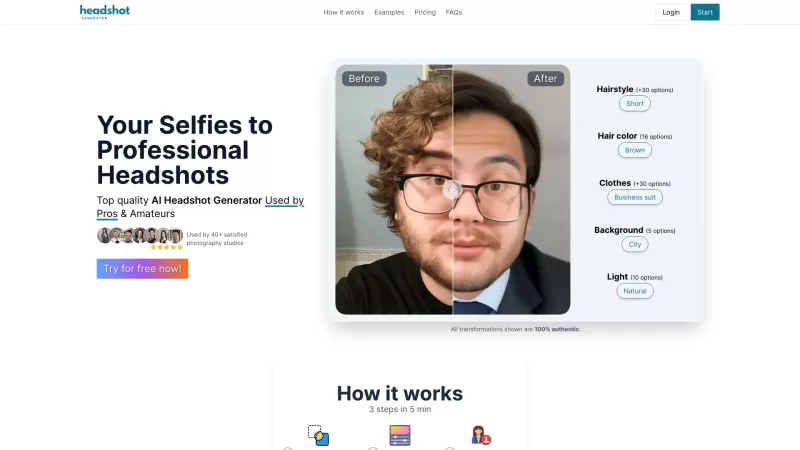
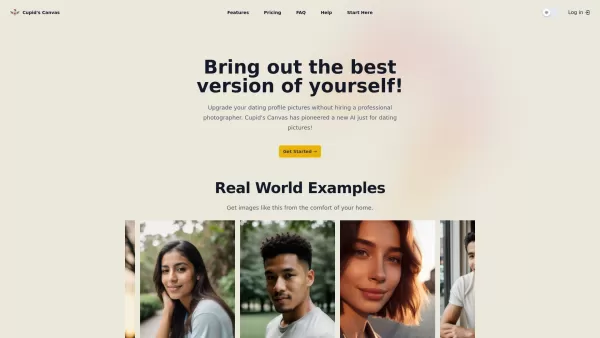
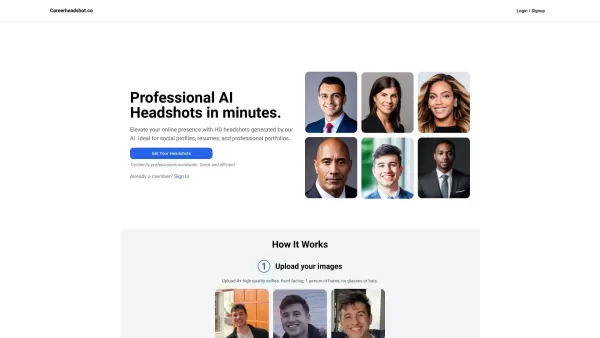

2026 Latest Best Manga AI Background Generators Ranked Top-Rated! This curated collection showcases powerful game-changing tools perfect for creating high-quality chapter backgrounds, book covers, and promotional art. Every option has undergone rigorous real-world tests to ensure reliability. Get a free vs paid comparison along with detailed insights. Explore now to discover your perfect tool and unlock your AI edge in manga creation.
 6 tools
 xix.ai

2026 Latest Best Top-rated AI Object Removal Editors for portraits travel product shots! XIX.AI curates a powerful game-changing collection regularly updated with weekly rankings. These tools offer real-world tests to help you quickly remove unwanted elements, boost content quality, and save tons of time without compromising results. Must-try for anyone aiming to unlock their AI creation edge. Explore now!
10 tools
xix.ai

2026 Latest Best Top-rated AI Text to Speech Tools for Online Courses are curated by XIX.AI based on rigorous real-world tests and weekly updated rankings. These powerful tools help creators deliver crystal-clear audio content effortlessly, boosting writing efficiency and streamlining course production. Check out the free vs paid comparison to find your perfect fit. Explore now to unlock your AI edge in online education.
10 tools
xix.ai

2026 Latest Best Top-Rated AI Blog Title Tools for Higher Click Through Rates! XIX.AI has carefully curated a powerful, game-changing collection of top tools that go through rigorous real-world tests. You’ll find a free vs paid comparison, weekly updated rankings, and detailed insights to help you boost your blog’s traffic efficiently. Must-try options are highlighted to help you unlock your AI edge. Explore now!
10 tools
xix.ai

2026 Latest Best Top-rated AI Task Routing Tools for Support Workflows! XIX.AI has curated a highly powerful game-changing collection of must-try solutions, all undergoing rigorous real-world tests and updated weekly. These tools streamline workflows, boost productivity, and help teams deliver faster, more efficient support. Explore now to discover your perfect tool and unlock your AI edge!
17 tools
xix.ai

2026 Latest Best Top-Rated AI Citation and Paper Summary Tools Curated by XIX.AI. Get powerful game-changing solutions for quick content creation, improved writing efficiency, and boosting productivity. We offer a free vs paid comparison along with real-world tests and weekly updated rankings to help you find the must-try tool that fits your needs perfectly. Explore now to Unlock your AI edge.
10 tools
xix.ai


TrainAModel makes diving into AI art so easy, even for newbies like me! 😄 The Dreambooth setup was a breeze, and I got my custom model up fast without needing a crazy powerful PC. Super fun to play with, but I wish they had more tutorials for total beginners.
Train A Model es un salvavidas para alguien como yo que no es experto en tecnología pero ama crear arte con IA. Es muy fácil de usar y los resultados son impresionantes. Ojalá tuviera más tutoriales para principiantes. Aún así, ¡es imprescindible probarlo! 🎨
Train A Model은 기술에 밝지 않지만 AI 아트를 좋아하는 저에게는 구세주입니다. 사용법이 간단하고 결과도 멋집니다! 초보자용 튜토리얼이 더 있었으면 좋겠어요. 그래도 꼭 시도해봐야 할 가치가 있습니다! 🎨
Train A Model is a lifesaver for someone like me who's not tech-savvy but loves creating AI art. It's so easy to use and the results are stunning! Just wish it had more tutorials for beginners. Still, it's a must-try! 🎨
Train A Modelは、技術に詳しくないけどAIアートを作るのが好きな私にとって救世主です。使い方が簡単で、結果も素晴らしい!初心者向けのチュートリアルがもっとあればいいのに。でも試す価値はありますよ!🎨


