


 Home
HomeToonCrafter
AI animation tool for lifelike cartoon animations



Helps TikTok sellers, brands, MCNs, and TAPs discover winning products and find creators.

HelpLook is an AI-powered all-in-one knowledge base tool that helps businesses quickly build knowledge bases, help centers, and...

Your AI Workspace

302.AI is an enterprise-grade AI resource platform with pay-as-you-go pricing, API access to a full range of AI models, and ready-to-use online applications.

剧火AI — AI Screenwriter + Director, a One-Person Short Drama Studio In one sentence, what is it?
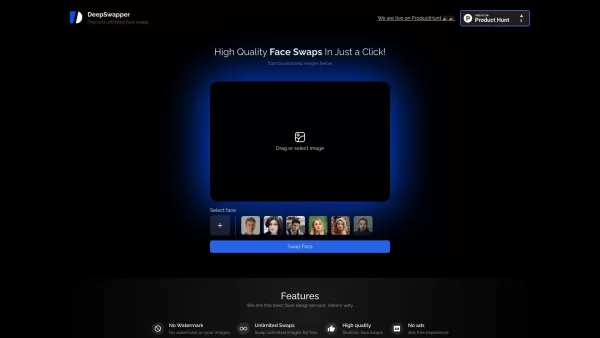
What is DeepSwapper?DeepSwapper is an innovative AI tool for swapping faces in photos and videos with ease. It utilizes advanced AI to produce high-quality, realistic results in seconds. Just upload your photo or video, and the AI handles the rest, e
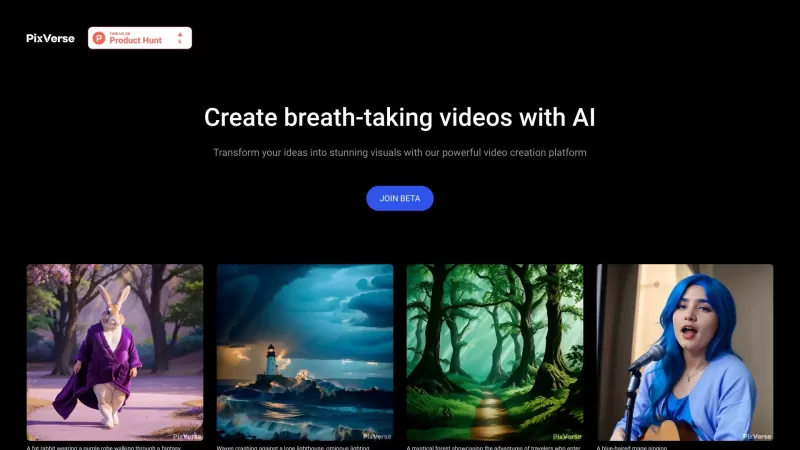
Ever heard of PixVerse? It's not just another AI tool; it's like having a creative wizard at your fingertips! This powerful generative AI model can take any mix of images, text, or audio you throw at it and whip up stunning videos in a snap. We're talking
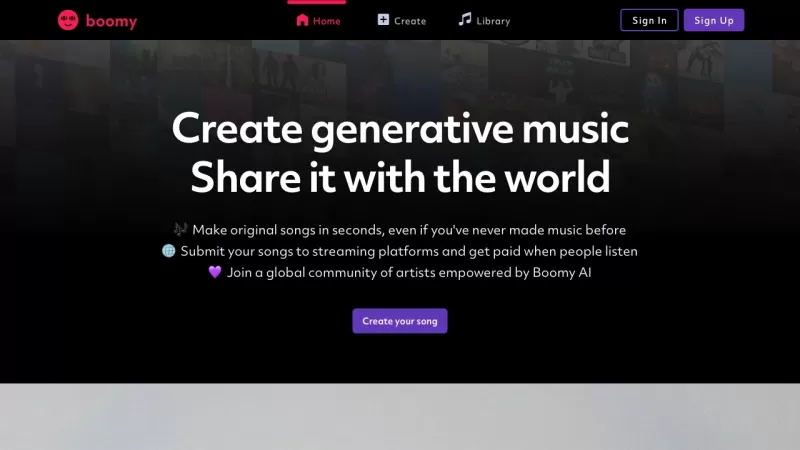
Ever stumbled upon Boomy and wondered what it's all about? Well, let me fill you in—Boomy is this cool platform where artificial intelligence steps into the world of music creation. It's not just any music; we're talking about unique, endless compositions
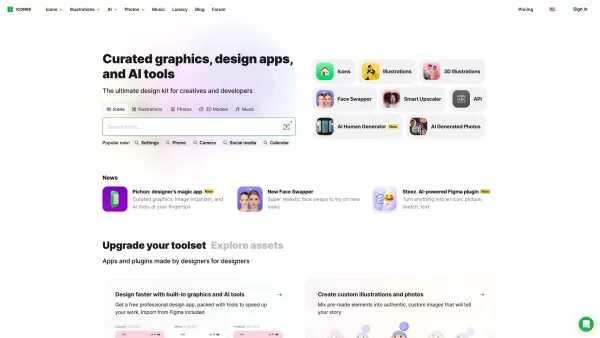
Ever stumbled upon Icons8 and wondered what it's all about? Well, let me tell you, it's a treasure trove for anyone dabbling in design. From icons to clipart, illustrations, photos, and even music, Icons8 has got you covered with a plethora of free design elements that can elevate your creative proj
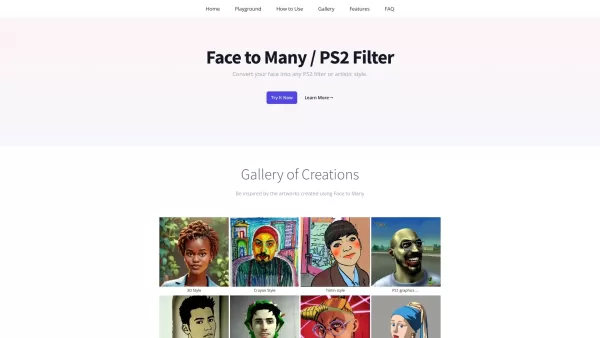
What is Face to Many (PS2 Filters)?Face to Many uses AI-powered filters to transform your facial photos into a variety of artistic styles, including 3D, emoji, pixel art, PS2 filter, video game, claymation, and toy looks. This user-friendly platform
ToonCrafter Product Information
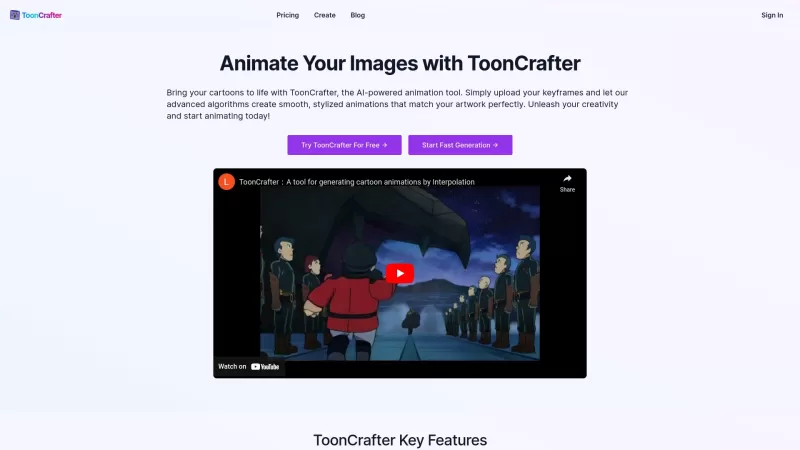
Ever wondered how you could breathe life into those static cartoons you've been doodling? Well, let me introduce you to ToonCrafter—an AI-powered wizard that transforms your still images into fluid, lifelike animations. It's like magic, but with a dash of technology! ToonCrafter uses something called style transfer learning to keep your animations looking just like your original art style, while also diving deep into pixel-level details to make everything feel so real. It's incredible how it can turn your simple sketches into something that moves and grooves!
How to Use ToonCrafter?
So, you're eager to see your cartoons dance? Here's how you can make it happen with ToonCrafter. Start by uploading 2 to 4 keyframe images—these are the snapshots that mark the beginning and end of your animation. Next, you'll get to play the director by describing the animation effects you want with some text prompts. Once you've set the stage, just hit 'Generate' and watch the magic unfold. After a bit, you'll be able to preview your creation, download it in MP4 format, and share it with the world. It's that simple!
ToonCrafter's Core Features
ToonCrafter isn't just about turning pictures into moving images; it's packed with features that make the whole process a breeze:
AI-Driven Animation Generation
With AI at the helm, creating animations is as smooth as silk. It's like having a personal animation studio right at your fingertips.
Style Transfer Learning
Ever worried about your animations losing that unique touch? Fear not! ToonCrafter keeps your art style consistent, so your animations look just like you imagined.
Pixel-Level Detail Extraction
The devil's in the details, and ToonCrafter knows it. It captures even the tiniest elements of your drawings to make your animations pop.
Smooth and Seamless Transitions
No jerky movements here. ToonCrafter ensures your animations flow smoothly from one frame to the next, making everything look natural.
Efficient Animation Generation
Time is precious, and ToonCrafter respects that. It's designed to generate animations quickly, so you can get back to creating more masterpieces.
Creation History Management
Ever made something amazing and then forgotten how you did it? ToonCrafter keeps a record of your creations, so you can always look back and learn from your past projects.
ToonCrafter's Use Cases
The possibilities with ToonCrafter are endless. Here are just a few ways you can use it to spice up your world:
Enhance Social Media Marketing
Want your social media posts to stand out? Add some eye-catching cartoon animations to your marketing strategy and watch your engagement soar!
Bring Drawings to Life
Have a sketchbook full of ideas? Why not bring them to life with ToonCrafter? It's perfect for personal creative projects that need that extra flair.
Design Custom Animated Stickers
Chat apps and social media love stickers, and with ToonCrafter, you can create your own animated ones. It's a fun way to express yourself!
Captivating Presentations
Make your presentations unforgettable by incorporating animated characters and scenes. It's a surefire way to keep your audience hooked.
Engaging Educational Content
Explaining complex topics? Use ToonCrafter to create animated tutorials and explanations that make learning fun and engaging.
Creative Animation Ideas
From decorating your blog to crafting unique greeting cards, ToonCrafter can help you explore a variety of creative animation projects.
FAQ from ToonCrafter
- What skills do I need to use ToonCrafter?
- None! ToonCrafter is designed to be user-friendly, so whether you're a pro or a beginner, you can start animating right away.
- Can I adjust the generated animation effects?
- Absolutely! You can tweak the effects to your heart's content until you get the perfect animation.
- How long does it take to process an animation clip?
- It varies, but ToonCrafter works efficiently to get your animations ready as quickly as possible.
- What image formats does ToonCrafter support?
- ToonCrafter supports a wide range of formats, so you can use your favorite image files without worry.
- In what format can the generated animations be exported?
- Your animations will be ready to download in MP4 format, perfect for sharing across various platforms.
- Does using ToonCrafter require payment? Is there a free trial?
- There are both free and paid options available. You can start with a free trial to see if ToonCrafter is right for you.
- ToonCrafter Support Email & Customer Service Contact & Refund Contact, etc.
Here is the ToonCrafter support email for customer service: [email protected].
ToonCrafter Login
ToonCrafter Login Link: https://toon-crafter.com/sign-in
ToonCrafter Pricing
ToonCrafter Pricing Link: https://toon-crafter.com/en/pricing
ToonCrafter Screenshot
2026 Latest Best Top-Rated AI Character Animation Tools for Creators! XIX.AI curates a powerful, game-changing collection of must-try tools that go through rigorous real-world tests and weekly updated rankings. These top-rated solutions help creators break through creative bottlenecks, boost productivity significantly, and output high-quality animations effortlessly for diverse projects. Explore now to Discover your perfect tool for unlocking your AI edge!
 11 tools
 xix.ai
Discover the 2026 best AI SVG animation tools for web designers. Our top-rated, curated list features powerful solutions to generate lightweight Lottie animations from text, boosting your design workflow. Compare free vs paid options with real-world tests and weekly updated rankings. Find your perfect tool on XIX.AI.
10 tools
xix.ai
2026 Latest Best AI Anime Video Generators: Discover top-rated tools to instantly transform static manga into dynamic action sequences. Our curated list compares free vs paid options, featuring weekly updated rankings based on real-world tests. Find powerful, game-changing AI for creating stunning animated scenes. Unlock your creative edge with XIX.AI's expert picks.
10 tools
xix.ai
Discover the 2026 best AI video-to-anime converters! Our top-rated, curated list features powerful tools that transform real-life footage into stunning Studio Ghibli-style animations. Compare free vs paid options with real-world tests and weekly updated rankings. Unlock your creative edge today.
10 tools
xix.ai
2026 Latest: Discover the top-rated AI cartoon animation tools. Our handpicked selection offers the best free and paid solutions for creating captivating animated stories and kids' content faster than ever. Explore real-world tests and weekly updated rankings on XIX.AI to unlock your creative storytelling potential.
10 tools
xix.ai
Discover 2026's top-rated AI animation tools for kids. XIX.AI presents the best curated selection for creating engaging stories, educational videos, and fun content. Compare free vs paid options with our weekly updated rankings. Find your perfect, game-changing creative assistant and start bringing ideas to life today!
10 tools
xix.ai


¡ToonCrafter es como magia! Convierte mis garabatos en animaciones vivas. El único inconveniente es que a veces las animaciones son un poco rígidas. Pero en general, es súper divertido de usar! ¡No puedo esperar para ver qué más puede hacer! 🎨✨
ToonCrafter é como mágica! Transforma meus rabiscos em animações vivas. O único problema é que às vezes as animações ficam um pouco travadas. Mas no geral, é super divertido de usar! Mal posso esperar para ver o que mais pode fazer! 🎨✨
ToonCrafterは魔法みたい!私の落書きを動くアニメーションに変えてくれます。唯一の欠点は、アニメーションが時々ぎこちないことです。でも全体的に使っていてとても楽しいです!もっと何ができるのか楽しみです!🎨✨
ToonCrafter is like magic! It turns my doodles into moving animations. The only downside is that sometimes the animations are a bit jerky. But overall, it's super fun to use! Can't wait to see what else it can do! 🎨✨
ToonCrafter는 마법 같아요! 제 낙서를 움직이는 애니메이션으로 바꿔줘요. 유일한 단점은 애니메이션이 때때로 뻑뻑하다는 거예요. 그래도 전체적으로 사용하기 정말 재미있어요! 더 할 수 있는 게 뭔지 기대돼요! 🎨✨


