


 Home
HomeToday's Task- Your Best To-Do List Extention For Chrome



Helps TikTok sellers, brands, MCNs, and TAPs discover winning products and find creators.

HelpLook is an AI-powered all-in-one knowledge base tool that helps businesses quickly build knowledge bases, help centers, and...

Your AI Workspace

302.AI is an enterprise-grade AI resource platform with pay-as-you-go pricing, API access to a full range of AI models, and ready-to-use online applications.

剧火AI — AI Screenwriter + Director, a One-Person Short Drama Studio In one sentence, what is it?

Discover Plume AI: Your Ultimate Academic Writing AssistantAre you tired of struggling with your academic writing? Well, say hello to Plume AI, the innovative AI assistant that's here to revolutionize the way you write! Designed with students in mind, Plume AI harnesses the power of cutting-edge art
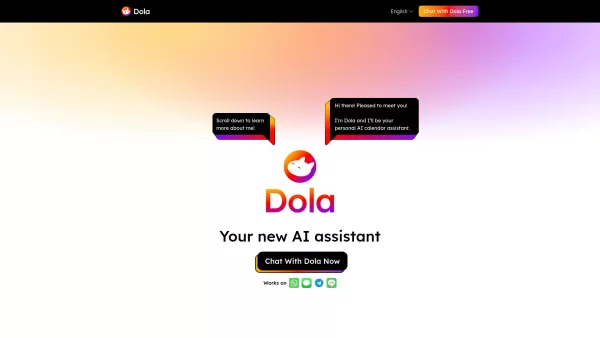
What is Toki? Toki is an AI-powered calendar assistant and time management tool that simplifies scheduling for both individuals and groups. It utilizes advanced AI to understand inputs from voice, text, images, and complex contexts, then organizes th
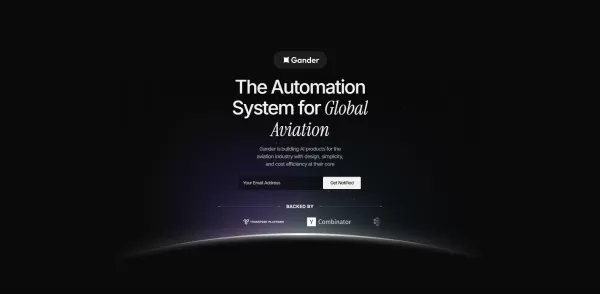
What is Gander AI?Gander AI utilizes advanced artificial intelligence to automate common tasks, boost efficiency, and deliver productivity-enhancing insights. It integrates into your workflow to handle scheduling, data entry, email communications, an
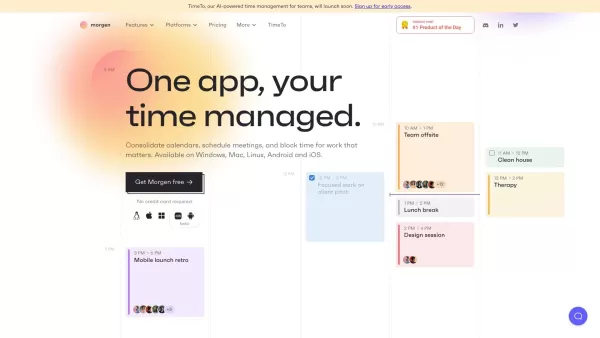
Ever feel like you're juggling a dozen calendars and to-do lists, trying to keep your life in order? Enter Morgen, your all-in-one solution for managing calendars, scheduling, and tasks. It's like having a personal assistant who's always on top of yo
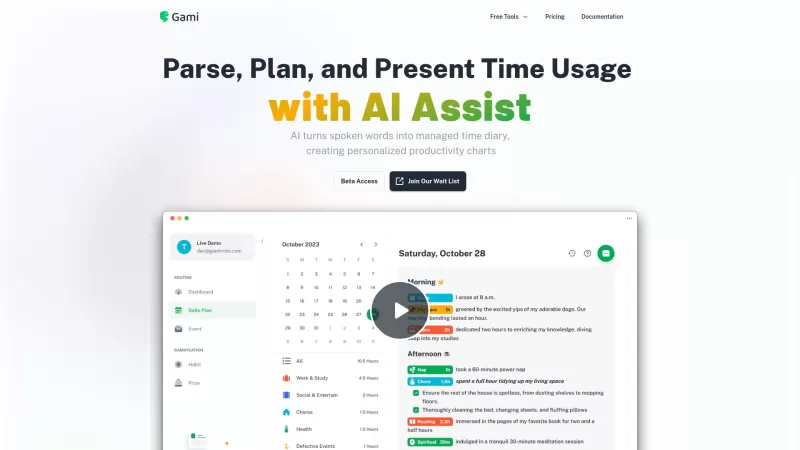
Ever felt like you're juggling too many tasks and losing track of time? Enter Gami—a nifty AI tool that's like a personal diary for your time management. It's not just about clocking hours; it's about understanding your day in a more natural, conversation
Today's Task- Your Best To-Do List Extention For Chrome Product Information
What Is Today's Task - Your Best To-Do List Extension for Chrome?
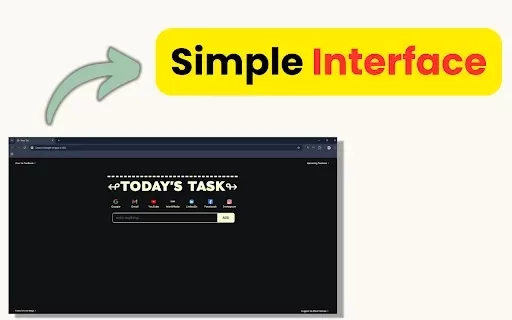
Today's Task is the ultimate Chrome extension that transforms your browser's home page into a powerful to-do list manager. With features like simple task management, customizable reminders, and offline access, it helps users stay organized and focused throughout the day. Perfect for students tracking assignments, professionals managing projects, freelancers handling client work, and parents organizing family tasks. Upcoming features include task prioritization, cross-browser sync, AI-powered suggestions, custom categories, and voice input for a comprehensive productivity solution.
Who Uses Today's Task - Your Best To-Do List Extension for Chrome?
- Students
- Professionals
- Freelancers
- Parents
How to Use Today's Task - Your Best To-Do List Extension for Chrome?
- Step 1: Install the Extension - Add Today's Task from the Chrome Web Store.
- Step 2: Pin the Extension for quick access in your browser toolbar.
- Step 3: Start Adding Tasks - Type your tasks, rearrange them, and check them off as you go!
Platform
- Chrome
Today's Task - Your Best To-Do List Extension for Chrome's Core Features & Benefits
The Core Features
- Simple Task Management
- Customizable Reminders
- Prioritize Tasks
- Seamless Integration
- Offline Access
The Benefits
- Stay organized
- Boost productivity
- Never miss a deadline
- Access tasks easily
- Manage tasks offline
Today's Task - Your Best To-Do List Extension for Chrome's Main Use Cases & Applications
- Tracking assignments and exams for students
- Managing projects and deadlines for professionals
- Handling client work for freelancers
- Organizing family tasks and appointments for parents
FAQs of Today's Task - Your Best To-Do List Extension for Chrome
Is it free?
Yes, it's 100% free to use.
Does it work offline?
Yes, you can manage tasks without an internet connection.
Can I sync tasks across devices?
Cross-browser and device syncing is coming soon.
How do I add tasks?
Simply type your tasks and check them off as you complete them.
Can I prioritize tasks?
Yes, task prioritization is an upcoming feature.
Are there any reminders?
Yes, you can set customizable reminders for your tasks.
Can I access the to-do list from my browser?
Yes, the to-do list is directly accessible from your browser.
What if I have feedback or need support?
You can visit the support hub for assistance.
Is there a dark mode available?
Custom themes, including dark mode, are upcoming features.
Can I collaborate on task lists?
Collaborative lists are an upcoming feature.
Today's Task - Your Best To-Do List Extension for Chrome Company Information
Today's Task- Your Best To-Do List Extention For Chrome Screenshot



2026 Latest Best Top-rated AI Anomaly Detection Tools for KPI Monitoring in SaaS and Ecommerce teams! XIX.AI has curated a powerful, game-changing collection based on rigorous real-world tests and weekly updated rankings. You’ll find detailed free vs paid comparison insights to help you identify the must-try solution that boosts productivity and unlocks your AI edge. Explore now!
 10 tools
 xix.ai

2026 Latest Best Top-Rated AI Outline Generators for Long-Form SEO Articles, meticulously curated by XIX.AI. These powerful tools offer game-changing assistance in creating high-quality content quickly, boosting writing efficiency significantly. Get a free vs paid comparison along with real-world tests and detailed rankings to help you find the must-try option that suits your needs. Explore now to unlock your AI edge.
8 tools
xix.ai

2026 Latest Best AI Study Tools for Homework and Exam Prep! XIX.AI curates a top-rated list of powerful, game-changing tools that help students boost productivity, streamline homework completion, and ace exams through real-world tests. Get a free vs paid comparison, detailed rankings, and must-try options to unlock your AI edge. Explore now!
10 tools
xix.ai

2026 Latest Best AI Vocal Demo Tools for Songwriters, Hook Creators, and Multi-Language Content Teams! XIX.AI has curated a top-rated list of powerful game-changing tools that go through rigorous real-world tests. You’ll find detailed free vs paid comparison data, comprehensive rankings, and must-try options to help you boost writing efficiency and unlock your creative potential. Explore now to discover your perfect tool for all your content needs!
9 tools
xix.ai

2026 Latest Best Top-rated AI Competitive Research Tools for Small Businesses! XIX.AI has curated a highly powerful game-changing collection, updated weekly with rigorous real-world tests and detailed rankings. You can find a comprehensive free vs paid comparison to help you identify the must-try tools that boost your productivity and give you a competitive edge. Explore now to discover your perfect tool!
9 tools
xix.ai

2026 Latest Best Photoshop AI retouch tools for ecommerce apparel, skin cleanup, and color consistency! This top-rated curated list features powerful game-changing solutions that help you boost writing efficiency, streamline content creation, and achieve perfect visual results effortlessly. Each tool has undergone real-world tests through weekly updated rankings, complete with free vs paid comparison details. Backed by XIX.AI, it’s the must-try guide for anyone aiming to unlock your AI edge. Explore now!
10 tools
xix.ai


