


 Home
HomeText Assistant - Chrome Extension
One-Click Writing and Proofreading Tool



Helps TikTok sellers, brands, MCNs, and TAPs discover winning products and find creators.

HelpLook is an AI-powered all-in-one knowledge base tool that helps businesses quickly build knowledge bases, help centers, and...

Your AI Workspace

302.AI is an enterprise-grade AI resource platform with pay-as-you-go pricing, API access to a full range of AI models, and ready-to-use online applications.

剧火AI — AI Screenwriter + Director, a One-Person Short Drama Studio In one sentence, what is it?

Ever wondered what Ninja AI is all about? Well, let me tell you, it's like having a Swiss Army knife for your digital needs! Ninja AI isn't just another AI tool; it's a powerhouse that brings together over 24 top-notch Large Language Models (LLMs) to help

Illustory Studio is an innovative platform that harnesses the power of AI to transform the way writers and artists bring their stories to life. Imagine being able to not only write your novel but also visualize your scenes in the style of your choice—be it comics, manga, or webtoons. That's what Ill
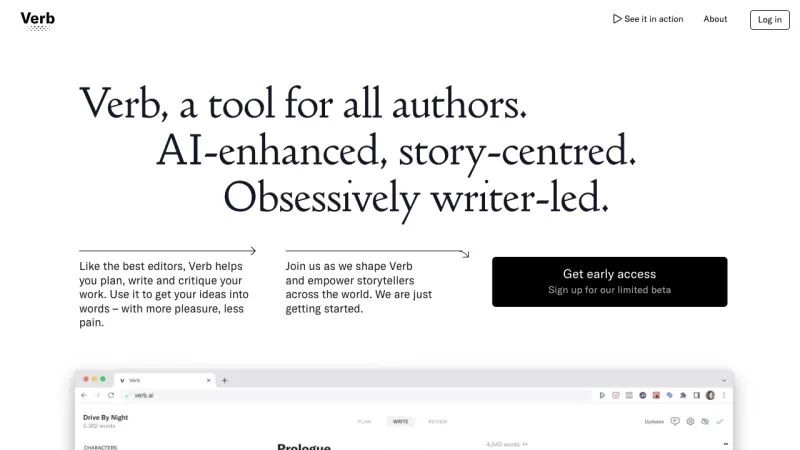
What is Verb?Verb is a game-changer for fiction writers, powered by AI to make the writing process smoother and more enjoyable. It's like having a top-notch editor by your side, but one that's all about your story and driven by your creative vision. Whether you're plotting, writing, or looking for f
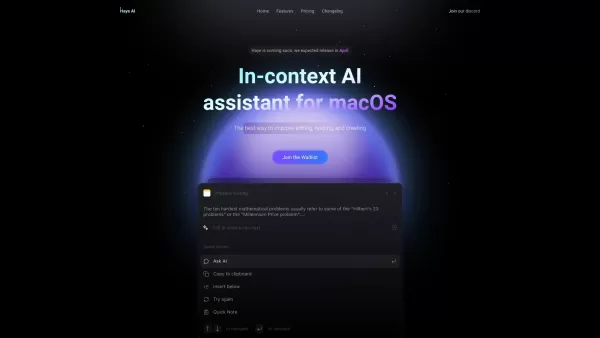
Haye AI is a nifty in-context AI assistant tailored specifically for macOS users, and it's here to make your life easier when it comes to reading, translating, and writing. Imagine having a smart sidekick that helps you breeze through your daily tasks wit
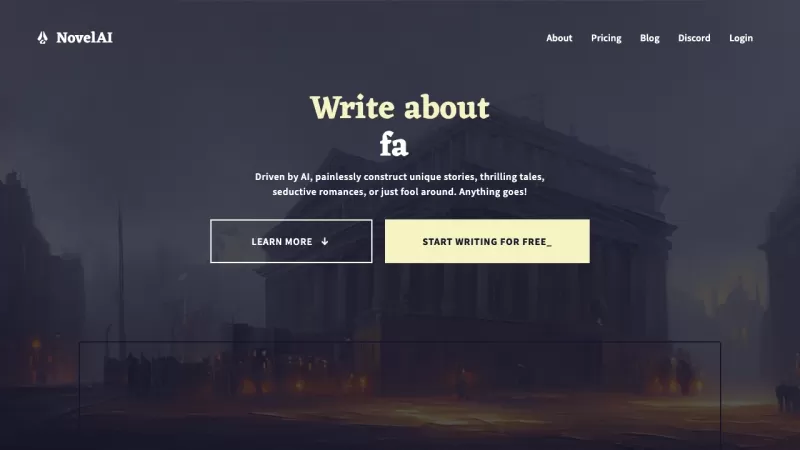
Ever dreamed of being a novelist but felt stuck at the starting line? Or maybe you're a seasoned writer looking for a fresh spark of inspiration? Enter NovelAI - The AI Storyteller, your new best friend in the world of creative writing. This isn't just an
Text Assistant - Chrome Extension Product Information
Ever wished you had a personal writing guru right at your fingertips? Well, the Text Assistant AI Chrome extension might just be your new best friend. This nifty tool harnesses the power of the OpenAI API to offer a seamless, one-click solution for all your writing, proofreading, and more. Imagine having a smart assistant that not only polishes your emails and messages but also helps you understand tricky texts and even crafts replies for you. It's like having a writing coach living in your browser!
So, how do you get started with Text Assistant? It's as easy as pie. Just install the Chrome extension, and whenever you're stuck or need a bit of help, give it a click. Whether you're drafting an important email, proofreading a report, or just trying to make sense of some dense text, Text Assistant is there to lend a hand. It'll pop up with suggestions and tweaks to make your writing shine.
Core Features of Text Assistant
The beauty of Text Assistant lies in its simplicity and power. Here's what it brings to the table:
- One-click Solution: No more fumbling around. With just one click, you can get help with writing, proofreading, and more.
- OpenAI API: It uses the cutting-edge OpenAI API to ensure your text is not just corrected but also enhanced.
- Text Explanation: Struggling with a complex paragraph? Text Assistant can break it down for you and help you craft a response.
- Convenient Access: As a Chrome extension, it's always within reach whenever you're online.
Use Cases for Text Assistant
You might be wondering, "Where can I actually use this?" Well, let me tell you, the possibilities are endless:
- Email and Messaging: Say goodbye to those awkward typos and hello to eloquently crafted messages.
- Document Proofreading: Whether it's a report, a thesis, or just a grocery list, Text Assistant ensures your documents are error-free.
- Understanding Complex Texts: Got a dense article or a legal document? Text Assistant can help you make sense of it.
- Writing Improvement: Use it regularly, and you'll see your writing skills soar to new heights.
FAQ about Text Assistant
- Is Text Assistant free to use?
- Yes, it's free to use, but keep an eye out for any premium features that might be introduced in the future.
- Does Text Assistant require an internet connection?
- Absolutely, since it relies on the OpenAI API, you'll need to be online to use it.
- Can Text Assistant be used on any operating system?
- As long as you're using Chrome, you're good to go, regardless of your operating system.
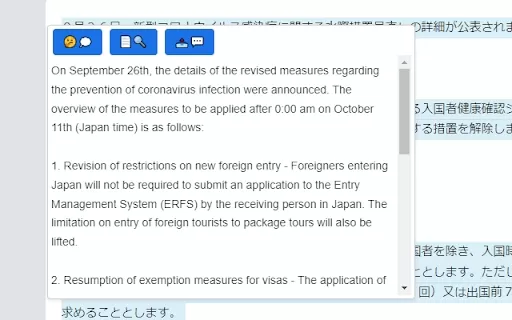
Text Assistant - Chrome Extension Screenshot

Discover the 2026 best AI continuity editors for fiction writers. Our top-rated, curated list features powerful tools that automatically detect plot holes and timeline inconsistencies. Compare free vs paid options with real-world tests and weekly updated rankings. Find your perfect writing assistant to ensure flawless narratives. Explore the top picks now at XIX.AI.
 10 tools
 xix.ai


