


 Home
HomeTeameet
Teameet: AI-Optimized Video Meetings



Helps TikTok sellers, brands, MCNs, and TAPs discover winning products and find creators.

HelpLook is an AI-powered all-in-one knowledge base tool that helps businesses quickly build knowledge bases, help centers, and...

Your AI Workspace

302.AI is an enterprise-grade AI resource platform with pay-as-you-go pricing, API access to a full range of AI models, and ready-to-use online applications.

剧火AI — AI Screenwriter + Director, a One-Person Short Drama Studio In one sentence, what is it?
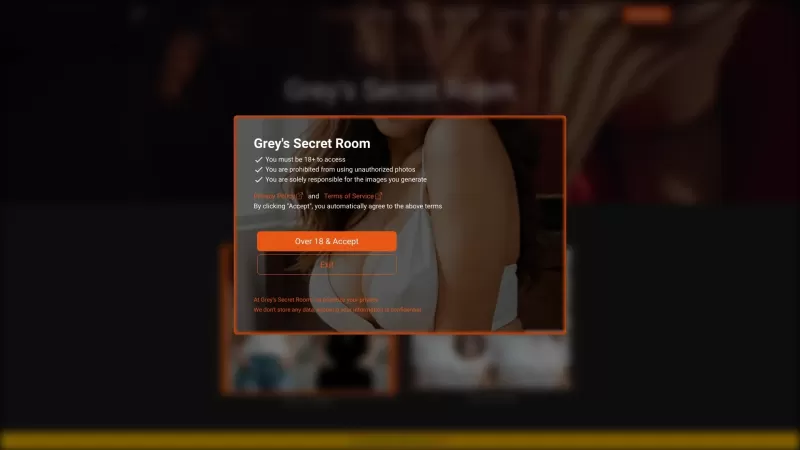
Ever wondered what it's like to try on a whole new wardrobe without leaving your room? Grey's Secret Room brings that fantasy to life with its cutting-edge AI technology. This innovative platform allows you to experiment with different styles and even swa
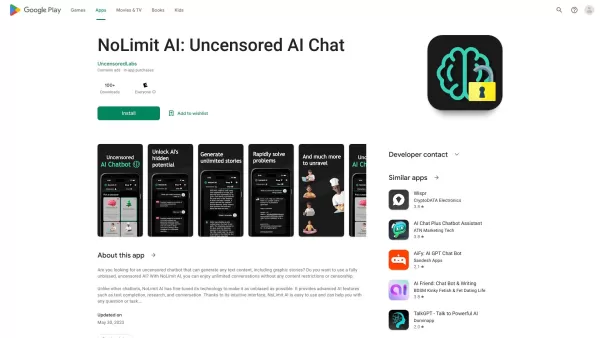
If you're looking for a chat experience that breaks the mold, let me introduce you to NoLimit IA—an app that promises to keep the conversation flowing without any boundaries. Think of it as your go-to place for engaging in unfiltered chats with AI ch
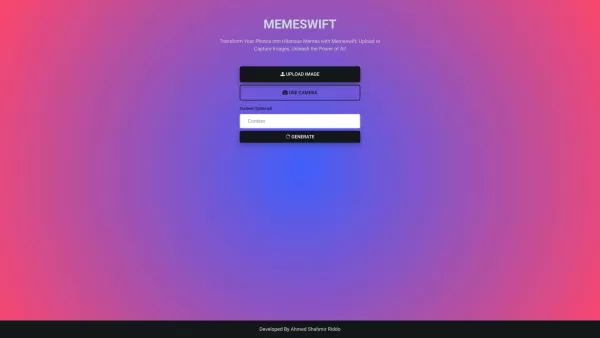
MemeSwift is like the Swiss Army knife of humor—it’s an AI-powered meme generator designed to turn your photos into laugh-out-loud-worthy memes. Whether you’re looking to poke fun at yourself or your friends, this tool makes it easy to craft something fun
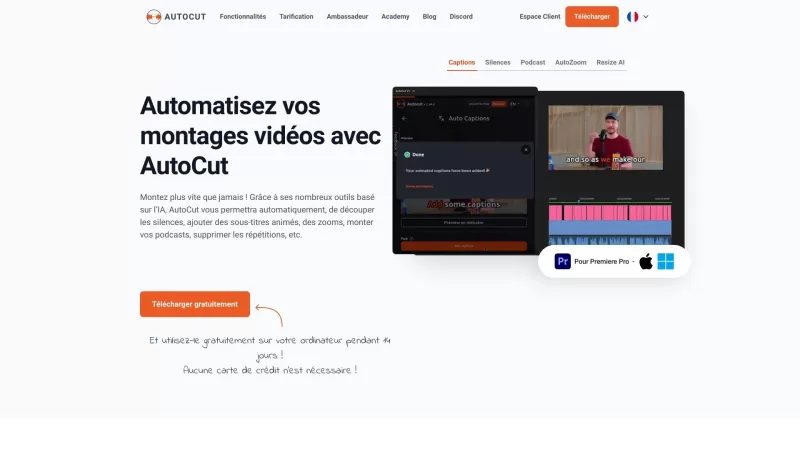
Ever wished you had a magic wand for video editing? Meet AutoCut, the Premiere Pro plugin that's like your very own AI editing assistant. It does everything from adding those snazzy animated subtitles to cutting out those awkward silences. Whether you're
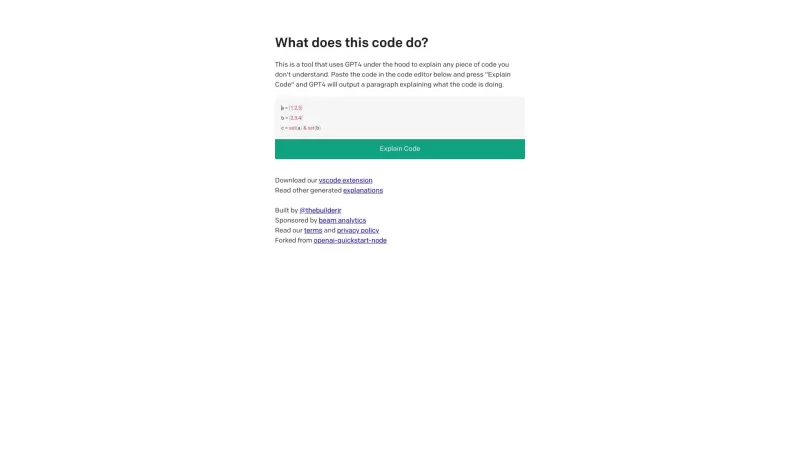
Ever found yourself staring at a piece of code, scratching your head and wondering, "What on earth does this do?" Well, that's where Code Explain comes in—your trusty AI-powered sidekick that's here to make sense of any code that's got you puzzled. It's l
Teameet Product Information
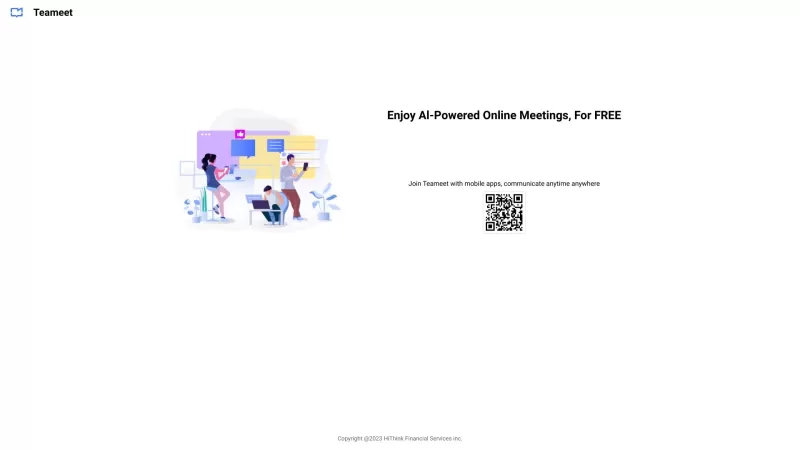
Ever heard of Teameet? It's this nifty web and mobile app that's all about making video meetings a breeze. With its AI magic, it fine-tunes your audio and video so that you're always looking and sounding your best. But that's not all—think screen sharing, transcription, translation, and even cloud recording. It's like having a full suite of tools at your fingertips to make collaboration a walk in the park.
Getting started with Teameet is as easy as pie. Just hop onto their website or grab the mobile app, and sign up for an account. Once you're in, you can kick off your own meeting or jump into one that's already happening. During your call, you've got the power to switch on your video and audio, share your screen, and dive into those handy transcription and translation features. The interface? It's smooth as butter, designed to make your video chats and teamwork as seamless as possible.
Teameet's Core Features
Host and Join Video Meetings
AI-Powered Audio and Video Optimization
Screen Sharing
Transcription and Translation
Cloud Recording
Easy Collaboration Tools
So, what can you actually do with Teameet? Let me count the ways! It's perfect for remote work, helping you keep those virtual team meetings on track. Need to impress a client with a demo? Teameet's got your back. Collaborative projects? No problem. And if you're dealing with a global team, its transcription and translation services are a game-changer. Plus, it's ideal for hosting webinars or conducting online training sessions. The possibilities are endless!
FAQ from Teameet
- Can I use Teameet on my mobile device?
- Absolutely! Teameet is designed to work seamlessly on your mobile, so you can stay connected wherever you are.
- Is screen sharing possible during a video meeting?
- Yes, you can share your screen with ease, making it perfect for presentations and collaborative work.
- Can I record a video meeting for later reference?
- Definitely! Teameet offers cloud recording, so you can save those important meetings and revisit them whenever you need.
- Does Teameet provide transcription and translation services?
- Yes, it does! Teameet's AI-driven services can transcribe and translate your meetings, making communication across languages a breeze.
- What are some use cases for Teameet?
- Teameet shines in remote work, customer meetings, project collaborations, multinational communications, and even webinars and training sessions.
Teameet Screenshot


2026 Latest Best Top-rated AI Object Removal Editors for portraits travel product shots! XIX.AI curates a powerful game-changing collection regularly updated with weekly rankings. These tools offer real-world tests to help you quickly remove unwanted elements, boost content quality, and save tons of time without compromising results. Must-try for anyone aiming to unlock their AI creation edge. Explore now!
 10 tools
 xix.ai

2026 Latest Best Top-rated AI Text to Speech Tools for Online Courses are curated by XIX.AI based on rigorous real-world tests and weekly updated rankings. These powerful tools help creators deliver crystal-clear audio content effortlessly, boosting writing efficiency and streamlining course production. Check out the free vs paid comparison to find your perfect fit. Explore now to unlock your AI edge in online education.
10 tools
xix.ai

2026 Latest Best Top-Rated AI Blog Title Tools for Higher Click Through Rates! XIX.AI has carefully curated a powerful, game-changing collection of top tools that go through rigorous real-world tests. You’ll find a free vs paid comparison, weekly updated rankings, and detailed insights to help you boost your blog’s traffic efficiently. Must-try options are highlighted to help you unlock your AI edge. Explore now!
10 tools
xix.ai

2026 Latest Best Top-rated AI Task Routing Tools for Support Workflows! XIX.AI has curated a highly powerful game-changing collection of must-try solutions, all undergoing rigorous real-world tests and updated weekly. These tools streamline workflows, boost productivity, and help teams deliver faster, more efficient support. Explore now to discover your perfect tool and unlock your AI edge!
17 tools
xix.ai

2026 Latest Best Top-Rated AI Citation and Paper Summary Tools Curated by XIX.AI. Get powerful game-changing solutions for quick content creation, improved writing efficiency, and boosting productivity. We offer a free vs paid comparison along with real-world tests and weekly updated rankings to help you find the must-try tool that fits your needs perfectly. Explore now to Unlock your AI edge.
10 tools
xix.ai

2026 Latest Best Top-Rated AI Productivity Tools for Daily Work! XIX.AI has curated a powerful, game-changing selection based on rigorous weekly updated rankings and real-world tests. You’ll find must-try options that boost writing efficiency, streamline content creation, and help you overcome daily work challenges. Get a free vs paid comparison to find the perfect fit for your needs. Explore now to unlock your AI edge!
9 tools
xix.ai


Teameet is a lifesaver for remote meetings! The AI auto-adjusts my audio so I don't sound like I'm in a wind tunnel. Screen sharing is smooth as butter. Only wish the free plan had longer time limit. 🤔
Just tried Teameet and the AI enhancement is no joke – my voice sounded so clear even in a cafe! The screen sharing was smooth, but I wish there were fun filters like in social apps 😅 Still, it's a solid tool for work huddles.


