


 Home
HomeTalk to GPT
Talk ChatGPT Voice | AI Assistant Extension



Helps TikTok sellers, brands, MCNs, and TAPs discover winning products and find creators.

HelpLook is an AI-powered all-in-one knowledge base tool that helps businesses quickly build knowledge bases, help centers, and...

Your AI Workspace

302.AI is an enterprise-grade AI resource platform with pay-as-you-go pricing, API access to a full range of AI models, and ready-to-use online applications.

剧火AI — AI Screenwriter + Director, a One-Person Short Drama Studio In one sentence, what is it?
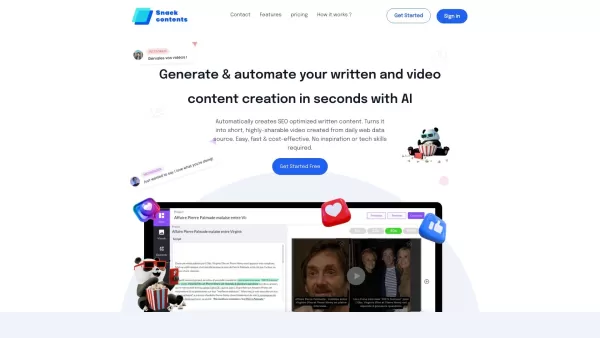
Ever heard of SnackContent? It's a game-changer for anyone looking to whip up content without breaking a sweat. This AI-powered platform takes the hassle out of content creation, letting you produce SEO-optimized articles and transform them into bite-size
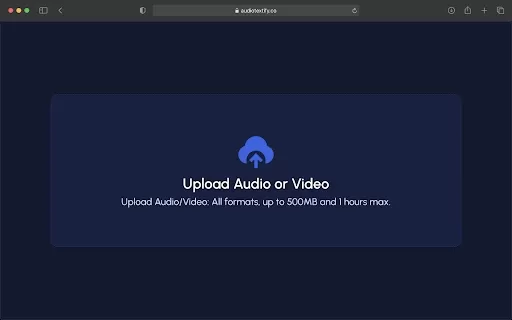
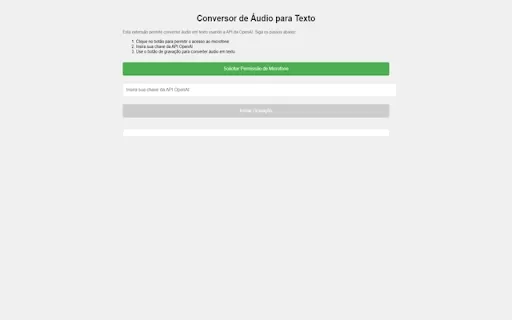
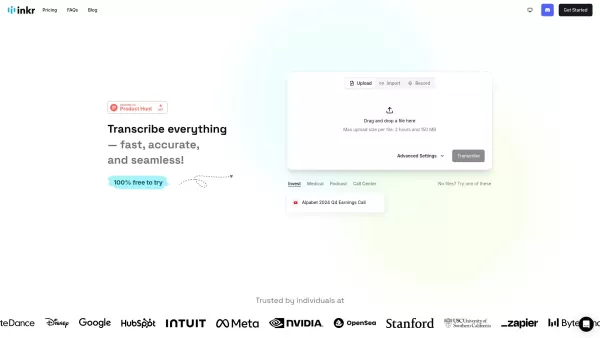
What is the Audio Textify AI Chrome Extension? Audio Textify is a powerful Chrome extension that supercharges how you create and consume content by bringing AI tools directly into your web browser. This versatile solution allows you to easily transcr
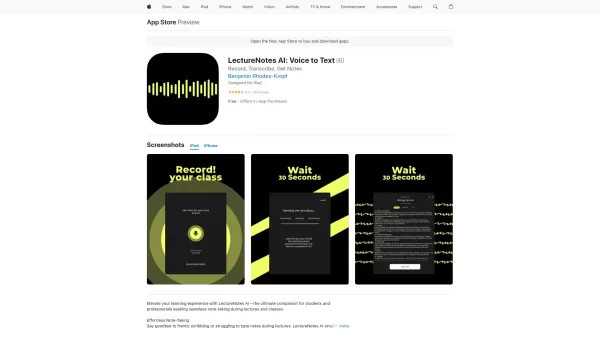
Ever found yourself scribbling furiously during a lecture, only to end up with a mess of notes that barely make sense later? Enter LectureNotes AI, the app that's here to revolutionize your note-taking game. This isn't just any app; it's a game-changer fo
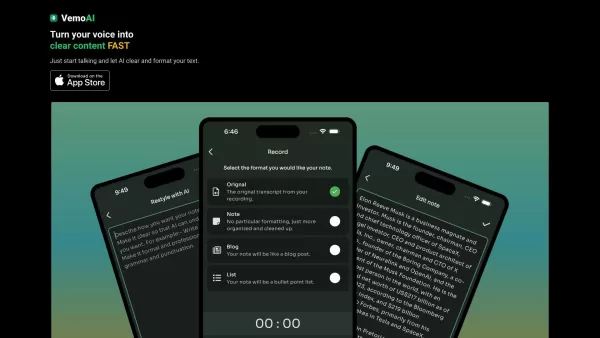
Ever found yourself wishing you could magically turn your spoken words into written content? Well, that's where Vemo AI comes into play. This nifty tool is all about transforming your voice into text, making it a breeze to convert those rambling voice notes into something polished and professional.
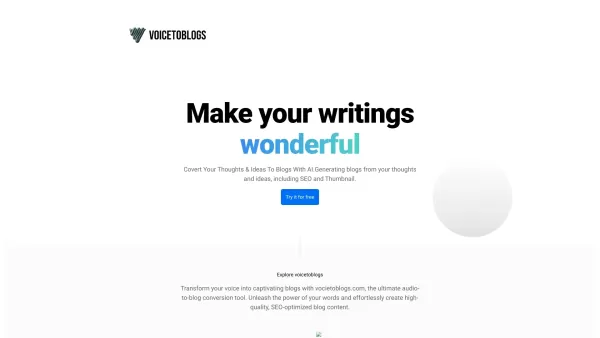
What is VoiceToBlogs?Ever felt like you had a million ideas swirling in your head but didn’t have the time to sit down and write them out? Enter VoiceToBlogs—an ingenious AI-powered tool designed to transform spoken words into polished blog posts. Think of it as your personal scribe, but way smarter
Talk to GPT Product Information
What is Talk to GPT?
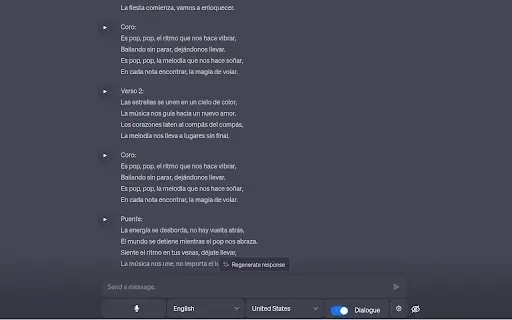
Talk to GPT is a Chrome extension that lets you speak with the ChatGPT AI using your voice. It transforms your spoken words into text, creating a more fluid and natural way to communicate. You can use it for a wide range of activities, from asking questions and translating languages to getting help with coding. Its straightforward design makes interacting with ChatGPT feel more like a real conversation, perfect for anyone who finds speaking easier than typing.
Who will use Talk to GPT?
- Students
- Working Professionals
- Researchers
- AI Enthusiasts
- Language Learners
How to use Talk to GPT?
- Step 1: Get the Talk to GPT Chrome extension from the Chrome Web Store.
- Step 2: Click the extension's icon to turn on the voice recognition.
- Step 3: Clearly state your question or command.
- Step 4: Hear or read ChatGPT's response.
- Step 5: Use your voice to keep the conversation going smoothly.
Platform
- Mac
- Windows
- Chrome
Talk to GPT's Core Features & Benefits
The Core Features
- Voice-to-Text Input
- Real-Time Conversation
- Dynamic Back-and-Forth Dialogue
- Support for Multiple Tasks (e.g., Translation, Coding Help)
The Benefits
- A More Engaging and Interactive Experience
- Great for Multitasking
- Allows for Hands-Free Use
- Excellent for Auditory Learners and Enhanced Accessibility
Talk to GPT's Main Use Cases & Applications
- Education and Self-Study
- Automating Customer Support
- Voice-Controlled Gaming
- Accessibility Tool for Users with Disabilities
- Research and Data Collection
FAQs of Talk to GPT
How do I activate voice input?
Simply click the extension's icon and begin speaking.
Is this extension free to use?
Yes, it is completely free on the Chrome Web Store.
Can I use it on mobile devices?
Not at this time; it is built for the Chrome browser on desktop computers.
Does it support multiple languages?
Yes, it supports speech recognition and responses in numerous languages.
What kind of questions can I ask?
You can ask virtually anything, from simple facts to detailed, complex requests.
Does it require an internet connection?
Yes, an active internet connection is required to communicate with ChatGPT.
Can it handle technical queries?
Absolutely, it can provide assistance with technical topics, including programming.
Is there a limit to how long my speech can be?
For optimal performance, it's best to keep your voice inputs reasonably brief and clear.
What platforms does it support?
It works on Chrome browser for both Mac and Windows operating systems.
How does it convert speech to text?
It utilizes advanced speech recognition technology to accurately transcribe your voice.
Talk to GPT Company Information
Website:
https://5-letter-words.comCompany Name:
NASupport Email:
NAFacebook:
NAX (Twitter):
NAYouTube:
NAInstagram:
NATikTok:
NALinkedIn:
NA
Talk to GPT Screenshot


2026 Latest Best AI Quiz Builder Platforms for Teachers, Tutors, and Cohort-Based Learning Programs! XIX.AI has curated a top-rated list of powerful game-changing tools that go through real-world tests to deliver accurate rankings. These must-try platforms help boost writing efficiency, streamline content creation, and simplify quiz design across all learning scenarios. Explore now to discover your perfect tool for unlocking your AI edge in teaching!
 13 tools
 xix.ai

2026 Latest Best AI Pull Request Review Tools for GitHub Teams are here on XIX.AI! This top-rated curated list showcases powerful game-changing solutions that streamline refactoring, bug fixing, and security gap detection across all team workflows. Enjoy a free vs paid comparison along with real-world tests and detailed rankings to help you find the perfect tool that boosts productivity significantly. Explore now to unlock your AI edge!
12 tools
xix.ai

2026 Latest Best Top-rated AI Text to Speech Tools for Natural Voiceovers are here on XIX.AI! This curated list features powerful, game-changing options that deliver crystal-clear voices for every use case, backed by real-world tests and weekly updated rankings. Get a free vs paid comparison to find the must-try solution that boosts your productivity instantly. Explore now to Unlock your AI edge!
11 tools
xix.ai

2026 Latest Best Manga AI Background Generators Ranked Top-Rated! This curated collection showcases powerful game-changing tools perfect for creating high-quality chapter backgrounds, book covers, and promotional art. Every option has undergone rigorous real-world tests to ensure reliability. Get a free vs paid comparison along with detailed insights. Explore now to discover your perfect tool and unlock your AI edge in manga creation.
6 tools
xix.ai

2026 Latest Best Top-rated AI Object Removal Editors for portraits travel product shots! XIX.AI curates a powerful game-changing collection regularly updated with weekly rankings. These tools offer real-world tests to help you quickly remove unwanted elements, boost content quality, and save tons of time without compromising results. Must-try for anyone aiming to unlock their AI creation edge. Explore now!
10 tools
xix.ai

2026 Latest Best Top-rated AI Text to Speech Tools for Online Courses are curated by XIX.AI based on rigorous real-world tests and weekly updated rankings. These powerful tools help creators deliver crystal-clear audio content effortlessly, boosting writing efficiency and streamlining course production. Check out the free vs paid comparison to find your perfect fit. Explore now to unlock your AI edge in online education.
10 tools
xix.ai


