


 Home
HomeSyncWords
Leading AI-powered captions & translations



Helps TikTok sellers, brands, MCNs, and TAPs discover winning products and find creators.

HelpLook is an AI-powered all-in-one knowledge base tool that helps businesses quickly build knowledge bases, help centers, and...

Your AI Workspace

302.AI is an enterprise-grade AI resource platform with pay-as-you-go pricing, API access to a full range of AI models, and ready-to-use online applications.

剧火AI — AI Screenwriter + Director, a One-Person Short Drama Studio In one sentence, what is it?

Ever wondered how to effortlessly turn your audio and video files into text? Enter Clipto, the powerhouse of AI transcription on the web. Imagine harnessing the same cutting-edge tech that fuels ChatGPT to convert your Zoom meetings, interviews, and
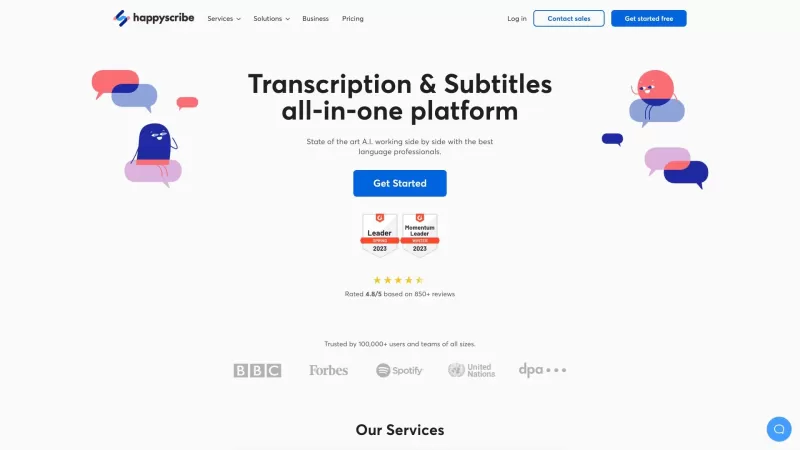
Discover the magic of Happy Scribe, your go-to service for turning audio into text with stunning accuracy across multiple languages and formats. Whether you're dealing with podcasts, interviews, or video content, Happy Scribe has got you covered with both automatic and human transcription options.Ho
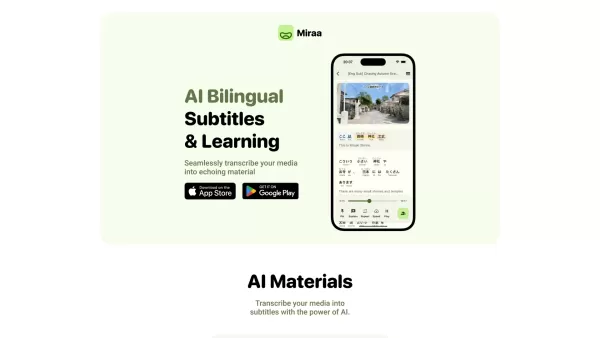
Ever wondered how you could level up your language learning game? Say hello to Miraa AI, brought to you by Myoland! This innovative tool transforms any video into a bilingual learning experience, complete with subtitles, real-time translations, shadowing
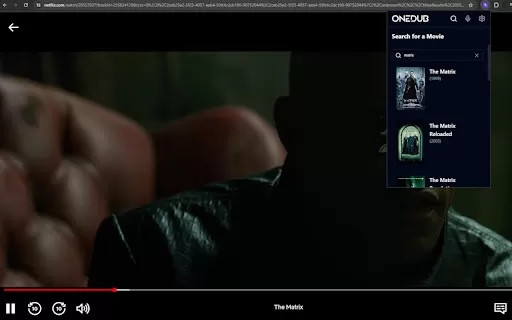
What is the Dubabase AI Chrome Extension? Dubabase is a Chrome extension that instantly dubs videos across the web, removing language barriers so you can enjoy any content in your preferred language, no matter its original language.How to Use the Dub
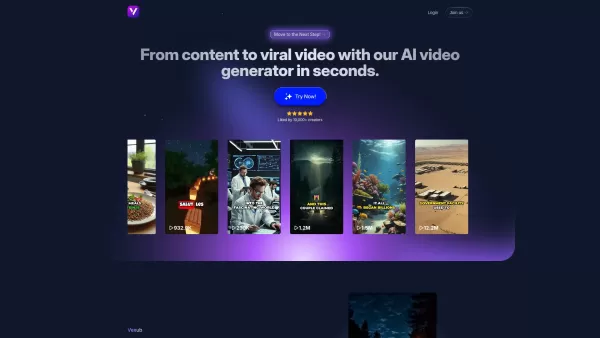
What is Vexub? Vexub is an AI-powered video generator that instantly crafts high-quality videos from diverse inputs. It enables users to convert text, MP3 audio, MP4 videos, and SMS messages into enga
SyncWords Product Information
SyncWords is your go-to platform for adding captions, subtitles, and translations to both live media and video-on-demand (VOD) content. It's like having a multilingual assistant that makes your videos accessible to a global audience, enhancing the viewer experience whether you're streaming live or sharing pre-recorded videos.
How to Use SyncWords?
Using SyncWords is a breeze. Just upload your media, and let their cutting-edge AI technology work its magic. It'll generate spot-on captions and translations in no time. Once you've got them, you can seamlessly integrate these into your live streams, virtual events, or on-demand videos. It's like having a personal translator and captioner at your fingertips!
SyncWords's Core Features
Automated Captions
Say goodbye to manual captioning. SyncWords automates the process, saving you time and ensuring your videos are accessible to everyone, including those who are deaf or hard of hearing.
Foreign Subtitles
Expand your reach with subtitles in multiple languages. SyncWords makes it easy to connect with viewers from around the world, breaking down language barriers and opening up new markets.
Voice Dubbing
Want to go beyond subtitles? SyncWords offers voice dubbing, allowing you to provide a fully localized experience for your audience. It's like having your content voiced by native speakers in different languages.
SyncWords's Use Cases
Live Video Streams
Keep your live streams inclusive and engaging with real-time captions and translations. Whether it's a gaming session, a webinar, or a live event, SyncWords ensures everyone can follow along.
OTT & Broadcast
For over-the-top (OTT) platforms and traditional broadcasters, SyncWords provides the tools to make content more accessible, helping you comply with accessibility regulations and reach a broader audience.
Events & Meetings
Make your virtual events and meetings more inclusive. With SyncWords, participants from different linguistic backgrounds can fully engage, no matter where they're joining from.
Pre-recorded Video Content
Enhance your pre-recorded videos with captions and translations. Whether it's educational content, marketing videos, or entertainment, SyncWords helps you connect with a global audience.
FAQ from SyncWords
- What languages are supported by SyncWords?
- SyncWords supports a wide range of languages. For the most up-to-date list, you can reach out to their support team.
For any questions or support, you can contact SyncWords via email or visit their contact us page. If you're curious about the company, check out their about us page. To log in, head over to SyncWords Login. For pricing details, visit SyncWords Pricing. Stay connected with SyncWords on social media: Facebook, YouTube, LinkedIn, and Twitter.
SyncWords Screenshot


2026 Latest Best Manga AI Background Generators Ranked Top-Rated! This curated collection showcases powerful game-changing tools perfect for creating high-quality chapter backgrounds, book covers, and promotional art. Every option has undergone rigorous real-world tests to ensure reliability. Get a free vs paid comparison along with detailed insights. Explore now to discover your perfect tool and unlock your AI edge in manga creation.
 6 tools
 xix.ai

2026 Latest Best Top-rated AI Object Removal Editors for portraits travel product shots! XIX.AI curates a powerful game-changing collection regularly updated with weekly rankings. These tools offer real-world tests to help you quickly remove unwanted elements, boost content quality, and save tons of time without compromising results. Must-try for anyone aiming to unlock their AI creation edge. Explore now!
10 tools
xix.ai

2026 Latest Best Top-rated AI Text to Speech Tools for Online Courses are curated by XIX.AI based on rigorous real-world tests and weekly updated rankings. These powerful tools help creators deliver crystal-clear audio content effortlessly, boosting writing efficiency and streamlining course production. Check out the free vs paid comparison to find your perfect fit. Explore now to unlock your AI edge in online education.
10 tools
xix.ai

2026 Latest Best Top-Rated AI Blog Title Tools for Higher Click Through Rates! XIX.AI has carefully curated a powerful, game-changing collection of top tools that go through rigorous real-world tests. You’ll find a free vs paid comparison, weekly updated rankings, and detailed insights to help you boost your blog’s traffic efficiently. Must-try options are highlighted to help you unlock your AI edge. Explore now!
10 tools
xix.ai

2026 Latest Best Top-rated AI Task Routing Tools for Support Workflows! XIX.AI has curated a highly powerful game-changing collection of must-try solutions, all undergoing rigorous real-world tests and updated weekly. These tools streamline workflows, boost productivity, and help teams deliver faster, more efficient support. Explore now to discover your perfect tool and unlock your AI edge!
17 tools
xix.ai

2026 Latest Best Top-Rated AI Citation and Paper Summary Tools Curated by XIX.AI. Get powerful game-changing solutions for quick content creation, improved writing efficiency, and boosting productivity. We offer a free vs paid comparison along with real-world tests and weekly updated rankings to help you find the must-try tool that fits your needs perfectly. Explore now to Unlock your AI edge.
10 tools
xix.ai


Just tried SyncWords for my latest YouTube video with the auto-caption feature, and honestly? It caught my slang way better than I expected 😂 The interface is super clean, though I wish there were more font customization options for subtitles. Really handy for reaching international viewers without spending hours on manual timing!
¡SyncWords es impresionante! Me ha ayudado mucho con los subtítulos de mis videos y el proceso es rápido. Aunque algunas traducciones no son perfectas, sigue siendo una herramienta muy útil para llegar a más audiencias.
Mit SyncWords kann ich meine Videos viel besser verfügbar machen! Die Automatisierung der Untertitelung ist super praktisch. Ein paar kleinere Fehler hier und da, aber im Großen und Ganzen ein toller Service.
SyncWordsは本当に便利です!ライブ配信とVODコンテンツの字幕作成がスムーズにできるので助かっています。ただ、時々微妙に翻訳がズレることがあり、それが少し気になります。
SyncWords太棒了!它让我轻松给视频添加字幕,非常适合做多语言版本。不过有时候翻译会有点小问题,希望能改进一下。


