


 Home
HomeSupertest
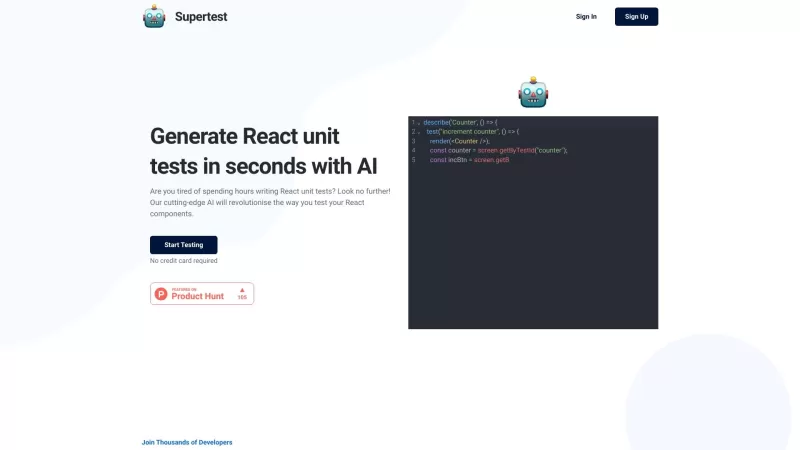
Automate React unit test generation in seconds.



Helps TikTok sellers, brands, MCNs, and TAPs discover winning products and find creators.

HelpLook is an AI-powered all-in-one knowledge base tool that helps businesses quickly build knowledge bases, help centers, and...

Your AI Workspace

302.AI is an enterprise-grade AI resource platform with pay-as-you-go pricing, API access to a full range of AI models, and ready-to-use online applications.

剧火AI — AI Screenwriter + Director, a One-Person Short Drama Studio In one sentence, what is it?
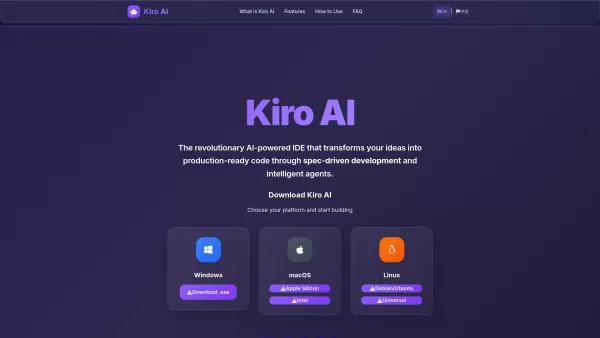
What is Kiro AI? Kiro AI is a cutting-edge AI-powered Integrated Development Environment (IDE) that streamlines coding from concept to deployment. It leverages spec-driven development to transform ide
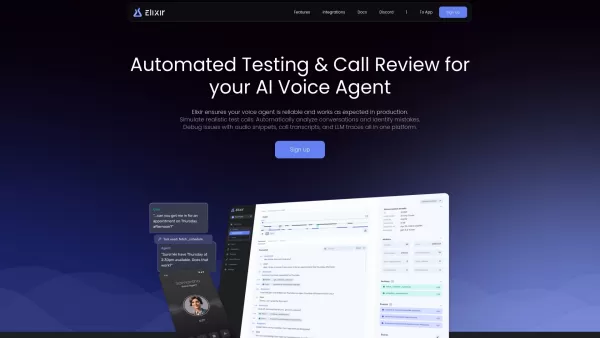
Elixir is more than just a tool; it's a game-changer for anyone working with AI voice agents. Imagine having a platform that not only automates testing but also dives deep into call reviews to ensure your voice agents are top-notch. Elixir does just that,
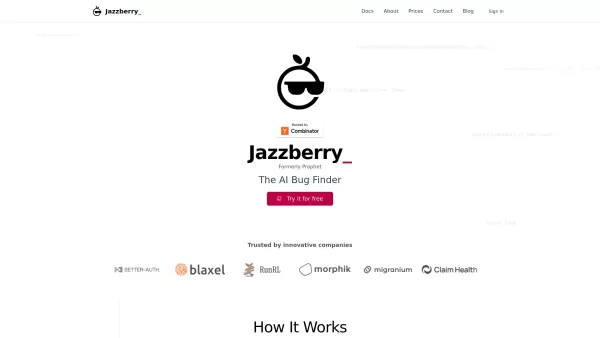
What is Jazzberry? Jazzberry is an AI-powered agent that identifies bugs in code through actual code execution. It integrates with GitHub to automatically generate detailed bug reports directly on pull requests. Previously named Prophet, this AI Bug
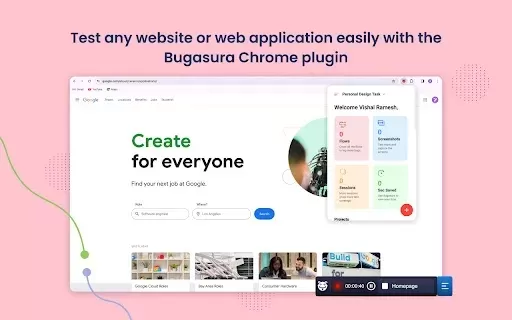
What is Bugasura?Bugasura is an innovative bug tracking platform powered by AI that accelerates the process of finding, reporting, and resolving software issues. Designed for developers, QA testers, and product teams, it streamlines the entire bug li
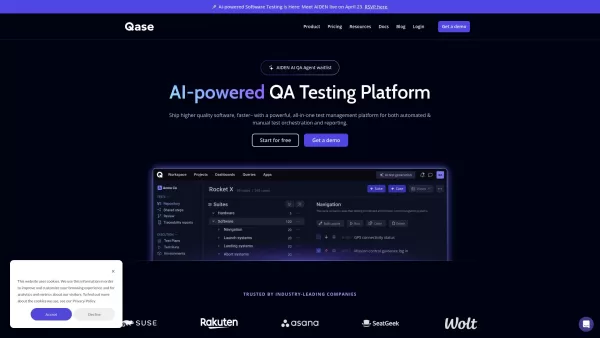
Qase isn't just another tool in the vast sea of software solutions; it's a modern test management platform that's transforming how QA teams handle both manual and automated testing and reporting. If you're tired of juggling spreadsheets and disparate tool
Supertest Product Information
Ever wondered how to make testing your React components a breeze? Enter Supertest, a nifty AI-powered extension for VS Code that revolutionizes the way you handle unit tests. With Supertest, you can generate React unit tests with just a single click, turning what used to be a tedious task into a walk in the park.
How to Use Supertest?
Getting started with Supertest is as easy as pie. Here’s a quick guide to get you up and running:
Install the Supertest Extension: First things first, you need to install the Supertest extension for VS Code. Just head over to the extensions marketplace and add it to your toolkit.
Paste Your React Component: Once the extension is set up, open VS Code, and paste your React component into the editor. This is where the magic begins.
Click 'Generate': Now for the fun part—hit that 'generate' button, and watch as Supertest crafts a unit test for your component in no time flat.
Supertest's Core Features
AI-powered Unit Test Generation
The heart of Supertest is its AI engine, which does the heavy lifting of creating unit tests for your React components. It's like having a smart assistant that knows exactly what tests to write.
VS Code Integration
Seamlessly integrated with VS Code, Supertest feels like a natural part of your development environment. No need to juggle multiple tools; everything you need is right there in your editor.
Auto-add Test IDs
Ever struggled with adding test IDs to your components? Supertest takes care of that too, automatically adding them to make your testing process smoother and more efficient.
Supertest's Use Cases
Automating Software Testing
Supertest shines when it comes to automating your testing process. Say goodbye to the manual drudgery and hello to more time for actual coding.
Saving Time on Writing Unit Tests
By generating tests with a single click, Supertest can save you hours that would otherwise be spent writing tests by hand. It's like having a time machine for your development workflow.
FAQ from Supertest
- What is Supertest?
- Supertest is an AI-powered VS Code extension designed to automate the generation of React unit tests.
- Which testing libraries does Supertest support?
- Supertest supports a variety of testing libraries, making it versatile for different project needs.
- Can I try Supertest for free?
- Absolutely! You can give Supertest a whirl with a free trial to see if it fits your workflow.
- How can I contact the support team?
- Need help? Just shoot an email to [email protected] and the support team will get back to you.
- Can I get a refund?
- If Supertest isn't quite what you expected, you can request a refund by contacting the support team.
Supertest is brought to you by Supertest, a company dedicated to making developers' lives easier. If you're ready to dive in, you can log in at https://app.supertest.ai/login?rel=landing or sign up at https://app.supertest.ai/login?rel=landing. And don't forget to follow them on Twitter at https://twitter.com/supertest_ai for the latest updates and tips.
Supertest Screenshot

2026 Latest Best GitHub Copilot Test Generators curated by XIX.AI feature top-rated tools that deliver powerful game-changing solutions for writing unit coverage tests, edge case scenarios, and regression check scripts. These must-try options go through rigorous real-world tests to ensure reliability, with a weekly updated rankings system showing the most effective choices. Explore now to Discover your perfect tool for boosting coding efficiency and unlocking your AI edge.
 13 tools
 xix.ai
2026 Latest Best Top-Rated AI Unit Test Generators for Python APIs, curated by XIX.AI. These powerful tools offer game-changing speed and accuracy in writing automated tests, helping developers boost productivity significantly. Get a free vs paid comparison along with real-world tests and updated weekly rankings to find the must-try solution that fits your needs. Explore now to unlock your AI edge.
8 tools
xix.ai
2026 Latest Best AI Unit Test Generators for Python APIs, Edge Cases, and Regression Coverage. XIX.AI curates a top-rated list of powerful tools that deliver game-changing results through real-world tests and weekly updated rankings. You’ll find must-try options for boosting writing efficiency, ensuring code quality, and streamlining testing processes. Explore now to discover your perfect tool for maximizing productivity!
10 tools
xix.ai
Discover the 2026 latest top-rated AI tools for automated unit testing. Our curated selection features powerful, game-changing solutions to generate Jest, PyTest & JUnit test cases instantly. Compare free vs paid options with real-world tests and weekly updated rankings on XIX.AI. Unlock your AI edge and boost development productivity today.
10 tools
xix.ai

Discover the 2026 best AI prompts for automated testing. XIX.AI's curated list features top-rated, game-changing tools to generate Jest, JUnit & PyTest scripts instantly. Boost your dev workflow with powerful, one-click solutions. Explore our weekly updated rankings and find your perfect match now!
10 tools
xix.ai

Discover the 2026 latest best AI test case generation tools for superior unit and integration testing. XIX.AI's curated list features top-rated, game-changing AI solutions that automate scenarios, boost coverage, and accelerate QA. Compare free vs paid options with real-world test rankings. Find your perfect testing ally now.
10 tools
xix.ai


这个Supertest插件也太懂程序员的心思了吧!一键生成React单元测试简直拯救了我的发际线😭 之前写测试用例熬到凌晨,现在点点按钮就搞定,AI加持的开发工具真香~


