


 Home
HomeSupercut
Screen Recorder for Professional Sharing



Helps TikTok sellers, brands, MCNs, and TAPs discover winning products and find creators.

HelpLook is an AI-powered all-in-one knowledge base tool that helps businesses quickly build knowledge bases, help centers, and...

Your AI Workspace

302.AI is an enterprise-grade AI resource platform with pay-as-you-go pricing, API access to a full range of AI models, and ready-to-use online applications.

剧火AI — AI Screenwriter + Director, a One-Person Short Drama Studio In one sentence, what is it?
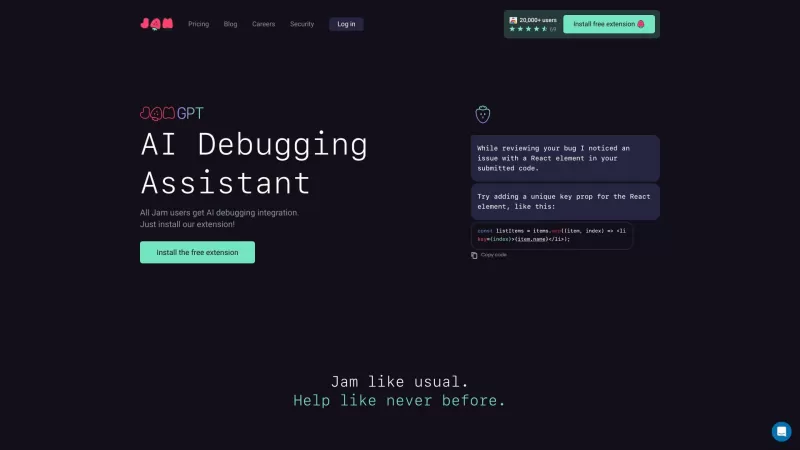
Ever stumbled upon a pesky bug in a software product and wished you could report it effortlessly? Enter Jam, your new best friend in the world of bug reporting. With Jam, you can snap a screenshot or record your screen to instantly create a bug report tha
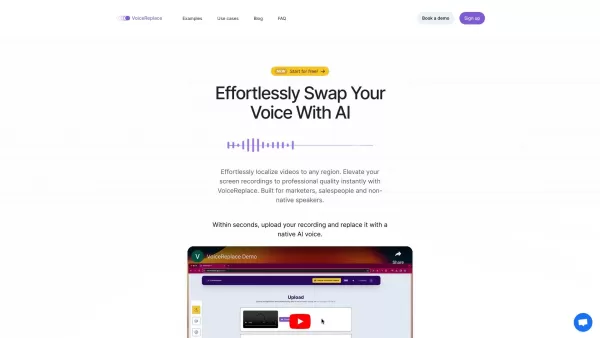
VoiceReplace is an innovative tool designed to revolutionize the way you handle video audio. With its AI-powered technology, you can seamlessly replace voices in your videos, making it easier than ever to enhance your content or adapt it for different aud
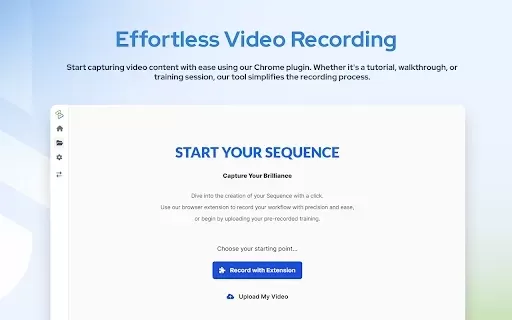
What is AdoptSequence Video Capture?AdoptSequence Video Capture is an AI-powered tool that records and translates your screen activity. It enables full-screen, window, and tab recording in up to 4K quality, improves audio clarity, and translates cont
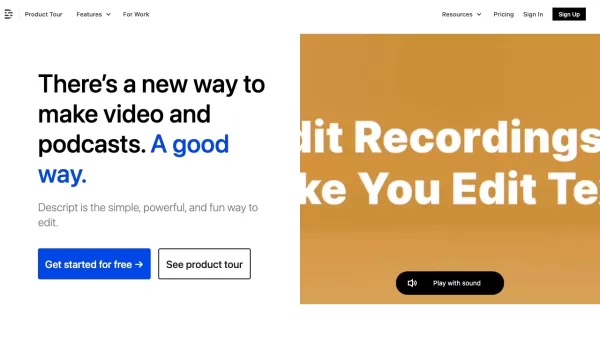
Descript is more than just another tool—it’s your one-stop shop for video and podcast creation and editing. Think of it as a supercharged word processor, but for audio and visuals. Need to craft a professional video or podcast? Descript lets you writ
Ever found yourself needing to capture what's happening on your screen? Enter SimpleScreen, a nifty tool designed to make screen recording as easy as pie. With just a single click, you can start recording, and with features like mic and webcam support, annotations, password protection, and video tri
Supercut Product Information
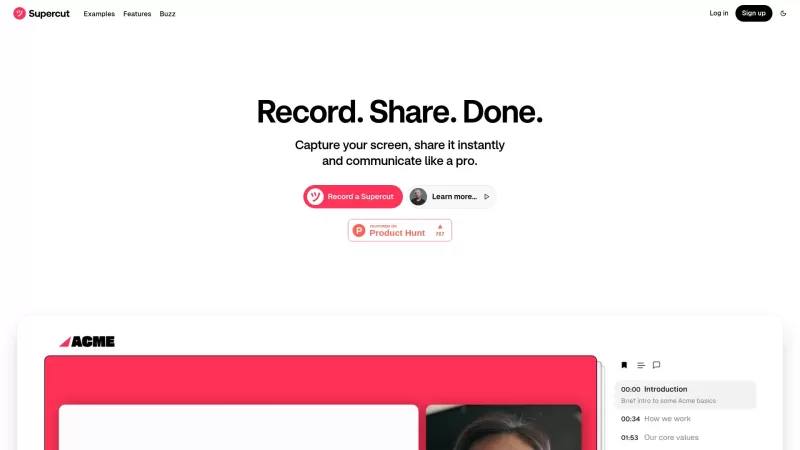
Ever needed a tool that makes screen recording a breeze? Enter Supercut, a gem of a software that not only captures your screen with ease but also enhances your recordings with AI magic, making your content look professional and ready to share.
How to Get Started with Supercut?
Getting started with Supercut is as simple as pie. Just hit that record button to capture your screen, jazz up your video with a few custom tweaks, and boom—you're ready to share it with the world. Whether you're looking for feedback or want to collaborate, Supercut makes it instant and seamless.
What Makes Supercut Stand Out?
User-friendly Interface
Supercut's design is all about making your life easier. With an interface that's intuitive, you'll feel like a pro in no time, no matter your level of tech-savvy.
Instant Sharing Capabilities
Got something to show off? With Supercut, sharing your masterpieces is as quick as a flash. Send your recordings out into the world and watch the feedback roll in.
AI-assisted Features
The AI features in Supercut are like having a smart assistant by your side, helping you with everything from feedback to documentation. It's like the tool knows exactly what you need!
Multiple Layout Options
Branding your content is a breeze with Supercut. Choose from a variety of layouts to make your videos uniquely yours, reflecting your style and professionalism.
When Should You Use Supercut?
Software Demos
Need to showcase a new software feature? Supercut turns your demos into polished, professional presentations that captivate your audience.
Client Presentations
When you're presenting to clients, you want to impress. Supercut helps you do just that, with crisp, clear recordings that convey your message perfectly.
Training Sessions
Training can be tedious, but with Supercut, you can make it engaging and effective. Record your sessions and share them easily, ensuring everyone's on the same page.
Frequently Asked Questions About Supercut
- What platforms does Supercut support?
- Can I share my recordings privately?
- What is the maximum resolution I can record in?
For any burning questions about Supercut, feel free to reach out to their customer service team at [email protected]. If you need more contact options, head over to their contact us page.
Supercut is brought to you by Float Labs Ltd. Curious about the brains behind the operation? Check out their about us page.
Ready to dive in? Log into Supercut at their login page or sign up for a new account at their sign up page. And if you're wondering about the cost, take a peek at their pricing page.
For more visual content and tutorials, don't forget to subscribe to their YouTube channel and follow them on Twitter to stay updated on the latest from Supercut.
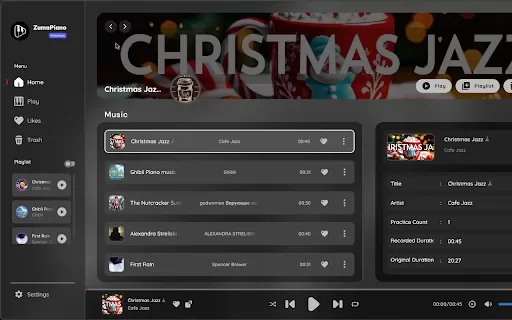
Supercut Screenshot

2026 Latest Best Top-rated AI Object Removal Editors for portraits travel product shots! XIX.AI curates a powerful game-changing collection regularly updated with weekly rankings. These tools offer real-world tests to help you quickly remove unwanted elements, boost content quality, and save tons of time without compromising results. Must-try for anyone aiming to unlock their AI creation edge. Explore now!
 10 tools
 xix.ai

2026 Latest Best Top-rated AI Text to Speech Tools for Online Courses are curated by XIX.AI based on rigorous real-world tests and weekly updated rankings. These powerful tools help creators deliver crystal-clear audio content effortlessly, boosting writing efficiency and streamlining course production. Check out the free vs paid comparison to find your perfect fit. Explore now to unlock your AI edge in online education.
10 tools
xix.ai

2026 Latest Best Top-Rated AI Blog Title Tools for Higher Click Through Rates! XIX.AI has carefully curated a powerful, game-changing collection of top tools that go through rigorous real-world tests. You’ll find a free vs paid comparison, weekly updated rankings, and detailed insights to help you boost your blog’s traffic efficiently. Must-try options are highlighted to help you unlock your AI edge. Explore now!
10 tools
xix.ai

2026 Latest Best Top-rated AI Task Routing Tools for Support Workflows! XIX.AI has curated a highly powerful game-changing collection of must-try solutions, all undergoing rigorous real-world tests and updated weekly. These tools streamline workflows, boost productivity, and help teams deliver faster, more efficient support. Explore now to discover your perfect tool and unlock your AI edge!
17 tools
xix.ai

2026 Latest Best Top-Rated AI Citation and Paper Summary Tools Curated by XIX.AI. Get powerful game-changing solutions for quick content creation, improved writing efficiency, and boosting productivity. We offer a free vs paid comparison along with real-world tests and weekly updated rankings to help you find the must-try tool that fits your needs perfectly. Explore now to Unlock your AI edge.
10 tools
xix.ai

2026 Latest Best Top-Rated AI Productivity Tools for Daily Work! XIX.AI has curated a powerful, game-changing selection based on rigorous weekly updated rankings and real-world tests. You’ll find must-try options that boost writing efficiency, streamline content creation, and help you overcome daily work challenges. Get a free vs paid comparison to find the perfect fit for your needs. Explore now to unlock your AI edge!
9 tools
xix.ai


ついに理想の画面録画ツールを見つけた!SupercutのAI編集機能がすごく便利で、動画の質が劇的に向上しました✨ 操作も簡単で、初心者でもプロのようなコンテンツが作れるのが最高です。ちょっと高機能すぎて逆に使いこなせるか心配になるレベル笑
Supercut is a total game-changer for my workflow! 🎥 The AI enhancements make my screen recordings look so polished - no more worrying about lighting or shaky cam. Best part? One-click sharing to all my platforms. Only wish the free version had longer recording time! #ContentCreatorLife


