


 Home
HomeSummarify AI For YouTube



Helps TikTok sellers, brands, MCNs, and TAPs discover winning products and find creators.

HelpLook is an AI-powered all-in-one knowledge base tool that helps businesses quickly build knowledge bases, help centers, and...

Your AI Workspace

302.AI is an enterprise-grade AI resource platform with pay-as-you-go pricing, API access to a full range of AI models, and ready-to-use online applications.

剧火AI — AI Screenwriter + Director, a One-Person Short Drama Studio In one sentence, what is it?
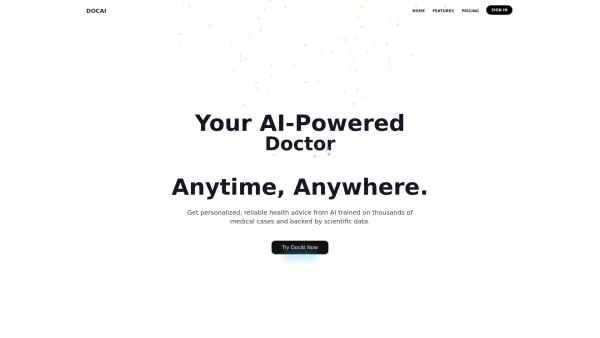
What is Doc AI?DocAI is an innovative platform that leverages advanced artificial intelligence to streamline and automate document processing. It provides a comprehensive solution for extracting data, analyzing content, and tackling diverse document-
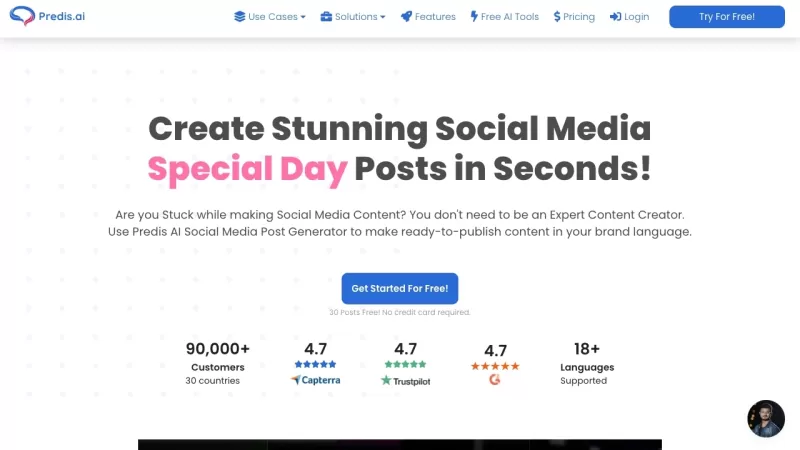
Predis.ai isn't just another tool in the vast sea of AI marketing solutions; it's a game-changer for businesses looking to jazz up their social media presence. Imagine having a trusty sidekick that not only helps you whip up eye-catching video and image c
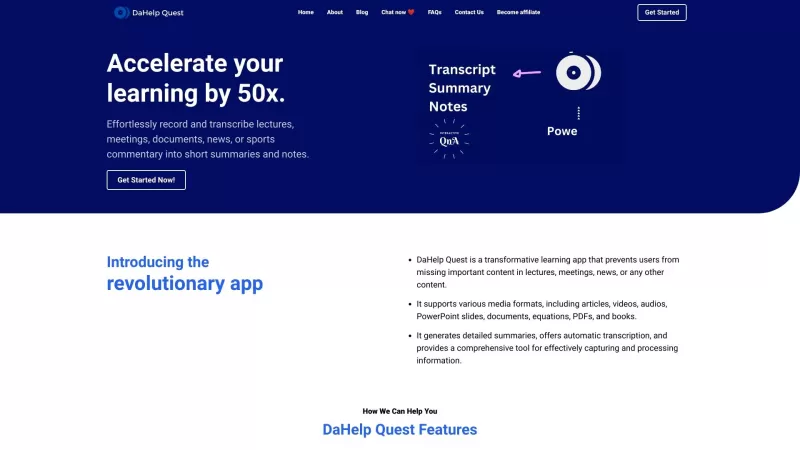
Ever felt overwhelmed by the sheer amount of information you need to process? Enter DaHelp Quest, a game-changer in the world of learning and knowledge management. This nifty app isn't just another tool; it's your personal assistant that helps you capture
What is the Twitter Space Downloader, Transcriber, and Summarizer Chrome Extension? This extension empowers you to download audio from Twitter Spaces, convert it into text, and generate a summary of the discussion. It simplifies capturing, comprehend
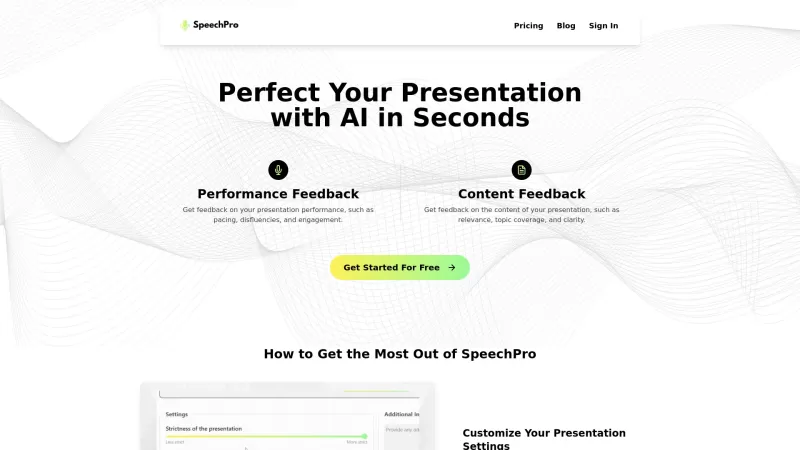
SpeechPro is an incredible AI tool that has revolutionized the way we approach oral presentations. By uploading your presentation audio and providing any specific guidelines, you can tap into a wealth of feedback on not just how you deliver your speech, b
Summarify AI For YouTube Product Information
What is Summarify AI For YouTube?
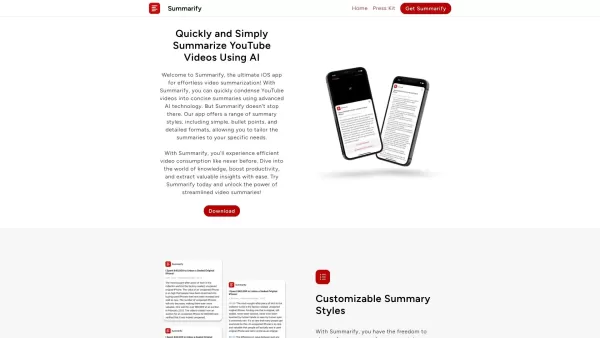
Summarify AI for YouTube revolutionizes how you engage with video content. It provides a range of summary formats, from simple and bullet-point to comprehensive styles. The app also comes with practical features such as history tracking, a share extension, and flexible export settings. Catering to everyday users and experts alike, Summarify helps you extract maximum value from any video.
Who will use Summarify AI For YouTube?
- Students
- Educators
- Content Creators
- Researchers
- Business Professionals
- Everyday YouTube Viewers
How to use the Summarify AI For YouTube?
- Step 1: Download and install the Summarify app from the App Store.
- Step 2: Open YouTube and pick the video you wish to summarize.
- Step 3: Use YouTube's share feature to send the video to the Summarify app.
- Step 4: Select your preferred summary format—simple, bullet points, or detailed.
- Step 5: Read your generated summary directly in the app.
- Step 6: Optionally, export or share the summary using the app’s available tools.
Platform
- iOS
Summarify AI For YouTube's Core Features & Benefits
The Core Features
- Multiple summary formats
- Easy-to-use share extension
- History tracking
- Export capabilities
- Clickable timestamps
The Benefits
- Saves time watching YouTube videos
- Structured summaries for improved information retention
- Simple sharing and export functionality
Summarify AI For YouTube's Main Use Cases & Applications
- Summarizing educational content for students
- Generating brief outlines for content creators
- Quickly absorbing lengthy tutorials or lectures
- Creating efficient summaries for business meetings
Summarify AI For YouTube's Pros & Cons
The Pros
Leverages advanced AI, like ChatGPT, for precise video summarization.
Provides various summary styles to match different user needs.
Seamlessly integrates with YouTube for instant summaries without switching apps.
Includes video timestamps to jump directly to important sections.
Allows exporting summaries and transcripts in several formats.
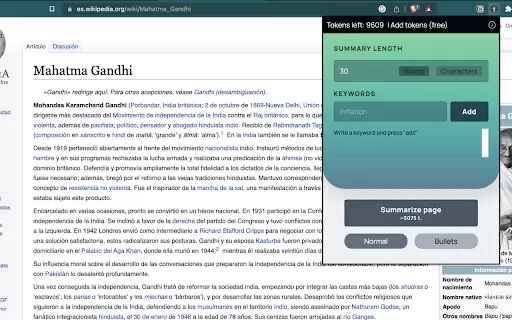
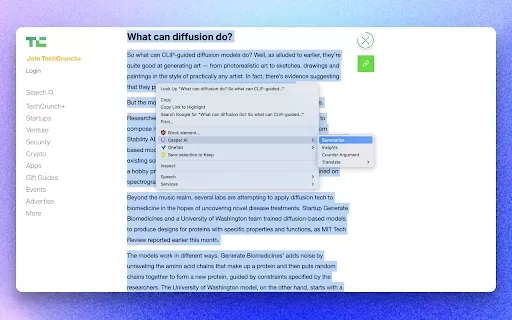
Accessible on Apple devices and as a Chrome browser extension.
Features a productivity tracker that displays time saved.
The Cons
No details available regarding open-source status or a GitHub repository.
No application for Android or on Google Play.
Limited pricing information beyond the main website.
Lacks links to community or social platforms like Discord or Telegram.
Summarify AI For YouTube's Pricing
Has free plan | No |
|---|---|
Free trial details | |
Pricing model | |
Is credit card required | No |
Paid from | |
Has lifetime plan | No |
Billing frequency |
For the most current pricing, visit: https://summarify.app
FAQs of Summarify AI For YouTube
What is Summarify?
Summarify is an application that generates quick and easy summaries of YouTube videos.
Is Summarify available for free?
Yes, Summarify offers a free version on the App Store. A more comprehensive 'Unlimited' experience is available through a subscription.
What types of summaries can I create with Summarify?
You can generate simple summaries, bullet-point lists, and in-depth detailed summaries.
Can I share the summary with others?
Yes, the app includes multiple sharing options to distribute your summaries.
Does Summarify track my summary history?
Yes, Summarify has a history function that lets you access your previous summaries.
What are some of the export options available?
You can export summaries in various formats to suit your requirements.
Is there a feature for clickable timestamps?
Yes, summaries include clickable timestamps for straightforward navigation to key moments.
How do referrals work in Summarify?
You can invite others to use Summarify by sharing a personal referral link.
Will Summarify work on my Android phone?
At this time, Summarify is exclusive to iOS devices.
How do I contact Summarify support?
Please refer to the contact page on our official website for support information.
Summarify AI For YouTube Company Information
Website:
https://summarify.appCompany Name:
SummarifySupport Email:
Facebook:
NAX(Twitter):
NAYouTube:
NAInstagram:
NATiktok:
NALinkedIn:
NA
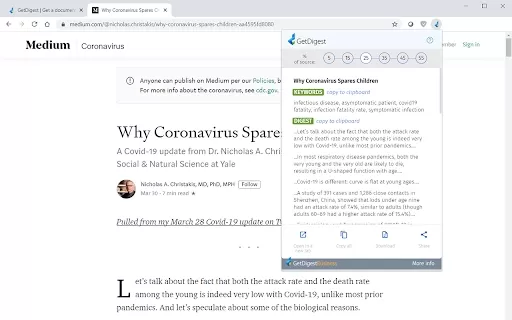
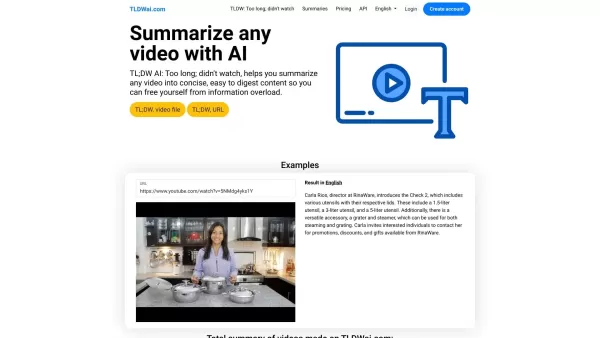
Summarify AI For YouTube Screenshot

2026 Latest Best Top-Rated AI Prompt Libraries for optimizing all types of ChatGPT workflows. XIX.AI has curated a powerful, game-changing collection that goes through rigorous real-world tests to ensure top performance. You can find detailed free vs paid comparisons and expert rankings to help you choose the must-try tools that boost your productivity and unlock your AI edge. Explore now!
 11 tools
 xix.ai

2026 Latest Best AI Quiz Builder Platforms for Teachers, Tutors, and Cohort-Based Learning Programs! XIX.AI has curated a top-rated list of powerful game-changing tools that go through real-world tests to deliver accurate rankings. These must-try platforms help boost writing efficiency, streamline content creation, and simplify quiz design across all learning scenarios. Explore now to discover your perfect tool for unlocking your AI edge in teaching!
13 tools
xix.ai

2026 Latest Best AI Pull Request Review Tools for GitHub Teams are here on XIX.AI! This top-rated curated list showcases powerful game-changing solutions that streamline refactoring, bug fixing, and security gap detection across all team workflows. Enjoy a free vs paid comparison along with real-world tests and detailed rankings to help you find the perfect tool that boosts productivity significantly. Explore now to unlock your AI edge!
12 tools
xix.ai

2026 Latest Best Top-rated AI Text to Speech Tools for Natural Voiceovers are here on XIX.AI! This curated list features powerful, game-changing options that deliver crystal-clear voices for every use case, backed by real-world tests and weekly updated rankings. Get a free vs paid comparison to find the must-try solution that boosts your productivity instantly. Explore now to Unlock your AI edge!
11 tools
xix.ai

2026 Latest Best Manga AI Background Generators Ranked Top-Rated! This curated collection showcases powerful game-changing tools perfect for creating high-quality chapter backgrounds, book covers, and promotional art. Every option has undergone rigorous real-world tests to ensure reliability. Get a free vs paid comparison along with detailed insights. Explore now to discover your perfect tool and unlock your AI edge in manga creation.
6 tools
xix.ai

2026 Latest Best Top-rated AI Object Removal Editors for portraits travel product shots! XIX.AI curates a powerful game-changing collection regularly updated with weekly rankings. These tools offer real-world tests to help you quickly remove unwanted elements, boost content quality, and save tons of time without compromising results. Must-try for anyone aiming to unlock their AI creation edge. Explore now!
10 tools
xix.ai


Honestly, this is a game-changer for my YouTube research. I've been using the bullet-point summary for long podcasts and it saves so much time. The comprehensive style is a bit too wordy for me, but love the flexibility. My only worry is whether it handles non-English content well? 🤔 Still, big thumbs up! 👍
Just tried Summarify AI for YouTube and it's a game-changer! The bullet-point summaries are perfect for my morning routine - I can catch up on tech news while having coffee. The comprehensive style is great for deeper dives. Only wish it had podcast support too! 😊


