


 Home
HomeSubtitle Translation Tool
Subtitle Translator App: Multilingual Video Access



Helps TikTok sellers, brands, MCNs, and TAPs discover winning products and find creators.

HelpLook is an AI-powered all-in-one knowledge base tool that helps businesses quickly build knowledge bases, help centers, and...

Your AI Workspace

302.AI is an enterprise-grade AI resource platform with pay-as-you-go pricing, API access to a full range of AI models, and ready-to-use online applications.

剧火AI — AI Screenwriter + Director, a One-Person Short Drama Studio In one sentence, what is it?

What is Makefilm?Makefilm revolutionizes video creation as a comprehensive AI-powered platform that streamlines professional-quality video production. This innovative solution combines multiple smart tools into one seamless workflow - transforming te

What is Speech Translator?Speech Translator leverages Google's advanced speech recognition to deliver real-time translation for videos, audio, and live streams. This tool bridges language gaps, enabling seamless conversations and fostering clearer un
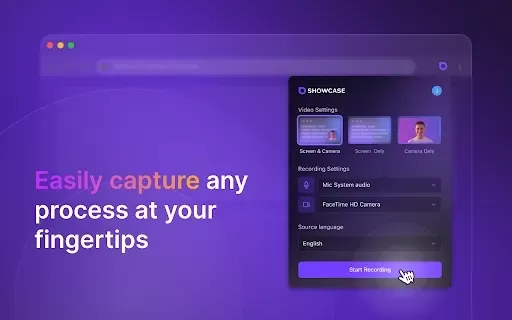
What is Showcase: Screen Recorder & Video Translator?Showcase Screen Recorder offers a versatile all-in-one solution for capturing your screen and translating video content. Ideal for creating software tutorials, comprehensive training manuals, and e

What is Scan Translator?Scan Translator is a tool that enables users to quickly and accurately translate manga scans and images into multiple languages. Utilizing advanced AI technology, the extension extracts text from images and translates it on th

What is Yi Subtitles - Video Subtitle Plugin | Movie Subtitles | Free?Yi Subtitles is a free subtitle plugin for videos that delivers bilingual subtitles for both audio and video content. It works with popular platforms including YouTube and Bilibili
Subtitle Translation Tool Product Information
What is a Subtitle Translation Tool?
A Subtitle Translator App enables users to easily convert subtitles from one language to another. Supporting numerous languages and powered by sophisticated algorithms, it delivers accurate translations. It's an ideal solution for video creators, educators, and everyday viewers looking to overcome language barriers, significantly improving video content accessibility and understanding.
Who Uses a Subtitle Translation Tool?
- Content Creators
- Educators
- YouTubers
- Movie Enthusiasts
- Social Media Managers
How to Use the Subtitle Translation Tool
- Step 1: Download and install the Subtitle Translator App.
- Step 2: Upload your video or subtitle file for translation.
- Step 3: Select the original and target languages.
- Step 4: Click the translate button to begin the process.
- Step 5: Review the translated subtitles and make any needed adjustments.
- Step 6: Export the final subtitles or overlay them directly onto your video.
Platform
- Web
- iOS
- Android
Subtitle Translation Tool: Core Features & Benefits
Core Features
- Support for multiple languages
- Real-time translation capabilities
- Built-in subtitle editing tools
Benefits
- Enhances accessibility for global audiences
- Boosts viewer engagement and retention
- A cost-effective solution for content producers
Main Use Cases & Applications
- Translating instructional and educational videos
- Creating subtitles for international films
- Localizing content for social media platforms
Subtitle Translation Tool FAQs
What languages does the app support?
The application supports translation across more than 50 languages.
Is the subtitle translation accurate?
Yes, it employs advanced algorithms to ensure highly accurate translations.
Can I edit the translated subtitles?
Absolutely. You can easily edit the translations directly within the app.
Is there a cost to use the app?
Basic features are available for free, with premium options for advanced needs.
How do I export the translated subtitles?
After editing, simply click the export button to save your file.
Is the app available for desktop use?
Currently, it is optimized for web and mobile platforms (iOS & Android).
Can I translate subtitles in real-time?
Yes, the app offers real-time translation during video playback.
Does it support closed captions?
Yes, it fully supports both standard subtitles and closed captions.
What formats does the app accept?
It accepts common subtitle formats, including SRT and VTT files.
Are there any limitations on file sizes?
File size limits may apply, depending on your chosen subscription tier.
About Subtitle Translation Tool
- Subtitle Translator
- https://subtitletranslator.app
Subtitle Translation Tool Screenshot
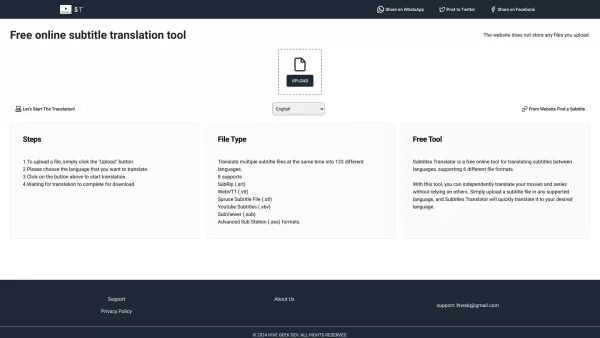
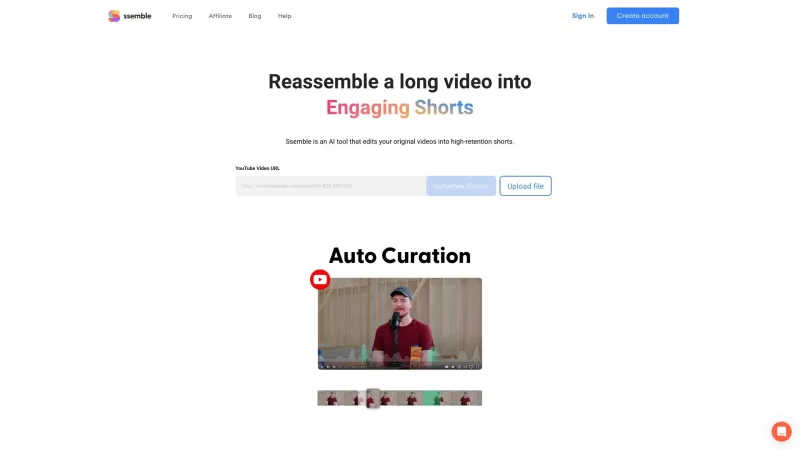
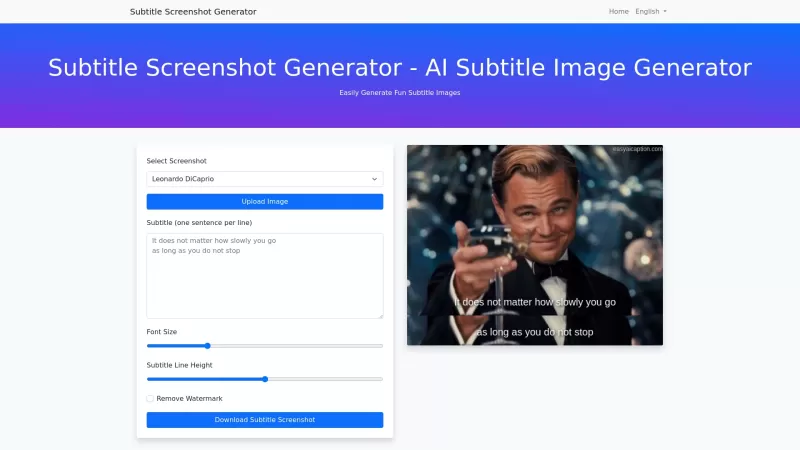
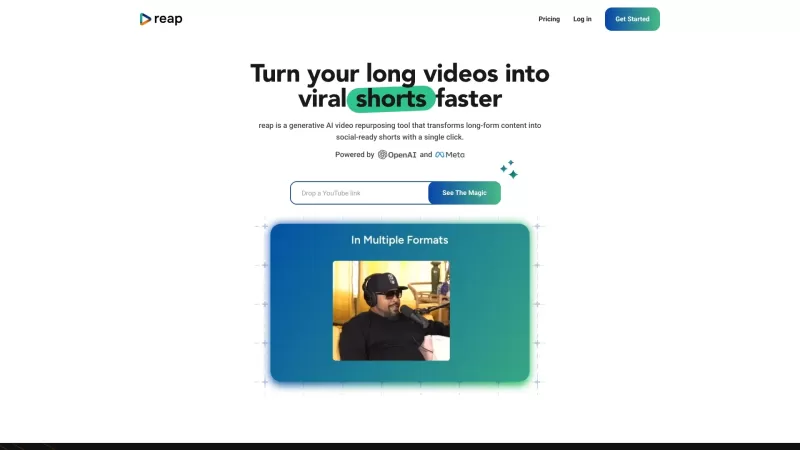
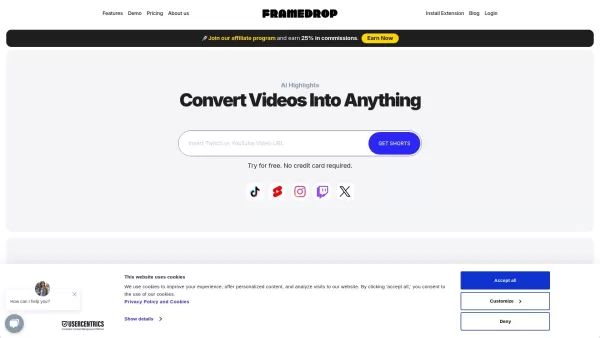
2026 Latest Best Top-rated AI Subtitle Tools for Multilingual Videos are here on XIX.AI! This curated list features powerful, game-changing options that go through real-world tests to deliver accurate subtitles in dozens of languages. Get a free vs paid comparison and see which tools suit your needs best. Explore now to unlock your AI edge!
 9 tools
 xix.ai


