


 Home
HomeStutor AI



Helps TikTok sellers, brands, MCNs, and TAPs discover winning products and find creators.

HelpLook is an AI-powered all-in-one knowledge base tool that helps businesses quickly build knowledge bases, help centers, and...

Your AI Workspace

302.AI is an enterprise-grade AI resource platform with pay-as-you-go pricing, API access to a full range of AI models, and ready-to-use online applications.

剧火AI — AI Screenwriter + Director, a One-Person Short Drama Studio In one sentence, what is it?
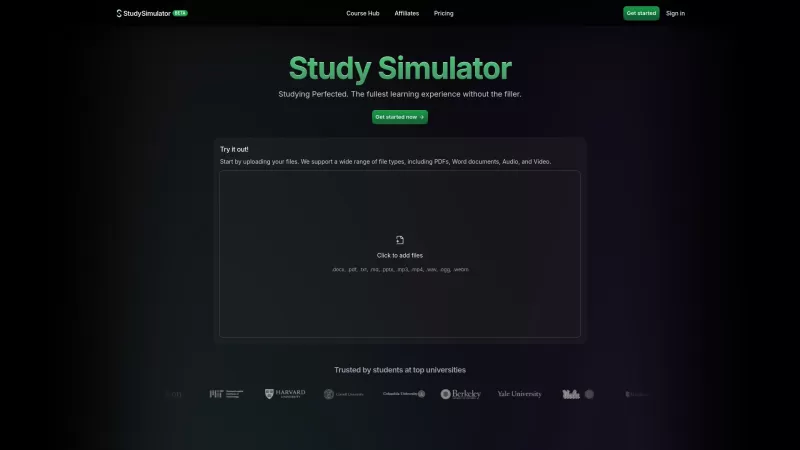
StudySim is a cutting-edge AI-powered learning platform designed to revolutionize your study sessions. It takes your study materials and transforms them into personalized flashcards, study guides, and quizzes that match your unique learning style. Whether
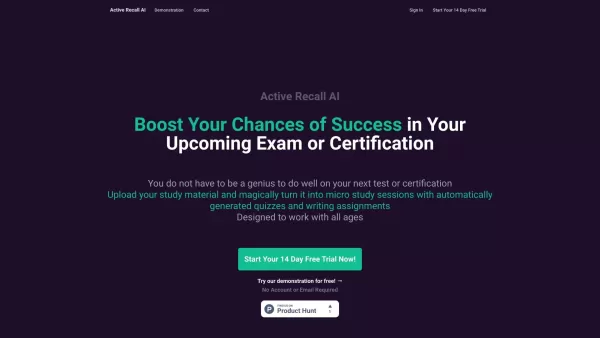
What is Active Recall AI?Active Recall AI is an advanced educational tool powered by artificial intelligence, crafted to elevate students' learning outcomes. It creates tailored quizzes and writing exercises directly from your uploaded notes and text
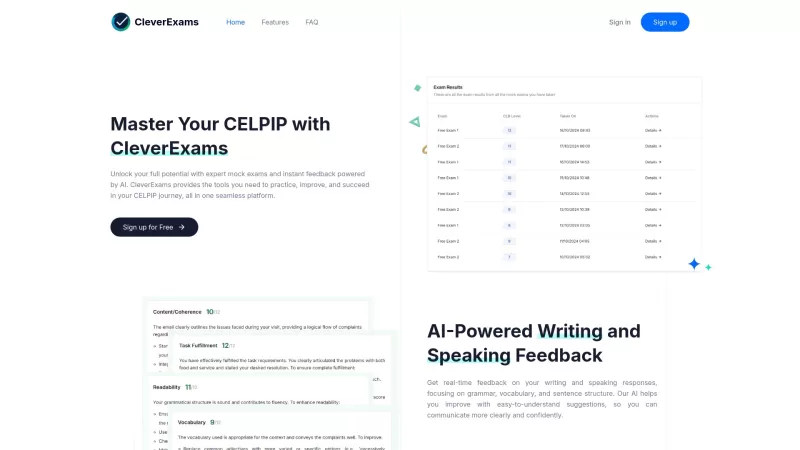
If you're gearing up for the CELPIP exam, CleverExams is your go-to platform for honing your skills. Think of it as your personal training ground, where you can dive into mock tests and get instant feedback that feels like having a coach by your side.Getting started with CleverExams is a breeze. Jus
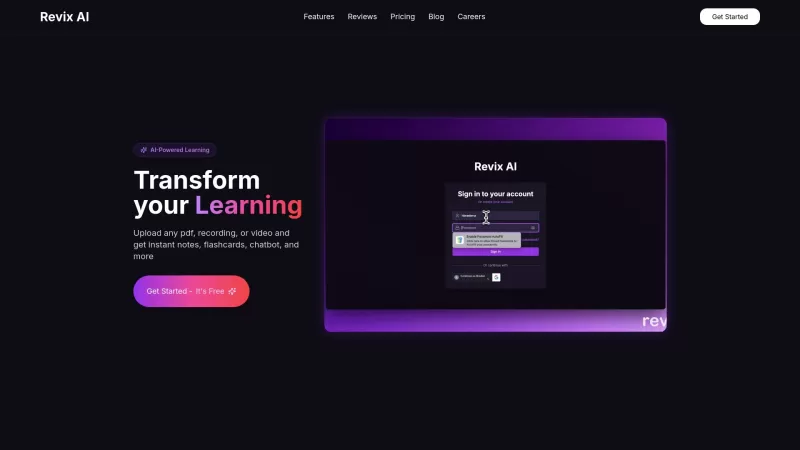
Revix AI is not just another tool; it's like having a super-smart study buddy by your side. Designed specifically for students, it uses the power of AI to help you whip up notes and flashcards, keep your study life in order, and make your learning journey
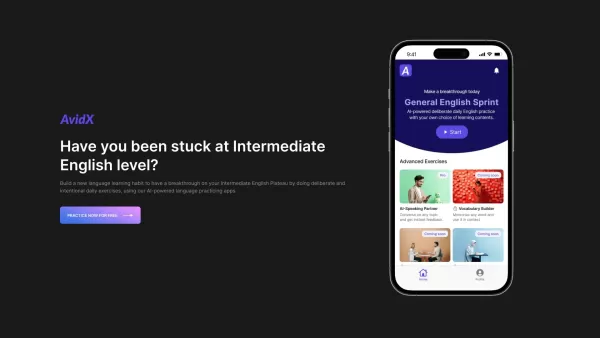
What is AvidX? AvidX represents a suite of intelligent English learning applications powered by artificial intelligence, specifically designed to help intermediate learners overcome plateaus in their language journey. Through innovative digital solut
Stutor AI Product Information
What is Stutor AI?
Stutor AI turns your textbook into an interactive study companion, instantly creating personalized quizzes and assignments. Its simple interface allows students to upload materials and get custom quizzes aligned with their learning goals. This method promotes active engagement and helps solidify knowledge. Perfect for exam prep or extra practice, Stutor makes studying more effective and dynamic.
Who will use Stutor AI?
- Students
- Teachers
- Tutors
- Educational Institutions
How to use Stutor AI?
- Step 1: Go to the Stutor website or open the app.
- Step 2: Sign up for an account or log in.
- Step 3: Upload your textbook or study materials.
- Step 4: Choose the specific topics for your quizzes.
- Step 5: Get your personalized quizzes generated immediately.
- Step 6: Review results and monitor your learning progress.
Platform
- Web
- iOS
- Android
Stutor AI's Core Features & Benefits
The Core Features
- Instant quiz generation
- Customizable assignments
- Progress tracking
- User-friendly interface
The Benefits
- Better grades
- Personalized learning path
- Study directly from your own textbook
- Active interaction with the content
Stutor AI's Main Use Cases & Applications
- Exam preparation
- Practice sessions
- Homework help
- Supplementary learning tool
Stutor AI's Pros & Cons
The Pros
Effortlessly upload textbooks in various formats like PDF, ePub, and images
Immediate creation of tailored quizzes for specific chapters or subjects
Diverse question formats including multiple-choice, true/false, and short answer
Progress analytics to pinpoint weak areas and track improvement
Includes a 14-day free trial and affordable subscription options
AI specifically designed for education, ensuring accurate and relevant content
The Cons
Monthly cost ($15 to $25) might be steep for occasional users
Unclear if offline access or a dedicated mobile app is available
Not an open-source solution
Limited details on how question quality is assured or community features
Stutor AI's Pricing
Has free plan | No |
|---|---|
Free trial details | 14-day free trial |
Pricing model | Free Trial |
Is credit card required | No |
Paid from | 15 USD |
Has lifetime plan | No |
Billing frequency | Monthly |
Details of Pricing Plan
Starter
15 USD per month
- Upload up to 5 textbooks
- Generate 20 quizzes monthly
- Multiple choice and true/false questions
- Standard email support
Pro
25 USD per month
- Unlimited textbook uploads
- Unlimited quiz generations
- Access to all question types
- Advanced performance tracking
- Priority email support
Discount:
Use promo code EarlyBird50Off for a 50% discount
For current pricing, visit: https://stutor.ai
FAQs of Stutor AI
What subjects does Stutor support?
Stutor supports most subjects, as long as you have the relevant textbooks.
How do I create an account on Stutor?
Simply visit the Stutor website and complete the sign-up process.
What types of textbooks can I upload?
You can upload textbooks in PDF format.
Is Stutor free?
Stutor provides a free trial, with full access requiring a premium subscription.
Can I track my progress?
Yes, Stutor includes detailed progress tracking tools.
How quickly can I get my quizzes?
Quizzes are created and delivered immediately after upload.
Can teachers use Stutor?
Yes, teachers can use Stutor to design custom assignments for their classes.
Does Stutor require an internet connection?
Yes, you need an internet connection to upload materials and use the platform.
Is there a mobile app for Stutor?
Yes, Stutor offers mobile apps for both Android and iOS devices.
How can I contact customer support?
Contact support via the contact form on the official Stutor website.
Stutor AI Company Information
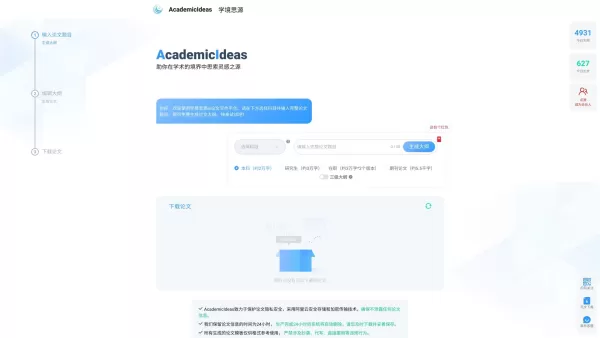
Stutor AI Screenshot


2026 Latest Best Top-rated AI Text to Speech Tools for Natural Voiceovers are here on XIX.AI! This curated list features powerful, game-changing options that deliver crystal-clear voices for every use case, backed by real-world tests and weekly updated rankings. Get a free vs paid comparison to find the must-try solution that boosts your productivity instantly. Explore now to Unlock your AI edge!
 11 tools
 xix.ai

2026 Latest Best Manga AI Background Generators Ranked Top-Rated! This curated collection showcases powerful game-changing tools perfect for creating high-quality chapter backgrounds, book covers, and promotional art. Every option has undergone rigorous real-world tests to ensure reliability. Get a free vs paid comparison along with detailed insights. Explore now to discover your perfect tool and unlock your AI edge in manga creation.
6 tools
xix.ai

2026 Latest Best Top-rated AI Object Removal Editors for portraits travel product shots! XIX.AI curates a powerful game-changing collection regularly updated with weekly rankings. These tools offer real-world tests to help you quickly remove unwanted elements, boost content quality, and save tons of time without compromising results. Must-try for anyone aiming to unlock their AI creation edge. Explore now!
10 tools
xix.ai

2026 Latest Best Top-rated AI Text to Speech Tools for Online Courses are curated by XIX.AI based on rigorous real-world tests and weekly updated rankings. These powerful tools help creators deliver crystal-clear audio content effortlessly, boosting writing efficiency and streamlining course production. Check out the free vs paid comparison to find your perfect fit. Explore now to unlock your AI edge in online education.
10 tools
xix.ai

2026 Latest Best Top-Rated AI Blog Title Tools for Higher Click Through Rates! XIX.AI has carefully curated a powerful, game-changing collection of top tools that go through rigorous real-world tests. You’ll find a free vs paid comparison, weekly updated rankings, and detailed insights to help you boost your blog’s traffic efficiently. Must-try options are highlighted to help you unlock your AI edge. Explore now!
10 tools
xix.ai

2026 Latest Best Top-rated AI Task Routing Tools for Support Workflows! XIX.AI has curated a highly powerful game-changing collection of must-try solutions, all undergoing rigorous real-world tests and updated weekly. These tools streamline workflows, boost productivity, and help teams deliver faster, more efficient support. Explore now to discover your perfect tool and unlock your AI edge!
17 tools
xix.ai


