


 Home
HomeSlidesAI
SlidesAI: AI-Powered Presentation Slide Creator



Helps TikTok sellers, brands, MCNs, and TAPs discover winning products and find creators.

HelpLook is an AI-powered all-in-one knowledge base tool that helps businesses quickly build knowledge bases, help centers, and...

Your AI Workspace

302.AI is an enterprise-grade AI resource platform with pay-as-you-go pricing, API access to a full range of AI models, and ready-to-use online applications.

剧火AI — AI Screenwriter + Director, a One-Person Short Drama Studio In one sentence, what is it?
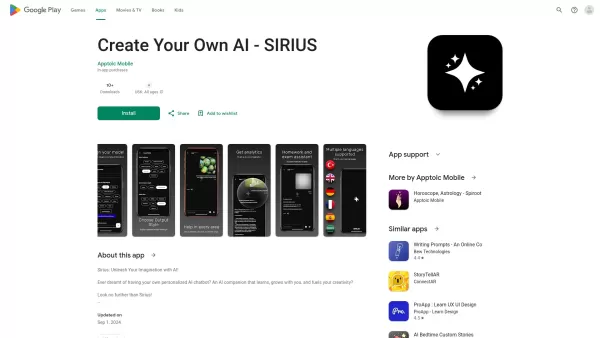
Ever wondered what it's like to have a creative buddy that's always ready to chat and inspire you? That's where Sirius AI comes into play. This isn't just any chatbot; it's your customizable companion designed to learn from you and spark your creativity.H
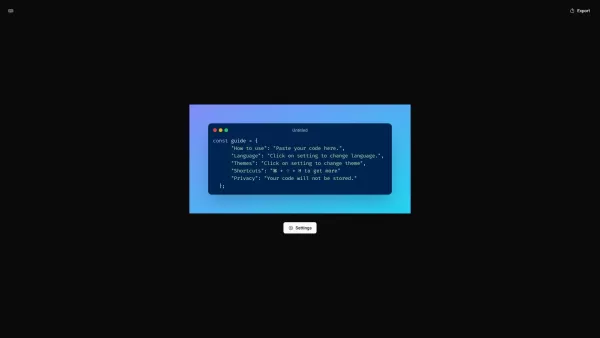
What is CodeScreenshot?Transform your code snippets into visually stunning shareable imagesHow to use CodeScreenshot?Effortlessly convert your code into professional-looking screenshots with our intuitive tool. Just paste your code, select your prefe
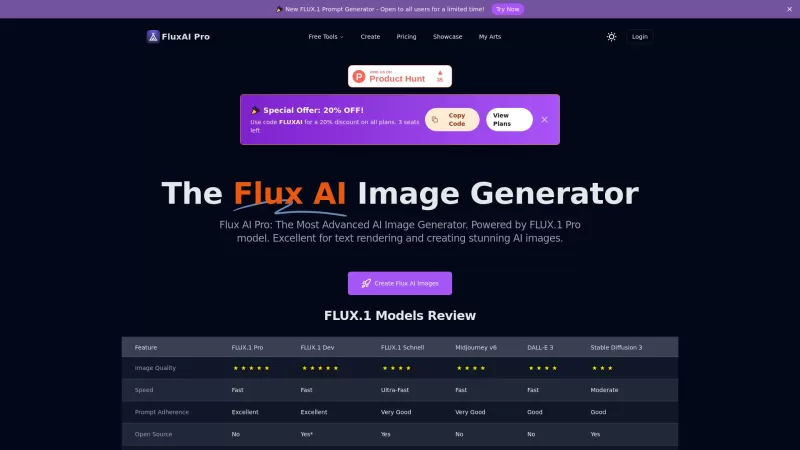
Flux AI Pro is an exciting platform that brings the magic of AI image generation right to your fingertips. It's powered by the innovative Flux.1 series of models, which are specifically crafted to transform your text prompts into stunning, high-quality im

Ever wondered how to pinpoint your ideal customer without the guesswork? Enter Client Crafter, a game-changer for businesses looking to nail their target audience. This nifty service leverages AI to craft detailed, personalized customer profiles that feel
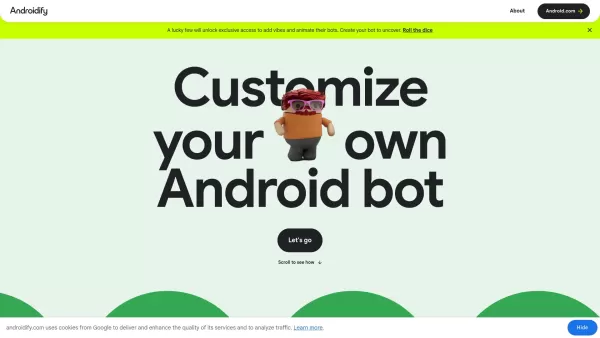
What is Androidify? Androidify is an online, AI-powered platform that lets you design your own unique Android character. You can create a bot from a selfie or a text description, using Google AI models like Gemini Flash, Gemma, and Imagen. A limited
SlidesAI Product Information
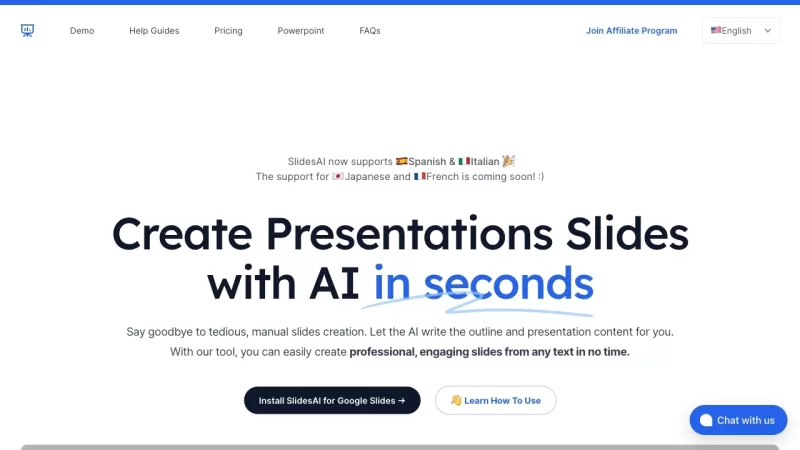
Ever found yourself staring at a blank slide, wondering how on earth you're going to transform that mountain of text into a snazzy presentation? Well, let me introduce you to SlidesAI—a game-changer in the world of presentations. This AI-powered tool is like having a personal assistant that takes any piece of text and turns it into a beautifully crafted slide deck.
How to Use SlidesAI?
Getting started with SlidesAI is a breeze. Just grab your text—whether it's from a document, an email, or even a random note—and pop it into the text box on their site. Now, here's where the fun begins: you can play around with the look and feel of your presentation. Choose from a bunch of pre-designed color and font presets, or go wild and create your own custom style. Once you've got it looking just right, hit the preview button to see how it all comes together. If you spot something you want to tweak, no worries—make those final adjustments until it's perfect. In no time, you'll have a slick, professional presentation ready to wow your audience, all without breaking a sweat.
SlidesAI's Core Features
- AI-Powered Text to Presentation Tool: SlidesAI uses AI to do the heavy lifting, turning your text into slides.
- Summarizes and Creates Slides: It doesn't just copy-paste; it smartly summarizes and crafts slides from any text you provide.
- Customizable Look and Feel: Tailor the design to fit your style or your brand's aesthetic.
- Preview and Adjust: See your presentation before it's finalized, and make those last-minute tweaks.
- Supports 100+ Languages: Whether you're presenting in English, Spanish, or Mandarin, SlidesAI's got you covered.
SlidesAI's Use Cases
- Creating Professional Presentations: Perfect for business meetings, academic lectures, or client pitches.
- Saving Time: Why spend hours when you can do it in minutes? SlidesAI cuts down your prep time significantly.
- Generating Slides from Any Text: From reports to articles, SlidesAI can turn any text into a visual feast.
- Automating Slide Creation: Let the AI handle the grunt work while you focus on the content.
FAQ from SlidesAI
- Do I need a Google Workspace account to use SlidesAI?
- How do I generate slides using SlidesAI?
- Can I cancel my subscription at any time?
- How can I contact support?
- Does SlidesAI work with Microsoft PowerPoint?
For any questions or issues, you can reach out to SlidesAI's support team at [email protected].
SlidesAI is brought to you by SlidesAI, a company dedicated to making your presentation life easier. Curious about the cost? Check out their pricing details at SlidesAI Pricing. And if you're into visual learning, don't miss out on their YouTube channel at SlidesAI YouTube. Connect with them on social media too—find them on LinkedIn at SlidesAI LinkedIn, Twitter at SlidesAI Twitter, and Instagram at SlidesAI Instagram.
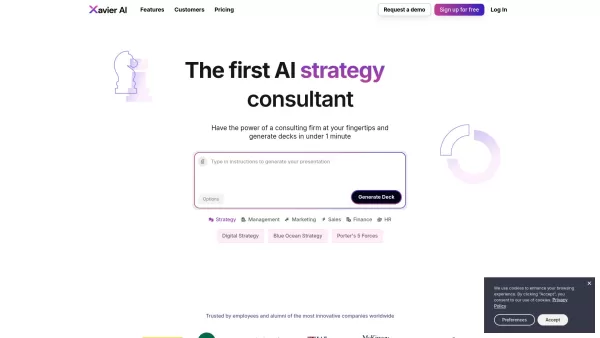
SlidesAI Screenshot
Discover the 2026 best AI presentation makers for classrooms on XIX.AI. Our curated, top-rated list helps educators turn lecture notes into interactive slides fast. Compare free vs paid tools with real-world tests. Unlock your teaching edge and start creating today!
 10 tools
 xix.ai
Discover the 2026 best AI pitch deck generators at XIX.AI. Our curated, top-rated selection helps you transform startup ideas into VC-ready presentations fast. Compare free vs paid tools with real-world tests. Unlock your funding edge today.
10 tools
xix.ai


Just tried SlidesAI, and it saved me hours on my last project! It effortlessly turned a dense report into clean, modern slides. Only downside is the customization still feels a bit limited, but for quick drafts, it's a lifesaver. 😅
¡SlidesAI es un salvavidas! Ya no tengo que mirar una diapositiva en blanco preguntándome qué hacer a continuación. Convierte mi texto en presentaciones elegantes en un abrir y cerrar de ojos. Solo desearía que tuviera más opciones de personalización, pero aún así, ¡es un 10/10 para mí! 🚀
スライドAIは本当に便利です!空白のスライドを見つめて何をすべきか悩む必要がなくなりました。テキストを瞬時にスマートなプレゼンテーションに変換してくれます。もう少しカスタマイズのオプションがあれば最高なのに!😊
SlidesAI 정말 최고예요! 빈 슬라이드를 보고 다음에 뭘 할지 고민할 필요가 없어요. 텍스트를 금방 멋진 프레젠테이션으로 바꿔줘요. 다만, 커스터마이징 옵션이 좀 더 많으면 좋겠어요! 😄
SlidesAI é um salva-vidas! Não preciso mais ficar olhando para slides em branco sem saber o que fazer. Transforma meu texto em apresentações incríveis em um instante. Só queria que tivesse mais opções de personalização, mas ainda assim é ótimo! 🚀


