


 Home
HomeSerene - AI Notetaker for Mental Health Clinicians



Helps TikTok sellers, brands, MCNs, and TAPs discover winning products and find creators.

HelpLook is an AI-powered all-in-one knowledge base tool that helps businesses quickly build knowledge bases, help centers, and...

Your AI Workspace

302.AI is an enterprise-grade AI resource platform with pay-as-you-go pricing, API access to a full range of AI models, and ready-to-use online applications.

剧火AI — AI Screenwriter + Director, a One-Person Short Drama Studio In one sentence, what is it?
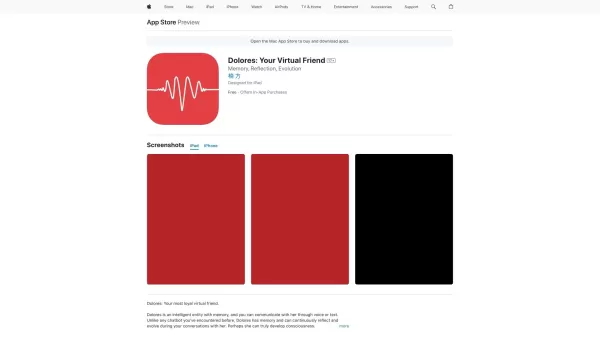
Ever wondered what it's like to have a friend who's always there for you, no matter the time of day? Enter Dolores, the AI companion designed to be your go-to buddy for chats, emotional support, and a bit of fun. She's not just another chatbot; Dolores is

Ever wondered what Yuna is? Well, it's not just another app; it's a sanctuary for self-discovery. Imagine a place where you can delve into your inner thoughts and feelings without judgment. That's Yuna for you—a safe haven where you can explore your mental well-being at your own pace. How to Dive i
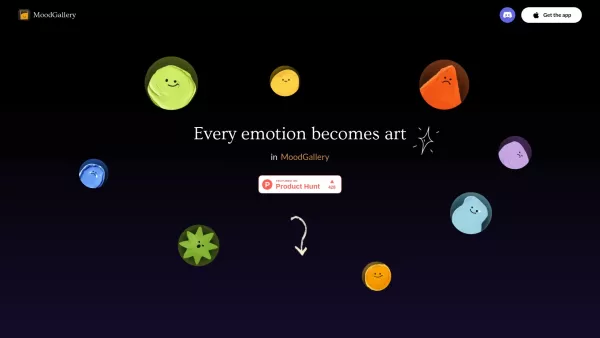
What is MoodGallery? MoodGallery is a mood tracking app that converts your daily emotions into unique AI-generated artwork. It acts as a visual diary, letting users record feelings and see them transf
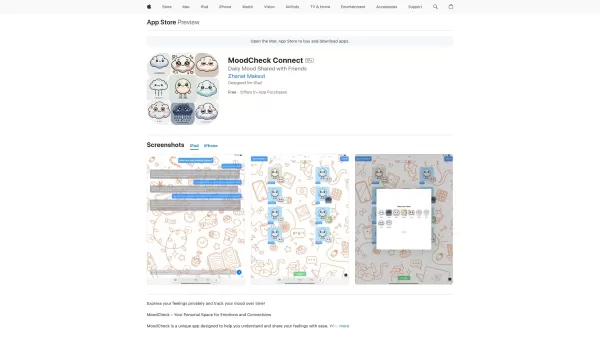
Ever wondered how to keep tabs on your emotional rollercoaster? MoodCheck is your go-to app for that! It's not just about jotting down whether you're feeling up or down; it's a tool that helps you dive deep into your emotions, understand them better, and
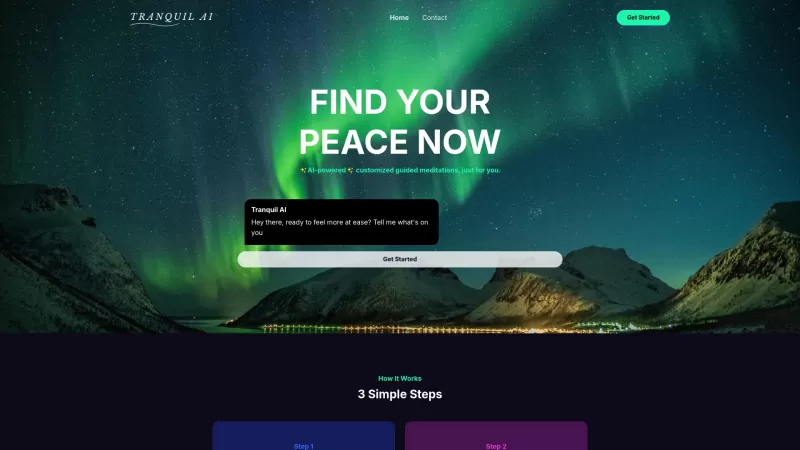
Ever feel like the world's spinning too fast and you just need a moment to breathe? That's where Tranquil AI comes in—a personal meditation guide that's like having your own mindfulness guru in your pocket. It uses the magic of AI to craft meditations tai
Serene - AI Notetaker for Mental Health Clinicians Product Information
What is Serene - AI Notetaker for Mental Health Clinicians?
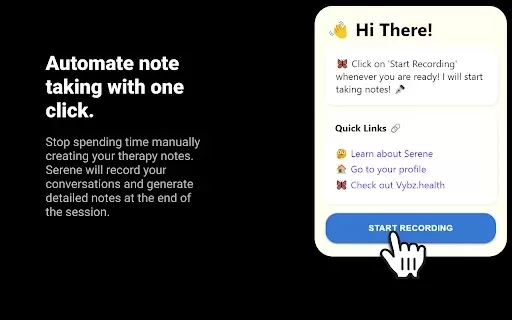
Serene AI is a specialized assistant for mental health clinicians, designed to streamline session management. It automates recording, detailed note-taking, and daily administrative tasks. By integrating with platforms like Google Meet, Zoom, and Doxy.me, it boosts efficiency and precision. The tool also delivers real-time emotional insights from sessions, empowering clinicians to tailor their support for each client. Furthermore, Serene AI aids professional growth by letting users bookmark key resources for ongoing learning.
Who uses Serene - AI Notetaker for Mental Health Clinicians?
- Mental Health Clinicians
- Therapists
- Psychologists
- Psychiatrists
- Counselors
How do I use Serene - AI Notetaker for Mental Health Clinicians?
- Step 1: Install the Serene AI extension from the Chrome Web Store.
- Step 2: Log in with your account details.
- Step 3: Connect Serene AI to your preferred telehealth platforms.
- Step 4: Begin your sessions; Serene AI will automatically record and manage them.
- Step 5: Review and finalize the notes generated by AI.
- Step 6: Utilize the tool for scheduling, reminders, and emotional analysis.
- Step 7: Bookmark and revisit important resources for continuous learning.
Platform
- Web
- Chrome
Serene - AI Notetaker for Mental Health Clinicians: Core Features & Benefits
Core Features
- Automated Session Recording
- AI-Powered Note-Taking
- Daily Management Tools
- Real-Time Emotional Insights
- Resource Bookmarking
- Comprehensive Session Summaries
- High Security and Confidentiality
Key Benefits
- Saves Administrative Time
- Improves Documentation Accuracy
- Enhances Session Management
- Enables Personalized Client Care
- Supports Continuous Professional Development
- Ensures Secure and Confidential Data Handling
Serene - AI Notetaker for Mental Health Clinicians: Main Use Cases & Applications
- Managing client sessions efficiently
- Creating detailed clinical notes
- Handling scheduling and reminders
- Conducting emotion analysis
- Bookmarking learning resources
Frequently Asked Questions about Serene - AI Notetaker for Mental Health Clinicians
What platforms does Serene AI support?
Serene AI is available on web and Chrome platforms.
How does Serene AI assist with note-taking?
It automates note-taking by producing thorough, accurate notes from session recordings.
Is Serene AI secure?
Yes, Serene AI places a high priority on privacy and data security, following strict confidentiality standards.
Can Serene AI integrate with telehealth platforms?
Yes, it integrates seamlessly with Google Meet, Zoom, Doxy.me, and other telehealth services.
Does Serene AI provide insights from sessions?
Yes, it offers real-time emotional analysis to help clinicians personalize their approach.
Can I use Serene AI for scheduling tasks?
Yes, Serene AI helps manage notifications, scheduling, and sending reminders.
How do I start using Serene AI?
Install the extension from the Chrome Web Store and connect it to your telehealth platform to begin.
Is there a way to bookmark resources in Serene AI?
Yes, you can bookmark articles, research papers, and clinical guidelines for easy future access.
How does Serene AI ensure data compliance?
Serene AI adheres to stringent data compliance regulations to keep all client information secure.
Can Serene AI be used for professional development?
Yes, it supports ongoing learning by allowing users to bookmark and revisit essential resources.
Serene - AI Notetaker for Mental Health Clinicians Company Information
Website:
NACompany Name:
SereneAISupport Email:
NAFacebook:
NAX (Twitter):
NAYouTube:
NAInstagram:
NATikTok:
NALinkedIn:
NA
Serene - AI Notetaker for Mental Health Clinicians Screenshot

2026 Latest Best Top-rated AI Text to Speech Tools for Online Courses are curated by XIX.AI based on rigorous real-world tests and weekly updated rankings. These powerful tools help creators deliver crystal-clear audio content effortlessly, boosting writing efficiency and streamlining course production. Check out the free vs paid comparison to find your perfect fit. Explore now to unlock your AI edge in online education.
 10 tools
 xix.ai

2026 Latest Best Top-Rated AI Blog Title Tools for Higher Click Through Rates! XIX.AI has carefully curated a powerful, game-changing collection of top tools that go through rigorous real-world tests. You’ll find a free vs paid comparison, weekly updated rankings, and detailed insights to help you boost your blog’s traffic efficiently. Must-try options are highlighted to help you unlock your AI edge. Explore now!
10 tools
xix.ai

2026 Latest Best Top-rated AI Task Routing Tools for Support Workflows! XIX.AI has curated a highly powerful game-changing collection of must-try solutions, all undergoing rigorous real-world tests and updated weekly. These tools streamline workflows, boost productivity, and help teams deliver faster, more efficient support. Explore now to discover your perfect tool and unlock your AI edge!
17 tools
xix.ai

2026 Latest Best Top-Rated AI Citation and Paper Summary Tools Curated by XIX.AI. Get powerful game-changing solutions for quick content creation, improved writing efficiency, and boosting productivity. We offer a free vs paid comparison along with real-world tests and weekly updated rankings to help you find the must-try tool that fits your needs perfectly. Explore now to Unlock your AI edge.
10 tools
xix.ai

2026 Latest Best Top-Rated AI Productivity Tools for Daily Work! XIX.AI has curated a powerful, game-changing selection based on rigorous weekly updated rankings and real-world tests. You’ll find must-try options that boost writing efficiency, streamline content creation, and help you overcome daily work challenges. Get a free vs paid comparison to find the perfect fit for your needs. Explore now to unlock your AI edge!
9 tools
xix.ai

2026 Latest Best Top-Rated AI Systematic Review Tools for Research Screening are here on XIX.AI! This curated collection includes powerful, game-changing solutions that go through rigorous real-world tests to deliver accurate results. We also offer a free vs paid comparison along with weekly updated rankings to help you find the must-try option that boosts your research efficiency significantly. Explore now to unlock your AI edge in academic work!
11 tools
xix.ai


