


 Home
HomeSecoda - Chrome Extension
Secoda: Data Discovery & Collaboration for BI Tools



Helps TikTok sellers, brands, MCNs, and TAPs discover winning products and find creators.

HelpLook is an AI-powered all-in-one knowledge base tool that helps businesses quickly build knowledge bases, help centers, and...

Your AI Workspace

302.AI is an enterprise-grade AI resource platform with pay-as-you-go pricing, API access to a full range of AI models, and ready-to-use online applications.

剧火AI — AI Screenwriter + Director, a One-Person Short Drama Studio In one sentence, what is it?
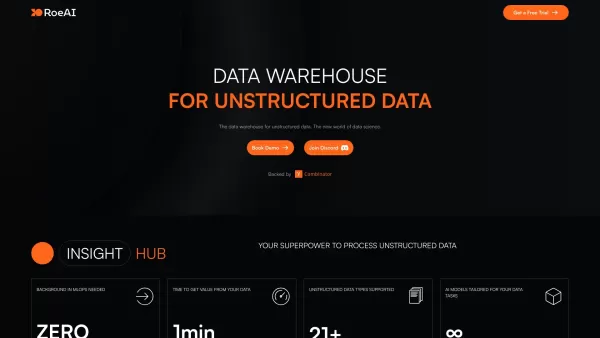
Roe AI is a cutting-edge data warehouse that specializes in handling unstructured data, making it a breeze to analyze with its built-in AI capabilities. It's like having a super-smart assistant that can sift through mountains of data and pull out the gems
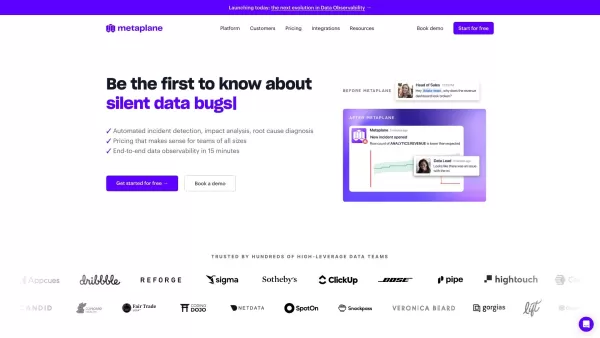
What is Metaplane? Metaplane is a data observability platform that empowers data teams to identify issues, diagnose root causes, and implement fixes. It automatically monitors data warehouse metrics like table volume and freshness, recommends enhance
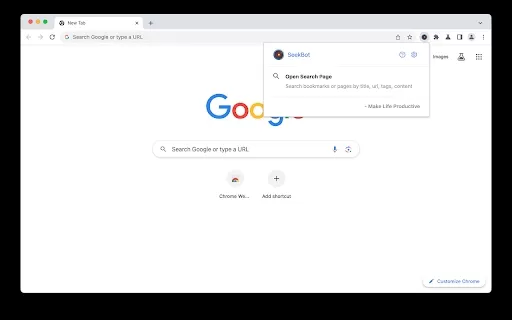
What is the Microsoft Fabric AI Chrome Extension? Microsoft Fabric is an integrated enterprise analytics platform that handles everything from data movement and data science to real-time analytics and business intelligence. This unified solution comb
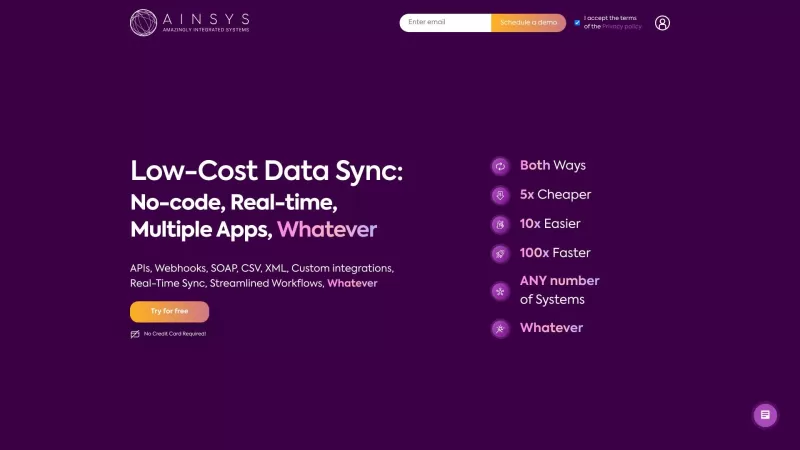
Ever found yourself drowning in a sea of data from different sources, wishing there was a way to bring it all together without needing a degree in computer science? Enter Ainsys, your new best friend in the world of data management. This platform is like
Secoda - Chrome Extension Product Information
What is the Secoda AI Chrome Extension?
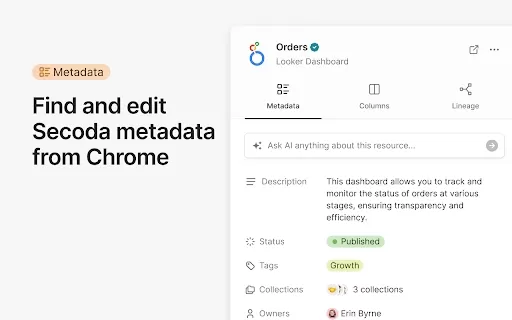
Secoda is a platform that improves data discovery and team collaboration. It lets you find and update metadata directly inside your favorite BI and data warehouse tools, including Looker, Tableau, Snowflake, and BigQuery. You can also access resource lineage from these platforms, initiate conversations, and ask questions to Secoda AI. The platform is built for instant access, even with many tabs open, and features a range of tools to help your team work more efficiently.
How to use the Secoda AI Chrome Extension
You can start using Secoda by installing its browser extension. After installation, you are able to find and edit metadata, view resource lineage, chat with Secoda AI, and search Secoda's resources from any website.
Secoda AI Chrome Extension's Core Features
Edit metadata within BI and data warehouse tools
Access resource lineage information
Ask questions and have conversations with Secoda AI
Search across platforms from any site
Secoda AI Chrome Extension's Use Cases
Quickly locate and comprehend organizational data assets
Team up with colleagues on data-related inquiries
Keep metadata for data resources accurate and current
Follow data lineage to see its source and changes
FAQ from Secoda
Which tools are compatible with Secoda?
How can I get started with Secoda?
What are the main capabilities of Secoda?
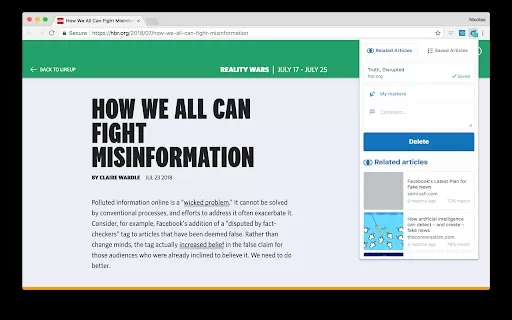
Secoda - Chrome Extension Screenshot

2026 Latest Best Perplexity Research Tools for Literature Review, Source Discovery, and Note Capture. This top-rated curated list offers powerful game-changing solutions to boost your writing efficiency and unlock your AI edge. XIX.AI provides a free vs paid comparison along with real-world tests and weekly updated rankings to help you find the must-try tool that suits your needs perfectly. Explore now!
 18 tools
 xix.ai


