


 Home
HomeScreenRedact
Mac App for Redacting Sensitive Image Data



Helps TikTok sellers, brands, MCNs, and TAPs discover winning products and find creators.

HelpLook is an AI-powered all-in-one knowledge base tool that helps businesses quickly build knowledge bases, help centers, and...

Your AI Workspace

302.AI is an enterprise-grade AI resource platform with pay-as-you-go pricing, API access to a full range of AI models, and ready-to-use online applications.

剧火AI — AI Screenwriter + Director, a One-Person Short Drama Studio In one sentence, what is it?
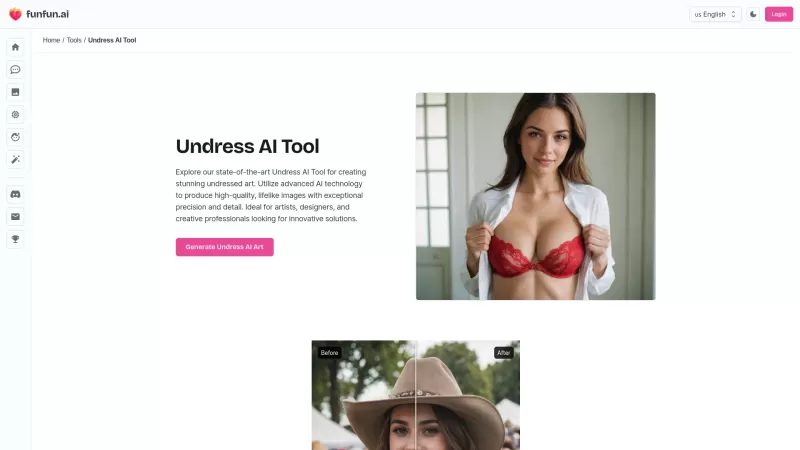
Ever wondered about the magic of turning your creative ideas into stunning undressed art? Well, Nudify by FunFun.ai is your go-to tool for that! This isn't just any AI tool; it's a powerhouse designed for artists, designers, and anyone with a flair for cr
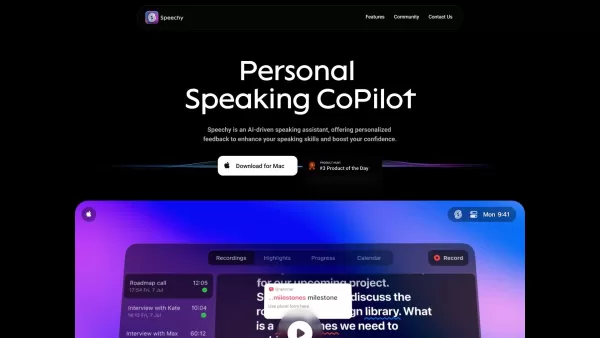
Imagine having an AI sidekick that's all about making your speaking skills shine. That's Speechy for you—an innovative tool designed by Spellar Inc. to give you the personalized feedback you need to speak with confidence and flair. Whether you're gea
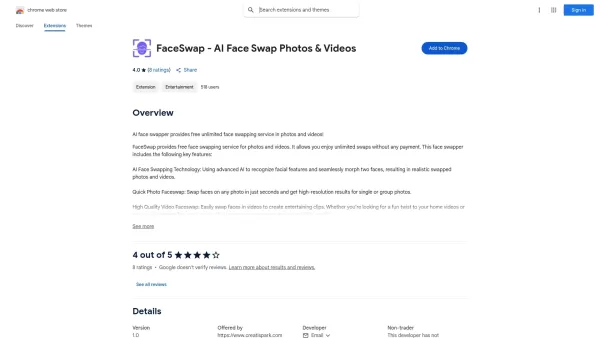
What is FaceSwap - AI Face Swap Photos & Videos?FaceSwap is a free Chrome extension for swapping faces in photos and videos. Powered by advanced AI, it detects facial features and performs realistic swaps in seconds, delivering high-resolution result
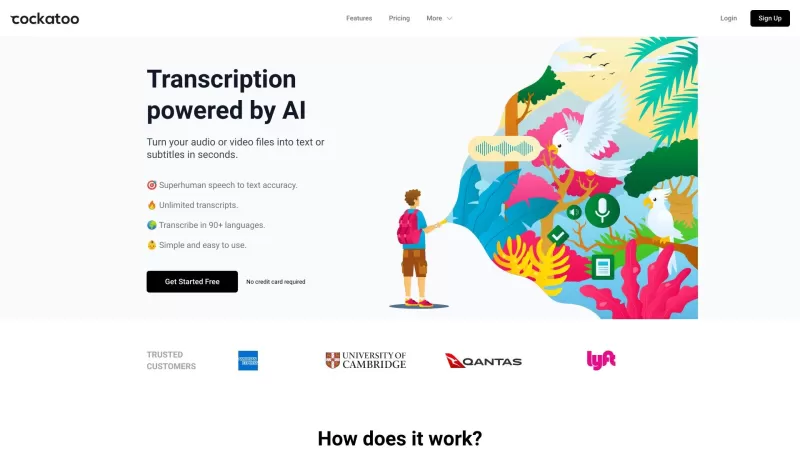
Ever wondered what Cockatoo is all about? Well, let me tell you, it's not just another bird in the tech jungle. Cockatoo is a cutting-edge AI-powered transcription service that turns your audio or video files into text or subtitles in the blink of an eye.

What is the Face Recognition, Liveness Detection, and ID Document Recognition SDK?MiniAI Live offers a complete suite of AI-powered solutions for touchless biometric authentication and identity verification. Its technology enables advanced facial rec
ScreenRedact Product Information
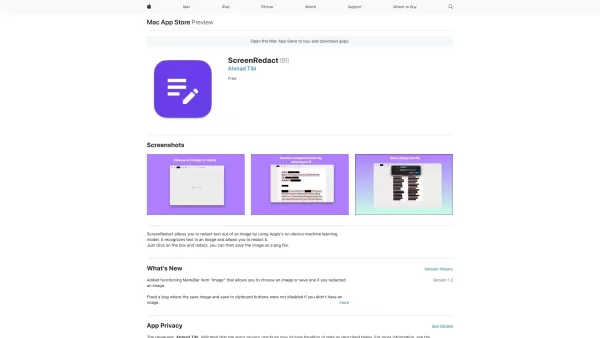
If you're someone who often deals with sensitive information in images, you might find ScreenRedact to be a game-changer. This nifty Mac application, crafted by Ahmad Tibi, harnesses the power of Apple's on-device machine learning model to help you keep your secrets safe. It's like having a personal privacy guard that effortlessly identifies and redacts text from your images. Imagine being able to share images without worrying about accidentally revealing personal data—it's that kind of peace of mind ScreenRedact brings to the table.
How to Use ScreenRedact?
Using ScreenRedact is as easy as pie. Once you've got the app open, just select the image that's giving you privacy jitters. The app will then use its smart machine learning to spot the sensitive bits. With a few clicks, you can redact those parts and breathe easier. Once you're happy with your redactions, save the edited image in PNG format, and voila! Your image is now safe for sharing.
ScreenRedact's Core Features
Redact Text from Images
ScreenRedact's main gig is to scrub text right out of your images. Whether it's a social security number, an address, or any other sensitive info, this app makes sure it's gone.
Utilizes Apple's On-Device Machine Learning Model
What makes ScreenRedact stand out is its use of Apple's machine learning magic, all done right on your device. No need to worry about your data being sent off to some cloud server; it's all handled locally, keeping your privacy intact.
Save Redacted Image as a PNG File
After you've redacted what you need to, saving the image as a PNG file is a breeze. PNGs are great because they keep the quality high, ensuring your redacted image looks as good as the original.
ScreenRedact's Use Cases
Protect Sensitive Information in Images
Whether you're a professional dealing with confidential documents or just someone who wants to keep their personal info private, ScreenRedact is your go-to tool for safeguarding sensitive data in images.
Privacy Enhancement in Image Sharing
In this age of social media and instant sharing, ScreenRedact helps you enhance your privacy. You can now share images freely, knowing that any sensitive information has been securely redacted.
Maintain Confidentiality in Visual Content
For businesses or individuals who need to maintain confidentiality in their visual content, ScreenRedact ensures that no unwanted eyes can peek at sensitive information.
FAQ from ScreenRedact
- Does ScreenRedact store any user data?
- No worries here—ScreenRedact doesn't store any user data. Everything is processed and kept on your device, ensuring your privacy is never compromised.
- Can ScreenRedact handle large images for redaction?
- Absolutely! ScreenRedact is designed to handle images of various sizes, so whether you've got a small snapshot or a large document scan, it can manage the redaction process smoothly.
ScreenRedact Screenshot


2026 Latest Best Top-rated AI Object Removal Editors for portraits travel product shots! XIX.AI curates a powerful game-changing collection regularly updated with weekly rankings. These tools offer real-world tests to help you quickly remove unwanted elements, boost content quality, and save tons of time without compromising results. Must-try for anyone aiming to unlock their AI creation edge. Explore now!
 10 tools
 xix.ai

2026 Latest Best Top-rated AI Text to Speech Tools for Online Courses are curated by XIX.AI based on rigorous real-world tests and weekly updated rankings. These powerful tools help creators deliver crystal-clear audio content effortlessly, boosting writing efficiency and streamlining course production. Check out the free vs paid comparison to find your perfect fit. Explore now to unlock your AI edge in online education.
10 tools
xix.ai

2026 Latest Best Top-Rated AI Blog Title Tools for Higher Click Through Rates! XIX.AI has carefully curated a powerful, game-changing collection of top tools that go through rigorous real-world tests. You’ll find a free vs paid comparison, weekly updated rankings, and detailed insights to help you boost your blog’s traffic efficiently. Must-try options are highlighted to help you unlock your AI edge. Explore now!
10 tools
xix.ai

2026 Latest Best Top-rated AI Task Routing Tools for Support Workflows! XIX.AI has curated a highly powerful game-changing collection of must-try solutions, all undergoing rigorous real-world tests and updated weekly. These tools streamline workflows, boost productivity, and help teams deliver faster, more efficient support. Explore now to discover your perfect tool and unlock your AI edge!
17 tools
xix.ai

2026 Latest Best Top-Rated AI Citation and Paper Summary Tools Curated by XIX.AI. Get powerful game-changing solutions for quick content creation, improved writing efficiency, and boosting productivity. We offer a free vs paid comparison along with real-world tests and weekly updated rankings to help you find the must-try tool that fits your needs perfectly. Explore now to Unlock your AI edge.
10 tools
xix.ai

2026 Latest Best Top-Rated AI Productivity Tools for Daily Work! XIX.AI has curated a powerful, game-changing selection based on rigorous weekly updated rankings and real-world tests. You’ll find must-try options that boost writing efficiency, streamline content creation, and help you overcome daily work challenges. Get a free vs paid comparison to find the perfect fit for your needs. Explore now to unlock your AI edge!
9 tools
xix.ai


Just tried ScreenRedact and it's a lifesaver! As someone who constantly screenshots work docs, the auto-blur for sensitive bits is so smooth. Love that it's on-device ML – feels much safer than cloud tools. Tibi did a great job! 😎 Only wish it was on Windows too. For any Mac user handling private info, this is a must-have.


