


 Home
HomeSamsung Pass - Chrome Extension
Secure Biometric Login | Cross-Device Authentication Service



Helps TikTok sellers, brands, MCNs, and TAPs discover winning products and find creators.

HelpLook is an AI-powered all-in-one knowledge base tool that helps businesses quickly build knowledge bases, help centers, and...

Your AI Workspace

302.AI is an enterprise-grade AI resource platform with pay-as-you-go pricing, API access to a full range of AI models, and ready-to-use online applications.

剧火AI — AI Screenwriter + Director, a One-Person Short Drama Studio In one sentence, what is it?
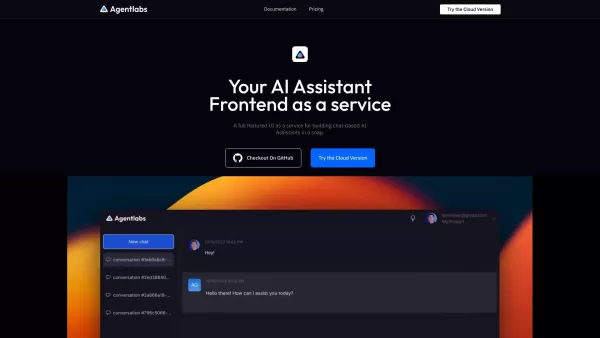
Introducing AgentLabs: The Future of Chat-Based AI Assistants AgentLabs is a groundbreaking open-source platform designed to empower developers in creating advanced chat-based AI assistants with minimal effort. Think of it as a one-stop solution where you
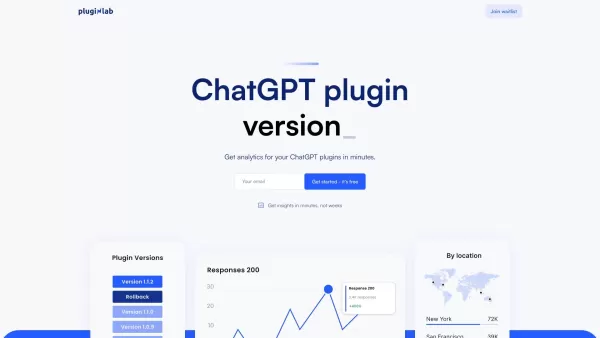
Hey there, fellow plugin creators! If you're diving into the world of ChatGPT plugins and dreading the hassle of user management and payment systems, let me introduce you to your new best friend: PluginLab. This platform is a lifesaver for anyone loo
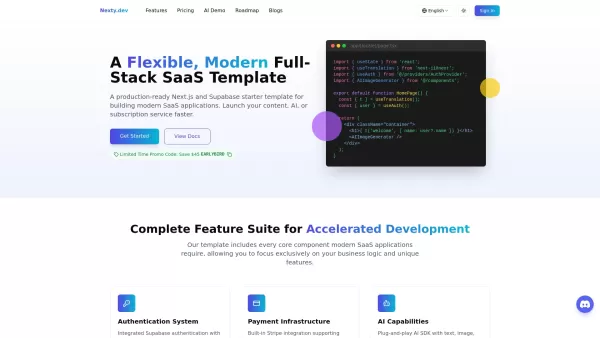
Nexty.dev is an all-in-one SaaS starter template crafted with Next.js and Supabase. It serves as a rock-solid foundation for developers looking to kickstart projects without reinventing the wheel. Whether you're building a blog, an AI tool, or even a subs
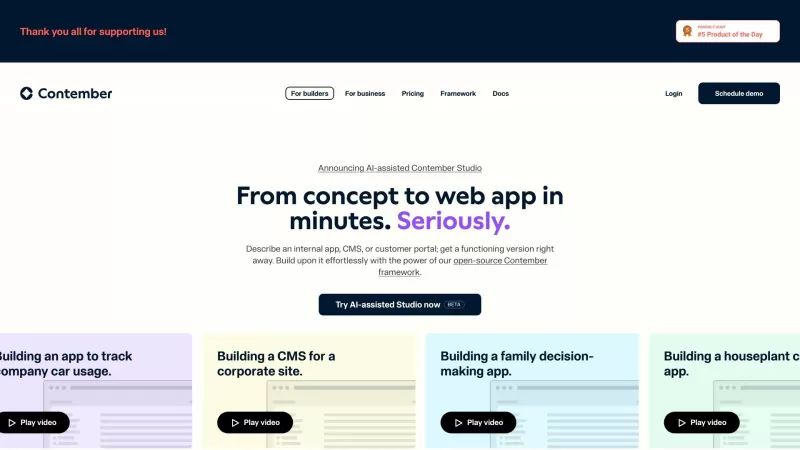
Ever wondered what Contember is all about? Well, let me break it down for you. Contember is like your trusty sidekick in the world of backend development. It's this nifty platform that lets you kickstart your backend in a snap—think minutes, not hours or
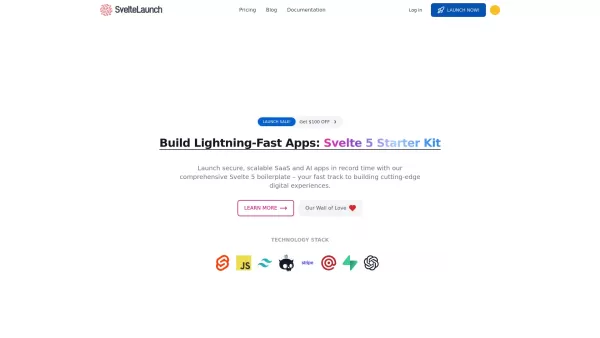
If you're diving into the world of SaaS development with Svelte, you've got to check out SvelteLaunch. This isn't just another boilerplate; it's the ultimate toolkit for speeding up your SaaS project development with Svelte 5. Imagine having all the
Samsung Pass - Chrome Extension Product Information
What is the Samsung Pass AI Chrome Extension?
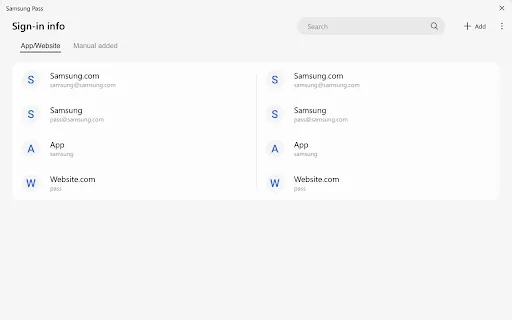
Samsung Pass is a biometric authentication service. It enables you to securely sign in to websites and apps using your fingerprint or iris, removing the need to remember usernames and passwords. This offers a quicker, more convenient login experience on your PC and syncs your credentials across your devices.
How to Use the Samsung Pass AI Chrome Extension
First, register your fingerprint or iris scan in Samsung Pass. Then, when logging into a compatible website or app, simply use your biometric data instead of manually entering login details.
Samsung Pass AI Chrome Extension's Core Features
Biometric Authentication Using Fingerprint or Iris Scan
Secure Login for Websites and Applications
Password-Free Sign-In Experience
Cross-Device Sync for Login Information
Samsung Pass AI Chrome Extension's Use Cases
Securely accessing banking apps with fingerprint verification.
Effortlessly logging into social media accounts without typing passwords.
Keeping login credentials synced across Samsung devices for seamless access.
FAQ from Samsung Pass
What is Samsung Pass?
Is Samsung Pass compatible with PCs?
Can Samsung Pass sync my login information?
Samsung Pass - Chrome Extension Screenshot


2026 Latest Best Top-rated AI Competitive Research Tools for Small Businesses! XIX.AI has curated a highly powerful game-changing collection, updated weekly with rigorous real-world tests and detailed rankings. You can find a comprehensive free vs paid comparison to help you identify the must-try tools that boost your productivity and give you a competitive edge. Explore now to discover your perfect tool!
 9 tools
 xix.ai

2026 Latest Best Photoshop AI retouch tools for ecommerce apparel, skin cleanup, and color consistency! This top-rated curated list features powerful game-changing solutions that help you boost writing efficiency, streamline content creation, and achieve perfect visual results effortlessly. Each tool has undergone real-world tests through weekly updated rankings, complete with free vs paid comparison details. Backed by XIX.AI, it’s the must-try guide for anyone aiming to unlock your AI edge. Explore now!
10 tools
xix.ai

2026 Latest Best Top-Rated AI Prompt Libraries for optimizing all types of ChatGPT workflows. XIX.AI has curated a powerful, game-changing collection that goes through rigorous real-world tests to ensure top performance. You can find detailed free vs paid comparisons and expert rankings to help you choose the must-try tools that boost your productivity and unlock your AI edge. Explore now!
11 tools
xix.ai

2026 Latest Best AI Quiz Builder Platforms for Teachers, Tutors, and Cohort-Based Learning Programs! XIX.AI has curated a top-rated list of powerful game-changing tools that go through real-world tests to deliver accurate rankings. These must-try platforms help boost writing efficiency, streamline content creation, and simplify quiz design across all learning scenarios. Explore now to discover your perfect tool for unlocking your AI edge in teaching!
13 tools
xix.ai

2026 Latest Best AI Pull Request Review Tools for GitHub Teams are here on XIX.AI! This top-rated curated list showcases powerful game-changing solutions that streamline refactoring, bug fixing, and security gap detection across all team workflows. Enjoy a free vs paid comparison along with real-world tests and detailed rankings to help you find the perfect tool that boosts productivity significantly. Explore now to unlock your AI edge!
12 tools
xix.ai

2026 Latest Best Top-rated AI Text to Speech Tools for Natural Voiceovers are here on XIX.AI! This curated list features powerful, game-changing options that deliver crystal-clear voices for every use case, backed by real-world tests and weekly updated rankings. Get a free vs paid comparison to find the must-try solution that boosts your productivity instantly. Explore now to Unlock your AI edge!
11 tools
xix.ai


Finally a password manager that actually works with Samsung devices! 📱 The biometric login is super convenient, no more remembering complex passwords. Just a quick fingerprint scan and I'm in. However, I'm a bit worried about privacy with iris scanning data. Hope Samsung keeps it secure. Overall, it's a solid tool for making life easier, though it could use more third-party app support. 4/5 stars! 👍


