


 Home
HomeRoroApp
Simple Image Editor: Edit Images in Chat



Helps TikTok sellers, brands, MCNs, and TAPs discover winning products and find creators.

HelpLook is an AI-powered all-in-one knowledge base tool that helps businesses quickly build knowledge bases, help centers, and...

Your AI Workspace

302.AI is an enterprise-grade AI resource platform with pay-as-you-go pricing, API access to a full range of AI models, and ready-to-use online applications.

剧火AI — AI Screenwriter + Director, a One-Person Short Drama Studio In one sentence, what is it?

What Is Watermark PhD?Watermark PhD is a sophisticated free online tool that specializes in removing watermarks and intelligently erasing backgrounds from images. It offers an intuitive platform that enables users to effortlessly eliminate any undesi
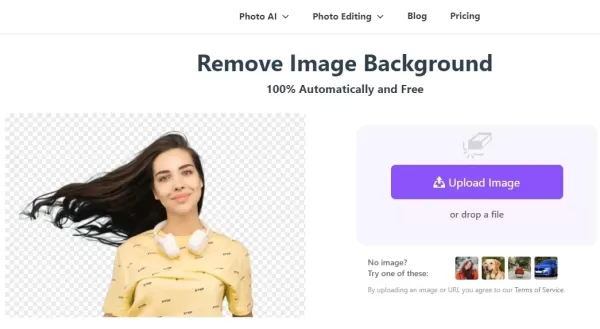
What is BGRemover?SharkFoto BGRemover is an AI-driven online tool that effortlessly removes backgrounds from images. It handles over 200 file formats and enables you to edit images directly in your browser—no software installation needed. Ideal for p
Ever stumbled upon CapCut and wondered what it's all about? Well, let me tell you, CapCut isn't just another app—it's a powerhouse of creativity fueled by AI. Whether you're on your browser, rocking a Windows or Mac, or using your Android or iOS device, C
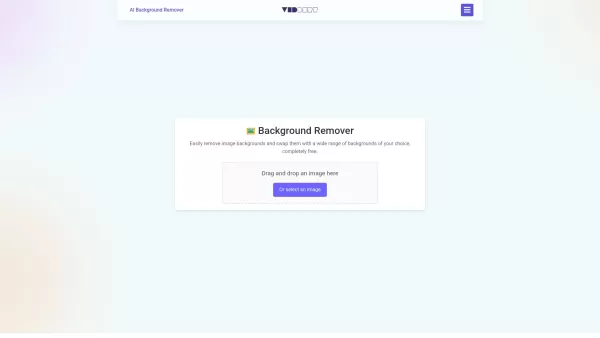
Ever found yourself wishing you could magically strip away the background of a photo? Well, say hello to the AI Background Remover—a nifty, free online tool that uses the magic of AI to do just that. Whether you're sprucing up images for your e-commerce b
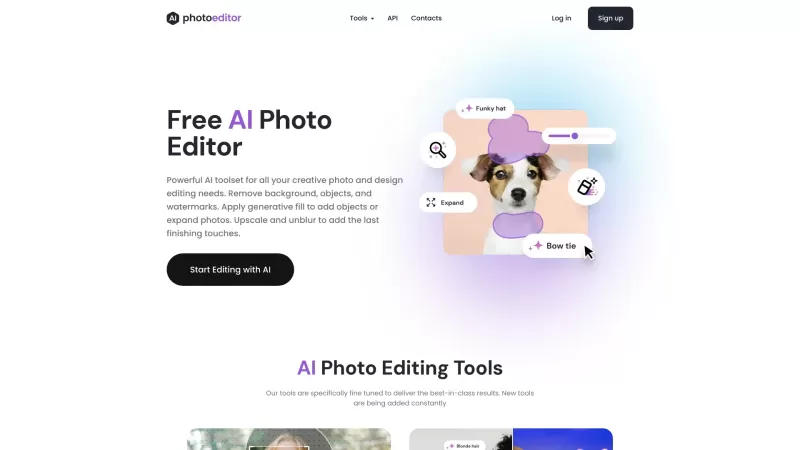
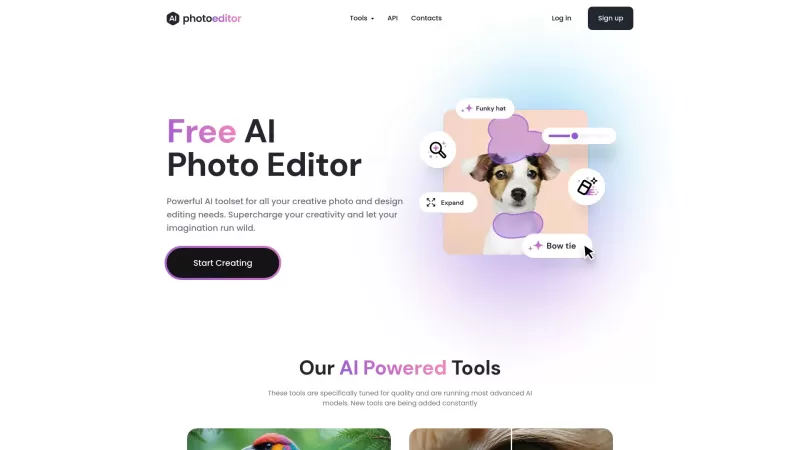
Ever found yourself wishing you could wave a magic wand and make that pesky watermark or unwanted object disappear from your photos? Well, say hello to PhotoEditor.AI, your go-to solution for powerful AI-driven photo editing. This tool lets you enhance yo
RoroApp Product Information
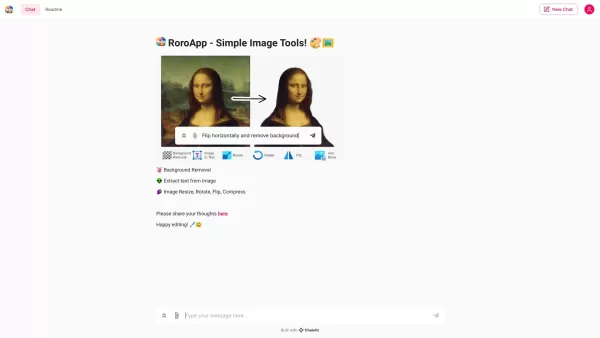
Ever heard of RoroApp? It's this nifty little tool that lets you edit your photos right in your chat. Whether you're looking to tweak a selfie or spruce up an image for social media, RoroApp is your go-to buddy for quick and easy photo manipulation.
How to Use RoroApp?
Using RoroApp is as easy as chatting with a friend. Just tell Roro what you need done, and voila! It's like having a personal photo editor at your fingertips. Whether you want to rotate your image, flip it, or resize it, just ask Roro, and it'll get right on it.
RoroApp's Core Features
Rotate
Need to straighten out a crooked photo? Roro can spin it just right for you.
Flip
Want to mirror your image for that artistic touch? Roro's got your back.
Resize
Got an image that's too big or too small? Roro can scale it to fit your needs perfectly.
Compress
Struggling with large file sizes? Let Roro shrink them down without losing quality.
Remove Backgrounds
Need to isolate your subject? Roro can clear out the background, leaving you with a clean cutout.
RoroApp's Use Cases
- Adjust Image Orientation: Perfect for fixing those photos taken at odd angles.
- Mirror Images: Great for creating symmetrical designs or just for fun.
- Scale Images: Essential for resizing images to fit different platforms or print sizes.
- Reduce File Size: Ideal for sharing or uploading images without worrying about size limits.
- Clear Backgrounds: Perfect for product photos or any image where you want the focus on the subject.
FAQ from RoroApp
- How can I provide feedback?
- Just drop us a line in the chat! We're always eager to hear what you think and how we can make RoroApp even better for you.
RoroApp Screenshot

2026 Latest Best Manga AI Background Generators Ranked Top-Rated! This curated collection showcases powerful game-changing tools perfect for creating high-quality chapter backgrounds, book covers, and promotional art. Every option has undergone rigorous real-world tests to ensure reliability. Get a free vs paid comparison along with detailed insights. Explore now to discover your perfect tool and unlock your AI edge in manga creation.
 6 tools
 xix.ai

2026 Latest Best Top-rated AI Object Removal Editors for portraits travel product shots! XIX.AI curates a powerful game-changing collection regularly updated with weekly rankings. These tools offer real-world tests to help you quickly remove unwanted elements, boost content quality, and save tons of time without compromising results. Must-try for anyone aiming to unlock their AI creation edge. Explore now!
10 tools
xix.ai

2026 Latest Best Top-rated AI Text to Speech Tools for Online Courses are curated by XIX.AI based on rigorous real-world tests and weekly updated rankings. These powerful tools help creators deliver crystal-clear audio content effortlessly, boosting writing efficiency and streamlining course production. Check out the free vs paid comparison to find your perfect fit. Explore now to unlock your AI edge in online education.
10 tools
xix.ai

2026 Latest Best Top-Rated AI Blog Title Tools for Higher Click Through Rates! XIX.AI has carefully curated a powerful, game-changing collection of top tools that go through rigorous real-world tests. You’ll find a free vs paid comparison, weekly updated rankings, and detailed insights to help you boost your blog’s traffic efficiently. Must-try options are highlighted to help you unlock your AI edge. Explore now!
10 tools
xix.ai

2026 Latest Best Top-rated AI Task Routing Tools for Support Workflows! XIX.AI has curated a highly powerful game-changing collection of must-try solutions, all undergoing rigorous real-world tests and updated weekly. These tools streamline workflows, boost productivity, and help teams deliver faster, more efficient support. Explore now to discover your perfect tool and unlock your AI edge!
17 tools
xix.ai

2026 Latest Best Top-Rated AI Citation and Paper Summary Tools Curated by XIX.AI. Get powerful game-changing solutions for quick content creation, improved writing efficiency, and boosting productivity. We offer a free vs paid comparison along with real-world tests and weekly updated rankings to help you find the must-try tool that fits your needs perfectly. Explore now to Unlock your AI edge.
10 tools
xix.ai


Wow, RoroApp is such a game-changer! No more switching apps just to edit a quick selfie before sending it. The in-chat editing is so smooth and intuitive. 😎 It's perfect for making my photos pop before sharing on social media. Definitely my new favorite tool for spontaneous photo fun!


