


 Home
HomeRoboCoder



Helps TikTok sellers, brands, MCNs, and TAPs discover winning products and find creators.

HelpLook is an AI-powered all-in-one knowledge base tool that helps businesses quickly build knowledge bases, help centers, and...

Your AI Workspace

302.AI is an enterprise-grade AI resource platform with pay-as-you-go pricing, API access to a full range of AI models, and ready-to-use online applications.

剧火AI — AI Screenwriter + Director, a One-Person Short Drama Studio In one sentence, what is it?
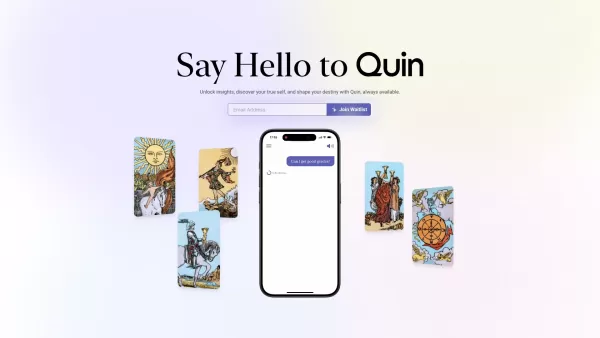
What is Quin AI?Quin merges traditional tarot wisdom with artificial intelligence to deliver personalized, on-demand readings. Users can choose from a variety of card spreads and get insights specifically crafted for their questions and circumstances
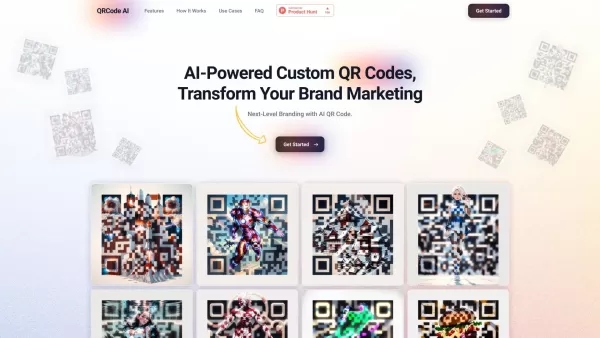
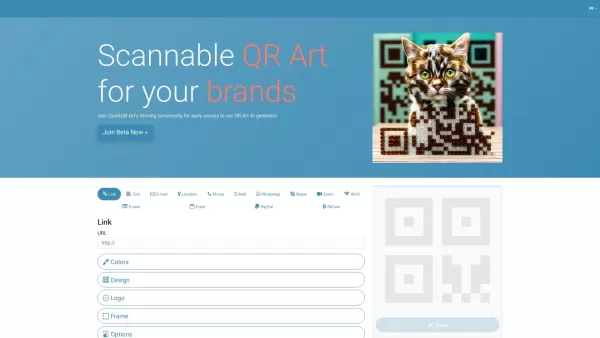
What is QRCode AI ⌘?QRCode-AI.com is an innovative platform for creating artistic, customized QR codes. Enhance your codes with images, logos, and brand colors. It offers diverse templates for URLs, social profiles, contact info, and more, boosting m
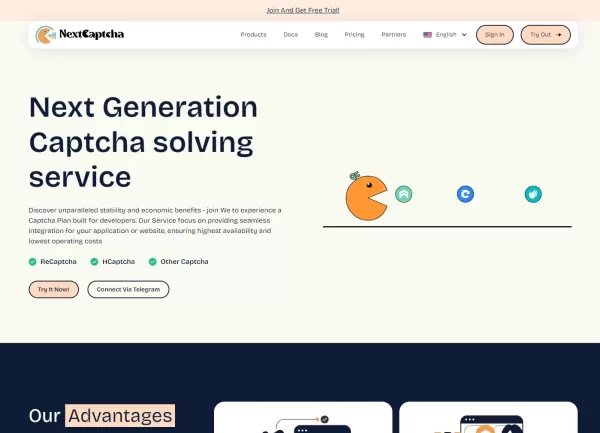
What is NextCaptcha?NextCaptcha is a CAPTCHA-solving service designed to tackle a broad spectrum of challenges, including reCAPTCHA V2, reCAPTCHA Enterprise, reCAPTCHA V2 Invisible, reCAPTCHA V3, reCAPTCHA Mobile, and FunCaptcha. By integrating NextC
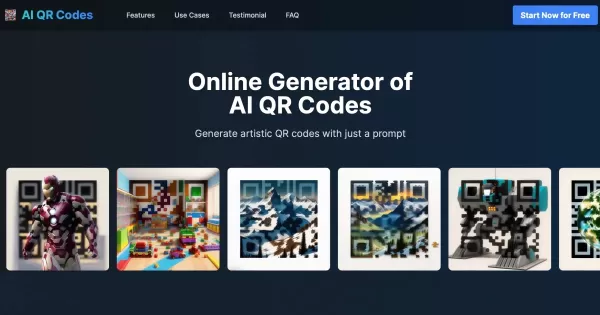
What are AI QR Codes?AI QR Codes delivers an innovative platform for creating distinctive QR codes powered by artificial intelligence. Users can produce eye-catching QR designs simply by inputting prompts that reflect their aesthetic preferences. Thi
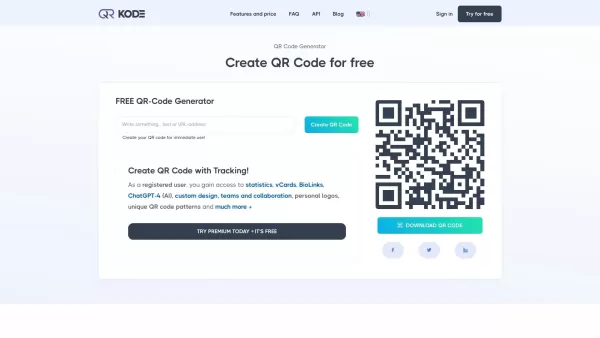
What is QR Code Generator - Premium?QR-Kode.no is a versatile and intuitive QR code generator that enables businesses and individuals to create both dynamic and static QR codes. These codes can be tailored for a wide range of uses, such as marketing,
RoboCoder Product Information
What is RoboCoder?
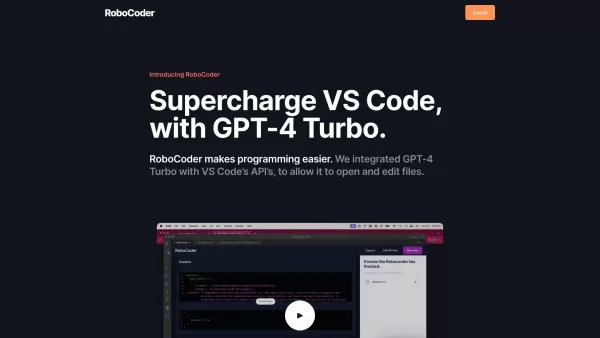
RoboCoder is an integration of GPT-4 Turbo with VS Code's APIs, designed to streamline your programming workflow. It allows you to effortlessly open and edit files while collaborating with AI in real-time. This tool helps developers speed up coding tasks, whether working solo or on a team, by leveraging AI to assist with planning, coding, and troubleshooting—all to reduce development time and boost productivity.
Who will use RoboCoder?
- Developers
- Programmers
- Software Engineers
- Tech Enthusiasts
- Teams
How to use RoboCoder?
- Step 1: Install RoboCoder from the VS Code marketplace.
- Step 2: Launch VS Code and go to the Extensions view.
- Step 3: Search for 'RoboCoder' and click 'Install'.
- Step 4: After installation, open any coding project.
- Step 5: Use the integrated GPT-4 Turbo to open and edit files.
- Step 6: Collaborate with the AI to plan your code and resolve issues.
- Step 7: Save and execute your code as you normally would.
Platform
- Web
RoboCoder's Core Features & Benefits
The Core Features
- GPT-4 Turbo Integration
- VS Code API Integration
- AI-Assisted Coding
- File Opening & Editing
- Real-Time Collaboration
The Benefits
- Streamlined Coding Process
- Reduced Development Time
- Enhanced Productivity
- Efficient Troubleshooting
- Improved Collaboration
RoboCoder's Main Use Cases & Applications
- Individual Coding Projects
- Team Collaborations
- Software Development
- Debugging & Troubleshooting
- Learning & Teaching Programming
RoboCoder's Pros & Cons
The Pros
Integrates GPT-4 Turbo directly into VS Code for seamless AI-assisted programming.
Enables direct file opening and editing through AI commands.
Offers an affordable subscription model priced at $5 per month.
Supports using your own OpenAI API key for direct access and control.
The Cons
Requires an OpenAI API key, which may lead to additional usage costs.
Limited public details on advanced functionalities or specific language support.
Not open source, restricting opportunities for customization or community-driven enhancements.
RoboCoder's Pricing
Has free plan | No |
|---|---|
Free trial details | |
Pricing model | Paid |
Is credit card required | No |
Paid from | 5 USD |
Has lifetime plan | No |
Billing frequency | Monthly |
Details of Pricing Plan
Standard
5 USD
- Use your own OpenAI API key
- Access GPT-4 Turbo within VS Code
For the most current pricing, please visit: https://robocoder.app
FAQs of RoboCoder
What is RoboCoder?
RoboCoder is an AI-powered coding assistant that integrates GPT-4 Turbo with VS Code to simplify programming tasks.
How do I install RoboCoder?
You can install RoboCoder from the VS Code marketplace by searching for 'RoboCoder' and clicking 'Install'.
Which platforms are supported?
RoboCoder supports the web and is integrated with VS Code.
Is there a subscription fee for RoboCoder?
Yes, RoboCoder offers licenses starting at $5 per month, and you can cancel your subscription at any time.
Can RoboCoder help with debugging?
Yes, RoboCoder's AI features assist in troubleshooting and debugging your code efficiently.
What languages does RoboCoder support?
RoboCoder supports the multiple programming languages available within the VS Code ecosystem.
How does AI help in coding with RoboCoder?
The AI provides intelligent code suggestions, assists with project planning, and helps detect errors, boosting your overall productivity.
Can teams use RoboCoder for collaborations?
Yes, RoboCoder is designed to facilitate team collaborations with real-time AI assistance.
What makes RoboCoder different from other coding assistants?
RoboCoder sets itself apart by integrating GPT-4 Turbo, delivering powerful, AI-driven features that streamline and simplify the entire coding process.
Is RoboCoder suitable for beginners?
Yes, RoboCoder is built to help both novices and experienced developers, making it a valuable tool for learning and honing coding skills.
RoboCoder Company Information
RoboCoder Screenshot

2026 Latest Best Top-rated AI Text to Speech Tools for Online Courses are curated by XIX.AI based on rigorous real-world tests and weekly updated rankings. These powerful tools help creators deliver crystal-clear audio content effortlessly, boosting writing efficiency and streamlining course production. Check out the free vs paid comparison to find your perfect fit. Explore now to unlock your AI edge in online education.
 10 tools
 xix.ai

2026 Latest Best Top-Rated AI Blog Title Tools for Higher Click Through Rates! XIX.AI has carefully curated a powerful, game-changing collection of top tools that go through rigorous real-world tests. You’ll find a free vs paid comparison, weekly updated rankings, and detailed insights to help you boost your blog’s traffic efficiently. Must-try options are highlighted to help you unlock your AI edge. Explore now!
10 tools
xix.ai

2026 Latest Best Top-rated AI Task Routing Tools for Support Workflows! XIX.AI has curated a highly powerful game-changing collection of must-try solutions, all undergoing rigorous real-world tests and updated weekly. These tools streamline workflows, boost productivity, and help teams deliver faster, more efficient support. Explore now to discover your perfect tool and unlock your AI edge!
17 tools
xix.ai

2026 Latest Best Top-Rated AI Citation and Paper Summary Tools Curated by XIX.AI. Get powerful game-changing solutions for quick content creation, improved writing efficiency, and boosting productivity. We offer a free vs paid comparison along with real-world tests and weekly updated rankings to help you find the must-try tool that fits your needs perfectly. Explore now to Unlock your AI edge.
10 tools
xix.ai

2026 Latest Best Top-Rated AI Productivity Tools for Daily Work! XIX.AI has curated a powerful, game-changing selection based on rigorous weekly updated rankings and real-world tests. You’ll find must-try options that boost writing efficiency, streamline content creation, and help you overcome daily work challenges. Get a free vs paid comparison to find the perfect fit for your needs. Explore now to unlock your AI edge!
9 tools
xix.ai

2026 Latest Best Top-Rated AI Systematic Review Tools for Research Screening are here on XIX.AI! This curated collection includes powerful, game-changing solutions that go through rigorous real-world tests to deliver accurate results. We also offer a free vs paid comparison along with weekly updated rankings to help you find the must-try option that boosts your research efficiency significantly. Explore now to unlock your AI edge in academic work!
11 tools
xix.ai


