


 Home
HomeRiverside.fm
Riverside.fm: Virtual Studio for Podcasters



Helps TikTok sellers, brands, MCNs, and TAPs discover winning products and find creators.

HelpLook is an AI-powered all-in-one knowledge base tool that helps businesses quickly build knowledge bases, help centers, and...

Your AI Workspace

302.AI is an enterprise-grade AI resource platform with pay-as-you-go pricing, API access to a full range of AI models, and ready-to-use online applications.

剧火AI — AI Screenwriter + Director, a One-Person Short Drama Studio In one sentence, what is it?
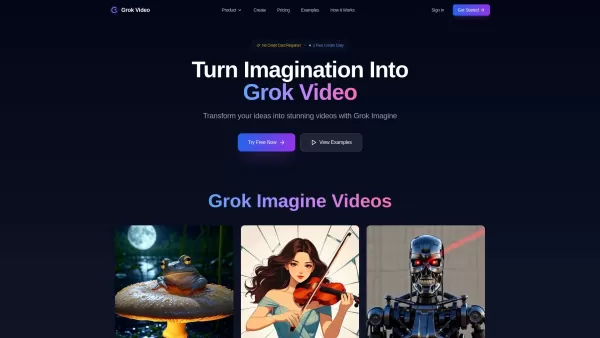
What is Grok Video AI? Grok Video AI revolutionizes content creation by transforming simple inputs into professional-quality videos. This cutting-edge platform leverages artificial intelligence to convert text descriptions and static images into dyn
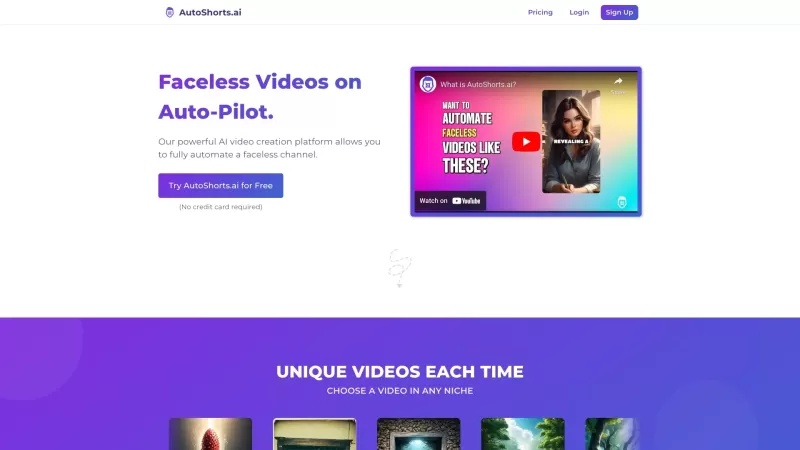
Ever wondered how to keep your TikTok game strong without lifting a finger? Enter AutoShorts.ai, the game-changer that automates the creation and posting of Faceless Videos on TikTok. Yes, you read that right—automated videos that you don't even have to c
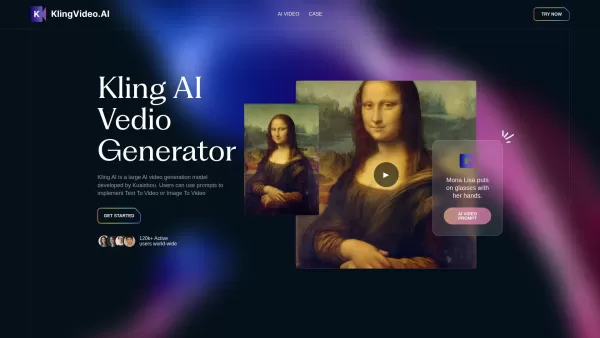
What is Kling Video AI?Kling AI is a powerful text-to-video generator from Kuaishou, allowing users to create high-definition videos with just a few clicks. This sophisticated AI model produces videos of up to two minutes in length, delivering them i
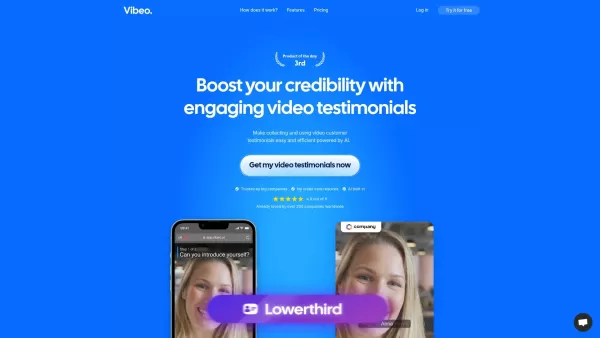
What is Vibeo?Vibeo.ai offers an intuitive platform for gathering video testimonials. It enables users to design custom campaigns, distribute submission links to customers for easy video recording, and leverage AI-powered tools to refine and polish t
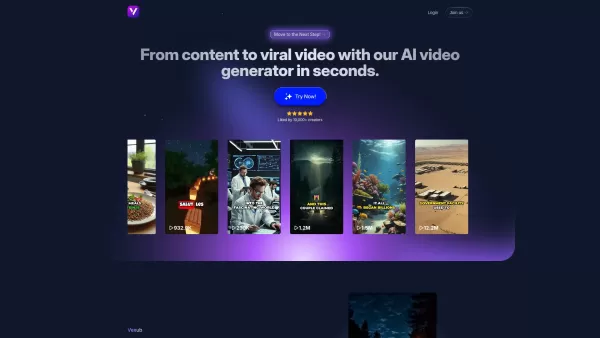
What is Vexub? Vexub is an AI-powered video generator that instantly crafts high-quality videos from diverse inputs. It enables users to convert text, MP3 audio, MP4 videos, and SMS messages into enga
Riverside.fm Product Information
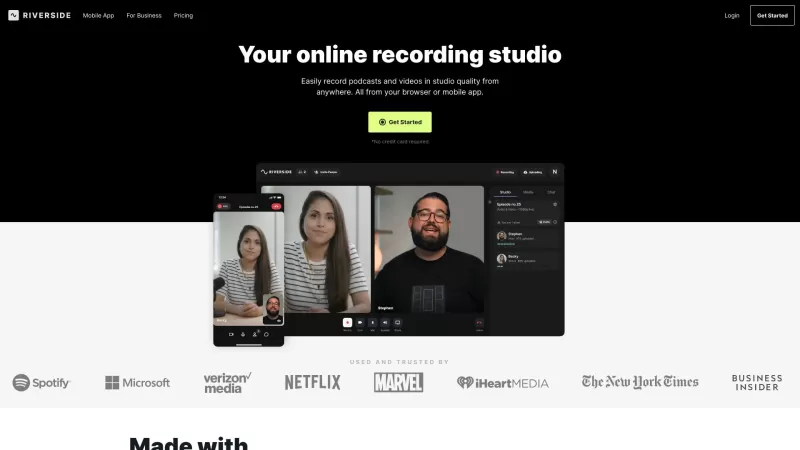
Ever wondered how to create top-notch podcasts and videos without leaving your cozy home setup? Enter Riverside.fm, your go-to virtual studio for all things podcasting and video recording. This platform is a game-changer for podcasters and media companies, offering studio-quality audio and crisp 4K video that lets you produce professional content no matter where you are. It's like having a high-end recording studio right at your fingertips!
How to Get Started with Riverside.fm?
Ready to dive into the world of remote recording with Riverside.fm? Here's your step-by-step guide to kick things off:
First things first, head over to the Riverside.fm website and sign up for an account. It's quick and easy, and you'll be on your way to creating amazing content in no time. Once you're in, decide what kind of content you want to whip up—podcasts, video interviews, webinars, you name it. Riverside.fm has you covered.
Next, set up your recording environment. You can use either the mobile app or the web-based studio, depending on what suits you best. Then, invite your guests to join the session remotely. It's like having a virtual party, but instead of snacks, you're sharing high-quality audio and video tracks.
When you hit record, Riverside.fm captures studio-quality audio and video for each participant separately. This means you can tweak and perfect each track to your heart's content. And if you're in a rush, the AI-powered transcription feature will turn your recordings into text in seconds, available in over 100 languages. How cool is that?
Editing is a breeze with Riverside.fm's text-based editor. You can search, clip, and customize your content effortlessly. Once you're happy with your masterpiece, export and share it across various platforms and social media channels. Your audience won't believe you recorded it from your living room!
What Makes Riverside.fm Stand Out?
Riverside.fm isn't just another recording tool; it's packed with features that set it apart:
Studio-quality Audio and 4K Video Recording
Say goodbye to grainy videos and muffled audio. Riverside.fm ensures your content looks and sounds professional, no matter where you record.
Separate Audio and Video Tracks
Each participant gets their own track, giving you the flexibility to edit and mix as you see fit. It's like having a personal sound engineer at your disposal.
AI-powered Transcription
Need your recordings transcribed? Riverside.fm's AI does it in a snap, supporting over 100 languages. It's perfect for those times when you need to quickly turn your audio into text.
Text-based Editing
Editing has never been easier. With Riverside.fm's text-based editor, you can search for specific words or phrases and make quick edits. It's like magic!
Social Media Clips
Want to share bite-sized content on social media? Riverside.fm lets you create short-form clips that are perfect for platforms like TikTok and Instagram.
What Can You Do with Riverside.fm?
The possibilities are endless with Riverside.fm. Here are just a few ways you can use it:
Podcasts
Record your podcast episodes with guests from around the world, all in studio quality.
Video Interviews
Conduct interviews that look and sound like they were filmed in a professional studio.
Social Media Clips
Create engaging short-form content for your social media channels.
Webinars
Host webinars with crystal-clear audio and video, making your presentations stand out.
Video Marketing
Produce marketing videos that capture your audience's attention with high-quality visuals and sound.
Panel Discussions
Organize panel discussions where every participant's voice is heard clearly.
Talking Head Presentations
Deliver presentations that look professional and polished, even if you're recording from home.
Frequently Asked Questions
- Can I record podcasts and videos remotely?
- Absolutely! Riverside.fm is designed for remote recording, making it easy to collaborate with guests from anywhere.
- Can I edit and customize my recordings?
- Yes, you can! With Riverside.fm's text-based editor, you can edit, clip, and customize your content to perfection.
- Does Riverside.fm offer AI-powered transcription?
- It sure does! The AI-powered transcription feature supports over 100 languages and works in seconds.
- Can I export and share my recordings?
- Of course! Once you're done editing, you can export your recordings and share them across various platforms and social media channels.
Riverside.fm is brought to you by RiversideFM, Inc. If you're curious to learn more about the company, check out their about us page.
Ready to start recording? Log in to your Riverside.fm account at this link. If you're new to the platform, sign up at this link. Curious about the pricing? You can find all the details at this link.
Stay connected with Riverside.fm on social media:
- Facebook: Riverside.fm on Facebook
- YouTube: Riverside.fm on YouTube
- TikTok: Riverside.fm on TikTok
- LinkedIn: Riverside.fm on LinkedIn
- Twitter: Riverside.fm on Twitter
- Instagram: Riverside.fm on Instagram
Riverside.fm Screenshot
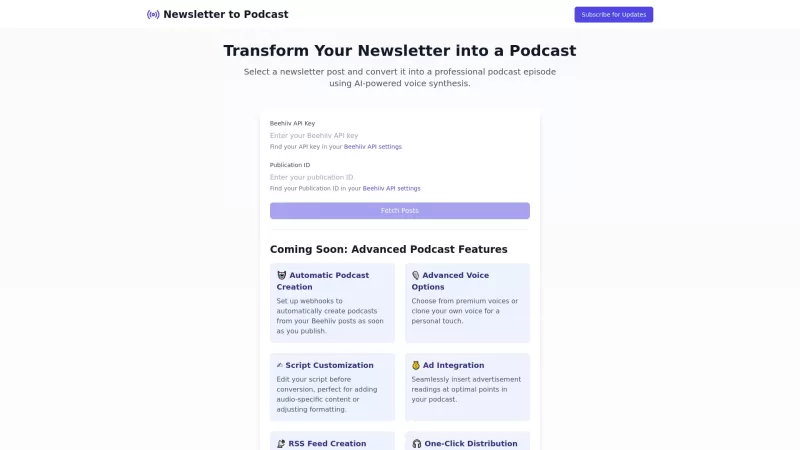
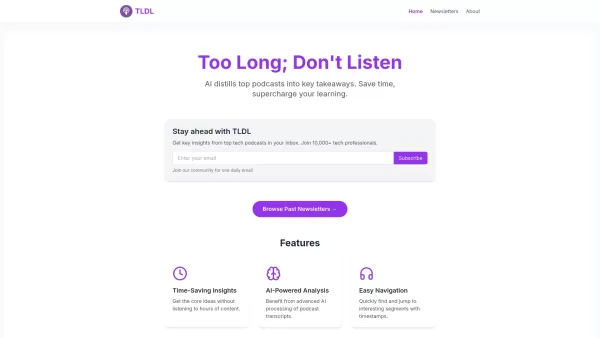
Discover the 2026 best AI video tools for news broadcasting. Our curated list features top-rated, game-changing solutions to create virtual newsrooms with automated anchor lip-sync. Compare free vs paid options with real-world tests. Unlock your AI edge and start creating today at XIX.AI.
 10 tools
 xix.ai


Just tried Riverside.fm for a recording yesterday. Way better than my old solution with dropouts on Zoom! The separate local track recording is a life-saver. 😅


