


 Home
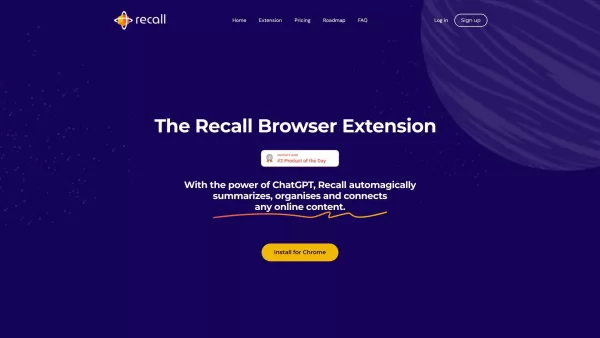
HomeRecall - Your AI-powered knowledge base
Recall: AI-Powered Content Summarization & Organization Platform



Helps TikTok sellers, brands, MCNs, and TAPs discover winning products and find creators.

HelpLook is an AI-powered all-in-one knowledge base tool that helps businesses quickly build knowledge bases, help centers, and...

Your AI Workspace

302.AI is an enterprise-grade AI resource platform with pay-as-you-go pricing, API access to a full range of AI models, and ready-to-use online applications.

剧火AI — AI Screenwriter + Director, a One-Person Short Drama Studio In one sentence, what is it?
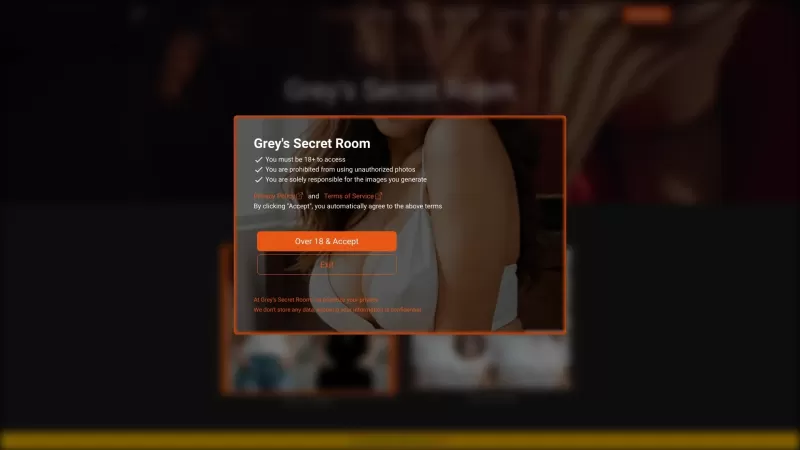
Ever wondered what it's like to try on a whole new wardrobe without leaving your room? Grey's Secret Room brings that fantasy to life with its cutting-edge AI technology. This innovative platform allows you to experiment with different styles and even swa
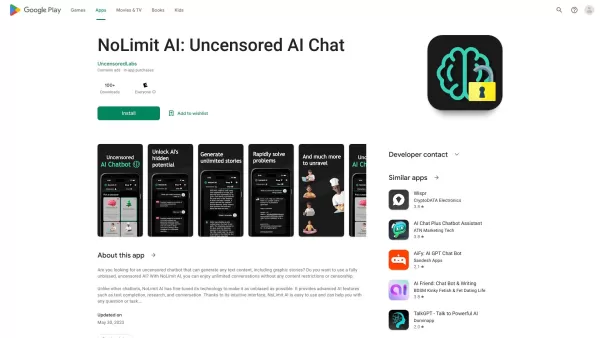
If you're looking for a chat experience that breaks the mold, let me introduce you to NoLimit IA—an app that promises to keep the conversation flowing without any boundaries. Think of it as your go-to place for engaging in unfiltered chats with AI ch
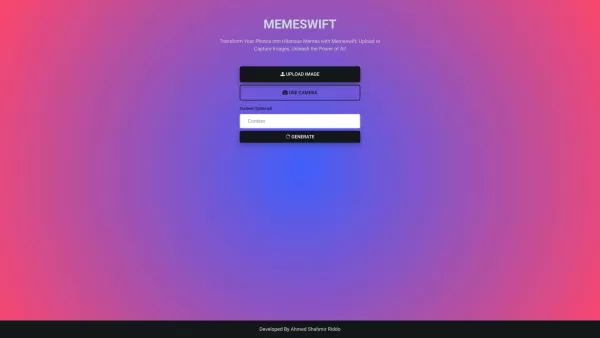
MemeSwift is like the Swiss Army knife of humor—it’s an AI-powered meme generator designed to turn your photos into laugh-out-loud-worthy memes. Whether you’re looking to poke fun at yourself or your friends, this tool makes it easy to craft something fun
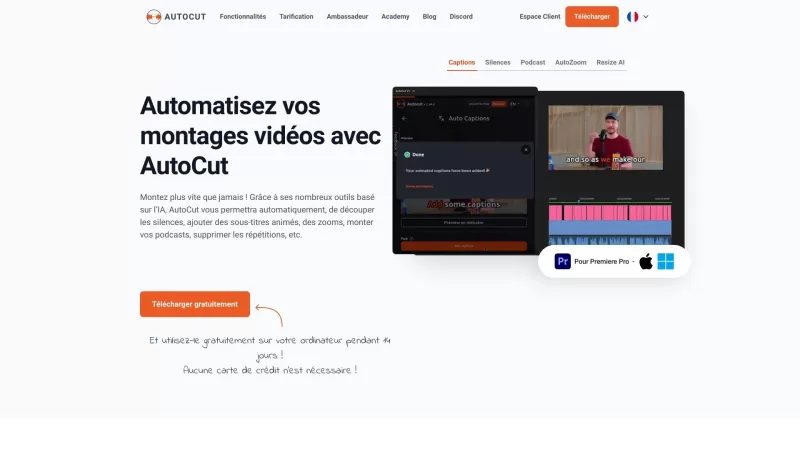
Ever wished you had a magic wand for video editing? Meet AutoCut, the Premiere Pro plugin that's like your very own AI editing assistant. It does everything from adding those snazzy animated subtitles to cutting out those awkward silences. Whether you're
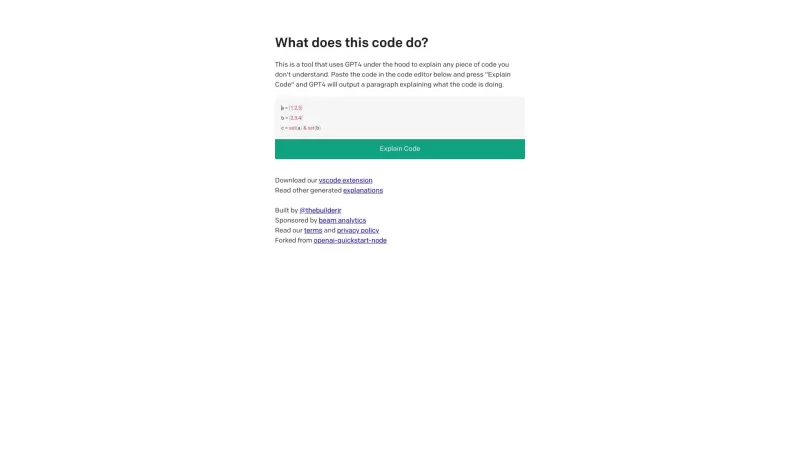
Ever found yourself staring at a piece of code, scratching your head and wondering, "What on earth does this do?" Well, that's where Code Explain comes in—your trusty AI-powered sidekick that's here to make sense of any code that's got you puzzled. It's l
Recall - Your AI-powered knowledge base Product Information
Ever heard of *Recall*? It’s not just another app—it’s your personal sidekick for mastering online content. Think of it as an AI-powered knowledge base that takes the chaos of scattered information and turns it into something organized, actionable, and downright useful. Whether you’re sifting through podcasts, YouTube videos, articles, or even PDFs, Recall makes sure you don’t miss a thing.
Imagine having the ability to instantly summarize what you’ve read or watched, effortlessly categorize it, and revisit it whenever you need—without hunting through endless tabs or emails. That’s the magic of Recall. Plus, it doesn’t stop there. This tool goes beyond simple storage. It connects ideas across different pieces of content, helping you see patterns and insights you might’ve missed otherwise. And if you’re into learning, its Spaced Repetition feature ensures you retain what matters most. Oh, and did I mention offline access? Yeah, you can take your knowledge everywhere.
How Does Recall Work?
Using Recall is simpler than you think. Let me walk you through it:
- Install the Chrome Extension: Pop over to the Chrome Web Store, grab the Recall extension, and pin it for easy access.
- Find Your Content: Whether it’s a blog post, YouTube video, or PDF, open it up.
- Save and Summarize: Tap the Recall icon, and voilà! It gives you a concise summary of the content.
- Review Like a Pro: Every week, Review Mode kicks in. You’ll get AI-generated questions to keep things fresh in your mind.
Core Features You’ll Love
- Summarize Any Online Content: No matter the format, Recall boils it down to the essentials.
- Automatic Categorization Using AI: Never waste time tagging manually again.
- Automatic Connections Between Related Content: See how everything ties together.
- Spaced Repetition Learning: Retain more with less effort.
- Data Export to Markdown: Want to tweak your notes? Export them easily.
- Offline Access: Access your saved content anytime, anywhere.
Real-World Use Cases
Let’s face it—life gets busy. But with Recall, you can:
- Get quick summaries of long-form content like podcasts or videos.
- Keep all your favorite resources in one place.
- Effortlessly find related topics when you’re stuck on research.
- Boost your learning with Spaced Repetition.
- Carry your knowledge library with you, even offline.
Frequently Asked Questions
- Q: What kinds of content can I save and summarize with Recall?
- A: Podcasts, YouTube videos, news articles, PDFs, blogs—you name it. It covers it all.
- Q: How does Recall categorize my content automatically?
- A: Its AI engine dives deep into the text or audio to figure out themes and topics. Neat, huh?
- Q: How does Recall enhance learning with Spaced Repetition?
- A: It shows you key points at strategic intervals so they stick better in your memory.
- Q: Can I access my saved content offline?
- A: Absolutely. Sync your data once, and you’re good to go anywhere.
Join the Community
Craving more tips, tricks, and insider knowledge? Head over to our Discord server! It’s where the Recall crew hangs out, and you’ll find plenty of fellow users sharing their experiences.
Need Help? We’ve Got You Covered
If you ever run into issues or just want to say hi, reach out to us at [email protected]. Customer service is always on standby.
Getting Started Is Easy
Already sold? Jump right into the action:
Stay Connected
Follow us on social media to stay updated:
- LinkedIn: LinkedIn
- Twitter: @recall_wiki
Recall - Your AI-powered knowledge base Screenshot


2026 Latest Best Top-rated AI Text to Speech Tools for Online Courses are curated by XIX.AI based on rigorous real-world tests and weekly updated rankings. These powerful tools help creators deliver crystal-clear audio content effortlessly, boosting writing efficiency and streamlining course production. Check out the free vs paid comparison to find your perfect fit. Explore now to unlock your AI edge in online education.
 10 tools
 xix.ai

2026 Latest Best Top-Rated AI Blog Title Tools for Higher Click Through Rates! XIX.AI has carefully curated a powerful, game-changing collection of top tools that go through rigorous real-world tests. You’ll find a free vs paid comparison, weekly updated rankings, and detailed insights to help you boost your blog’s traffic efficiently. Must-try options are highlighted to help you unlock your AI edge. Explore now!
10 tools
xix.ai

2026 Latest Best Top-rated AI Task Routing Tools for Support Workflows! XIX.AI has curated a highly powerful game-changing collection of must-try solutions, all undergoing rigorous real-world tests and updated weekly. These tools streamline workflows, boost productivity, and help teams deliver faster, more efficient support. Explore now to discover your perfect tool and unlock your AI edge!
17 tools
xix.ai

2026 Latest Best Top-Rated AI Citation and Paper Summary Tools Curated by XIX.AI. Get powerful game-changing solutions for quick content creation, improved writing efficiency, and boosting productivity. We offer a free vs paid comparison along with real-world tests and weekly updated rankings to help you find the must-try tool that fits your needs perfectly. Explore now to Unlock your AI edge.
10 tools
xix.ai

2026 Latest Best Top-Rated AI Productivity Tools for Daily Work! XIX.AI has curated a powerful, game-changing selection based on rigorous weekly updated rankings and real-world tests. You’ll find must-try options that boost writing efficiency, streamline content creation, and help you overcome daily work challenges. Get a free vs paid comparison to find the perfect fit for your needs. Explore now to unlock your AI edge!
9 tools
xix.ai

2026 Latest Best Top-Rated AI Systematic Review Tools for Research Screening are here on XIX.AI! This curated collection includes powerful, game-changing solutions that go through rigorous real-world tests to deliver accurate results. We also offer a free vs paid comparison along with weekly updated rankings to help you find the must-try option that boosts your research efficiency significantly. Explore now to unlock your AI edge in academic work!
11 tools
xix.ai


