


 Home
HomeRay3 Video AI
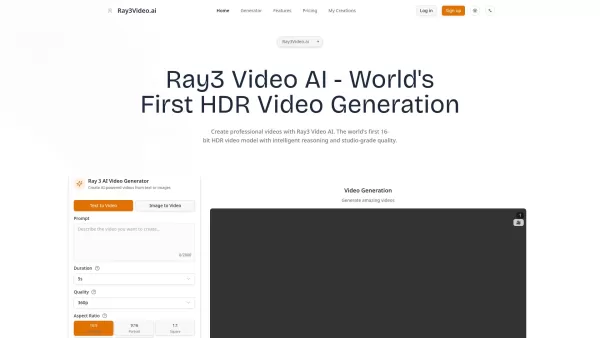
Ray3 AI: Create HDR Videos from Text



Helps TikTok sellers, brands, MCNs, and TAPs discover winning products and find creators.

HelpLook is an AI-powered all-in-one knowledge base tool that helps businesses quickly build knowledge bases, help centers, and...

Your AI Workspace

302.AI is an enterprise-grade AI resource platform with pay-as-you-go pricing, API access to a full range of AI models, and ready-to-use online applications.

剧火AI — AI Screenwriter + Director, a One-Person Short Drama Studio In one sentence, what is it?
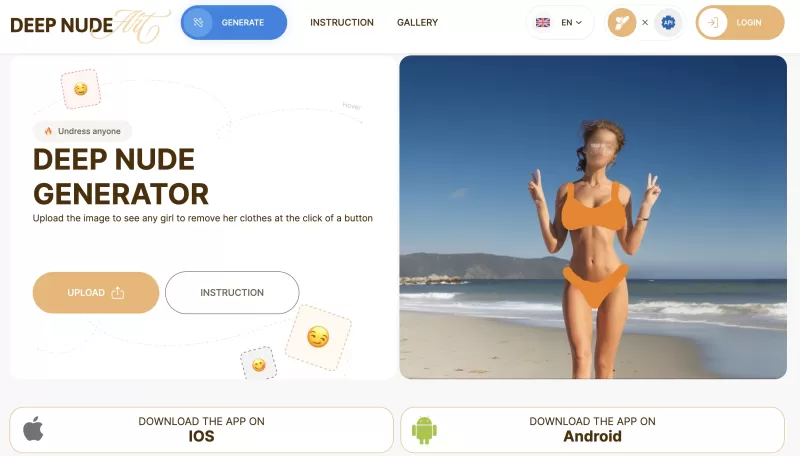
Ever stumbled upon the intriguing world of AI-powered image manipulation? If so, you might have heard about the DeepNude generator. This tool lets you upload a photo and, with just a few clicks, it can create a realistic nude image from it. It's like magi
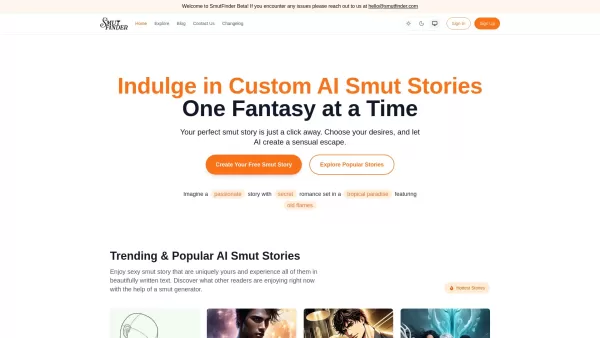
Ever wondered about diving into a world tailored just for your fantasies? Well, let me introduce you to Smutfinder—a platform where your wildest dreams come to life through the magic of AI. It's like having a personal storyteller who knows exactly wh

Ever wondered what lies beneath the fabric? Well, Undress AI promises to give you a peek with its deepnude technology. It's like having a digital artist at your fingertips, ready to create those "what if" scenarios without any of the hassle. This tool isn
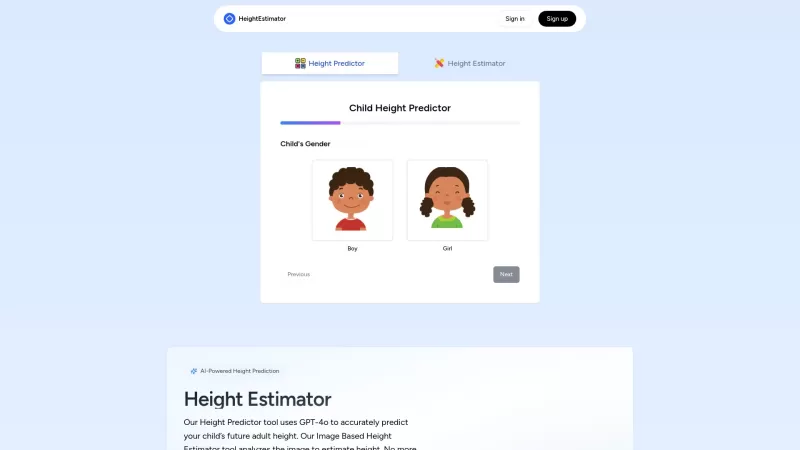
Ever wondered how tall your little one might grow up to be? Or maybe you're curious about your own height potential? Enter the Height Estimator, a nifty AI tool that's here to help you out. It's not just any tool; it uses the cutting-edge GPT-4 Vision API
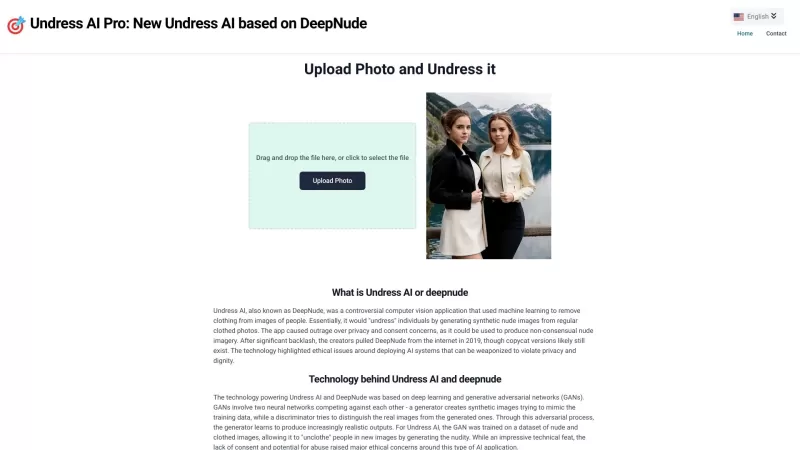
Undress AI Pro, often referred to as DeepNude, is a highly controversial tool that has stirred up quite the debate. It uses sophisticated machine learning algorithms to digitally remove clothing from images of people. It's a wild concept, isn't it? But le
Ray3 Video AI Product Information
What is Ray3 Video AI?
Ray3 Video AI is a revolutionary video generation platform powered by Luma AI's state-of-the-art technology. As the world's first model to natively produce 16-bit High Dynamic Range (HDR) videos, it delivers professional studio-grade quality that is accessible to all. With its advanced reasoning capabilities, Ray3 goes beyond simply following prompts—it intelligently grasps your creative vision, evaluates its own outputs, and iterates to achieve superior results. What truly sets Ray3 apart is its unique fusion of cutting-edge physics simulation, remarkable visual fidelity, and the game-changing Draft Mode, which allows for incredibly fast idea exploration. Whether you're producing content for social media, professional films, or any other project, Ray3 fits seamlessly into your workflow with features like visual annotations, keyframe controls, and professional EXR export for easy integration with editing suites.
How to use Ray3 Video AI?
Getting started with Ray3 is incredibly simple. Just head to ray3video.ai to begin. Here’s a step-by-step guide: 1. Visit ray3video.ai and sign up for your free account—no credit card is required to start. 2. Inside the platform, select your preferred creation mode: Text-to-Video to describe your scene, Image-to-Video to animate a photo, or Video-to-Video to transform existing footage. 3. Enter your prompt in the text box. You can keep it simple, like "a dog playing in the park," or add detailed descriptions of camera angles, lighting, and mood. 4. Begin with Draft Mode for rapid iterations, as it's 5x faster and 5x more cost-effective—ideal for testing different concepts. 5. For precise control, use the visual annotation tool to draw directly on an image and indicate where you want specific actions. 6. Click generate and let Ray3's reasoning engine work its magic; it actively interprets your request to optimize the outcome. 7. Review your draft video. If you're satisfied, upgrade to Hi-Fi mode for stunning, production-quality 4K HDR output. 8. Download your creation as an MP4 for easy sharing or as a 16-bit EXR file for professional post-production. Pro Tip: Always explore ideas in Draft Mode first, then reserve Hi-Fi mode for your final selections to maximize the value of your credits. The ray3video.ai platform makes this workflow intuitive and efficient.
Ray3 Video AI's Core Features
**World's First HDR Video Generation**: Native 16-bit high dynamic range color generation for studio-grade quality
**AI Reasoning Engine**: Understands user intent, evaluates outputs, and iterates automatically for better results
**Draft Mode**: Lightning-fast video sketching—5x faster generation and 5x more cost-effective
**Visual Annotations**: Draw directly on images to specify exact motion and positioning
**Hi-Fi Upscaling**: Transform draft videos into production-ready 4K HDR footage
**Advanced Physics Simulation**: Realistic motion, lighting, and material interactions
**Multi-Modal Input**: Text prompts, image uploads, and video transformations
*Professional Export Options**: 16-bit EXR files for seamless studio workflow integration
*Keyframe Controls**: Precise timing and motion control for complex sequences
**Character Consistency**: Maintains character appearance and traits across scenes
**Chain of Thought Processing**: Interprets prompts with nuance and contextual understanding
Ray3 Video AI's Use Cases
*Content Creation**: Generate engaging videos for social media, YouTube, and marketing campaigns
**Film Pre-Production**: Create storyboards, concept videos, and pre-visualization sequences
**Advertising & Marketing**: Produce compelling video ads and promotional content without expensive shoots
**Education & Training**: Develop instructional and educational videos with custom scenarios
*Game Development**: Generate cutscenes, trailers, and promotional videos for games
**Music Videos**: Create stunning visuals to accompany musical tracks and performances
**Architecture Visualization**: Bring building designs to life with realistic walkthroughs
*Product Demonstrations**: Showcase products in action without physical prototyping
**News & Journalism**: Illustrate stories and concepts with relevant visual content
*Art & Creative Expression**: Experiment with visual storytelling and artistic concepts
**Corporate Communications**: Create internal training videos and company presentations
Ray3 Video AI Support Email & Customer service contact & Refund contact etc.
For customer service, please contact Ray3 Video AI support at: [email protected] . For additional contact methods, visit the contact us page().
Ray3 Video AI Company
Ray3 Video AI Company name: Ray3 Video AI .
Ray3 Video AI Company address: .
To learn more about Ray3 Video AI, please visit the about us page().
Ray3 Video AI Login
Ray3 Video AI Login Link: https://ray3video.ai/auth/register
Ray3 Video AI Sign up
Ray3 Video AI Sign up Link: https://ray3video.ai/auth/register
>Ray3 Video AI Sign up
Ray3 Video AI Sign up Link: https://ray3video.ai/auth/register
Ray3 Video AI Pricing
Ray3 Video AI Pricing Link: https://ray3video.ai/pricing
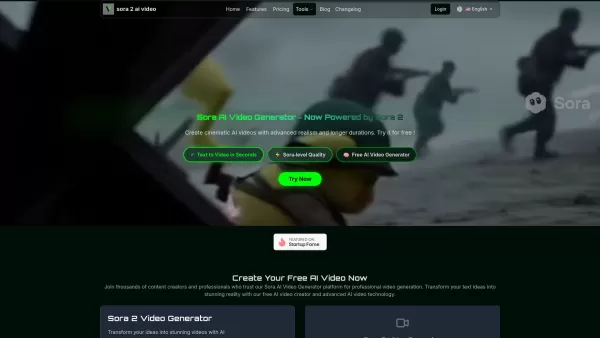
Ray3 Video AI Screenshot

2026 Latest Best Top-Rated AI Prompt Libraries for optimizing all types of ChatGPT workflows. XIX.AI has curated a powerful, game-changing collection that goes through rigorous real-world tests to ensure top performance. You can find detailed free vs paid comparisons and expert rankings to help you choose the must-try tools that boost your productivity and unlock your AI edge. Explore now!
 11 tools
 xix.ai

2026 Latest Best AI Quiz Builder Platforms for Teachers, Tutors, and Cohort-Based Learning Programs! XIX.AI has curated a top-rated list of powerful game-changing tools that go through real-world tests to deliver accurate rankings. These must-try platforms help boost writing efficiency, streamline content creation, and simplify quiz design across all learning scenarios. Explore now to discover your perfect tool for unlocking your AI edge in teaching!
13 tools
xix.ai

2026 Latest Best AI Pull Request Review Tools for GitHub Teams are here on XIX.AI! This top-rated curated list showcases powerful game-changing solutions that streamline refactoring, bug fixing, and security gap detection across all team workflows. Enjoy a free vs paid comparison along with real-world tests and detailed rankings to help you find the perfect tool that boosts productivity significantly. Explore now to unlock your AI edge!
12 tools
xix.ai

2026 Latest Best Top-rated AI Text to Speech Tools for Natural Voiceovers are here on XIX.AI! This curated list features powerful, game-changing options that deliver crystal-clear voices for every use case, backed by real-world tests and weekly updated rankings. Get a free vs paid comparison to find the must-try solution that boosts your productivity instantly. Explore now to Unlock your AI edge!
11 tools
xix.ai

2026 Latest Best Manga AI Background Generators Ranked Top-Rated! This curated collection showcases powerful game-changing tools perfect for creating high-quality chapter backgrounds, book covers, and promotional art. Every option has undergone rigorous real-world tests to ensure reliability. Get a free vs paid comparison along with detailed insights. Explore now to discover your perfect tool and unlock your AI edge in manga creation.
6 tools
xix.ai

2026 Latest Best Top-rated AI Object Removal Editors for portraits travel product shots! XIX.AI curates a powerful game-changing collection regularly updated with weekly rankings. These tools offer real-world tests to help you quickly remove unwanted elements, boost content quality, and save tons of time without compromising results. Must-try for anyone aiming to unlock their AI creation edge. Explore now!
10 tools
xix.ai


Wow, this Ray3 Video AI is insane! The 16-bit HDR quality is just next level. I tried generating some cinematic footage and it looks like it came straight out of a Hollywood studio. A bit slow though, but the results are worth it. Can't wait to see what's next! 🎬


