


 Home
HomePPTDetector



Helps TikTok sellers, brands, MCNs, and TAPs discover winning products and find creators.

HelpLook is an AI-powered all-in-one knowledge base tool that helps businesses quickly build knowledge bases, help centers, and...

Your AI Workspace

302.AI is an enterprise-grade AI resource platform with pay-as-you-go pricing, API access to a full range of AI models, and ready-to-use online applications.

剧火AI — AI Screenwriter + Director, a One-Person Short Drama Studio In one sentence, what is it?
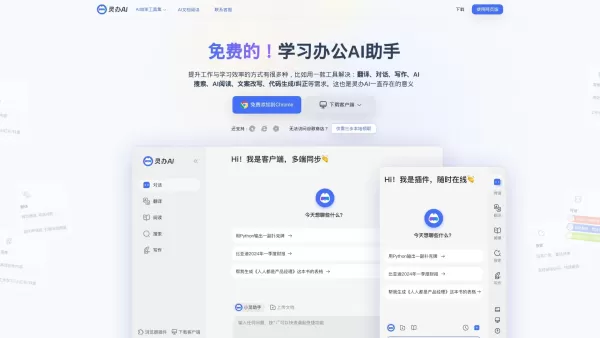
What is Lingban AI - Free AI Assistant?Lingban AI is a versatile, all-in-one AI solution designed for both individuals and professionals. It delivers a robust suite of tools including translation, interactive dialogue, writing assistance, AI-powered

What is CoinScreener?CoinScreener is an AI-driven cryptocurrency trading platform that empowers traders with real-time market data, actionable trading signals, and sophisticated technical analysis. It leverages AI algorithms and big data to deliver p
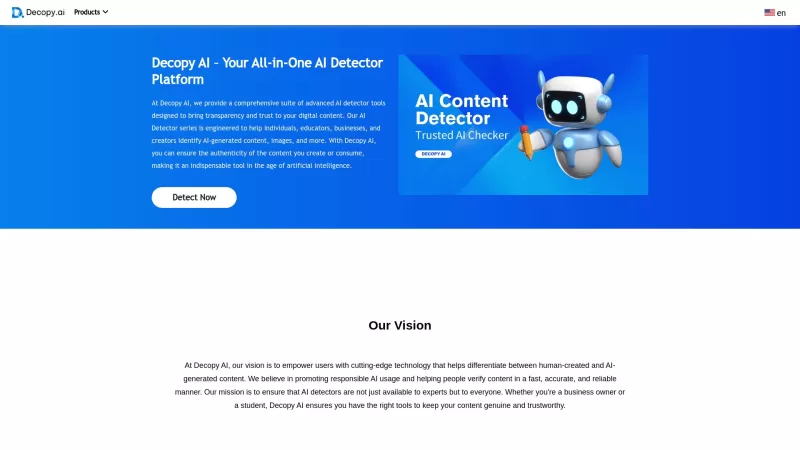
Ever wondered if that slick piece of writing you stumbled upon was crafted by a human or churned out by an AI? Enter Decopy AI, your go-to tool for sniffing out AI-generated content. With an impressive accuracy rate of up to 99%, Decopy AI can spot text f
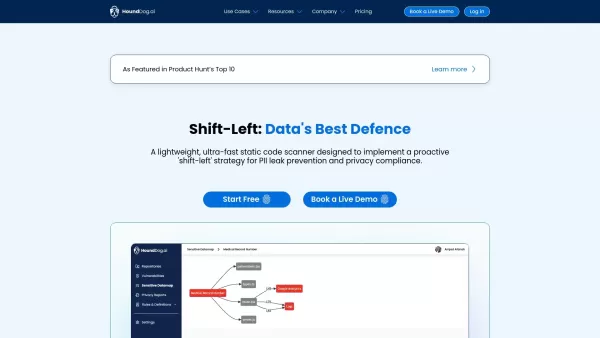
What is HoundDog.ai's Static Code Scanner?HoundDog.ai is a proactive, lightweight, and ultra-fast static code scanning solution designed to prevent PII (Personally Identifiable Information) leaks and ensure privacy compliance directly within the code
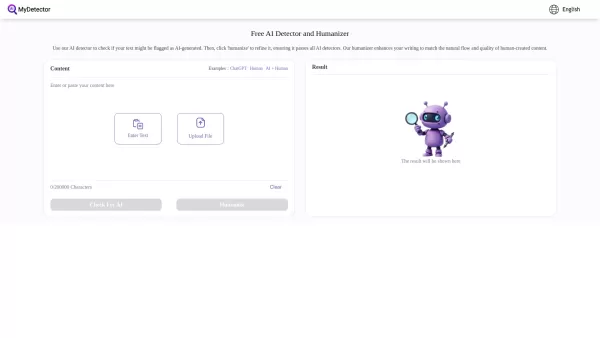
Ever wondered if that piece of text was crafted by a human or churned out by an AI? That's where MyDetector comes into play. This nifty tool is your go-to for sniffing out AI-generated content, whether it's from ChatGPT, GPT-4, or Gemini. And the best par
PPTDetector Product Information
What is PPTDetector?
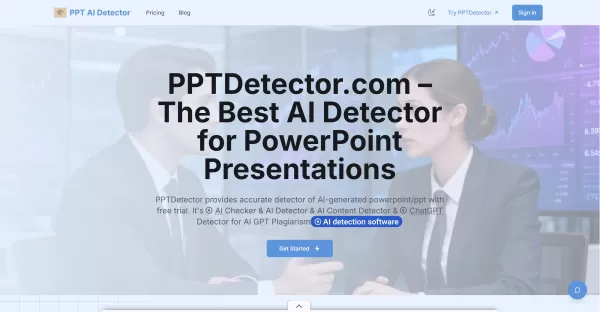
PPTDetector is an online tool designed to detect AI-generated content within PowerPoint presentations. Users can upload their PPT or PPTX files for a comprehensive, multi-layered analysis. This process examines text patterns, image traces, and overall slide structure to identify content likely created by AI models like ChatGPT, GPT, Gemini, or Claude. The service provides fast, actionable reports complete with visualizations, detection scores, and highlighted sections. It operates on a credit-based system with trial and subscription options, features secure uploads via Google OAuth, and prioritizes user privacy while continuously updating its models to enhance detection accuracy.
Who will use PPTDetector?
- Educators and academic integrity teams
- Students and researchers conducting self-checks
- Corporate compliance and legal departments
- HR professionals and hiring managers reviewing candidate materials
- Content reviewers and editors
- Presentation designers and agencies
How to use the PPTDetector?
- Step 1: Visit https://pptdetector.com and click "Get Started" or "Upload / Check PPT."
- Step 2: Sign in using your account or utilize the Google OAuth one-tap login if prompted.
- Step 3: Upload your PowerPoint file (PPT or PPTX format) through the provided interface.
- Step 4: Allow the system to complete its multi-layered analysis of text, images, and structure.
- Step 5: Review the generated detection report, which includes AI-likelihood scores and highlighted sections.
- Step 6: Export or save your report. You can purchase additional credits or a subscription for more analyses.
Platform
- Web
PPTDetector's Core Features & Benefits
The Core Features
- Upload and automated analysis of PPT/PPTX files
- AI-generated text detection optimized for slides
- Image and slide-structure analysis
- Rapid, visualized reports with detection scores
- Clear result visualization with highlighted findings
- Secure Google OAuth integration and file transmission
- Flexible credit-based trials and subscription plans
The Benefits
- Upholds academic and corporate integrity
- Delivers quick, easy-to-understand detection reports
- Supports common PowerPoint formats (PPT/PPTX)
- Integrates securely into existing workflows
- Regular model updates to identify emerging AI patterns
PPTDetector's Main Use Cases & Applications
- Academic plagiarism checks for student presentations
- Pre-publication content verification for conferences and webinars
- Corporate compliance review of external-facing slide decks
- HR screening of candidate presentation materials
- Agency quality control for client deliverables
PPTDetector's Pros & Cons
The Pros
Specialized for PowerPoint files with multi-layered analysis
Fast, visual reports that are easy to interpret
Secure uploads and Google OAuth support
Flexible pricing with trial credits and subscriptions
The Cons
Web-only platform (no dedicated mobile or desktop apps)
Detection is probabilistic and not guaranteed 100% accurate
Paid credits/subscription required for heavier use
No public GitHub or open-source code available
PPTDetector's Pricing
Has free plan | YES |
|---|---|
Free trial details | Free trial available (details not specified) |
Pricing model | Free Trial |
Is credit card required | No |
Paid from | 19.9 USD |
Has lifetime plan | No |
Billing frequency | Monthly |
Details of Pricing Plan
Starter
20 USD
- 20 credits, valid for 1 month
- PPT information checking
- Analyze PPT structure
- Payment with Stripe
- Data transmit with security
- Google Oauth & One-Tap Login
- PPT/PPTX support
Monthly Subscription
19.9 USD
- 40 credits, valid for 1 month
- PPT information checking
- Advanced analyze PPT's text
- Advanced analyze PPT's image
- Data transmit with security
- PPT/PPTX support
- Result visualization
Annual Subscription
199 USD
- 500 credits, valid for 1 year
- PPT information checking
- Advanced analyze PPT's text
- Advanced analyze PPT's image
- Data transmit with security
- PPT/PPTX support
- Priority Technical Support
Discount:
Starter and Monthly plans currently 50% off; Annual plan discounted from $499 to $199
For the latest prices, please visit: https://pptdetector.com/#pricing
FAQs of PPTDetector
How do I use PPTDetector to check a presentation?
Sign in on the website, upload your PPT or PPTX file, wait for the analysis to complete, and then review the detection report and highlighted sections.
Which file formats are supported?
PPTDetector supports common PowerPoint formats, including .ppt and .pptx.
How fast are results returned?
Most analyses provide results within seconds to a few minutes, depending on file size and system load.
Is my uploaded data kept private and secure?
The site uses secure data transmission and emphasizes privacy; users should review the privacy policy for specific details on data retention and processing.
Can PPTDetector identify AI-generated images as well as text?
Yes — the platform performs analysis on text, images, and slide structure to improve detection accuracy.
What pricing plans are available?
Pricing is credit-based, with Starter, Monthly, and Annual subscription tiers. Full details are available on the pricing section of the site.
Do I need an account to use the service?
Some features require signing in; the site supports Google OAuth for one-tap login. Trial credits may be available for new users.
How accurate is the detection?
PPTDetector uses advanced algorithms and regular updates to maximize accuracy, but no detector is perfect; results are probabilistic and should be used as part of a broader review process.
Can I download or export the analysis report?
The platform provides result visualization and likely offers options to view and export reports; check the report interface after your analysis is complete.
Who should use PPTDetector?
Educators, corporate compliance teams, HR staff, reviewers, and anyone who needs to verify the originality of PowerPoint presentations.
PPTDetector Company Information
- PPTDetector
- https://pptdetector.com
PPTDetector Screenshot


2026 Latest Best Manga AI Background Generators Ranked Top-Rated! This curated collection showcases powerful game-changing tools perfect for creating high-quality chapter backgrounds, book covers, and promotional art. Every option has undergone rigorous real-world tests to ensure reliability. Get a free vs paid comparison along with detailed insights. Explore now to discover your perfect tool and unlock your AI edge in manga creation.
 6 tools
 xix.ai

2026 Latest Best Top-rated AI Object Removal Editors for portraits travel product shots! XIX.AI curates a powerful game-changing collection regularly updated with weekly rankings. These tools offer real-world tests to help you quickly remove unwanted elements, boost content quality, and save tons of time without compromising results. Must-try for anyone aiming to unlock their AI creation edge. Explore now!
10 tools
xix.ai

2026 Latest Best Top-rated AI Text to Speech Tools for Online Courses are curated by XIX.AI based on rigorous real-world tests and weekly updated rankings. These powerful tools help creators deliver crystal-clear audio content effortlessly, boosting writing efficiency and streamlining course production. Check out the free vs paid comparison to find your perfect fit. Explore now to unlock your AI edge in online education.
10 tools
xix.ai

2026 Latest Best Top-Rated AI Blog Title Tools for Higher Click Through Rates! XIX.AI has carefully curated a powerful, game-changing collection of top tools that go through rigorous real-world tests. You’ll find a free vs paid comparison, weekly updated rankings, and detailed insights to help you boost your blog’s traffic efficiently. Must-try options are highlighted to help you unlock your AI edge. Explore now!
10 tools
xix.ai

2026 Latest Best Top-rated AI Task Routing Tools for Support Workflows! XIX.AI has curated a highly powerful game-changing collection of must-try solutions, all undergoing rigorous real-world tests and updated weekly. These tools streamline workflows, boost productivity, and help teams deliver faster, more efficient support. Explore now to discover your perfect tool and unlock your AI edge!
17 tools
xix.ai

2026 Latest Best Top-Rated AI Citation and Paper Summary Tools Curated by XIX.AI. Get powerful game-changing solutions for quick content creation, improved writing efficiency, and boosting productivity. We offer a free vs paid comparison along with real-world tests and weekly updated rankings to help you find the must-try tool that fits your needs perfectly. Explore now to Unlock your AI edge.
10 tools
xix.ai


