


 Home
HomePowerPen
AI Writing Tool PowerPen: Grammar & Style



Helps TikTok sellers, brands, MCNs, and TAPs discover winning products and find creators.

HelpLook is an AI-powered all-in-one knowledge base tool that helps businesses quickly build knowledge bases, help centers, and...

Your AI Workspace

302.AI is an enterprise-grade AI resource platform with pay-as-you-go pricing, API access to a full range of AI models, and ready-to-use online applications.

剧火AI — AI Screenwriter + Director, a One-Person Short Drama Studio In one sentence, what is it?

Ever wondered how to get a leg up in *Call of Duty: Mobile*? Well, redeem codes are your golden ticket to a whole bunch of in-game goodies. These codes can give you a sweet boost to your Weapon XP or Battle Pass XP, making it a breeze to level up your arsenal and unlock those coveted new weapons, at
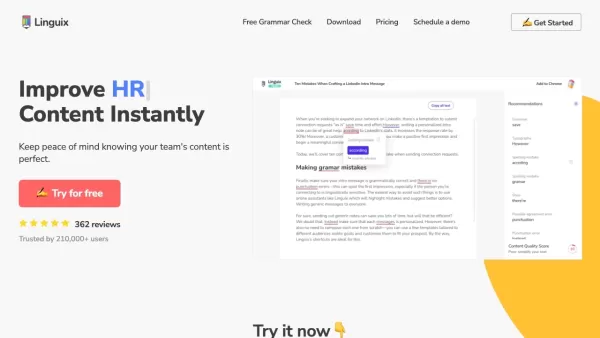
Ever find yourself staring at a blank screen, trying to craft the perfect email or nail that final paper? Enter Linguix, your new best friend in the world of writing. This free writing assistant isn't just another tool; it's like having a personal ed
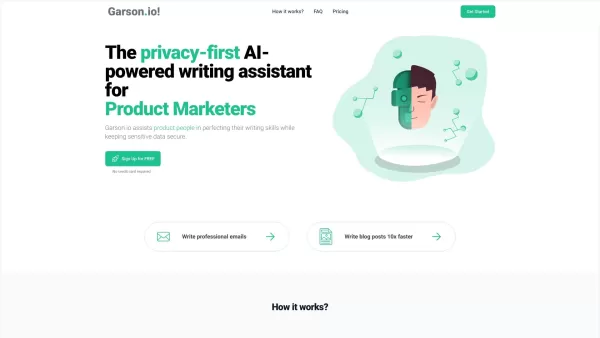
What is Garson.io? Garson.io offers a secure AI writing assistant specifically crafted for professionals who prioritize data privacy. This intelligent tool enhances your writing quality while maintaining strict confidentiality over sensitive informat
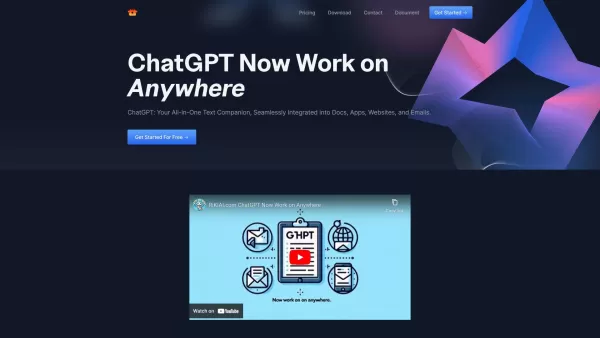
Riki AI is a game-changing tool designed to bring the power of ChatGPT directly into your workflow, no matter where you are or what you’re doing. Imagine having a personal assistant that helps you write, edit, summarize, translate, and even debug—all at t
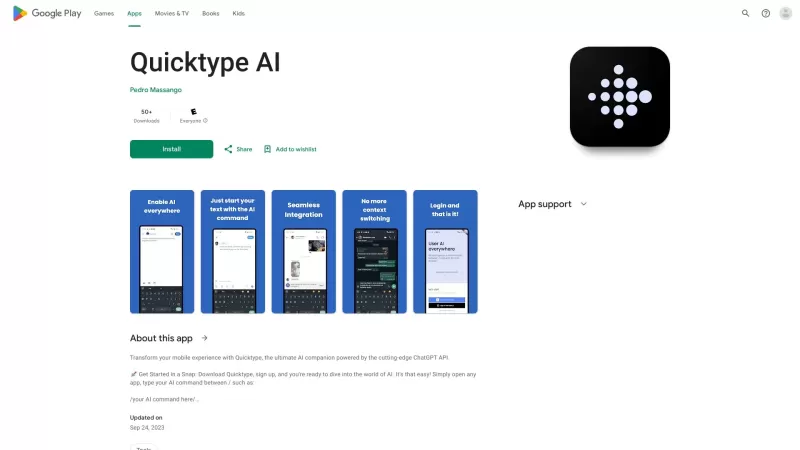
Ever found yourself juggling between different apps and tabs while trying to type something out? It's a real hassle, right? Well, let me introduce you to Elevate—an AI-powered tool designed to revolutionize your typing experience by cutting down on that annoying context switching. Imagine a world wh
PowerPen Product Information
What is PowerPen?
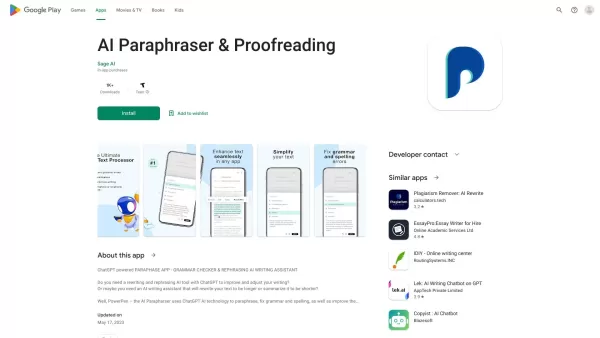
PowerPen is an intelligent writing assistant crafted to help you enhance your writing skills with ease. Powered by ChatGPT AI technology, it delivers robust grammar correction, accurate spelling checks, and an effective paraphrasing tool to improve readability. Ideal for students, professionals, and anyone looking to elevate their writing, PowerPen simplifies your writing workflow while ensuring your texts are polished and stylistically on point. With its user-friendly design, it adapts to diverse writing styles and formats, making it an indispensable tool for everyday communication.
Who will use PowerPen?
- Students
- Professionals
- Writers
- Business professionals
- Researchers
How to use the PowerPen?
- Step 1: Download and install the PowerPen app from the Google Play Store.
- Step 2: Launch the app and register for an account or log in.
- Step 3: Paste or type your text into the provided input field.
- Step 4: Choose the desired analysis type (e.g., grammar, spelling).
- Step 5: Review the suggestions and corrections offered by the app.
- Step 6: Apply the recommended changes or use the rephrasing tool as needed.
Platform
- Android
PowerPen's Core Features & Benefits
The Core Features
- Grammar checking
- Spell checking
- Sentence rephrasing
- User-friendly interface
The Benefits
- Enhances writing quality
- Saves valuable time
- Improves clarity, style, and reader engagement
- Simple and intuitive to use
PowerPen's Main Use Cases & Applications
- Academic writing
- Professional emails
- Content creation
- Social media posts
FAQs of PowerPen
How does PowerPen work?
It utilizes ChatGPT technology to analyze your text and provide intelligent suggestions.
Is PowerPen free to use?
Yes, it offers a free version with optional premium upgrades for advanced features.
Can PowerPen help with academic writing?
Absolutely. It is designed to assist with a wide range of writing styles, including academic work.
What is PowerPen?
PowerPen is an AI-powered grammar checker and versatile writing assistant.
Is my data safe with PowerPen?
Yes, PowerPen adheres to strict privacy policies to ensure your data is protected.
Can I rephrase sentences in different styles?
Yes, PowerPen lets you choose from multiple writing tones and styles for rephrasing.
Do I need to create an account?
Creating an account is optional, but it unlocks access to additional features.
What platforms does PowerPen support?
Currently, PowerPen is available for Android devices.
Can I use PowerPen offline?
No, an active internet connection is required for the app to function fully.
How can I contact support?
You can contact our support team via the email address provided within the app.
PowerPen Company Information
Website:
https://www.sage.com/en-usCompany Name:
Sage AISupport Email:
Facebook:
NAX(Twitter):
NAYouTube:
NAInstagram:
NATiktok:
NALinkedIn:
NA
PowerPen Screenshot

2026 Latest Best Top-Rated AI Academic Writing Helpers for Students & Researchers! XIX.AI has curated a powerful, game-changing collection of tools that undergo real-world tests to boost writing efficiency significantly. You’ll find detailed free vs paid comparison, weekly updated rankings, and insights on how these tools can help refine abstracts, structure papers, and overcome common academic writing challenges. Must-try for anyone aiming to unlock their AI edge in academic work. Explore now!
 8 tools
 xix.ai
2026 Latest Best Top-Rated AI Writing Tools for Blogs and Articles! XIX.AI curates a powerful, game-changing selection through weekly updated rankings and real-world tests. You’ll find must-try options that boost writing efficiency, help create high-quality content fast, and streamline SEO optimization without breaking the bank. Compare free vs paid plans to pick the perfect fit. Explore now to Unlock your AI edge!
12 tools
xix.ai
Discover the 2026 latest top-rated AI tools for essay writing. XIX.AI's curated list features powerful, game-changing aids for crafting high-quality essays with flawless citations and references. Compare free vs paid options based on real-world tests. Unlock your academic edge and start writing smarter today.
10 tools
xix.ai


