


 Home
Homeplano.ly



Helps TikTok sellers, brands, MCNs, and TAPs discover winning products and find creators.

HelpLook is an AI-powered all-in-one knowledge base tool that helps businesses quickly build knowledge bases, help centers, and...

Your AI Workspace

302.AI is an enterprise-grade AI resource platform with pay-as-you-go pricing, API access to a full range of AI models, and ready-to-use online applications.

剧火AI — AI Screenwriter + Director, a One-Person Short Drama Studio In one sentence, what is it?
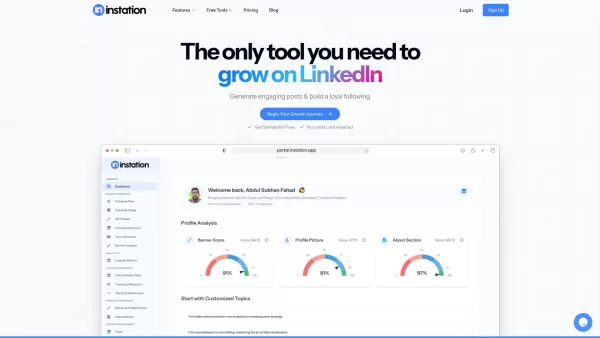
What is Instation? Instation is an AI-driven platform built to help professionals expand their LinkedIn presence. It provides a complete toolkit for crafting compelling posts, refining profiles, designing attractive visuals, and monitoring performanc

What is SocialPulse? Transform Your Social Media with Advanced AI-Driven Content PlanningHow to use SocialPulse? Sign up for the SocialPulse waitlist to pioneer next-level content scheduling. Boost yo
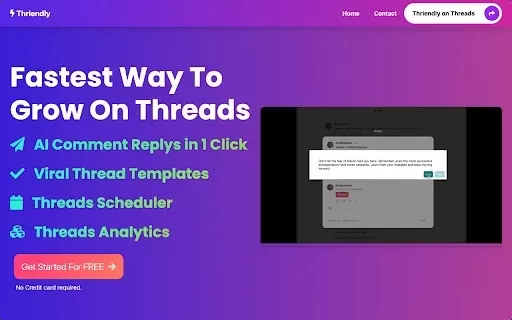
What is Thriendly's Fastest Way to Grow on Threads and X with AI Engagement?Thriendly helps you expand your audience on Threads and X (formerly Twitter) by using AI to craft compelling replies to comments. This AI is fine-tuned for social media influ

Ever heard of PhantomFlow? It's this nifty AI-powered tool that's a game-changer for managing your social media. Seriously, it slashes your management time by a whopping 80% while beefing up your brand's presence across all the big social platforms. With
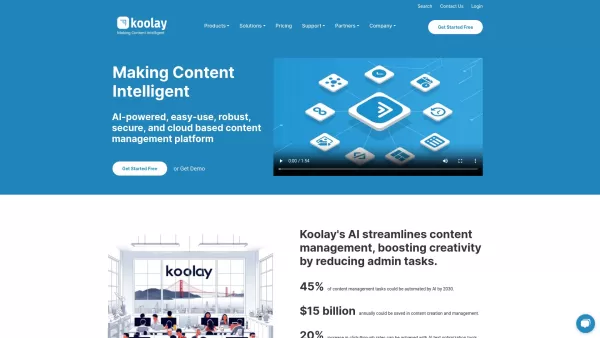
Ever wondered how to streamline your website management without breaking a sweat? Enter the Koolay AI Platform, a game-changer for schools, nonprofits, businesses, and governments. This isn't just another CMS; it's an AI-powered, cloud-based solution that makes content creation, management, and site
plano.ly Product Information
What is Planoly?
Planoly is a full-featured social media planning platform used by more than 8 million creators. It provides an integrated toolkit for brainstorming, organizing, and scheduling posts across multiple social networks, creating a unified and efficient management process. Users can handle several accounts, visually arrange their feed, and review performance analytics, all designed to make social media management simpler and more effective.
Who uses Planoly?
- Digital Content Creators
- Social Media Managers
- Small Business Owners
- Marketing Agencies
- Influencers
How to get started with Planoly
- Step 1: Create an account on the Planoly website or mobile app.
- Step 2: Connect your social media profiles.
- Step 3: Start creating and arranging your content.
- Step 4: Schedule your posts using the visual calendar.
- Step 5: Review performance insights and refine your approach.
Available Platforms
- Web
- iOS
- Android
Planoly's Core Features & Benefits
Key Features
- Automated Post Scheduling
- Visual Content Organization
- In-depth Performance Analytics
- Multi-Account Dashboard
Key Benefits
- Simplified Content Workflow
- Significant Time Savings
- Data-Driven Content Planning
- Better Audience Engagement
Primary Use Cases & Applications
- Instagram Feed Planning
- Cross-Platform Content Scheduling
- Marketing Campaign Coordination
- Post Performance Tracking
- Developing a Long-Term Social Strategy
Planoly's Pros & Cons
Advantages
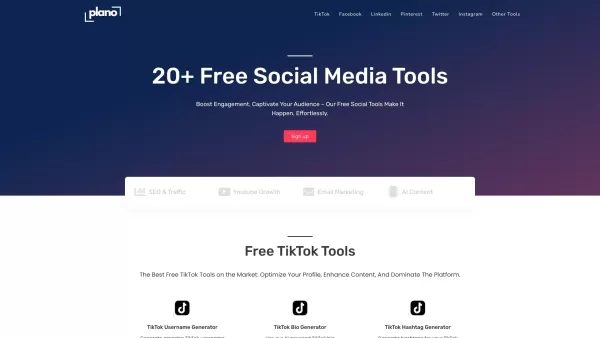
Offers a broad collection of over 20 free tools for various social platforms
Utilizes AI to generate usernames, bios, hashtags, captions, and tweet ideas
Tools are accessible immediately without requiring an account login
Includes handy image resizers optimized for different social media formats
Clean and intuitive interface that is easy to navigate
Disadvantages
No clear information on whether the software is open source
No direct links to dedicated mobile or desktop applications were found
Pricing structure beyond the free tools is not fully transparent
Planoly's Pricing Information
Free plan available | YES |
|---|---|
Free trial details | |
Pricing model | Free |
Credit card required | No |
Paid pricing starts from | |
Lifetime plan available | No |
Billing frequency |
For the most current pricing, visit: https://plano.ly
Frequently Asked Questions about Planoly
What is Planoly used for?
Planoly is designed for scheduling, organizing, and managing social media content across various platforms from a single dashboard.
Is Planoly free to use?
Planoly operates on a freemium model, offering a free plan with basic features and paid plans with advanced capabilities.
Can I manage multiple social accounts on Planoly?
Yes, Planoly supports managing multiple social media accounts simultaneously within one interface.
Does Planoly provide analytics?
Yes, Planoly includes analytics features to monitor and evaluate your social media content performance.
How do I link my social media accounts to Planoly?
After signing up, you can connect your social accounts through the account settings section of your Planoly profile.
Can I schedule posts in advance with Planoly?
Yes, you can schedule posts for future dates and times using Planoly's integrated calendar scheduler.
What platforms does Planoly support?
Planoly is accessible via web browsers, as well as through dedicated iOS and Android mobile apps.
Is there a mobile app for Planoly?
Yes, Planoly provides official mobile applications for both iOS and Android devices.
How can I analyze my social media performance with Planoly?
Use the built-in analytics tools in Planoly to track key metrics and gain insights into your content's engagement and reach.
Can I customize my content calendar in Planoly?
Yes, the content calendar is fully customizable to align with your specific planning and scheduling preferences.
Planoly Company Details
Website:
https://www.planoly.comCompany Name:
PlanolySupport Email:
Not AvailableFacebook:
https://www.facebook.com/planoly/X (Twitter):
https://twitter.com/planolyYouTube:
Not AvailableInstagram:
https://www.instagram.com/planoly/TikTok:
Not AvailableLinkedIn:
https://www.linkedin.com/company/planoly
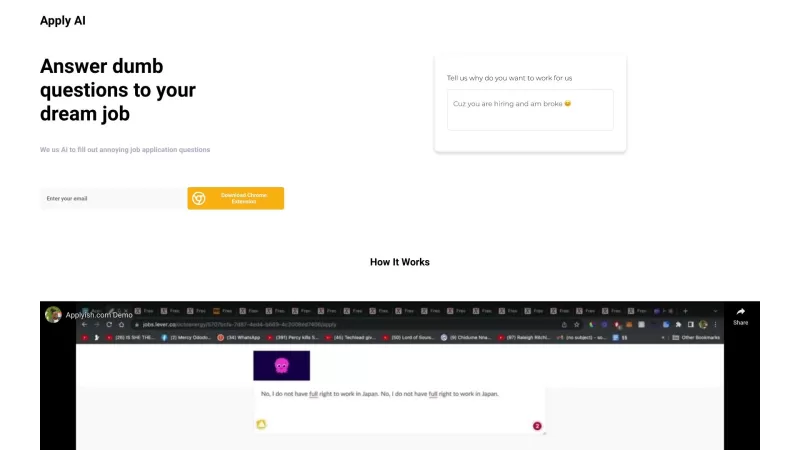
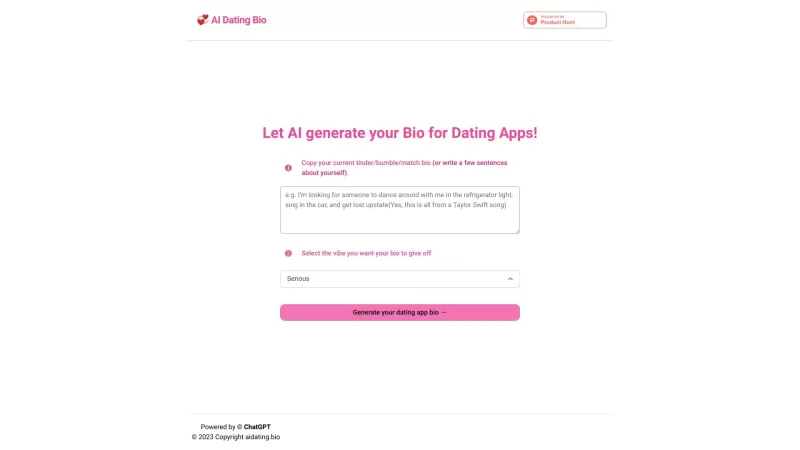
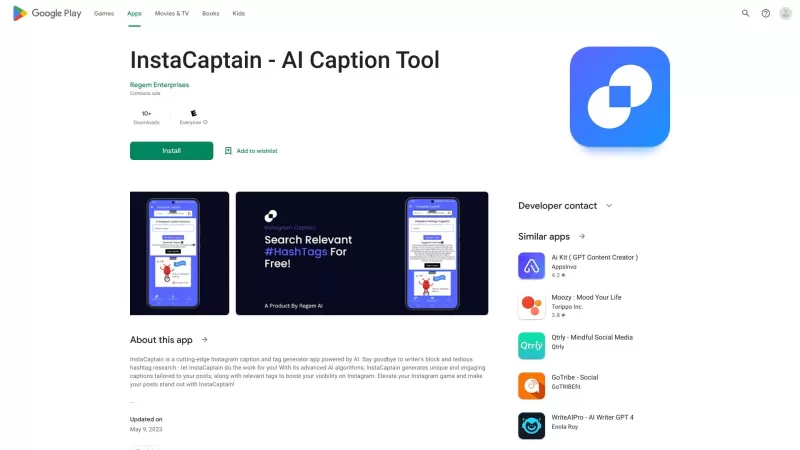
plano.ly Screenshot


2026 Latest Best Top-rated AI Object Removal Editors for portraits travel product shots! XIX.AI curates a powerful game-changing collection regularly updated with weekly rankings. These tools offer real-world tests to help you quickly remove unwanted elements, boost content quality, and save tons of time without compromising results. Must-try for anyone aiming to unlock their AI creation edge. Explore now!
 10 tools
 xix.ai

2026 Latest Best Top-rated AI Text to Speech Tools for Online Courses are curated by XIX.AI based on rigorous real-world tests and weekly updated rankings. These powerful tools help creators deliver crystal-clear audio content effortlessly, boosting writing efficiency and streamlining course production. Check out the free vs paid comparison to find your perfect fit. Explore now to unlock your AI edge in online education.
10 tools
xix.ai

2026 Latest Best Top-Rated AI Blog Title Tools for Higher Click Through Rates! XIX.AI has carefully curated a powerful, game-changing collection of top tools that go through rigorous real-world tests. You’ll find a free vs paid comparison, weekly updated rankings, and detailed insights to help you boost your blog’s traffic efficiently. Must-try options are highlighted to help you unlock your AI edge. Explore now!
10 tools
xix.ai

2026 Latest Best Top-rated AI Task Routing Tools for Support Workflows! XIX.AI has curated a highly powerful game-changing collection of must-try solutions, all undergoing rigorous real-world tests and updated weekly. These tools streamline workflows, boost productivity, and help teams deliver faster, more efficient support. Explore now to discover your perfect tool and unlock your AI edge!
17 tools
xix.ai

2026 Latest Best Top-Rated AI Citation and Paper Summary Tools Curated by XIX.AI. Get powerful game-changing solutions for quick content creation, improved writing efficiency, and boosting productivity. We offer a free vs paid comparison along with real-world tests and weekly updated rankings to help you find the must-try tool that fits your needs perfectly. Explore now to Unlock your AI edge.
10 tools
xix.ai

2026 Latest Best Top-Rated AI Productivity Tools for Daily Work! XIX.AI has curated a powerful, game-changing selection based on rigorous weekly updated rankings and real-world tests. You’ll find must-try options that boost writing efficiency, streamline content creation, and help you overcome daily work challenges. Get a free vs paid comparison to find the perfect fit for your needs. Explore now to unlock your AI edge!
9 tools
xix.ai


