


 Home
Homeplanly.com
Planly: Social Media Scheduling & Collaboration Tool



Helps TikTok sellers, brands, MCNs, and TAPs discover winning products and find creators.

HelpLook is an AI-powered all-in-one knowledge base tool that helps businesses quickly build knowledge bases, help centers, and...

Your AI Workspace

302.AI is an enterprise-grade AI resource platform with pay-as-you-go pricing, API access to a full range of AI models, and ready-to-use online applications.

剧火AI — AI Screenwriter + Director, a One-Person Short Drama Studio In one sentence, what is it?
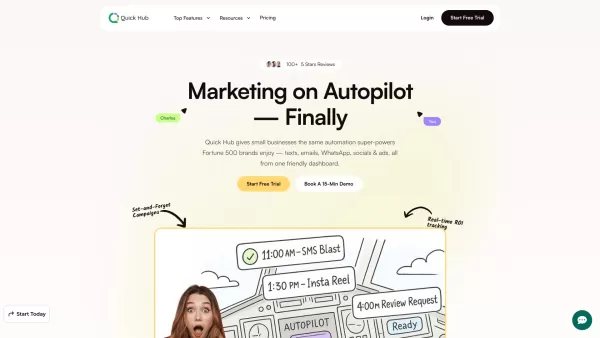
What is Quick Hub? Quick Hub empowers small business owners and marketing teams by automating their marketing with AI-driven social media, customer engagement, and promotional workflows. It provides small businesses with the same advanced automation
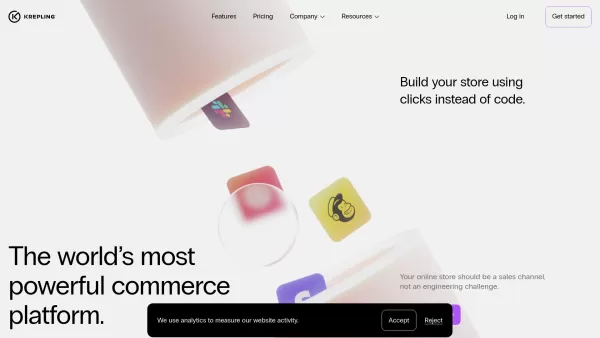
What is Krepling?Krepling is an all-in-one cloud commerce platform that empowers entrepreneurs and businesses to launch and grow their digital operations. This innovative solution combines website building, hosting, and business management tools into
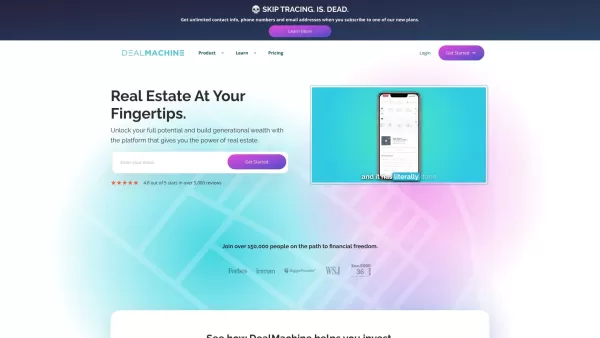
Imagine you're on a quest to conquer the real estate world. Now, picture having a trusty sidekick by your side, guiding you through the maze of lead generation, skip tracing, and direct mail marketing. That sidekick is DealMachine, an all-in-one platform
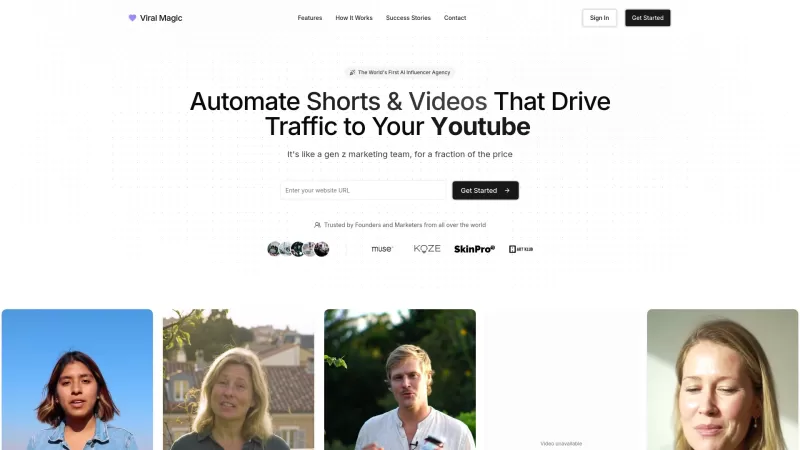
Ever wondered how to make your brand go viral without breaking a sweat? Enter Viral Magic AI, your go-to AI-driven influencer marketing agency. This isn't just another tool; it's like having a team of digital wizards at your fingertips, ready to catapult your brand's presence across various platform
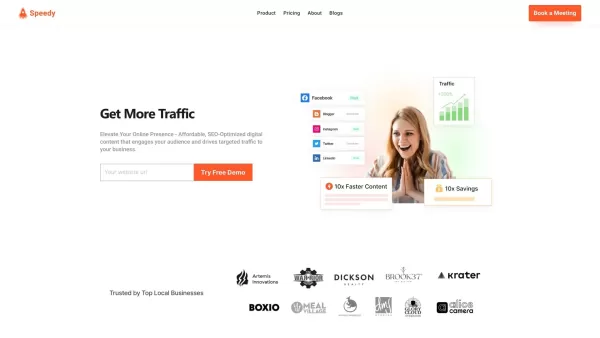
What is Speedy?SpeedyBrand transforms content marketing with AI, enabling businesses to generate high-quality, personalized, and SEO-optimized blogs and social media posts. It adapts to your brand's unique tone, providing efficient content creation t
planly.com Product Information
What is planly.com?
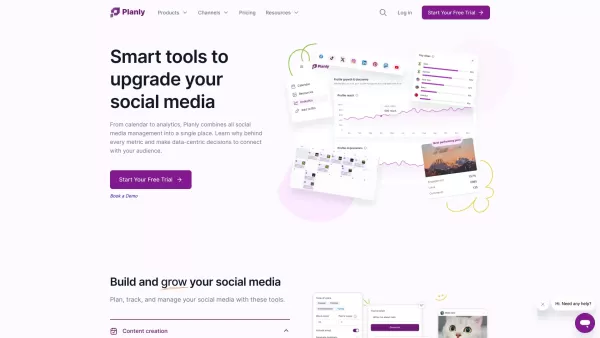
Planly is a comprehensive social media management platform that provides tools to schedule, collaborate on, and manage posts across various social platforms. It simplifies content planning and publishing with automation, helping users organize, create, and analyze their social activities with ease. Supporting multiple social channels, Planly also includes in-depth analytics to improve performance and boost engagement, making it a go-to solution for businesses and creators who want to strengthen their digital presence.
Who uses planly.com?
- Businesses
- Marketers
- Social Media Managers
- Content Creators
- Influencers
- Agency Owners
How to use planly.com
- Step 1: Create your Planly account on their official website.
- Step 2: Link your social media accounts to Planly.
- Step 3: Craft and schedule your posts ahead of time.
- Step 4: Use built-in analytics to monitor post effectiveness.
- Step 5: Collaborate with team members to improve workflow efficiency.
- Step 6: Refine your approach using performance analytics and insights.
Platform
- Web
- iOS
- Android
planly.com's Core Features & Benefits
The Core Features
- Post Scheduling
- Advanced Analytics
- Multi-Channel Management
- Team Collaboration
- Automated Publishing
The Benefits
- Time-Saving Automation
- Enhanced Social Engagement
- Data-Driven Insights
- Improved Team Productivity
- Complete Content Management
planly.com's Main Use Cases & Applications
- Scheduling social media posts
- Managing multiple social media accounts
- Collaborating on social media strategies
- Analyzing social media performance
- Automating post publishing
planly.com's Pros & Cons
The Pros
Automates the scheduling of social posts across multiple networks, saving you time and effort.
Offers advanced analytics to monitor and refine your social presence and engagement.
Brings all your social interactions into one unified inbox for easier management.
Features an AI content assistant to help generate quality ideas and copy.
Includes an API for developers to customize and connect with external tools.
Serves a worldwide user community with 24/7 customer assistance.
The Cons
No mention of open-source availability.
No direct integrations with popular development or community platforms such as GitHub or Discord.
Certain premium features are limited to paid plans after the free trial ends.
planly.com's Pricing
Has free plan | No |
|---|---|
Free trial details | 14-day free trial offering full access to all features |
Pricing model | Free Trial |
Is credit card required | No |
Paid from | 10 USD |
Has lifetime plan | No |
Billing frequency | Monthly |
Details of Pricing Plan
Individual
10 USD per month
- 100 scheduled posts
- 4 social media channels
- 1 user
- 100 AI Credits
- Standard analytics
- Unlimited media storage
Team
26 USD per month
- Unlimited post scheduling
- 8 social media channels
- 4 users
- 500 AI credits
- Team roles and permissions
- Advanced analytics
- CSV upload
- Unlimited media storage
Agency
53 USD per month
- Unlimited post scheduling
- 16 social media channels
- 8 users
- 1000 AI credits
- Team roles and permissions
- Advanced analytics
- CSV upload
- Unlimited media storage
Discount:
Save 20% with annual billing
For the latest prices, please visit: https://planly.com/pricing/
FAQs of planly.com
What is Planly?
Planly is a social media management platform that enables users to schedule, oversee, and analyze their social posts across multiple networks.
How do I sign up for Planly?
Go to Planly's website and complete the sign-up steps to create your account and begin using its features.
Which social media platforms does Planly support?
Planly works with major platforms including Facebook, Instagram, Twitter (X), LinkedIn, TikTok, and YouTube.
Can I use Planly for free?
Planly offers a free trial; afterward, you can select a subscription that fits your requirements.
How do I schedule a post with Planly?
Once your accounts are connected, compose your post and pick the time and date you’d like it to go live.
Does Planly provide analytics?
Yes, Planly includes advanced analytics to help you understand and boost your social post performance.
Can I collaborate with my team on Planly?
Yes, Planly includes collaboration features that allow teams to coordinate on social content and strategy.
Is there customer support available for Planly users?
Yes, Planly provides customer support through email and additional channels to assist all users.
How can I contact Planly support?
You can reach the Planly support team via the 'Contact Us' area on their website or by sending an email.
Can I manage multiple social media accounts with Planly?
Yes, Planly lets you control and publish to numerous social accounts from one dashboard.
planly.com Company Information
- Planly
- https://planly.com
- https://www.facebook.com/planly.scheduler/
- https://twitter.com/PlanlySocial
- https://www.youtube.com/channel/UCG6w5BBAJAqK207YGBg2w1w
- https://www.instagram.com/planoly/?hl=en
- https://www.tiktok.com/@planly.com
- https://www.linkedin.com/company/planly-com
planly.com Screenshot


2026 Latest Best Top-Rated AI Clip Editing Tools for Social Media Teams! XIX.AI curates a highly powerful game-changing selection through rigorous real-world tests and weekly updated rankings. You can find a free vs paid comparison to help you choose the must-try option that boosts your content creation efficiency significantly. Explore now to Unlock your AI edge!
 11 tools
 xix.ai


