


 Home
HomePixelart - AI Photo Editor
Pixel Art: Tools for Beginners & Professionals



Helps TikTok sellers, brands, MCNs, and TAPs discover winning products and find creators.

HelpLook is an AI-powered all-in-one knowledge base tool that helps businesses quickly build knowledge bases, help centers, and...

Your AI Workspace

302.AI is an enterprise-grade AI resource platform with pay-as-you-go pricing, API access to a full range of AI models, and ready-to-use online applications.

剧火AI — AI Screenwriter + Director, a One-Person Short Drama Studio In one sentence, what is it?

What Is Watermark PhD?Watermark PhD is a sophisticated free online tool that specializes in removing watermarks and intelligently erasing backgrounds from images. It offers an intuitive platform that enables users to effortlessly eliminate any undesi
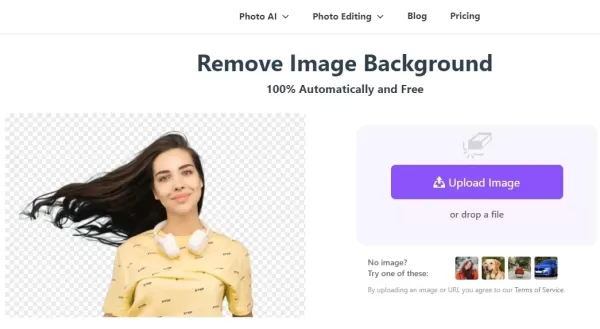
What is BGRemover?SharkFoto BGRemover is an AI-driven online tool that effortlessly removes backgrounds from images. It handles over 200 file formats and enables you to edit images directly in your browser—no software installation needed. Ideal for p
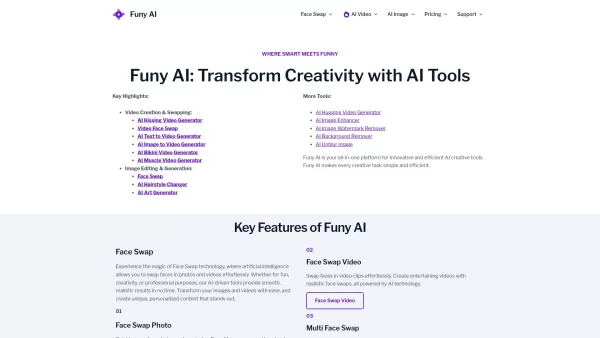
Welcome to the world of Funy AI—a playground for creators where imagination meets innovation. Whether you're looking to craft an AI kissing video, experiment with face swapping, or transform static images into dynamic stories, Funy AI has got you covered.
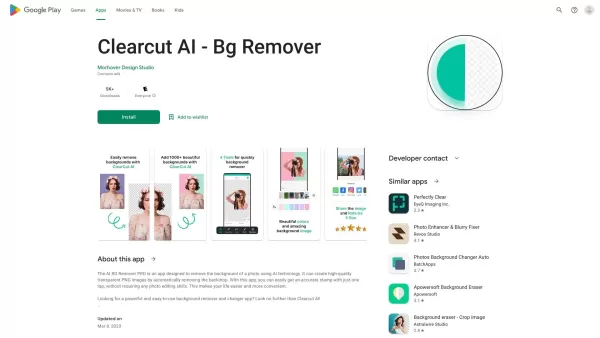
What is Clearcut AI - Bg Remover?Clearcut AI - Bg Remover is an application that uses artificial intelligence to remove backgrounds from photos in seconds. Its smart technology automatically identifies the main subject, separating it for a clean cuto
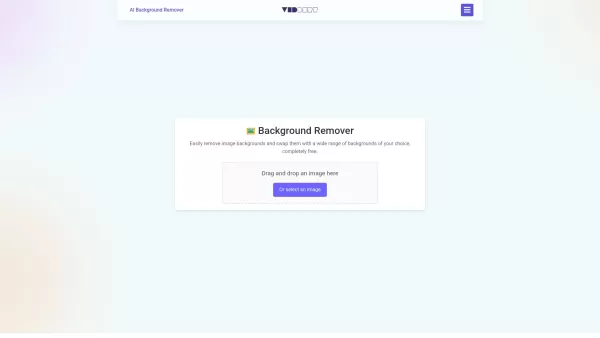
Ever found yourself wishing you could magically strip away the background of a photo? Well, say hello to the AI Background Remover—a nifty, free online tool that uses the magic of AI to do just that. Whether you're sprucing up images for your e-commerce b
Pixelart - AI Photo Editor Product Information
What is Pixelart - AI Photo Editor?
PixelArt.vip is an innovative online platform dedicated to creating pixel art, featuring a comprehensive suite of intuitive tools. Users can select from an extensive color palette, design detailed patterns, and share their creations within a vibrant community. Designed for accessibility, it caters to all skill levels, from beginners to experienced artists. Whether you aim to craft simple designs or complex animations, PixelArt.vip provides the essential features to bring your artistic ideas to life.
Who will use Pixelart - AI Photo Editor?
- Artists
- Graphic Designers
- Game Developers
- Illustrators
- Hobbyists
- Students
How to use the Pixelart - AI Photo Editor?
- Step1: Sign up or log into your PixelArt.vip account.
- Step2: Select a canvas size or a pre-made template.
- Step3: Use the color palette to choose your preferred shades.
- Step4: Apply the design tools to craft your pixel art.
- Step5: Save your project or share it with the community.
Platform
- web
- ios
- android
Pixelart - AI Photo Editor's Core Features & Benefits
The Core Features
- Extensive color palette
- User-friendly interface
- Community sharing features
- Customizable canvas sizes
- Animation capabilities
The Benefits
- Simple to use
- Boosts creativity
- Welcomes all skill levels
- Fosters community interaction
- Adaptable to various art styles
Pixelart - AI Photo Editor's Main Use Cases & Applications
- Designing game sprites
- Creating digital illustrations
- Animating characters
- Teaching pixel art techniques
- Personal creative projects
- Professional artwork
FAQs of Pixelart - AI Photo Editor
What is PixelArt.vip?
PixelArt.vip is a web-based platform for making and sharing pixel art, equipped with a diverse range of tools and features.
Do I need to pay to use PixelArt.vip?
PixelArt.vip provides both free access and premium subscription options.
Can I use PixelArt.vip on my mobile device?
Yes, PixelArt.vip is accessible via Android and iOS mobile apps.
How can I share my pixel art?
You can share your work within the PixelArt.vip community or export it as image or animation files.
What tools are available for animation in PixelArt.vip?
The platform offers frame-by-frame animation tools integrated with its drawing features.
Is PixelArt.vip suitable for beginners?
Absolutely. Its interface is user-friendly and welcoming for creators at any experience level.
Are there customizable templates available?
Yes, you can choose from multiple templates or define your own custom canvas dimensions.
Can I use PixelArt.vip for commercial purposes?
Yes, artwork created can be used commercially, subject to the platform's licensing terms.
How do I access customer support?
Customer support can be reached via the support email listed on the PixelArt.vip website.
Does PixelArt.vip offer tutorials?
Yes, a variety of tutorials are available to help users learn and enhance their skills.
Pixelart - AI Photo Editor Company Information
Website:
https://www.pixelart.vipCompany Name:
PixelArt.vipSupport Email:
Facebook:
https://www.facebook.com/pixelartcolorX(Twitter):
NAYouTube:
https://www.youtube.com/c/HelloPixelArtInstagram:
https://www.instagram.com/hello.pixelartTiktok:
https://www.tiktok.com/channel/pixelartLinkedIn:
NA
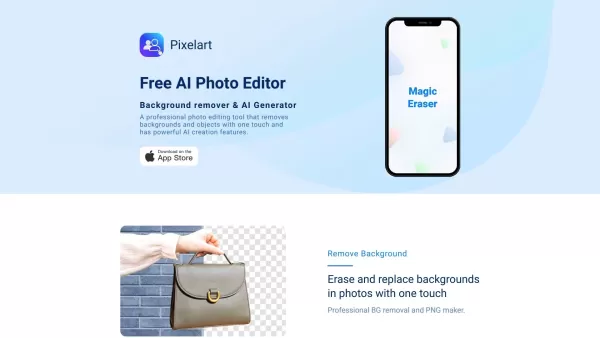
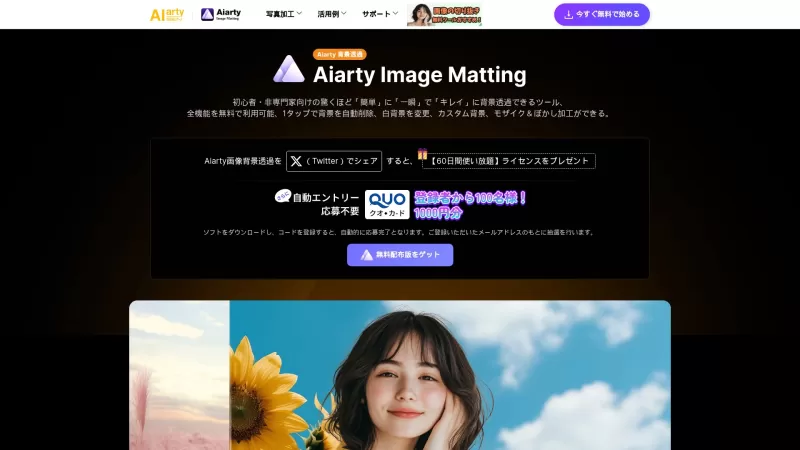
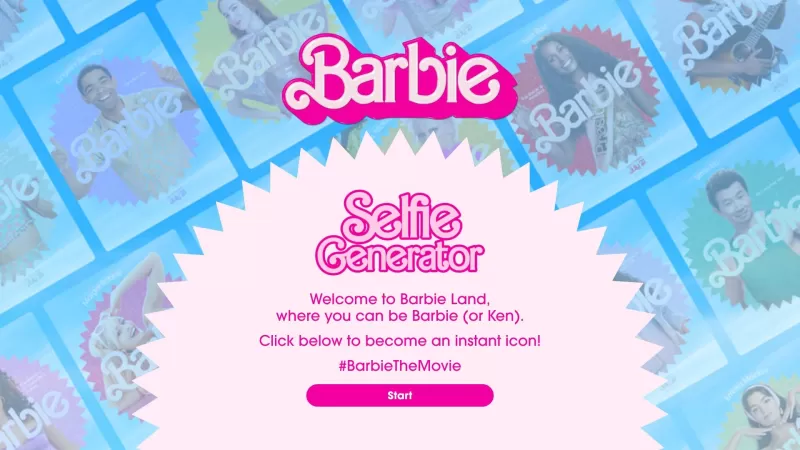
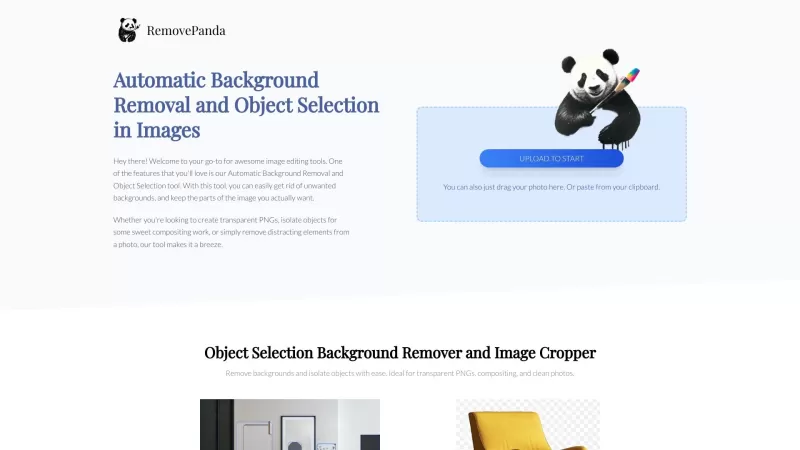
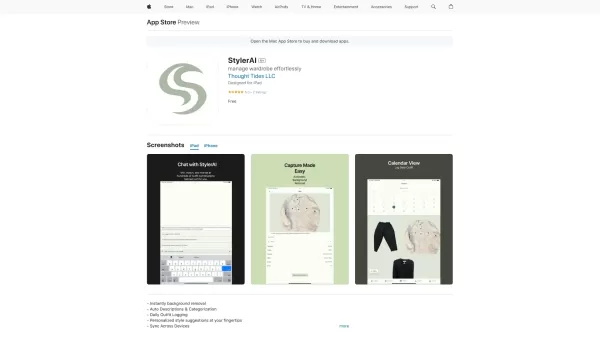
Pixelart - AI Photo Editor Screenshot

2026 Latest Best Top-rated AI Competitive Research Tools for Small Businesses! XIX.AI has curated a highly powerful game-changing collection, updated weekly with rigorous real-world tests and detailed rankings. You can find a comprehensive free vs paid comparison to help you identify the must-try tools that boost your productivity and give you a competitive edge. Explore now to discover your perfect tool!
 9 tools
 xix.ai

2026 Latest Best Photoshop AI retouch tools for ecommerce apparel, skin cleanup, and color consistency! This top-rated curated list features powerful game-changing solutions that help you boost writing efficiency, streamline content creation, and achieve perfect visual results effortlessly. Each tool has undergone real-world tests through weekly updated rankings, complete with free vs paid comparison details. Backed by XIX.AI, it’s the must-try guide for anyone aiming to unlock your AI edge. Explore now!
10 tools
xix.ai

2026 Latest Best Top-Rated AI Prompt Libraries for optimizing all types of ChatGPT workflows. XIX.AI has curated a powerful, game-changing collection that goes through rigorous real-world tests to ensure top performance. You can find detailed free vs paid comparisons and expert rankings to help you choose the must-try tools that boost your productivity and unlock your AI edge. Explore now!
11 tools
xix.ai

2026 Latest Best AI Quiz Builder Platforms for Teachers, Tutors, and Cohort-Based Learning Programs! XIX.AI has curated a top-rated list of powerful game-changing tools that go through real-world tests to deliver accurate rankings. These must-try platforms help boost writing efficiency, streamline content creation, and simplify quiz design across all learning scenarios. Explore now to discover your perfect tool for unlocking your AI edge in teaching!
13 tools
xix.ai

2026 Latest Best AI Pull Request Review Tools for GitHub Teams are here on XIX.AI! This top-rated curated list showcases powerful game-changing solutions that streamline refactoring, bug fixing, and security gap detection across all team workflows. Enjoy a free vs paid comparison along with real-world tests and detailed rankings to help you find the perfect tool that boosts productivity significantly. Explore now to unlock your AI edge!
12 tools
xix.ai

2026 Latest Best Top-rated AI Text to Speech Tools for Natural Voiceovers are here on XIX.AI! This curated list features powerful, game-changing options that deliver crystal-clear voices for every use case, backed by real-world tests and weekly updated rankings. Get a free vs paid comparison to find the must-try solution that boosts your productivity instantly. Explore now to Unlock your AI edge!
11 tools
xix.ai


Honestly, I love this pixel art editor! It's super intuitive and the color palette is huge 🎨. I've been making retro-style icons for my game and it's been a blast. Only wish there was a layers feature, but still awesome for quick projects! 😄
Honestly, this Pixelart tool is super fun for making retro-style sprites. I tried it for a quick game asset and the color palette is surprisingly deep. The interface is smooth, but I wish it had a layer system. Still, great for casual pixel art fans. 🎮


