


 Home
HomePhotoEnhanceAI
Photo Enhance AI: Boost Resolution & Repair Images



Helps TikTok sellers, brands, MCNs, and TAPs discover winning products and find creators.

HelpLook is an AI-powered all-in-one knowledge base tool that helps businesses quickly build knowledge bases, help centers, and...

Your AI Workspace

302.AI is an enterprise-grade AI resource platform with pay-as-you-go pricing, API access to a full range of AI models, and ready-to-use online applications.

剧火AI — AI Screenwriter + Director, a One-Person Short Drama Studio In one sentence, what is it?
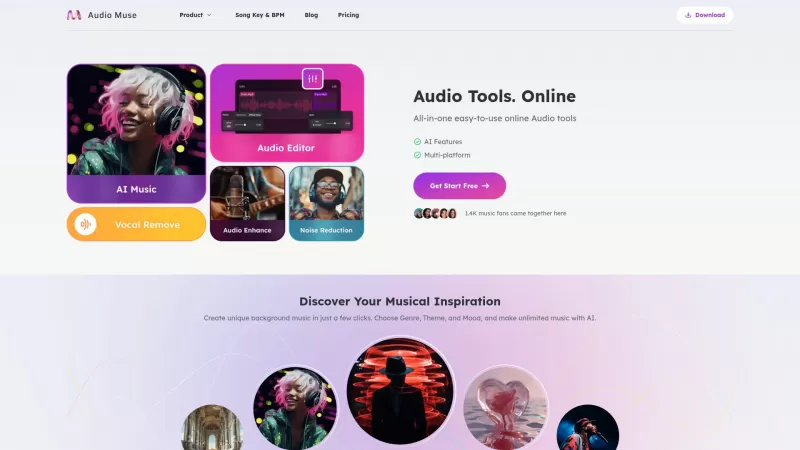
Ever wondered what AudioMuse is all about? Well, let me tell you, it's like a Swiss Army knife for all your audio needs. This nifty online platform is packed with tools that cater to music lovers and creators alike. Whether you're looking to generate new tunes, enhance your existing tracks, or dive
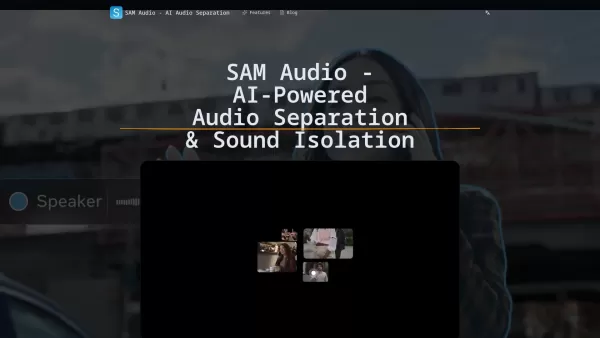
What is SAM Audio? SAM Audio is an AI-driven service for audio separation and sound isolation, bringing Meta's Segment Anything Audio Model directly to your projects. It allows users to extract vocals, instruments, speech, and sound effects from comp
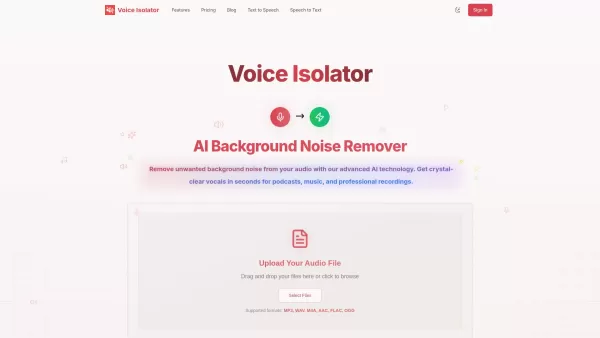
What is Voice Isolator? Voice Isolator is an advanced AI tool designed to remove background noise and separate vocals from any audio. It empowers users to produce crystal-clear, professional-grade audio by intelligently eliminating unwanted sounds. T
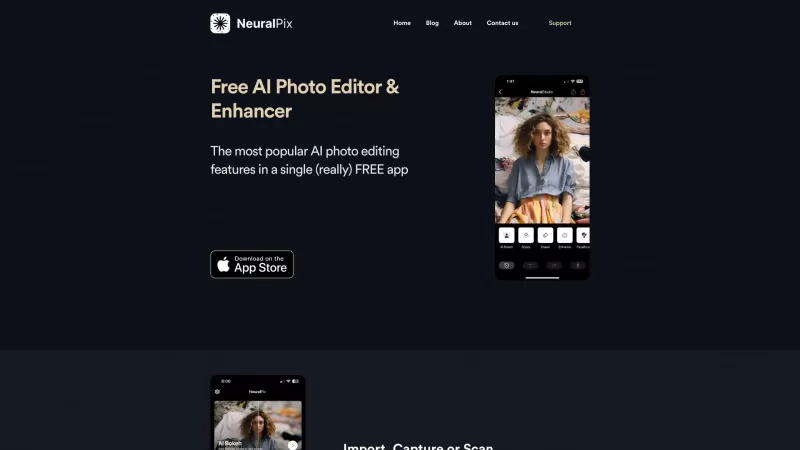
Ever wished you had a magic wand to transform your photos? Well, the Free AI Photo Enhancer & Editor app is pretty much that! It's your go-to free app that packs a punch with all the most popular AI photo enhancement features you could dream of. Whether y
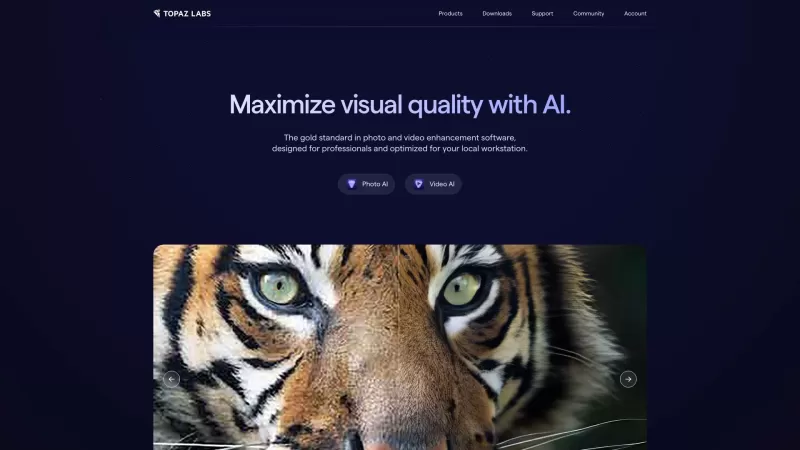
Ever wondered how professionals manage to make their photos and videos look so crisp and vibrant? Well, let me introduce you to Topaz Labs—a game-changer in the world of photo and video enhancement. This company harnesses the power of AI to bring your vis
PhotoEnhanceAI Product Information
What is PhotoEnhanceAI?
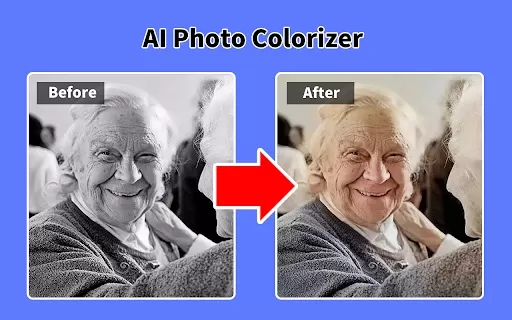
Photo Enhance AI is a sophisticated AI-driven photo editing solution engineered to significantly improve your image quality. It enables you to boost resolution, eliminate noise, fix imperfections, and reveal intricate details through its comprehensive feature set. With an intuitive interface and automated processing power, it serves both novices and experts looking to achieve professional-grade photo improvements quickly. The AI offers scalable models from 2x to 40x, delivering accuracy and customization for diverse editing demands.
Who Uses PhotoEnhanceAI?
- Photographers
- Graphic Designers
- Social Media Influencers
- Marketing Professionals
- Amateur Photo Editors
How to Use PhotoEnhanceAI
- Step 1: Upload your image to the platform.
- Step 2: Choose your preferred enhancement options.
- Step 3: Let the AI automatically process your image.
- Step 4: Review the enhanced preview.
- Step 5: Download the final high-quality result.
Platform Availability
- Web
- Mac
- Windows
- iOS
- Android
PhotoEnhanceAI's Core Features & Benefits
Core Features
- Face Restoration
- Image Upscaling
- Night Enhancement
- Background Replacement
- Remove Scratches
- Object Removal
Key Benefits
- Enhances image resolution
- Reduces noise
- Automates enhancements
- Revives old photographs
- Optimizes night photos
Main Use Cases & Applications
- Polishing social media photos
- Restoring vintage or damaged images
- Upgrading marketing visuals
- Building professional portfolios
- Sharpening low-res images
PhotoEnhanceAI's Pros & Cons
Strengths
Offers diverse AI enhancements like upscaling, restoration, background removal, and relighting.
Features an easy-to-use advanced photo editor.
Excels at restoring aged and damaged photographs.
Free to begin with.
Limitations
PhotoEnhanceAI's Pricing
Free plan available | No |
|---|---|
Free trial details | |
Pricing model | |
Credit card required | No |
Paid from | |
Lifetime plan available | No |
Billing frequency |
For current pricing, visit: https://photoenhanceai.cc
PhotoEnhanceAI FAQs
What is Photo Enhance AI?
Photo Enhance AI is a powerful tool that leverages artificial intelligence to elevate photo quality.
How does Photo Enhance AI work?
It employs advanced AI algorithms to increase resolution, reduce noise, and enhance overall image clarity.
Is Photo Enhance AI free?
Refer to the official website for details on free options, trial availability, and current pricing tiers.
Can it restore old photos?
Yes, it includes specialized functions for restoring vintage or deteriorated photographs.
What platforms are supported?
It is accessible on Web, Android, iOS, Mac, and Windows platforms.
How do I get started with Photo Enhance AI?
Simply upload your photo, pick your settings, and allow the AI to enhance it automatically.
Can I manually control the enhancement process?
The tool emphasizes automated enhancement with some adjustable parameters.
What image formats are supported?
It accepts common file types including JPEG, PNG, and more.
How long does it take to enhance a photo?
Processing is generally quick, though duration depends on the specific enhancements applied.
Is customer support available?
Yes, support is offered; reach out via the support email listed on the website.
PhotoEnhanceAI Company Details
Website:
https://photoenhanceai.ccCompany Name:
Photo Enhance AISupport Email:
Facebook:
NAX (Twitter):
NAYouTube:
NAInstagram:
NATikTok:
NALinkedIn:
NA
PhotoEnhanceAI Screenshot
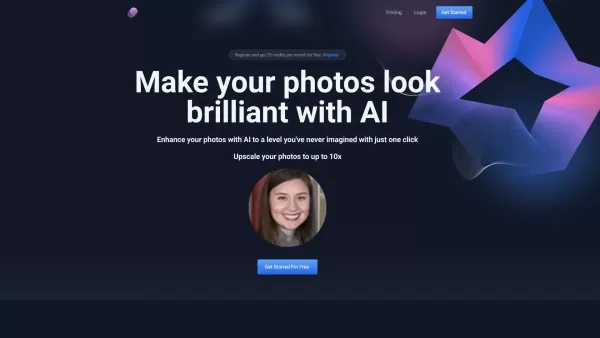
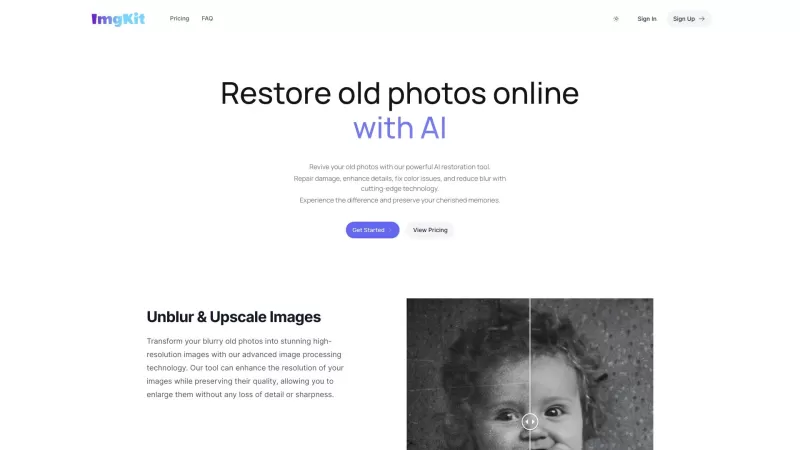
2026 Latest Best Top-rated AI Image Upscaling Tools for Low Resolution Assets are here on XIX.AI! This curated list features powerful, game-changing solutions that deliver stunningly high-quality results with real-world tests. You’ll find a free vs paid comparison, detailed rankings, and must-try options to help you boost productivity and overcome resolution limitations. Explore now to Discover your perfect tool for professional-grade image enhancement!
 11 tools
 xix.ai


Попробовал PhotoEnhanceAI на старых семейных фото — результат впечатлил! Детализация улучшилась, шум ушёл, но иногда цвета становятся слишком насыщенными 😅. В целом, для быстрой реставрации снимков очень даже ничего. Хотелось бы больше контроля над настройками.


