


 Home
HomePhotodot AI
AI Car Photo Editor: Enhance & Edit Online | Photodot.ai



Helps TikTok sellers, brands, MCNs, and TAPs discover winning products and find creators.

HelpLook is an AI-powered all-in-one knowledge base tool that helps businesses quickly build knowledge bases, help centers, and...

Your AI Workspace

302.AI is an enterprise-grade AI resource platform with pay-as-you-go pricing, API access to a full range of AI models, and ready-to-use online applications.

剧火AI — AI Screenwriter + Director, a One-Person Short Drama Studio In one sentence, what is it?

What is Deepfake Maker? Deepfake Maker is a comprehensive, browser-based AI tool for creating deepfakes, tailored for creators, marketers, and designers who need striking visuals without complicated software. It combines multiple AI capabilities: adv
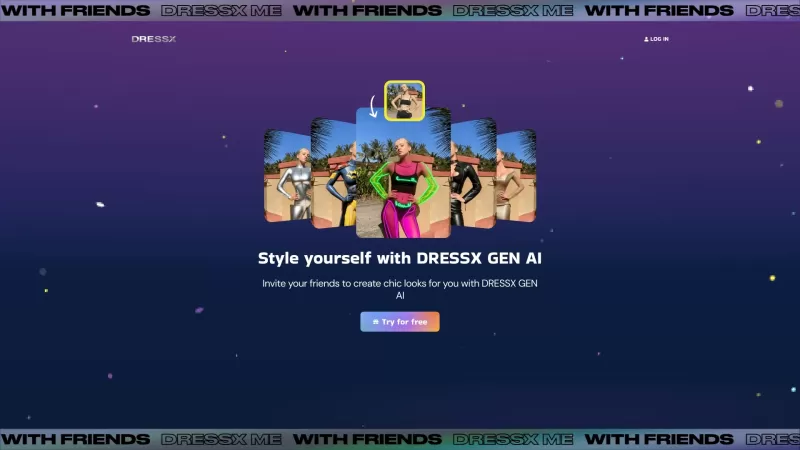
Ever wondered what it would be like to step into a world where fashion is just a click away? Well, DRESSX GEN AI is here to make that dream a reality. This nifty tool lets you upload a photo of yourself and, in a snap, you're digitally dressed in an outfi
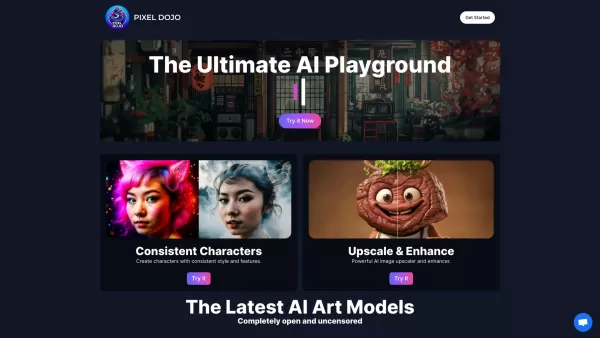
What is PixelDojo?Pixel Dojo is an innovative creative platform that offers a comprehensive suite of generative art tools. It empowers users to generate images from scratch, improve them with advanced upscaling technology, design consistent character

What is Banana AI - Free AI Photo Editor?Banana AI is a free, AI-driven photo editor that uses Google's Nano Banana technology (Gemini 2.5 Flash Image) to transform your pictures with simple text commands. Easily remove unwanted objects, swap backgro
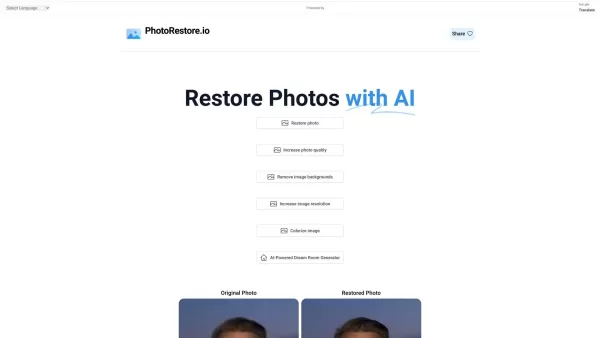
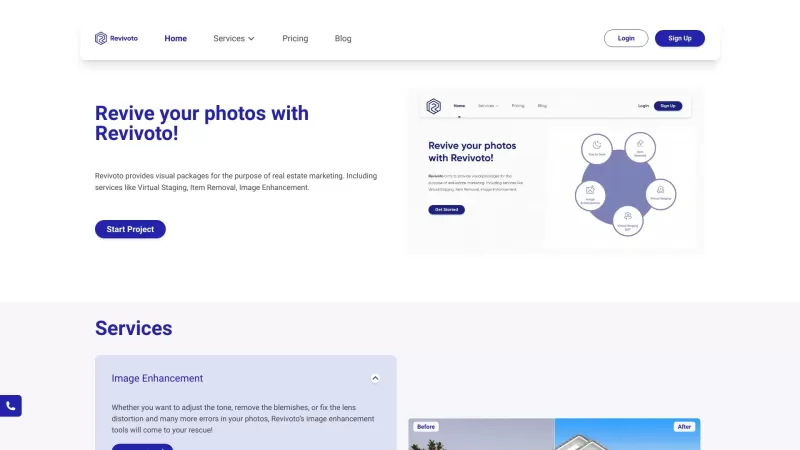
What is Photo Restore?PhotoRestore.io provides a specialized, free AI photo restoration service dedicated to reviving old, blurry, or damaged photographs. Utilizing advanced artificial intelligence, it repairs fading, enhances clarity, and improves o
Photodot AI Product Information
What is Photodot AI?
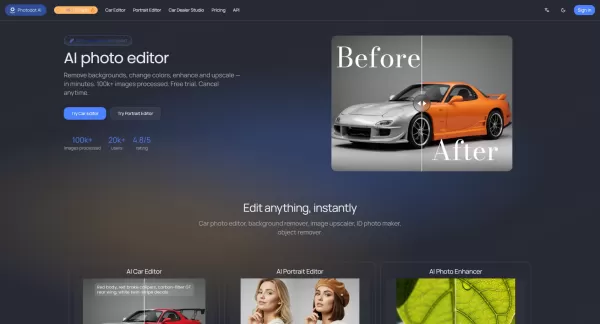
Photodot.ai is an AI-powered, all-in-one photo editing suite designed for quick, high-quality online image enhancement. The platform features specialized tools including an AI Car Editor for color changes and background cleaning, an AI Portrait Editor for compliant passport and professional headshots, and an AI Image Upscaler for noise reduction and sharpening. Forthcoming tools like watermark and background removers are also in development. As a fully web-based service, it enables ecommerce sellers, professionals, and casual users to achieve fast edits without any software installation.
Who will use Photodot AI?
- Automotive dealers and car sellers
- Professional photographers and portrait studios
- Ecommerce and online retailers
- Marketing and branding agencies
- Individuals needing fast, simple photo improvements
How to use Photodot AI?
- Step 1: Access the Photodot.ai website via your browser.
- Step 2: Select your desired editor (e.g., Car Editor, Portrait Editor, or Upscaler).
- Step 3: Upload your photo to the chosen tool.
- Step 4: Apply the desired adjustments, such as background cleaning, color swapping, or resolution enhancement.
- Step 5: Preview the results and fine-tune your edits.
- Step 6: Export or download the final image. Paid plans provide watermark-free, high-resolution downloads.
Platform
- Web browser
Photodot AI's Core Features & Benefits
The Core Features
- AI Car Editor for color replacement and background cleanup
- AI Portrait Editor for passport and professional headshots
- AI Image Upscaler with noise reduction and detail enhancement
- Upcoming tools: watermark remover and dedicated background remover
- Reference-guided consistent image generation (coming soon)
The Benefits
- Rapid, efficient photo editing in seconds
- Entirely web-based with no software to download
- Produces high-quality, listing-ready and print-ready images
- Commercial usage permitted with paid subscriptions
- User-friendly interface powered by professional-grade AI
Photodot AI's Main Use Cases & Applications
- Enhancing vehicle photos for dealership listings
- Creating compliant passport photos and corporate headshots
- Upscaling product images for ecommerce sites
- Cleaning up photos by removing distracting backgrounds
- Preparing visuals for marketing campaigns and branding materials
Photodot AI's Pros & Cons
The Pros
Intuitive, browser-based AI tools with speedy processing
Dedicated editors customized for automotive and portrait photography
High user satisfaction and dependable platform uptime
Watermark-free exports and commercial rights with paid plans
Free tier available without requiring a credit card
The Cons
Some advanced features, like watermark and background removal, are still in development
Exclusive to the web platform; no dedicated mobile or desktop applications
Free exports include watermarks and may have quality restrictions
Photodot AI's Pricing
Free plan available | YES |
|---|---|
Free trial details | No free trial offered |
Pricing model | Freemium |
Credit card required | No |
Paid plans start from | 10 USD |
Lifetime plan available | No |
Billing frequency | Monthly |
Details of Pricing Plan
Free
0 USD
- 2 free credits (2 images) per month
- Access to core editing features
- Community-based support
Basic
10 USD
- 100 credits (100 images) per month
- All core editing features
- Email support
- Priority processing
Pro
40 USD
- 500 credits (500 images) per month
- Includes all Basic features plus advanced options
- Priority customer support
- Access to advanced analytics
Discount available:
Save 20% with an annual subscription
For the most current pricing information, visit: https://www.photodot.ai/pricing
FAQs of Photodot AI
Can I cancel anytime?
Yes. You can cancel your subscription anytime from your Profile. Access will continue until the end of your current billing cycle.
Do you offer a free trial?
Yes. Both visitors and registered users receive free credits to test the core tools. No credit card is needed.
Are paid exports watermarked?
No. Paid subscriptions remove all watermarks and provide higher-quality exports.
How fast is the editing?
Most edits are completed within seconds, depending on image size and task complexity.
Do I need to install anything?
No installation is required. It is a fully web-based platform—simply visit the site in your browser to begin editing.
What types of photos can I edit?
You can edit car photos, portraits, and other images requiring improvements like background removal, color correction, or resolution upscaling.
Can I use Photodot.ai for commercial purposes?
Yes. Commercial use is permitted with a paid subscription plan.
Are there plans for more features?
Yes. Additional features including a watermark remover, background remover, and design editor are scheduled for release soon.
Is there customer support?
Yes. Support is available via the email address provided on the Photodot.ai website.
What platforms does Photodot.ai support?
Currently, it is supported as a web-based tool accessible through modern browsers on all major operating systems.
Photodot AI Company Information
- Photodot AI
- https://www.photodot.ai
Photodot AI Screenshot


2026 Latest Best Top-rated AI Competitive Research Tools for Small Businesses! XIX.AI has curated a highly powerful game-changing collection, updated weekly with rigorous real-world tests and detailed rankings. You can find a comprehensive free vs paid comparison to help you identify the must-try tools that boost your productivity and give you a competitive edge. Explore now to discover your perfect tool!
 9 tools
 xix.ai

2026 Latest Best Photoshop AI retouch tools for ecommerce apparel, skin cleanup, and color consistency! This top-rated curated list features powerful game-changing solutions that help you boost writing efficiency, streamline content creation, and achieve perfect visual results effortlessly. Each tool has undergone real-world tests through weekly updated rankings, complete with free vs paid comparison details. Backed by XIX.AI, it’s the must-try guide for anyone aiming to unlock your AI edge. Explore now!
10 tools
xix.ai

2026 Latest Best Top-Rated AI Prompt Libraries for optimizing all types of ChatGPT workflows. XIX.AI has curated a powerful, game-changing collection that goes through rigorous real-world tests to ensure top performance. You can find detailed free vs paid comparisons and expert rankings to help you choose the must-try tools that boost your productivity and unlock your AI edge. Explore now!
11 tools
xix.ai

2026 Latest Best AI Quiz Builder Platforms for Teachers, Tutors, and Cohort-Based Learning Programs! XIX.AI has curated a top-rated list of powerful game-changing tools that go through real-world tests to deliver accurate rankings. These must-try platforms help boost writing efficiency, streamline content creation, and simplify quiz design across all learning scenarios. Explore now to discover your perfect tool for unlocking your AI edge in teaching!
13 tools
xix.ai

2026 Latest Best AI Pull Request Review Tools for GitHub Teams are here on XIX.AI! This top-rated curated list showcases powerful game-changing solutions that streamline refactoring, bug fixing, and security gap detection across all team workflows. Enjoy a free vs paid comparison along with real-world tests and detailed rankings to help you find the perfect tool that boosts productivity significantly. Explore now to unlock your AI edge!
12 tools
xix.ai

2026 Latest Best Top-rated AI Text to Speech Tools for Natural Voiceovers are here on XIX.AI! This curated list features powerful, game-changing options that deliver crystal-clear voices for every use case, backed by real-world tests and weekly updated rankings. Get a free vs paid comparison to find the must-try solution that boosts your productivity instantly. Explore now to Unlock your AI edge!
11 tools
xix.ai


