


 Home
HomePDFMerse - Data Extractor



Helps TikTok sellers, brands, MCNs, and TAPs discover winning products and find creators.

HelpLook is an AI-powered all-in-one knowledge base tool that helps businesses quickly build knowledge bases, help centers, and...

Your AI Workspace

302.AI is an enterprise-grade AI resource platform with pay-as-you-go pricing, API access to a full range of AI models, and ready-to-use online applications.

剧火AI — AI Screenwriter + Director, a One-Person Short Drama Studio In one sentence, what is it?
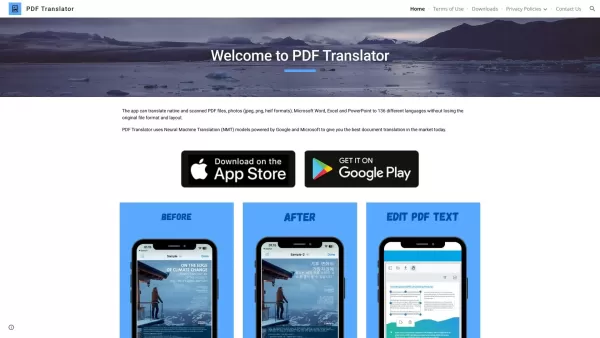
What is PDF Translator & Editor?PDF Translator & Editor is an all-in-one solution for translating and editing PDFs. It allows you to convert native PDFs, scanned files, and other formats like Word, Excel, PowerPoint, and images across 136 languages.

What is PDFY?PDFY.AI is an AI-powered application that allows users to interact with PDF files, websites, audio, and video content. It uses artificial intelligence to answer your questions, generate summaries, and pinpoint specific details within you
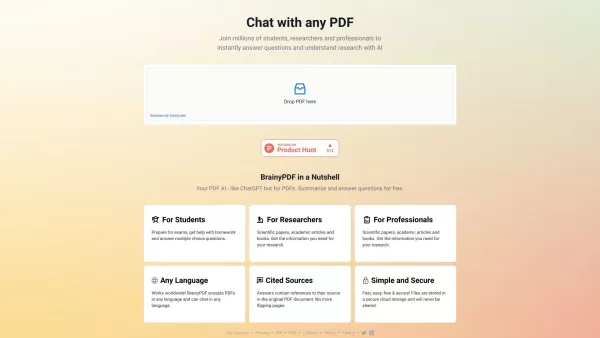
What is BrainyPDF?BrainyPDF is an AI-powered platform that enables users to ask questions and get detailed answers directly from any PDF. It includes intelligent features like context-aware text adjustments, AI-driven editing, and multi-language supp

What is IP Author?IP Author is a specialized AI software platform designed for patent drafting. It employs sophisticated artificial intelligence to streamline the entire patent creation journey, from generating claims to conducting prior art searches
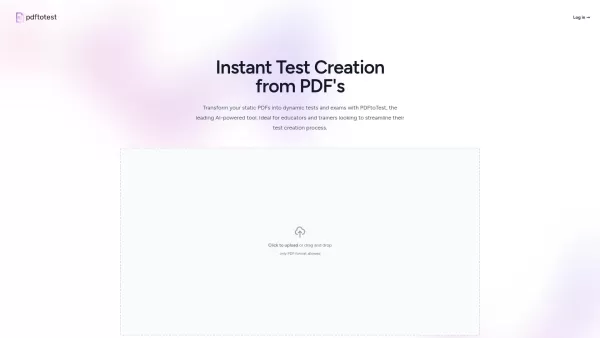
What is PDF To Text?The PDF to Text tool streamlines converting PDF files into text format. Simply upload your PDF documents and get instant text conversion without needing complex software. This online tool is built to preserve the original text str
PDFMerse - Data Extractor Product Information
What Is PDFMerse - Data Extractor?
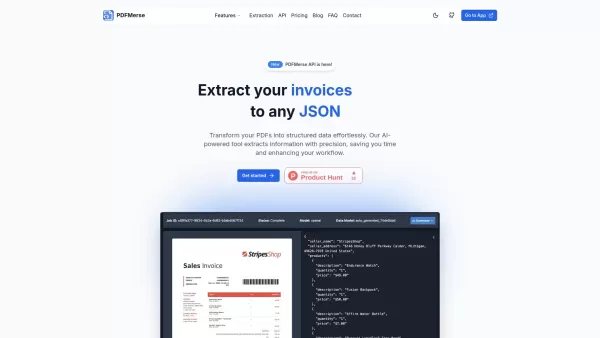
PDFMerse specializes in extracting data from various types of PDF files, including invoices, medical records, and legal documents. By leveraging advanced AI algorithms, it ensures high accuracy and efficiency, transforming unstructured data into organized formats like CSV, JSON, and Excel. This tool serves a wide range of users, making it ideal for businesses that need streamlined data management and easy accessibility.
Who Will Use PDFMerse - Data Extractor?
- Business professionals
- Researchers
- Data analysts
- Developers
- Legal practitioners
How to Use the PDFMerse - Data Extractor
- Step 1: Visit the PDFMerse website and create an account.
- Step 2: Upload your PDF document to the platform.
- Step 3: Choose the desired output format for data extraction.
- Step 4: Configure the extraction settings according to your needs.
- Step 5: Click the 'Extract' button to start the process.
- Step 6: Download the structured data once extraction is complete.
Platform
- Web
- Mac
- Windows
- iOS
- Android
PDFMerse - Data Extractor's Core Features and Benefits
The Core Features
- AI-driven data extraction
- Support for multiple PDF types
- High accuracy and efficiency
- Ability to transform data into various formats
The Benefits
- Saves time on manual data entry
- Increases productivity
- Reduces errors in data handling
- Facilitates easy data access and analysis
PDFMerse - Data Extractor's Main Use Cases and Applications
- Automating data entry from invoices
- Extracting patient information from medical records
- Converting legal documents into structured formats
- Facilitating market research through data extraction
PDFMerse - Data Extractor's Pros and Cons
The Pros
High extraction accuracy with AI-powered automated data extraction
Supports multiple PDF types and languages, including handwritten text
Provides structured, guaranteed output formats like JSON, CSV, and Excel
RESTful API for easy integration and high-performance processing
Flexible pricing plans suitable for individuals to enterprises
Reduces manual work and operational costs significantly
The Cons
No open-source availability
No direct information about offline or standalone use
Limited free plan with low monthly page extraction
PDFMerse - Data Extractor's Pricing
Free Plan Available | Yes |
|---|---|
Free Trial Details | |
Pricing Model | Freemium |
Credit Card Required | No |
Starting Price | $5 |
Lifetime Plan Available | No |
Billing Frequency | Monthly |
Details of Pricing Plan
Free
$0
- Limited access to basic features
- 10 page extractions per month
- JSON output
- Community support
Basic
$5
- Up to 100 pages per month
- 10 pages per document
- JSON output format
- Community support
- API access
Professional
$29
- Up to 1,000 pages per month
- Multiple output formats (text, JSON, CSV (coming soon), Table (coming soon))
- Advanced data model creation
- Priority email support
- Custom data models
- Full API access (2,000 credits per month)
Enterprise
$79
- Unlimited pages per month
- All output formats plus full API access
- 24/7 phone and email support
- Unlimited user accounts
- Custom integrations
- Dedicated account manager
- 20,000 API credits per month
For the latest prices, please visit: https://pdfmerse.com
FAQs of PDFMerse - Data Extractor
How Does PDFMerse Extract Data?
PDFMerse uses AI algorithms to analyze and extract data from PDF documents.
What Formats Can I Export the Data To?
You can export to CSV, JSON, Excel, and more.
Is There a File Size Limit for Uploads?
Yes, there are size limits that vary based on your subscription.
Can I Use PDFMerse for Handwritten Documents?
Yes, it can extract data from both printed and handwritten documents.
Is There a Trial Period?
Yes, PDFMerse often offers a free trial for new users.
What Support Options Are Available?
PDFMerse provides email support and a comprehensive FAQ section.
Is My Data Secure with PDFMerse?
Yes, PDFMerse utilizes encryption to ensure data security.
Do I Need Technical Skills to Use PDFMerse?
No, the interface is user-friendly and designed for everyone.
Can I Schedule Regular Data Extractions?
Yes, PDFMerse allows you to set up scheduled extractions.
What Types of Documents Can I Extract From?
You can extract data from invoices, medical records, legal documents, and more.
PDFMerse - Data Extractor Company Information
Website:
https://pdfmerse.comCompany Name:
PDFMerseSupport Email:
Facebook:
NAX (Twitter):
NAYouTube:
NAInstagram:
NATikTok:
NALinkedIn:
NA
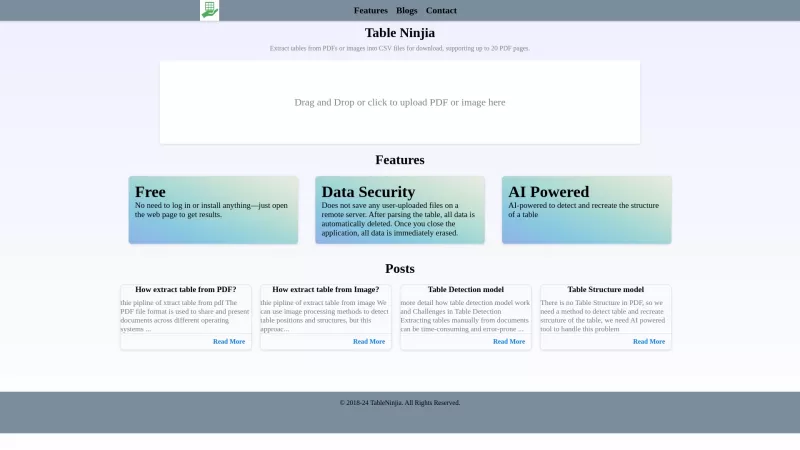
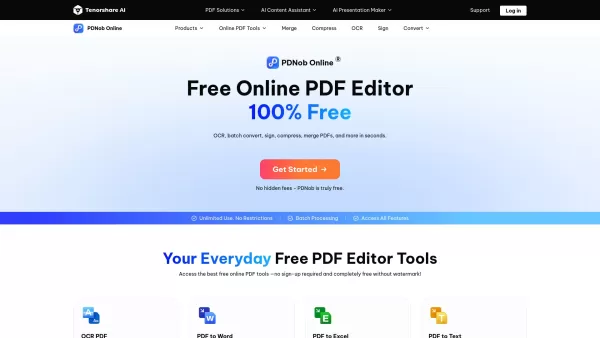
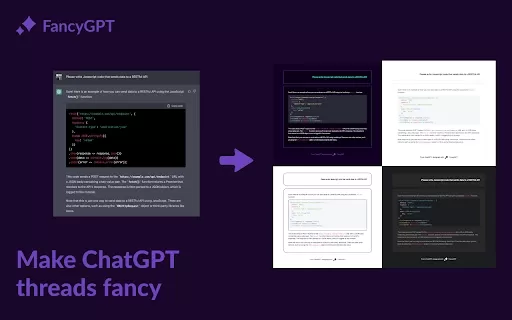
PDFMerse - Data Extractor Screenshot


2026 Latest Best Top-rated AI Object Removal Editors for portraits travel product shots! XIX.AI curates a powerful game-changing collection regularly updated with weekly rankings. These tools offer real-world tests to help you quickly remove unwanted elements, boost content quality, and save tons of time without compromising results. Must-try for anyone aiming to unlock their AI creation edge. Explore now!
 10 tools
 xix.ai

2026 Latest Best Top-rated AI Text to Speech Tools for Online Courses are curated by XIX.AI based on rigorous real-world tests and weekly updated rankings. These powerful tools help creators deliver crystal-clear audio content effortlessly, boosting writing efficiency and streamlining course production. Check out the free vs paid comparison to find your perfect fit. Explore now to unlock your AI edge in online education.
10 tools
xix.ai

2026 Latest Best Top-Rated AI Blog Title Tools for Higher Click Through Rates! XIX.AI has carefully curated a powerful, game-changing collection of top tools that go through rigorous real-world tests. You’ll find a free vs paid comparison, weekly updated rankings, and detailed insights to help you boost your blog’s traffic efficiently. Must-try options are highlighted to help you unlock your AI edge. Explore now!
10 tools
xix.ai

2026 Latest Best Top-rated AI Task Routing Tools for Support Workflows! XIX.AI has curated a highly powerful game-changing collection of must-try solutions, all undergoing rigorous real-world tests and updated weekly. These tools streamline workflows, boost productivity, and help teams deliver faster, more efficient support. Explore now to discover your perfect tool and unlock your AI edge!
17 tools
xix.ai

2026 Latest Best Top-Rated AI Citation and Paper Summary Tools Curated by XIX.AI. Get powerful game-changing solutions for quick content creation, improved writing efficiency, and boosting productivity. We offer a free vs paid comparison along with real-world tests and weekly updated rankings to help you find the must-try tool that fits your needs perfectly. Explore now to Unlock your AI edge.
10 tools
xix.ai

2026 Latest Best Top-Rated AI Productivity Tools for Daily Work! XIX.AI has curated a powerful, game-changing selection based on rigorous weekly updated rankings and real-world tests. You’ll find must-try options that boost writing efficiency, streamline content creation, and help you overcome daily work challenges. Get a free vs paid comparison to find the perfect fit for your needs. Explore now to unlock your AI edge!
9 tools
xix.ai


