


 Home
HomePDF GPT
AI chat app for PDF documents



Helps TikTok sellers, brands, MCNs, and TAPs discover winning products and find creators.

HelpLook is an AI-powered all-in-one knowledge base tool that helps businesses quickly build knowledge bases, help centers, and...

Your AI Workspace

302.AI is an enterprise-grade AI resource platform with pay-as-you-go pricing, API access to a full range of AI models, and ready-to-use online applications.

剧火AI — AI Screenwriter + Director, a One-Person Short Drama Studio In one sentence, what is it?
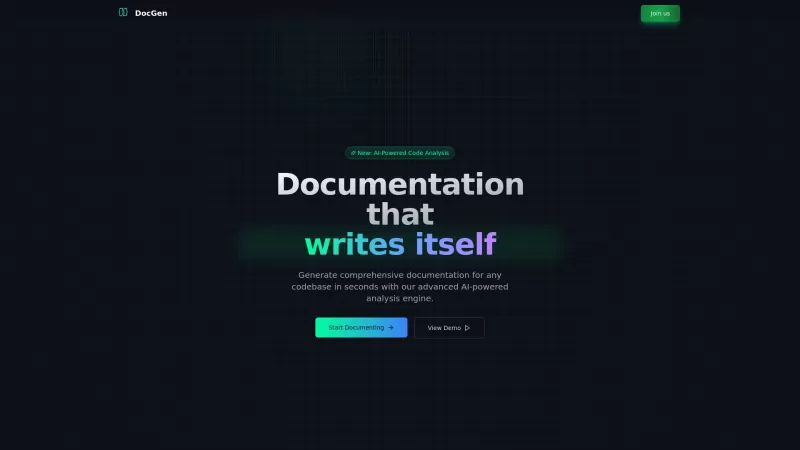
Ever found yourself knee-deep in code, wishing there was a magic wand to whip up some top-notch documentation? Well, say hello to DocGen CLI! This isn't just any documentation tool; it's like having a super-smart AI sidekick that can generate detailed, be

Ever wondered what it's like to chat with a custom AI character? Well, GupShap AI is your go-to platform for that! It's not just any AI chat service; it's a playground where you can create and interact with characters tailored to your wildest imaginations
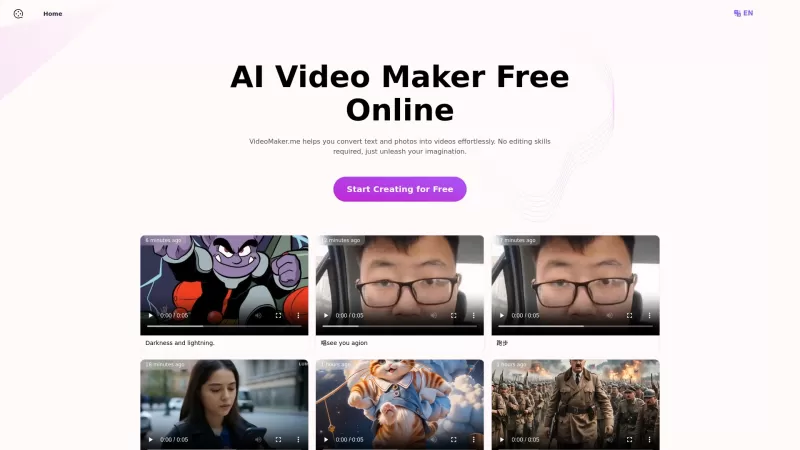
If you've ever wished you could turn your words or photos into captivating videos without diving into complex editing software, then VideoMaker.me might just be your new best friend. This nifty AI video maker platform is all about making high-quality vide
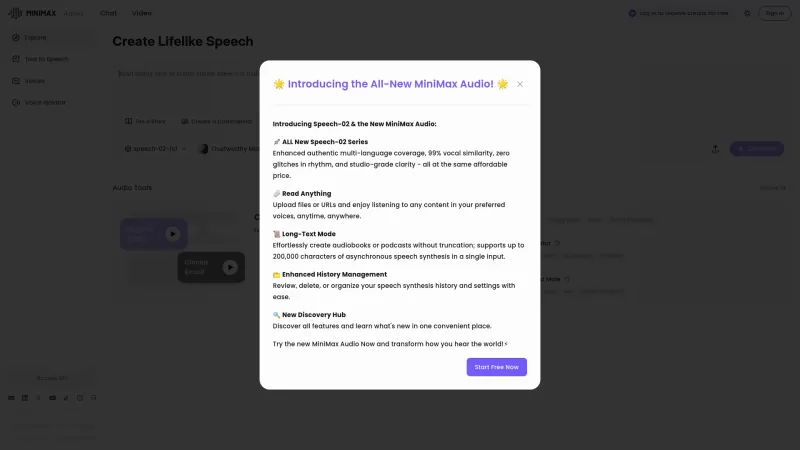
If you're into the world of audio technology, you've got to check out MiniMax Audio. This gem offers ultra-realistic AI voice synthesis that'll blow your mind. Imagine converting your text or URLs into natural-sounding speech in over 30 languages. It's pe
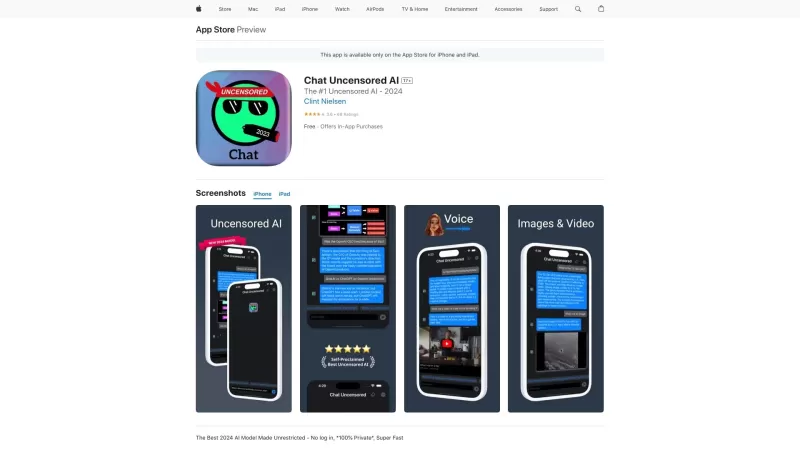
Chat Uncensored AI is an innovative AI model that's shaking up the digital conversation space. It's not just another AI chatbot; it's the go-to for those who crave unfiltered, real, and sometimes edgy responses. Think of it as your digital buddy who isn't
PDF GPT Product Information
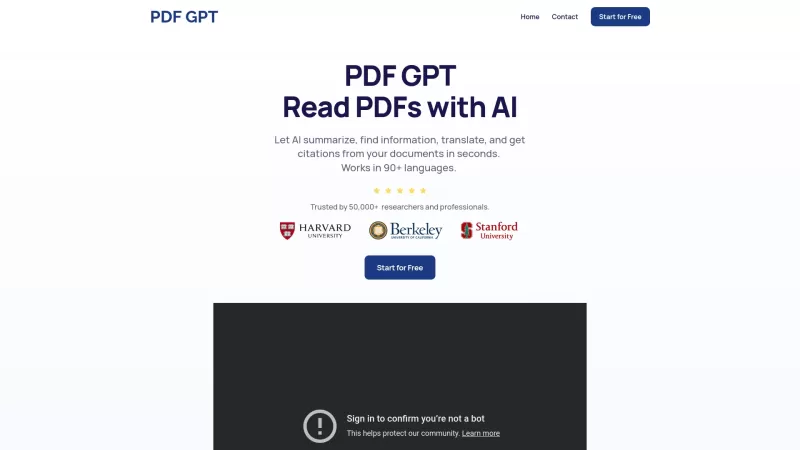
Ever felt overwhelmed by the sheer volume of information in a PDF? Enter PDF GPT, the game-changer for anyone who regularly wrestles with dense documents. This isn't just another tool; it's like having a super-smart assistant who's fluent in over 90 languages and trusted by more than 50,000 researchers and professionals. PDF GPT uses cutting-edge AI to not only summarize those long, tedious documents but also to provide clickable page references for your answers, search across multiple files, and even tag documents for group chats. It's like having a personal librarian who never sleeps!
How to Dive into PDF GPT?
Using PDF GPT is as easy as pie. Just upload your documents—yes, it's that simple. Then, ask any question you have. The AI goes to work, pulling answers directly from your document and even citing the exact page numbers. It's like magic, but better because it's real and incredibly useful.The Heart of PDF GPT: Core Features
AI-Powered Document Summarization Forget spending hours trying to get the gist of a document. PDF GPT's AI does the heavy lifting, giving you concise summaries that capture the essence of the text.Clickable Page Number References
Ever needed to double-check a fact or quote? With PDF GPT, you can click on the page number provided with each answer and jump right to the source. It's a lifesaver for accuracy and efficiency.
Search Across Multiple Files
Got a stack of documents and need to find something specific? PDF GPT lets you search across all of them at once, making it a breeze to find what you're looking for.
Tagging for Group Chat
Collaborating on a project? Tag documents and chat about them with your team. It's like having a virtual meeting room where everyone's on the same page—literally.
When to Use PDF GPT?
Quick Summaries of Long Documents When you're swamped and need to get to the point fast, PDF GPT is your go-to. It turns hours of reading into minutes of understanding.Finding Specific Information Within PDFs
Lost in a sea of text? Ask PDF GPT, and it'll fish out the information you need, no matter how buried it is.
Translating Documents
Need that document in another language? PDF GPT's got you covered, supporting over 90 languages to break down language barriers.
Collaboration Through Document Tagging
Working with a team? Tag and discuss documents together, making collaboration smooth and productive.
Frequently Asked Questions About PDF GPT
- How can I use PDF GPT?
- Just upload your document and ask away. It's that simple!
- Can I upload different file types?
- PDF GPT focuses on PDFs, but it's always worth checking if they've expanded to other formats since the last update.
For more details on how to get in touch, head over to the contact us page. And if you're ready to start, why not sign up and see the difference PDF GPT can make?
PDF GPT Screenshot


2026 Latest Best Top-rated AI Text to Speech Tools for Online Courses are curated by XIX.AI based on rigorous real-world tests and weekly updated rankings. These powerful tools help creators deliver crystal-clear audio content effortlessly, boosting writing efficiency and streamlining course production. Check out the free vs paid comparison to find your perfect fit. Explore now to unlock your AI edge in online education.
 10 tools
 xix.ai

2026 Latest Best Top-Rated AI Blog Title Tools for Higher Click Through Rates! XIX.AI has carefully curated a powerful, game-changing collection of top tools that go through rigorous real-world tests. You’ll find a free vs paid comparison, weekly updated rankings, and detailed insights to help you boost your blog’s traffic efficiently. Must-try options are highlighted to help you unlock your AI edge. Explore now!
10 tools
xix.ai

2026 Latest Best Top-rated AI Task Routing Tools for Support Workflows! XIX.AI has curated a highly powerful game-changing collection of must-try solutions, all undergoing rigorous real-world tests and updated weekly. These tools streamline workflows, boost productivity, and help teams deliver faster, more efficient support. Explore now to discover your perfect tool and unlock your AI edge!
17 tools
xix.ai

2026 Latest Best Top-Rated AI Citation and Paper Summary Tools Curated by XIX.AI. Get powerful game-changing solutions for quick content creation, improved writing efficiency, and boosting productivity. We offer a free vs paid comparison along with real-world tests and weekly updated rankings to help you find the must-try tool that fits your needs perfectly. Explore now to Unlock your AI edge.
10 tools
xix.ai

2026 Latest Best Top-Rated AI Productivity Tools for Daily Work! XIX.AI has curated a powerful, game-changing selection based on rigorous weekly updated rankings and real-world tests. You’ll find must-try options that boost writing efficiency, streamline content creation, and help you overcome daily work challenges. Get a free vs paid comparison to find the perfect fit for your needs. Explore now to unlock your AI edge!
9 tools
xix.ai

2026 Latest Best Top-Rated AI Systematic Review Tools for Research Screening are here on XIX.AI! This curated collection includes powerful, game-changing solutions that go through rigorous real-world tests to deliver accurate results. We also offer a free vs paid comparison along with weekly updated rankings to help you find the must-try option that boosts your research efficiency significantly. Explore now to unlock your AI edge in academic work!
11 tools
xix.ai


PDF GPT is a lifesaver! 🙌 I used to dread digging through massive PDFs for work, but this tool makes it so easy to extract key info fast. It’s like having a brainy buddy who speaks every language. Only downside? I wish it had a dark mode for late-night reading. 😅 Highly recommend!


