


 Home
HomePDF Charts
AI-Assisted Chart Creation



Helps TikTok sellers, brands, MCNs, and TAPs discover winning products and find creators.

HelpLook is an AI-powered all-in-one knowledge base tool that helps businesses quickly build knowledge bases, help centers, and...

Your AI Workspace

302.AI is an enterprise-grade AI resource platform with pay-as-you-go pricing, API access to a full range of AI models, and ready-to-use online applications.

剧火AI — AI Screenwriter + Director, a One-Person Short Drama Studio In one sentence, what is it?
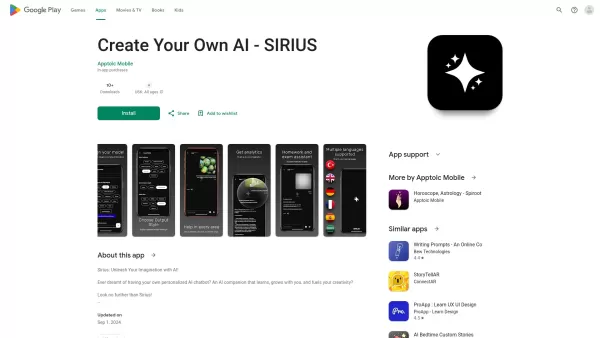
Ever wondered what it's like to have a creative buddy that's always ready to chat and inspire you? That's where Sirius AI comes into play. This isn't just any chatbot; it's your customizable companion designed to learn from you and spark your creativity.H
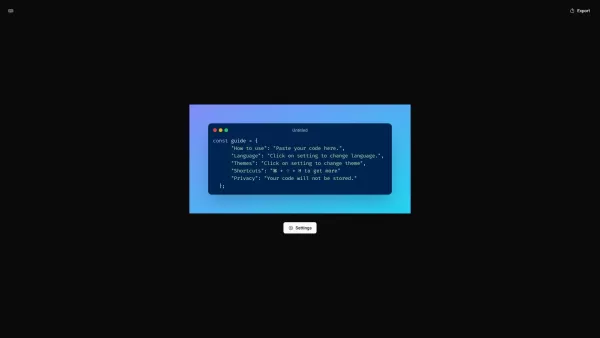
What is CodeScreenshot?Transform your code snippets into visually stunning shareable imagesHow to use CodeScreenshot?Effortlessly convert your code into professional-looking screenshots with our intuitive tool. Just paste your code, select your prefe
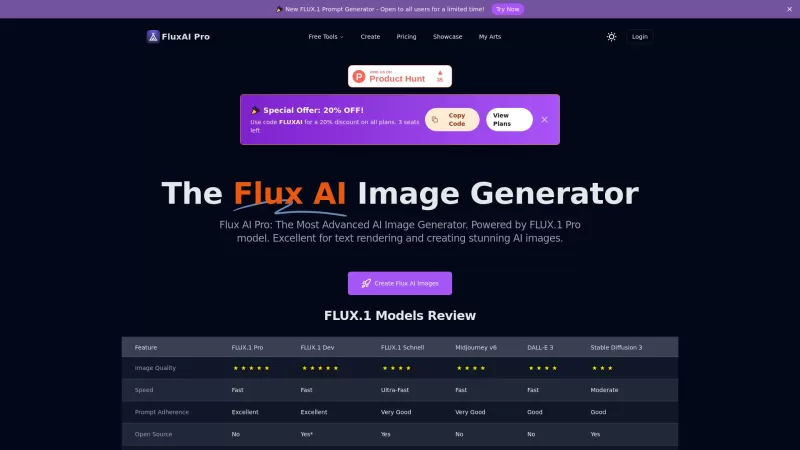
Flux AI Pro is an exciting platform that brings the magic of AI image generation right to your fingertips. It's powered by the innovative Flux.1 series of models, which are specifically crafted to transform your text prompts into stunning, high-quality im
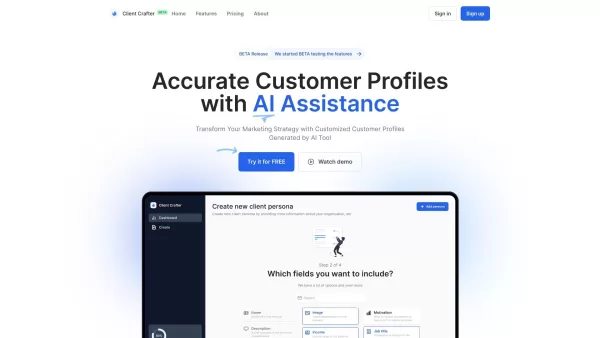
Ever wondered how to pinpoint your ideal customer without the guesswork? Enter Client Crafter, a game-changer for businesses looking to nail their target audience. This nifty service leverages AI to craft detailed, personalized customer profiles that feel
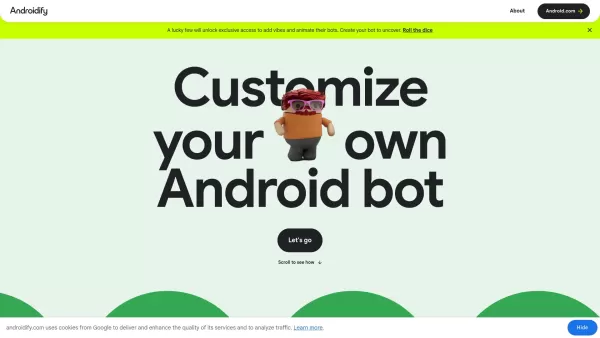
What is Androidify? Androidify is an online, AI-powered platform that lets you design your own unique Android character. You can create a bot from a selfie or a text description, using Google AI models like Gemini Flash, Gemma, and Imagen. A limited
PDF Charts Product Information
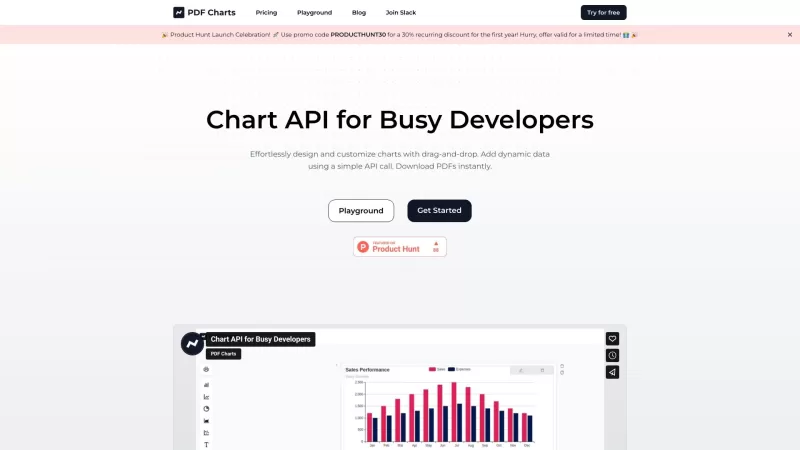
PDF Charts is more than just a tool; it's a game-changer for anyone who needs to whip up charts without the hassle. With its intuitive drag-and-drop interface, you can craft stunning charts in no time. But wait, there's more! PDF Charts also lets you generate these charts dynamically through an API, making it a dream come true for developers. And with an AI guide by your side, the whole process feels smoother than a well-oiled machine.
How to Use PDF Charts?
Using PDF Charts is a breeze. Just drag and drop to design your charts the way you want them. Need to add some dynamic data? No problem! A simple API call is all it takes. And when you're done, you can download your charts as PDFs in a snap. It's like magic, but real.
PDF Charts's Core Features
Drag-and-Drop
Ever wished you could just plop elements into place? PDF Charts makes it happen with its drag-and-drop feature. It's as easy as pie, and twice as satisfying.
Dynamic Charts
Want charts that update themselves? With PDF Charts, your data can flow in real-time, keeping your charts fresh and relevant.
User-Friendly
No need to be a tech wizard. PDF Charts is designed to be as user-friendly as it gets, so you can focus on what matters—your data.
Prebuilt Styling
Why start from scratch when you can use prebuilt styles? PDF Charts offers a variety of templates to make your charts look professional with minimal effort.
Secure PDFs
Security is no joke, and PDF Charts knows it. Your PDFs are as secure as Fort Knox, so you can share them with peace of mind.
AI Assistant
Feeling stuck? The AI assistant in PDF Charts is like having a personal chart guru on call, ready to help you navigate any challenge.
PDF Charts's Use Cases
Creating Charts for Reports and Presentations
Whether it's for a board meeting or a client presentation, PDF Charts helps you create charts that make an impact.
Visualizing Data for Analysis
Need to see the big picture? PDF Charts can turn your raw data into clear, actionable insights.
Adding Charts to Documents and Websites
From reports to websites, PDF Charts makes it easy to add professional-looking charts to any document or site.
FAQ from PDF Charts
- What is PDF Charts?
- PDF Charts is a powerful tool for creating and customizing charts with ease, featuring an intuitive interface and dynamic PDF generation via API.
- Is there a trial period for the Pro Plan?
- Yes, the Pro Plan comes with a 14-day trial period so you can test all its features before committing.
- What kind of AI assistance is provided?
- The AI assistant in PDF Charts offers real-time guidance and suggestions to help you design and optimize your charts.
- What is Plan X, and how does it differ from the Pro Plan?
- Plan X is our premium offering, which includes all Pro Plan features plus advanced analytics and priority support.
- What is the rate of PDF generation in your API, especially for a large volume?
- Our API can generate up to 1000 PDFs per minute, making it ideal for handling large volumes of data.
- Which chart library does PDF Charts utilize?
- PDF Charts uses the robust Chart.js library, known for its versatility and performance.
PDF Charts Support Email & Customer service contact & Refund contact etc.
Here is the PDF Charts support email for customer service:[email protected].
PDF Charts Login
PDF Charts Login Link: https://www.pdf-charts.com/auth/login
PDF Charts Sign up
PDF Charts Sign up Link: https://www.pdf-charts.com/auth/login
PDF Charts Pricing
PDF Charts Pricing Link: https://www.pdf-charts.com/#pricing
PDF Charts Twitter
PDF Charts Twitter Link: https://twitter.com/PDFCharts
PDF Charts Screenshot
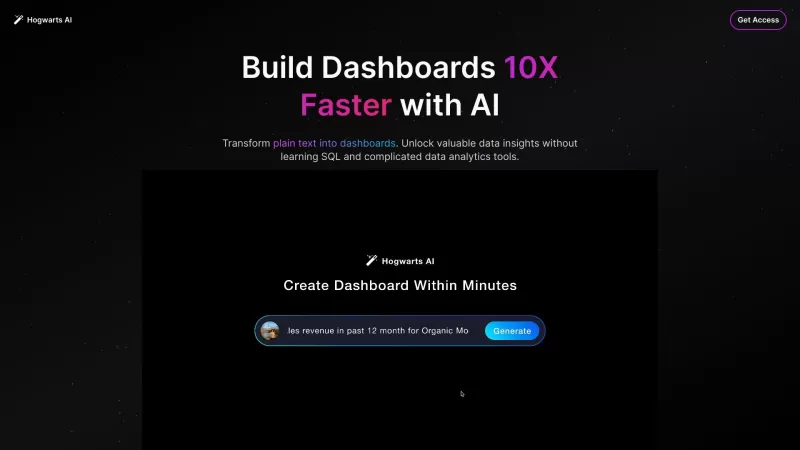
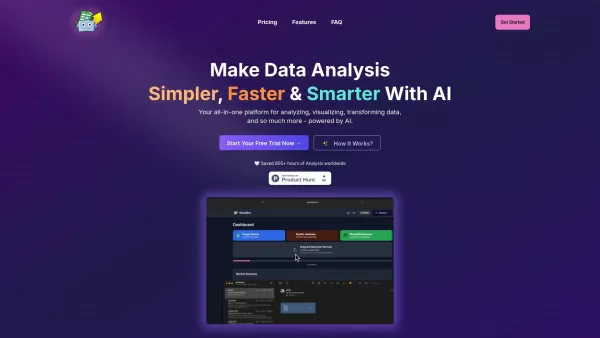
Discover the 2026 best AI chart makers for analysts at XIX.AI. Our curated list features top-rated, powerful tools to instantly create publication-ready graphs and heatmaps. Compare free vs paid options with real-world tests. Unlock your data visualization edge now.
 10 tools
 xix.ai


This tool is a lifesaver! I just dragged and dropped my data and boom, a beautiful chart appeared. No more wrestling with Excel. Love the simplicity! 🎉
PDF Charts is super easy to use! Drag-and-drop makes chart creation a breeze, and the visuals are top-notch. Love how quick it is to turn data into something pretty! 😍


