


 Home
HomeOtter AI
Otter.ai: AI Transcription and Note-Taking Tool



Helps TikTok sellers, brands, MCNs, and TAPs discover winning products and find creators.

HelpLook is an AI-powered all-in-one knowledge base tool that helps businesses quickly build knowledge bases, help centers, and...

Your AI Workspace

302.AI is an enterprise-grade AI resource platform with pay-as-you-go pricing, API access to a full range of AI models, and ready-to-use online applications.

剧火AI — AI Screenwriter + Director, a One-Person Short Drama Studio In one sentence, what is it?

Tencent Hunyuan-Large, huh? It's like the Swiss Army knife of AI models developed by the tech giants at Tencent. This beast of an open-source MoE model doesn't just do one thing; it's got a transformer architecture that's been juiced up to handle everythi
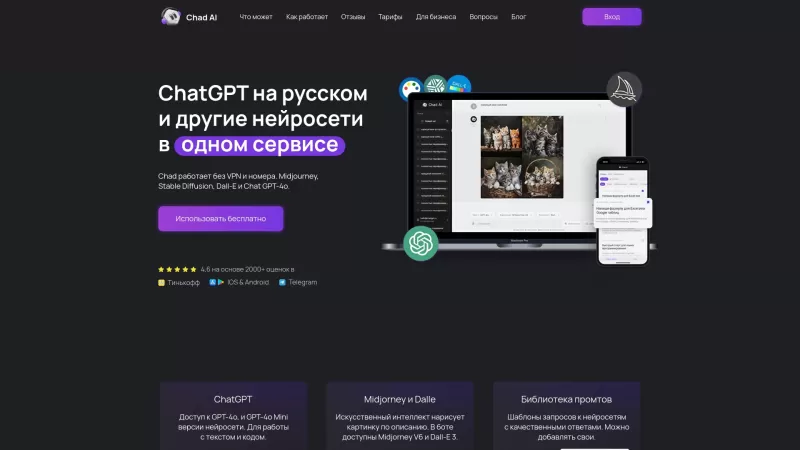
Ever stumbled upon Chad AI and wondered what it's all about? Well, let me break it down for you. Chad AI is essentially a cool AI chatbot that's powered by the same tech behind ChatGPT, but with a twist—it's tailored for Russian speakers. Whether you're l
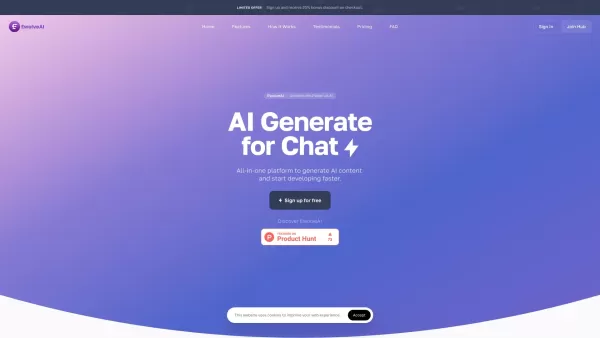
Ever wondered what EwolveAI is all about? Well, let me break it down for you. EwolveAI isn't just another AI tool; it's your all-in-one AI solution that's here to revolutionize the way you handle content. Whether you're a writer, a marketer, or just someo
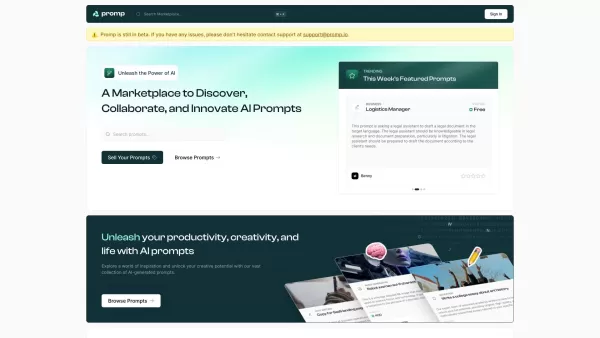
Ever stumbled upon a tool that just clicks with your creative needs? That's what Promp is all about—a bustling marketplace where you can dive into the world of AI-powered prompts. Whether you're looking to buy or sell, Promp has you covered, starting
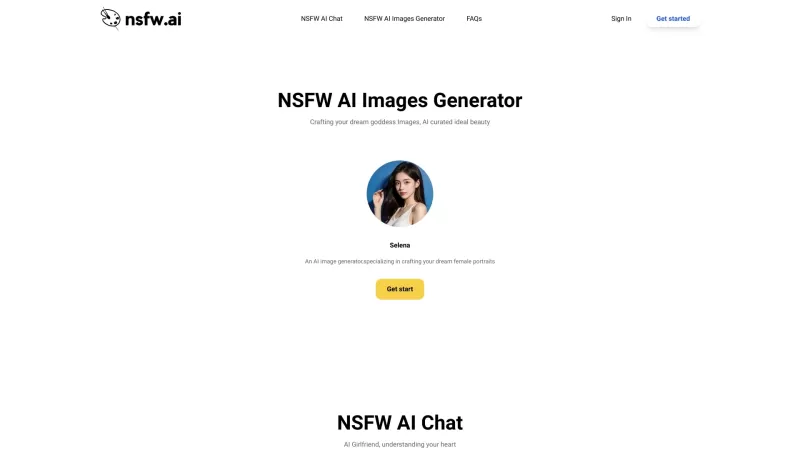
DesireForge is more than just a platform; it's like having an AI girlfriend who's always there to lend an ear and spark your creativity. It uses cutting-edge text generation technology to offer emotional support and inspire you to create heartfelt textual
Otter AI Product Information
What is Otter AI?
Otter.ai is an AI-powered tool that automatically transcribes spoken conversations into written text with high precision. It helps business professionals, journalists, students, and others by providing real-time transcription, slide capture, audio recording, and action item extraction from meetings. By integrating with platforms like Salesforce, HubSpot, and Microsoft SharePoint, it boosts team productivity and collaboration for today’s workflows.
Who uses Otter AI?
- Business professionals
- Journalists
- Students
- Teams
- Anyone needing transcription services
- Researchers
- HR professionals
- Podcasters
- Meeting organizers
- Educators
How to use Otter AI
- Step 1: Log into your Otter.ai account on desktop or the iOS/Android app.
- Step 2: Sync your Google or Microsoft calendar so Otter can automatically join meetings.
- Step 3: Use the Otter.ai app to record your meeting or conversation.
- Step 4: Otter transcribes audio in real time, capturing slides and action items.
- Step 5: Review, edit if needed, and share the transcription with your team.
- Step 6: Use the search feature to find text or action items in your notes.
- Step 7: Connect Otter to collaboration platforms like Salesforce and Microsoft SharePoint.
Platform
- Web
- iOS
- Android
Otter AI's Core Features & Benefits
Key Features
- Real-time transcription
- Audio recording
- Slide capture
- Action item extraction
- Searchable notes
- Collaboration tools integration
- Calendar integration
- Team workspaces
- Speaker identification
Main Benefits
- Reduces time spent on taking notes
- Improves meeting efficiency
- Supports teamwork and collaboration
- Creates accurate, detailed meeting records
- Efficiently captures and organizes action items
Otter AI Common Use Cases
- Meeting transcription
- Lecture notes
- Interview transcripts
- Podcast transcriptions
- Conference and seminar notes
- Team collaboration on shared notes
- Building searchable speech archives
- Live captioning for events
Otter AI Pros & Cons
Pros
Automates real-time transcription and note-taking
Generates automated summaries and action items
Integrates with major conferencing and productivity apps
Enables team collaboration via Slack and other workflow integrations
Works across web, iOS, and Android
Cons
Not open source
Little information on offline use or multilingual features
Requires internet connection and third-party platform integrations
Otter AI Pricing
Has free plan | Yes |
|---|---|
Free trial details | |
Pricing model | Freemium |
Is credit card required | No |
Paid from | 8.33 USD |
Has lifetime plan | No |
Billing frequency | Monthly |
Pricing Plan Details
Basic
$0
- Real-time recording, transcription, and summaries
- Basic AI meeting templates
- Transcripts and summaries in English, French, and Spanish
- Otter AI Chat for live conversation with teammates and Otter
- Add team members to workspace
- Joins Zoom, MS Teams, and Google Meet to take and share notes
- 300 monthly transcription minutes
- 30 minutes per conversation
- Import and transcribe 3 audio/video files per user lifetime
Pro
$16.99 USD
- All Basic features included
- Advanced AI meeting templates
- Team features: custom vocabulary, speaker tags, assign action items
- Advanced search, export, and playback
- 1200 monthly transcription minutes
- 90 minutes per conversation
- Import and transcribe 10 audio/video files per month
Business
$30 USD
- Includes all Pro benefits
- Admin tools: usage analytics and priority support
- Joins up to 3 meetings simultaneously to take and share notes
- 6000 monthly transcription minutes
- 4 hours per conversation
- Unlimited audio/video file import and transcription
Enterprise
$0
- All Business features included
- Single Sign-On (SSO)
- Company-wide setup
- Domain capture
- Video replay for Zoom and Google Meet
- Otter Sales Agent
- Advanced security (HIPAA support coming)
Discounts:
Save up to 51% with yearly billing; 20% off Pro plans for students and teachers
Check current pricing here: https://otter.ai/pricing
Otter AI FAQs
What is Otter.ai?
Otter.ai is an AI transcription service that turns speech into text instantly.
How does Otter.ai work?
It uses AI technology to quickly transcribe recorded audio into text.
What devices can I use with Otter.ai?
It’s available on web, Android, and iOS.
Does Otter.ai work with other platforms?
Yes, it connects to tools like Salesforce, HubSpot, and Microsoft SharePoint.
Is Otter.ai free?
Yes, there’s a free Basic plan, plus premium options with extra features.
How accurate is the transcription?
It offers strong accuracy, depending on audio quality and speaker clarity.
Can I make changes to transcriptions?
Yes, you can review and edit transcriptions easily.
Does Otter.ai transcribe live?
Yes, real-time transcription is supported.
What are Otter Workspaces?
Workspaces are team collaboration environments that help manage transcription projects and admin features.
Does Otter.ai capture slides and action items?
Yes, it records audio, captures slides, and pulls out action items from meetings.
Otter AI Company Details
Website:
https://otter.aiCompany Name:
Otter.ai, Inc.Support Email:
Facebook:
https://www.facebook.com/GetOtter.aiX (Twitter):
https://twitter.com/otter_aiYouTube:
N/AInstagram:
https://www.instagram.com/otter_aiTikTok:
N/ALinkedIn:
https://www.linkedin.com/company/otter-ai
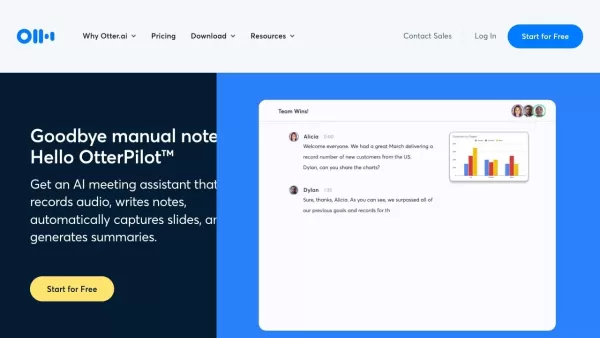
Otter AI Screenshot

2026 Latest Best Top-rated AI Object Removal Editors for portraits travel product shots! XIX.AI curates a powerful game-changing collection regularly updated with weekly rankings. These tools offer real-world tests to help you quickly remove unwanted elements, boost content quality, and save tons of time without compromising results. Must-try for anyone aiming to unlock their AI creation edge. Explore now!
 10 tools
 xix.ai

2026 Latest Best Top-rated AI Text to Speech Tools for Online Courses are curated by XIX.AI based on rigorous real-world tests and weekly updated rankings. These powerful tools help creators deliver crystal-clear audio content effortlessly, boosting writing efficiency and streamlining course production. Check out the free vs paid comparison to find your perfect fit. Explore now to unlock your AI edge in online education.
10 tools
xix.ai

2026 Latest Best Top-Rated AI Blog Title Tools for Higher Click Through Rates! XIX.AI has carefully curated a powerful, game-changing collection of top tools that go through rigorous real-world tests. You’ll find a free vs paid comparison, weekly updated rankings, and detailed insights to help you boost your blog’s traffic efficiently. Must-try options are highlighted to help you unlock your AI edge. Explore now!
10 tools
xix.ai

2026 Latest Best Top-rated AI Task Routing Tools for Support Workflows! XIX.AI has curated a highly powerful game-changing collection of must-try solutions, all undergoing rigorous real-world tests and updated weekly. These tools streamline workflows, boost productivity, and help teams deliver faster, more efficient support. Explore now to discover your perfect tool and unlock your AI edge!
17 tools
xix.ai

2026 Latest Best Top-Rated AI Citation and Paper Summary Tools Curated by XIX.AI. Get powerful game-changing solutions for quick content creation, improved writing efficiency, and boosting productivity. We offer a free vs paid comparison along with real-world tests and weekly updated rankings to help you find the must-try tool that fits your needs perfectly. Explore now to Unlock your AI edge.
10 tools
xix.ai

2026 Latest Best Top-Rated AI Productivity Tools for Daily Work! XIX.AI has curated a powerful, game-changing selection based on rigorous weekly updated rankings and real-world tests. You’ll find must-try options that boost writing efficiency, streamline content creation, and help you overcome daily work challenges. Get a free vs paid comparison to find the perfect fit for your needs. Explore now to unlock your AI edge!
9 tools
xix.ai


